ZeeStats FPS / PING
- By
Customizable FPS and latency display for WoW Forever with live settings, built-in fonts, and minimap controls.
ru1
Description
ZeeStats is a customizable FPS and latency display for World of Warcraft: Forever. Keep your performance stats visible and adjust the panel to match your interface.
Features
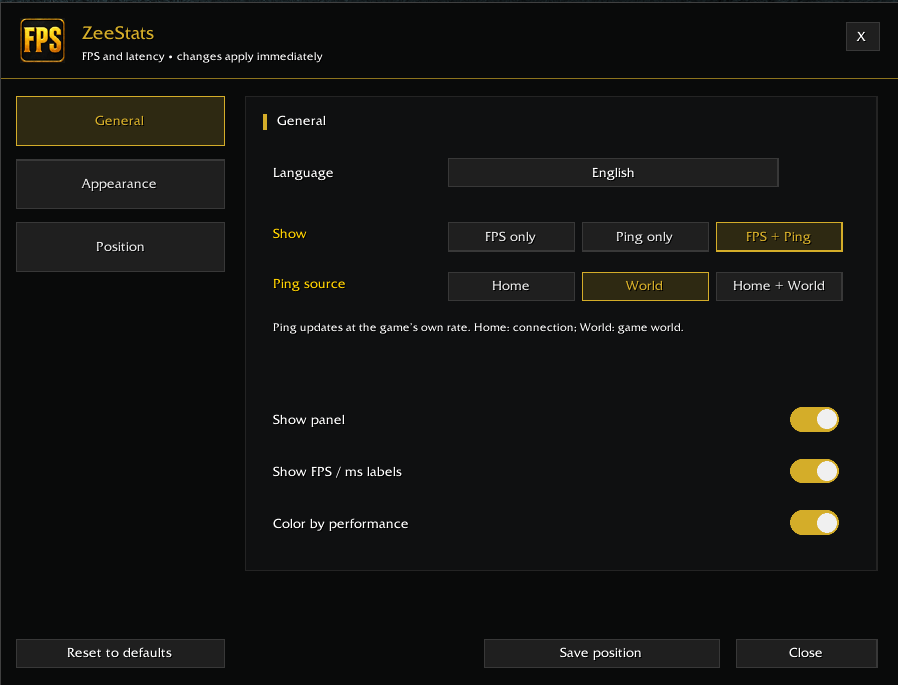
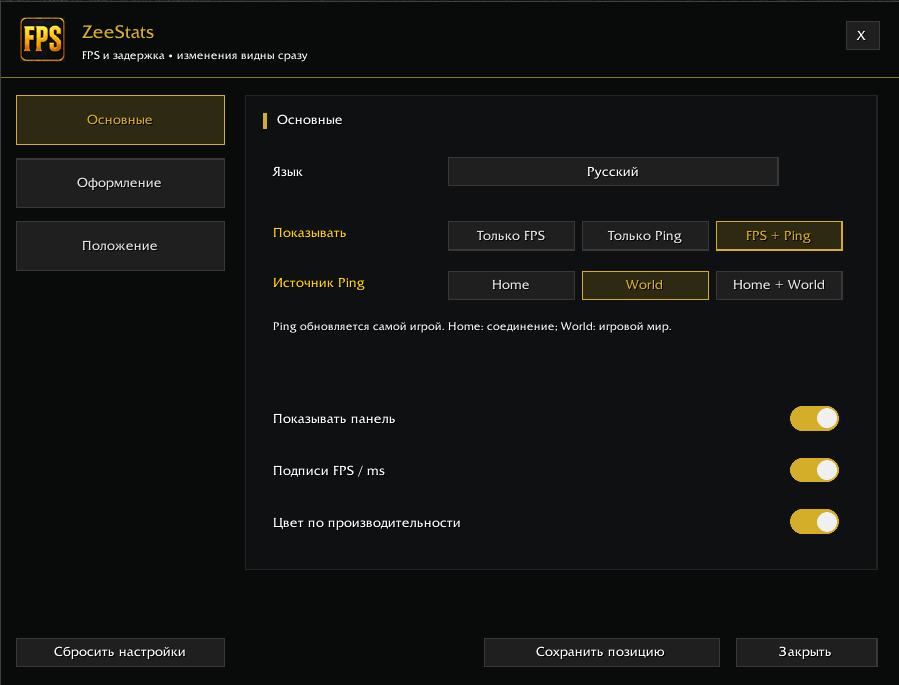
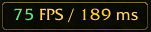
- Display FPS, latency, or both.
- Choose Home latency, World latency, or both.
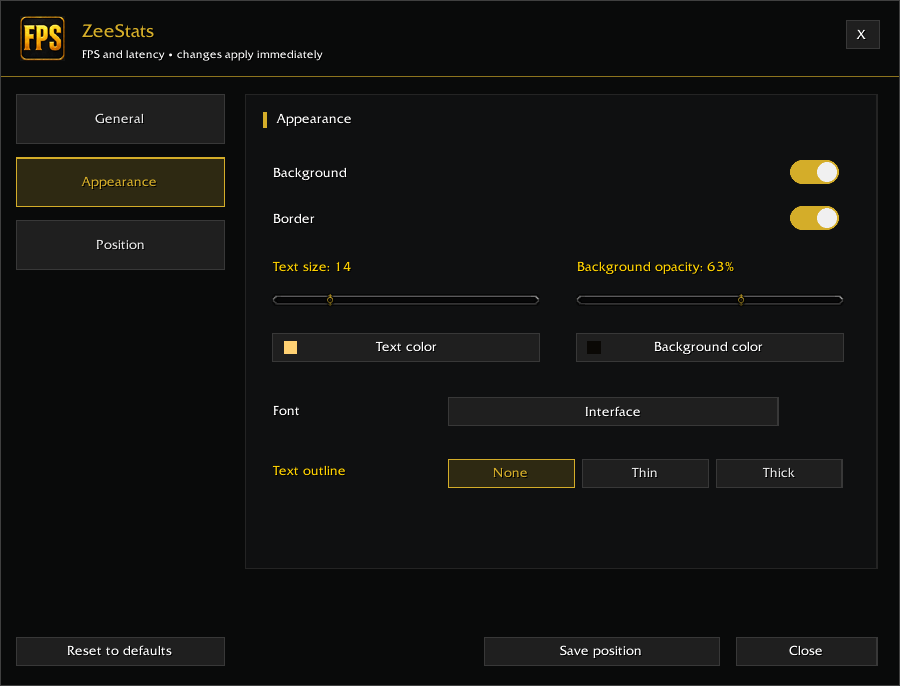
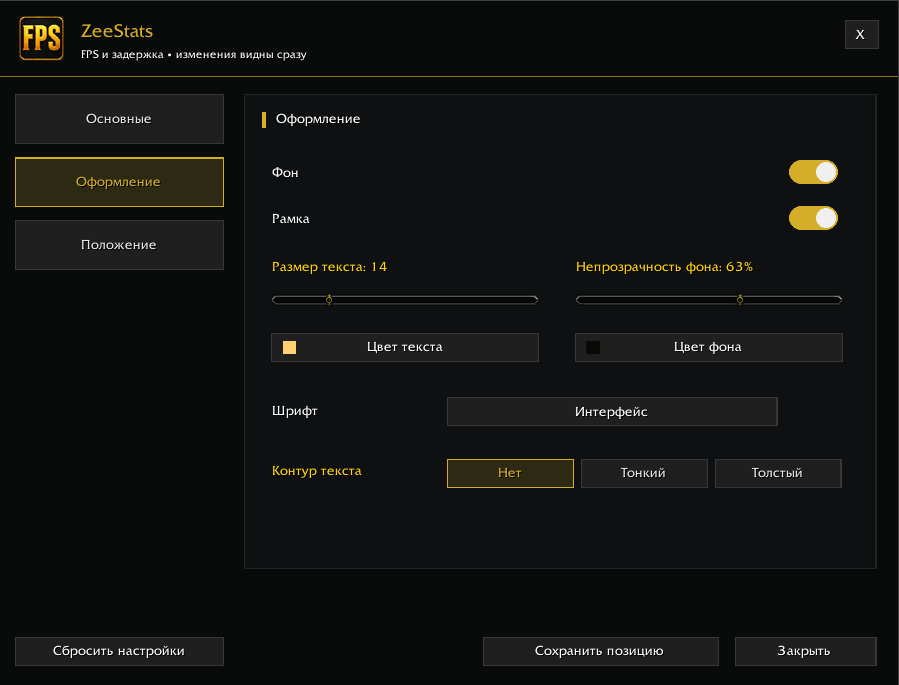
- Customize the background, border, colors, opacity, text size, outline, and built-in game font.
- Enable automatic colors based on FPS and latency.
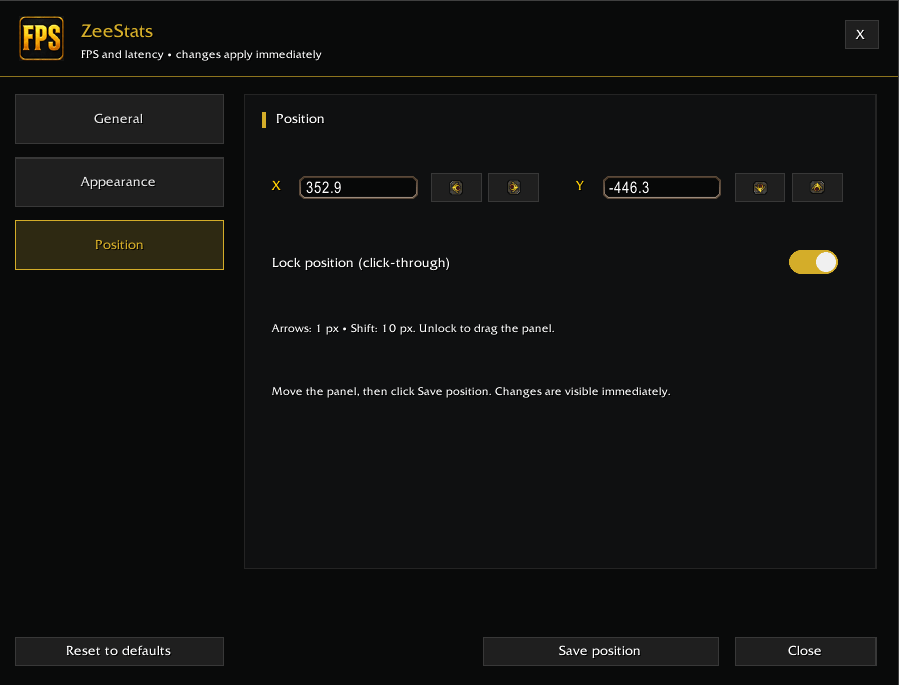
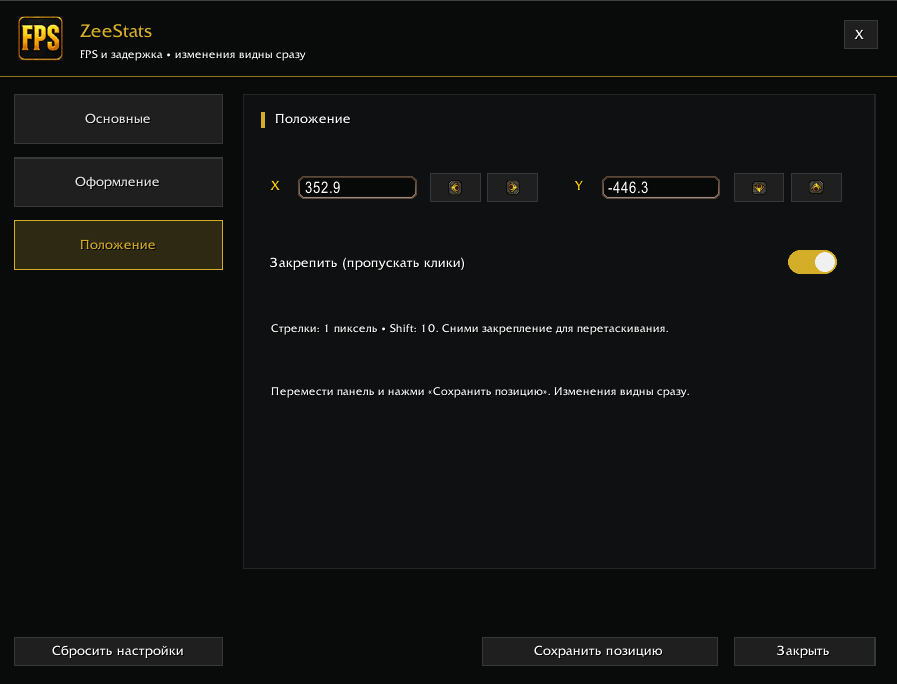
- Drag the panel or fine-tune its X/Y position with arrow buttons. Hold Shift for larger steps.
- See settings changes immediately.
- Choose English, Russian, or automatic language selection based on your game client.
- Save your settings and position between sessions.
Minimap controls
- Left click: show or hide the stats panel.
- Right click: open settings.
- Drag: reposition the minimap button.
Open settings with /zeestats or /zstats.
FPS and latency values come directly from the game. The display refreshes once per second; latency follows the game’s own update rate.
No external addon libraries are required.
ZeeStats — настраиваемая панель FPS и задержки для World of Warcraft: Forever. Следи за показателями игры и подстрой оформление под свой интерфейс.
Возможности
- Отображение FPS, задержки или обоих показателей.
- Выбор задержки Home, World или сразу обоих значений.
- Настройка фона, рамки, цветов, прозрачности, размера текста, контура и встроенного игрового шрифта.
- Автоматическая окраска значений в зависимости от FPS и задержки.
- Перетаскивание панели и точная настройка координат X/Y стрелочками. С Shift шаг увеличивается.
- Все изменения настроек видны сразу.
- Выбор русского, английского или автоматического языка по клиенту игры.
- Сохранение настроек и положения между игровыми сессиями.
Кнопка миникарты
- ЛКМ: показать или скрыть панель.
- ПКМ: открыть настройки.
- Перетаскивание: изменить положение значка на миникарте.
Настройки также открываются командами /zeestats и /zstats.
FPS и задержка берутся напрямую из игры. Панель обновляется раз в секунду; частота обновления самой задержки зависит от клиента.
Сторонние библиотеки аддонов не требуются.
ZeeStats FPS / PING Team