xeR's Forever Action Bar Saver
- By
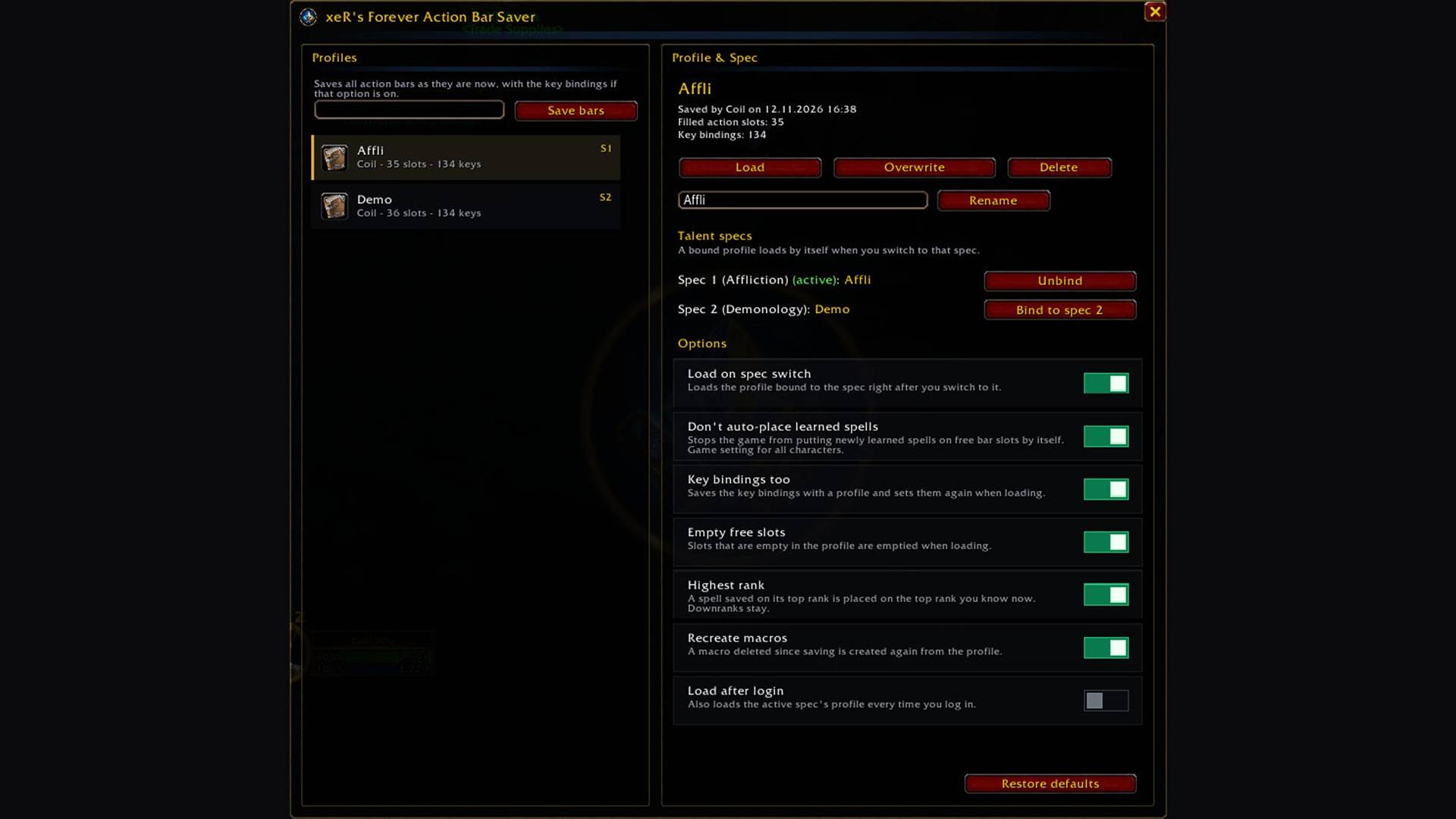
Save your action bars and key bindings as profiles for WoW Forever. Load them with one click or bind them to your dual spec so they load by themselves after a spec switch.
01_xeRsForeverActionBarSaver_Profiles_1080p.jpg
01_xeRsForever_SuiteDock_Minimap_1080p.jpg
Description
xeR's Forever Action Bar Saver
Keep your action bars the way you set them up. A profile manager for action bars and key bindings in WoW Forever (Interface 16001), built for dual spec.
Features
- Profiles for your bars: Save every action bar slot (spells, macros, items, mounts, equipment sets) as a named profile and load it again with one click.
- Key bindings too: Your key bindings are saved with the profile and set again on load (optional).
- Dual spec binding: Bind a profile to spec 1 or spec 2. Right after a spec switch the bound profile loads by itself, which also brings back spells the game removed from your second spec's bars. A second check a few seconds later catches bars the game changes again.
- Rank aware: Spells saved on their top rank come back on the highest rank you know now. Deliberate downranks stay as they are.
- Macros: Macros are found by name, and a macro deleted since saving is created again from the profile (optional).
- No surprise spells: The game no longer places newly learned spells on your bars by itself. On by default, one switch turns it back.
- Safe loading: Never in combat: a switch during combat loads as soon as combat ends. Nothing you hold on the cursor gets dropped.
- Shared between alts: Profiles are account-wide and shown for every character of the same class.
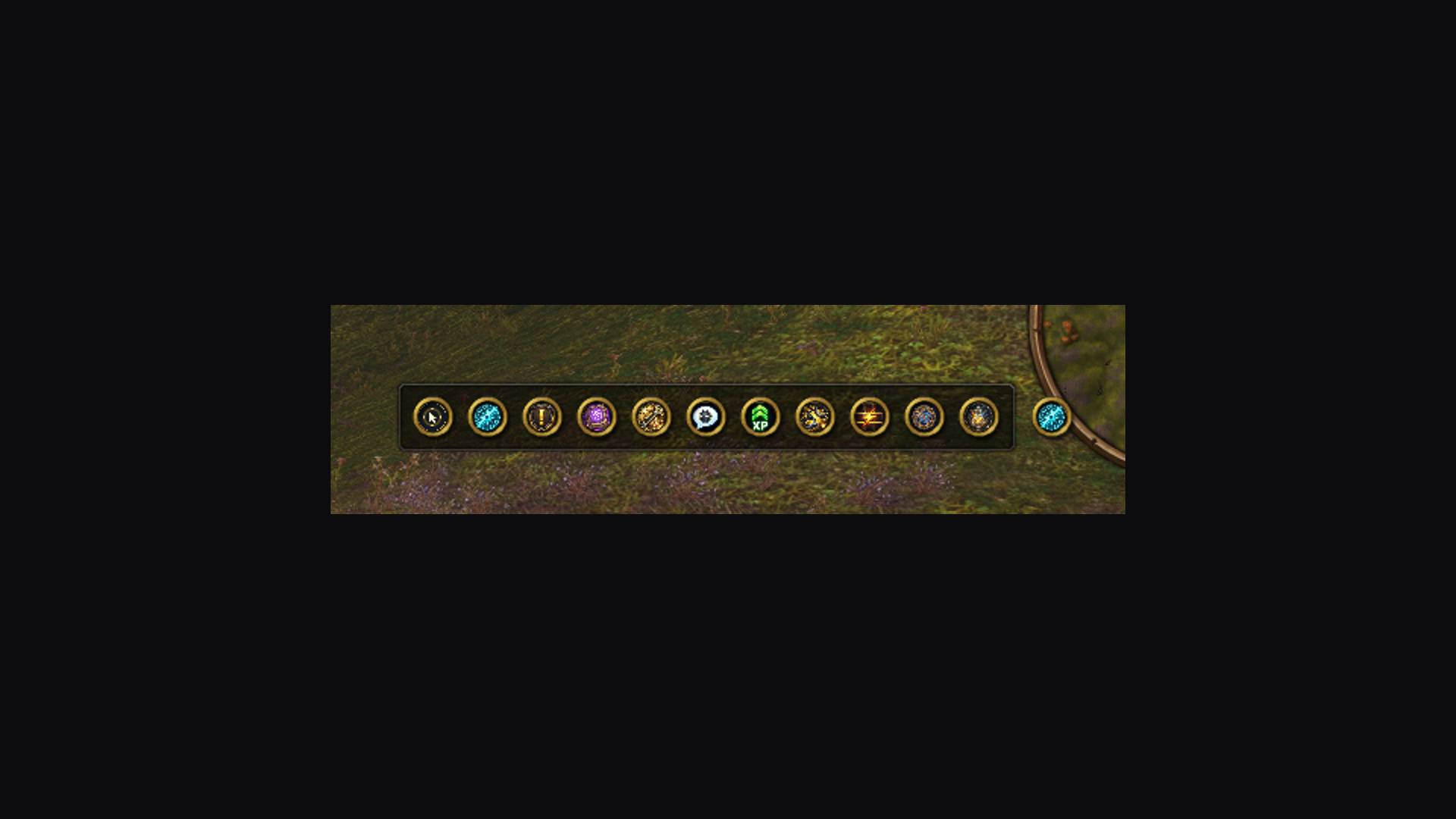
- Suite Dock integration: Open the profiles from the shared xeR's Forever minimap dock or as its own minimap icon.
- Localized in English, German, French and Spanish, including esMX.
Getting started
Set up your bars, type /xrfabs (or /barsaver), enter a name and click Save bars. Select the profile and click Bind to spec 1 (or 2). Chat commands: /xrfabs save <name>, /xrfabs load [name], /xrfabs list.
Beta status
First release: tested against a simulated client. Please report anything odd, especially after a spec switch, together with what you see in chat.
Support
xeR's Forever Action Bar Saver Team