


Wowdee
- By

A free all in one add on, character tracking, quest and dungeon journals, gear advice, and auction tools.
What's new
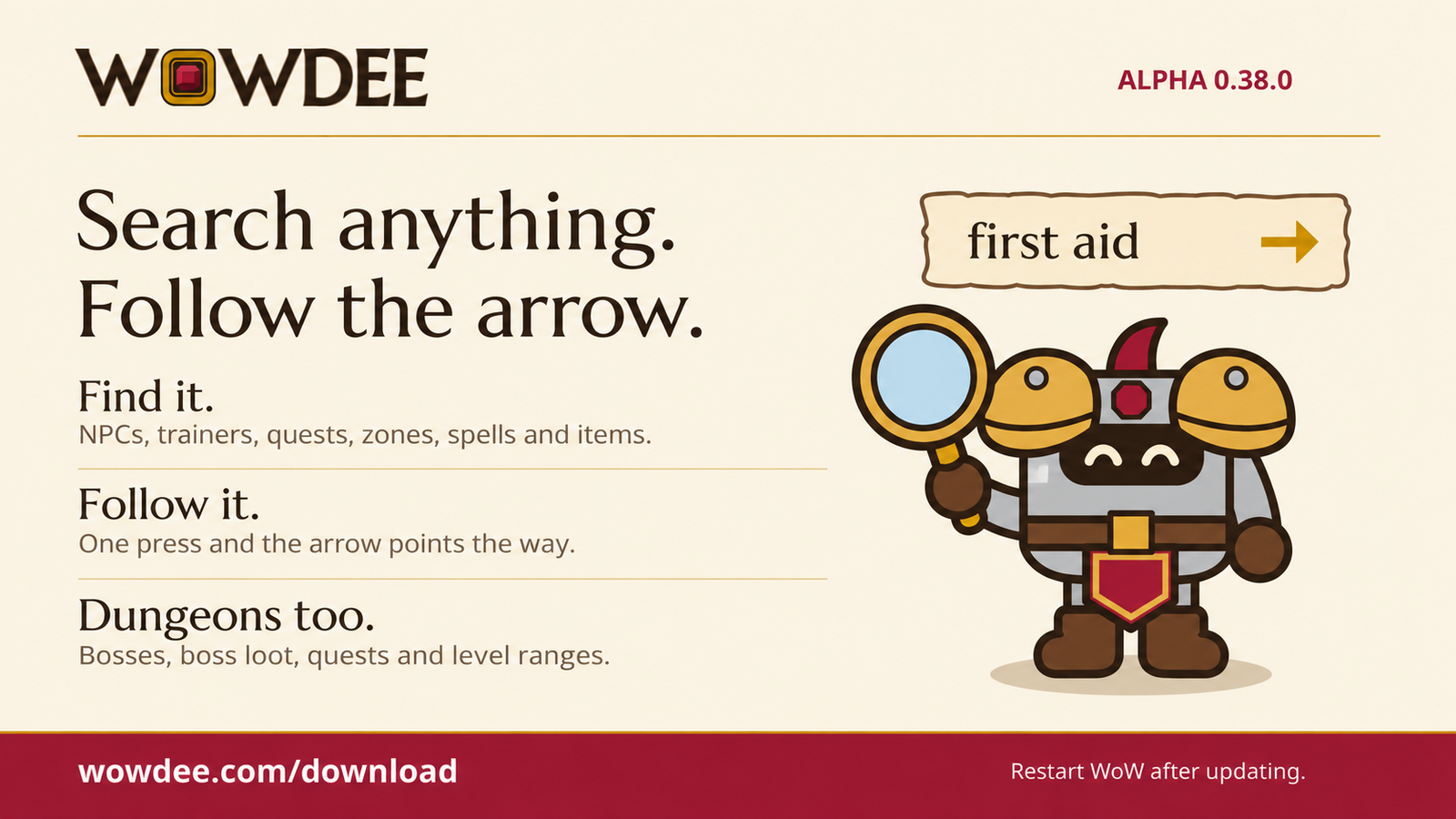
Wowdee Alpha 0.38.0 — Search anything. Follow the arrow.
Restart the game after updating. Download at wowdee.com.
0.38.0
New
- 23,000+ items are searchable. Type an item's name, or the start of its words, and Search says where it comes from: which creature drops it, which vendor sells it, which quest gives it, or which dungeon boss drops it.
- Hover an item in Search to see its full item tooltip. Item names show in their quality colour.
- An item a vendor sells can be followed: choose Follow and the arrow takes you to the vendor. A quest reward follows to the quest giver when Wowdee knows where they stand.
- Dungeon bosses are in Search, under their other names too: "infurnus" finds Magmatus. Choose Open to see the boss and its loot in the Dungeon journal.
- Ask for dungeons by level: "dungeon 25", "level 20 dungeons" or "lvl 20 dungeon" lists the dungeons for that level, the best fit first.
- Ask for a boss's loot: "van cleef loot" or "infurnus loot" lists what that boss drops.
- Ask for a dungeon's quests: "deadmines quests" or "hall of thanes quests" lists the quests your faction can take there, with Follow to the quest giver when Wowdee knows the spot.
Improved
- Items you hold, wish for or use in your professions still come first, and a dungeon item always shows its dungeon and boss.
0.37.0
New
- Search is the first tab and the page Wowdee opens on. Type an NPC, what a trainer teaches, a quest, a zone, a dungeon, a spell, an item you own or a Wowdee tool, then choose Follow and the arrow takes you there.
- Search finds trainers and services you haven't visited yet: First Aid and every other profession, class trainers, weapon masters, flight masters, innkeepers, bankers, auctioneers and more.
- Small typing mistakes are fine: "frist aid" or "inkeeper" still find the right answer, and Search says what it looked for.
- Before you type, Search shows the innkeeper, flight master, bank, auction house and trainers nearest to you.
- The box at the top of every page now searches everything. A page's own filter sits next to its title.
- Type
/wowdee findfollowed by what you're looking for, or use the new Search key binding./wd findworks too unless that command is already taken.
Improved
- Following a Search result pauses the guide arrow instead of turning it off. It comes back once you arrive and walk away, or when you right-click the arrow.
- Trainers and services you visit are remembered by who they are and what they teach, and their spot replaces the listed one.
- Gear finder's Track, library books and saved bank and mail views point to a nearby banker or auctioneer even before you've visited one.
- Spots in Stormwind, Mulgore, Redridge and the Eastern Plaguelands say "Approximate location" until you visit the NPC.
All Relations
- All Relations
- Embedded Library
- Optional Dependency
- Required Dependency
- Tool
- Incompatible
- Include
This mod has no related projects