WoW Photographer
- By
WoW Photographer is a World of Warcraft addon for taking screenshots in game, including in first person, without the UI getting in the way of photos.
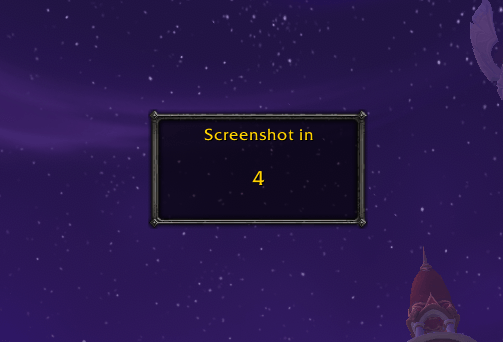
screenshot countdown.PNG
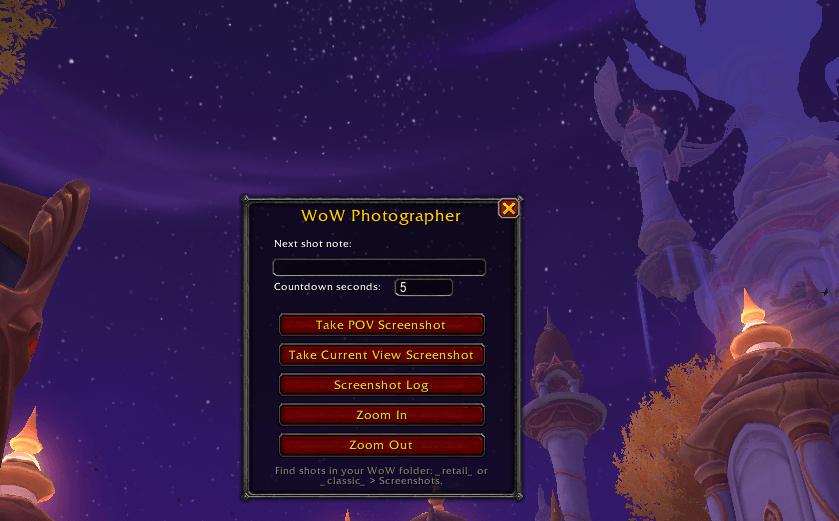
wow photographer ui.PNG
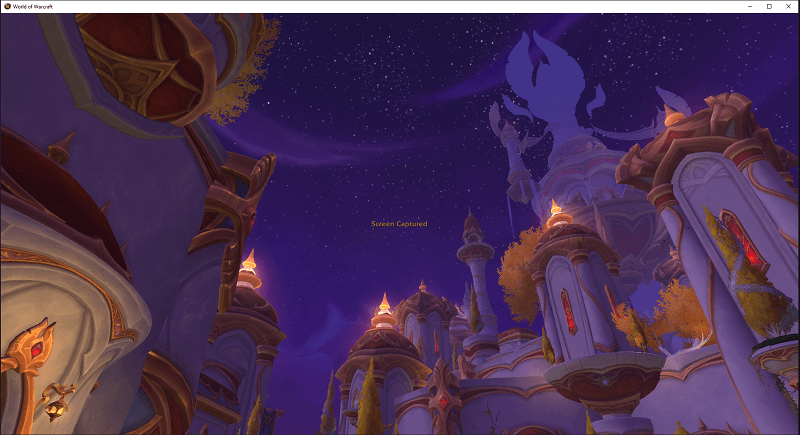
screen captured notif with no ui in the way.PNG
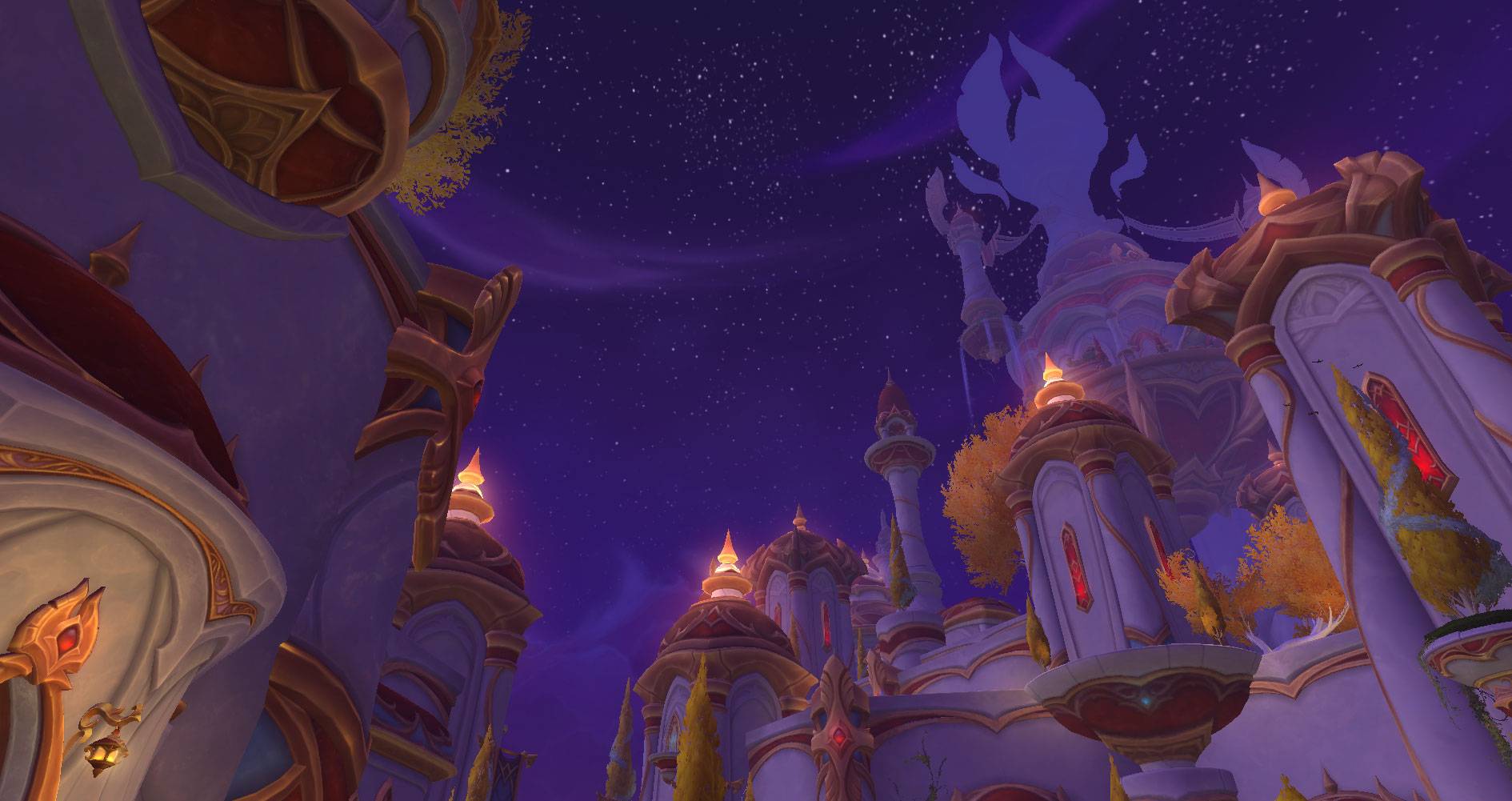
WoWScrnShot_042826_211054.jpg
Description
WoW Photographer
WoW Photographer is a World of Warcraft addon for taking screenshots in game, including in first person, without the UI getting in the way of photos.
Features
- One-click POV screenshot countdown with a configurable timer.
- UI hides for the screenshot, then automatically returns.
- Optional "Next shot note" field for noting what the screenshots are for.
- Screenshot Log with timestamp, location, shot type, and optional note.
- Zoom In and Zoom Out buttons.
Usage
- Click the camera icon on the minimap.
- Optional: type a note in "Next shot note."
- Optional: set the countdown seconds till a pic is taken. Use 0 for no countdown. The max countdown that can be set is 30 seconds, and the default is 5 seconds.
- Click "Take POV Screenshot" or "Take Current View Screenshot."
- The UI hides, the screenshot is taken, and the UI returns automatically.
Commands
Slash Commands:
/wphoto panel- show or hide the main camera menu./wphoto snap- start the POV screenshot flow using your countdown setting./wphoto shot- take a current-view screenshot using your countdown setting./wphoto log- show Screenshot Log./wphoto minimap- show or hide the minimap button.
Minimap Button
- Left-click: open the camera menu.
- Right-click: open Screenshot Log as a separate screen.
- Drag: move the minimap button.
Screenshot Location
World of Warcraft addons cannot read image files from the Screenshots folder. Screenshots are saved by WoW in the World of Warcraft install folder:
_retail_/Screenshots_classic_/Screenshots
Use _retail_ for Retail WoW and _classic_ for Classic.
WoW Photographer Team