Wow Legacy Ledger
- By
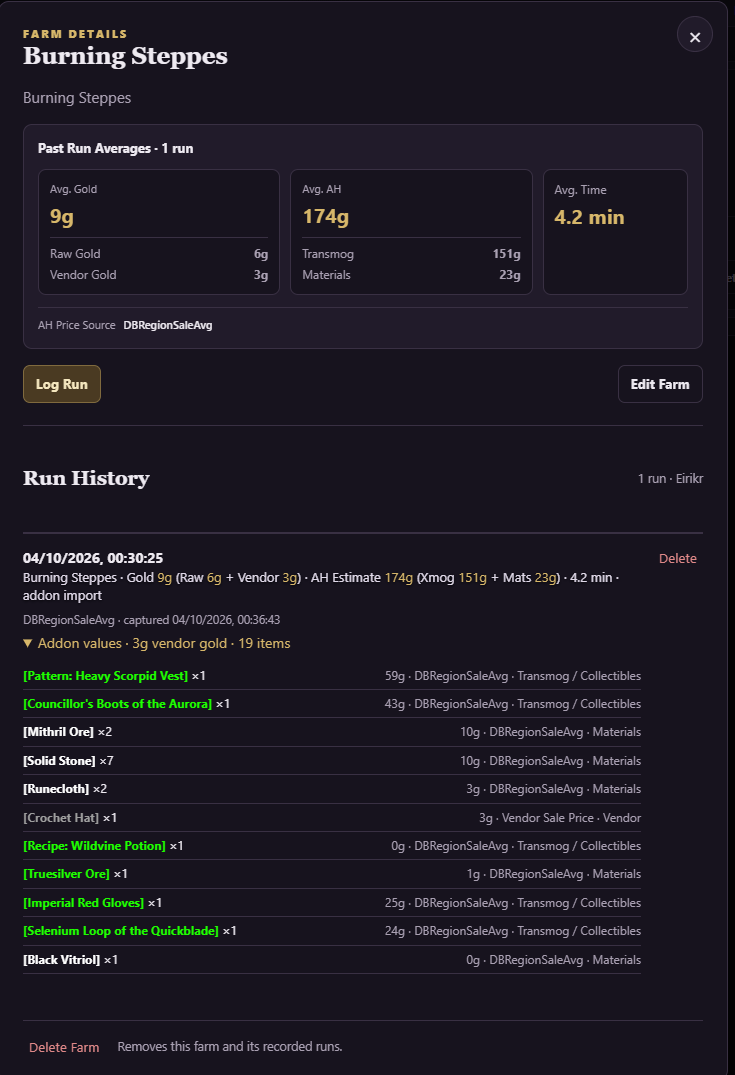
Track WoW legacy raids, dungeons, and outdoor farms with clear gold breakdowns, loot tracking, optional TSM valuations, and easy export to Legacy Ledger..
Description
Wow Legacy Ledger
Every run has a story.
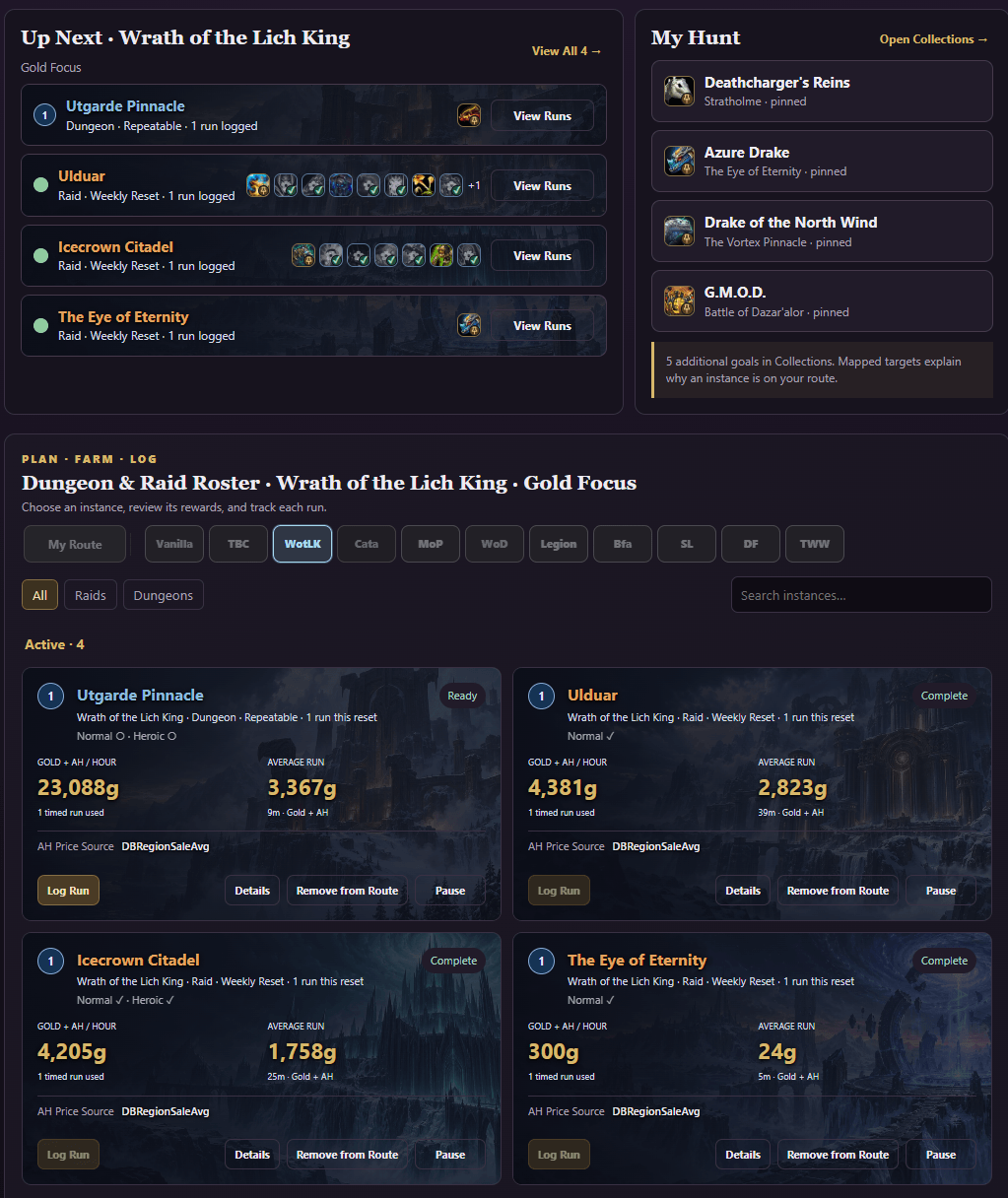
Track legacy dungeon and raid runs, plus outdoor farms. Review time, gold and loot in game—or export to Legacy Ledger for routes, history and farm comparisons.
Features:
- Automatic dungeon and raid tracking, plus manual outdoor farms.
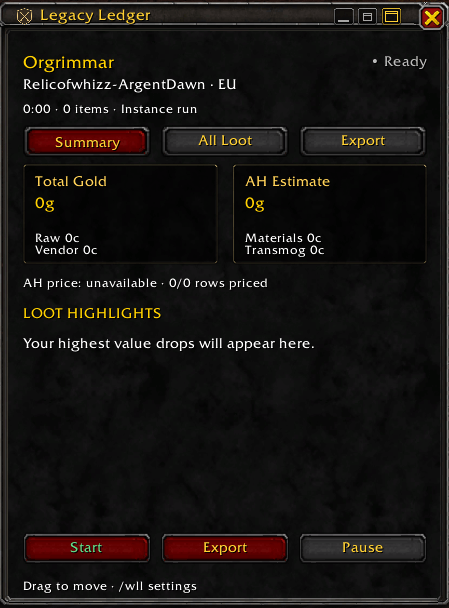
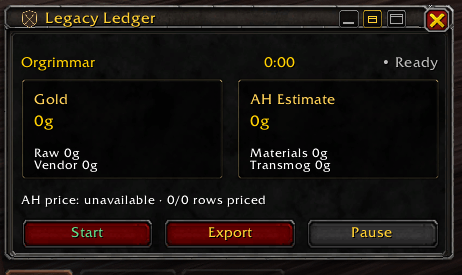
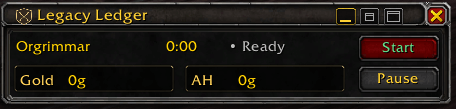
- Full, Compact and Minimal run windows, with consistent widths and a shared saved position.
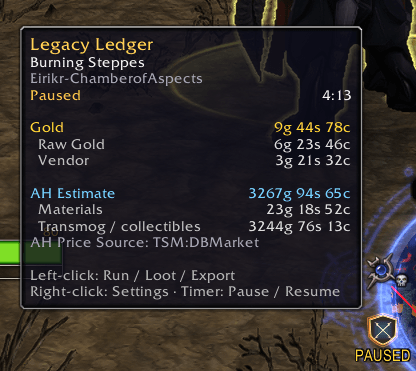
- Start, Finish, Export and Pause/Resume controls, with a minimap session timer.
- Summary, All Loot and Export tabs, with item values and hover tooltips.
- Total Gold from raw coin loot and vendor-category items, plus a separate AH Estimate for materials and transmog / collectibles.
- Optional TradeSkillMaster pricing: DBMarket and DBRegionSaleAvg, with automatic fallback when the selected price is missing.
- Automatic Vendor Only valuation without TSM.
- Live repricing during active or paused runs, and frozen price snapshots when finished.
- Adjustable high-value loot alerts, with optional sound.
- Boss counts where encounter information is available.
- Mount and pet drop identification, including species, level and quality for caged pets.
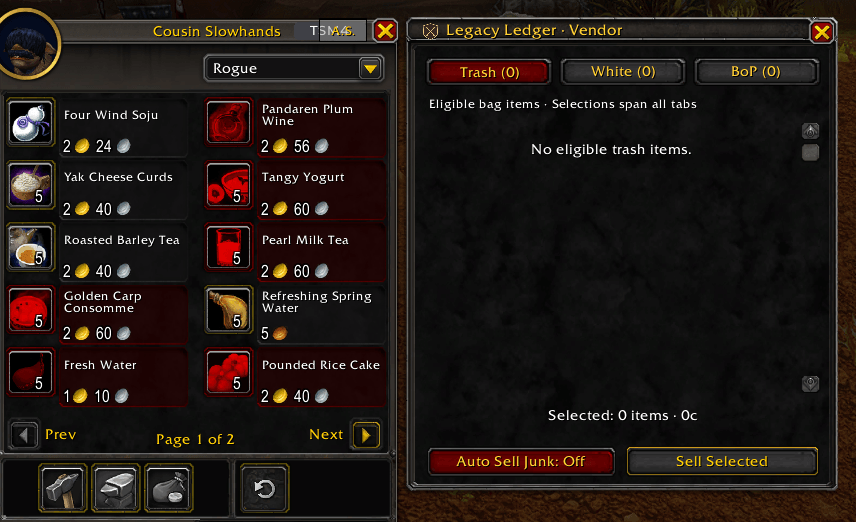
- Vendor review: Trash, White transmog and older-expansion BoP armor, weapons and artifact relics.
- Optional Auto Sell Junk, plus item checkboxes and a highlighted Sell All / Sell Selected action.
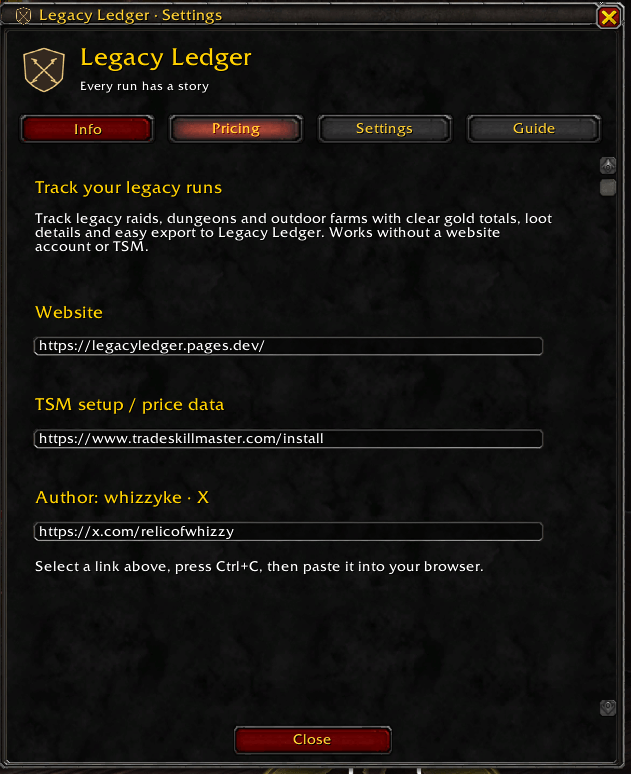
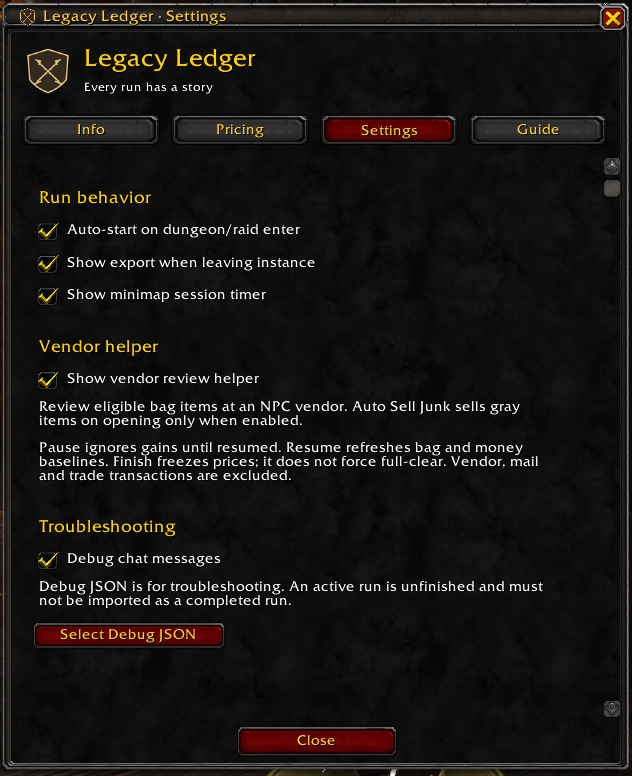
- Info, Pricing, Settings and Guide tabs, with troubleshooting controls under Settings.
- Preserved dungeon/raid metadata when exiting directly to a housing plot.
Getting started:
-
Enter a dungeon or raid with Auto-start enabled.
-
For outdoor farming, select Start Farm or use
/wll farm. -
Pause or resume using the run window or minimap timer.
-
Select Finish Run or Finish Farm. Export opens with the JSON selected—press Ctrl+C to copy.
-
On the website, use Import Addon Run JSON on an instance page, or under My Farms for outdoor sessions.
With Show export when leaving instance enabled, leaving a dungeon or raid opens Export with the JSON selected.
Right-click the minimap icon or use /wll settings to open Settings. Use /wll help for commands.
Vendor helper:
Open an NPC vendor to review eligible items in three tabs:
- Trash: sellable gray-quality items.
- White: white-quality armor and weapons with a transmog appearance.
- BoP: older-expansion bind-on-pickup armor, weapons and artifact relics, including Legion relics.
Eligible items start selected across all three tabs. Uncheck anything you want to keep—the highlighted Sell All button changes to Sell Selected. The action applies to checked items across every tab.
Auto Sell Junk is Off by default. When enabled, it automatically sells eligible gray items at vendors. White and BoP items still require the highlighted sell button.
The helper works with existing bag items, without an active run. Equipped items and bank contents are excluded. Current-expansion BoP gear, bound BoE gear and ordinary gems are excluded. White appearances may qualify before being learned, so review your selection before selling.
Selling uses batches, and closing the vendor or helper stops remaining sales.
Pricing:
TradeSkillMaster is optional. The addon defaults to DBMarket for new settings. Without TSM, Vendor Only is automatic.
If an item lacks the selected TSM price, the addon tries the other source: DBMarket or DBRegionSaleAvg. If neither is available, the item is unpriced.
Changing the price source recalculates recorded loot in active or paused runs. Finished exports preserve available TSM prices and vendor values. The website’s AH Price Source selector lets you compare those saved prices.
Vendor and AH values are estimates, not confirmed sales. TSM requires available price data; not every item will have a price.
Tracking notes:
Existing bag items are excluded from run loot tracking, but can qualify for the vendor helper.
Merchant, mail and trade transactions are excluded from tracking gains. Vendor sale proceeds do not count as Raw Gold, and selling items does not rewrite recorded loot or finished price snapshots.
Outdoor tracking uses bag and money changes. Avoid quest rewards, crafting and caging previously owned pets during a farm, and review your export before importing.
Collectible drops do not confirm learned ownership. Finishing a run does not automatically mark it as a full clear; review skipped bosses and confirm your intended route on the website.
Website: Legacy Ledger
Author: whizzyke
Wow Legacy Ledger Team