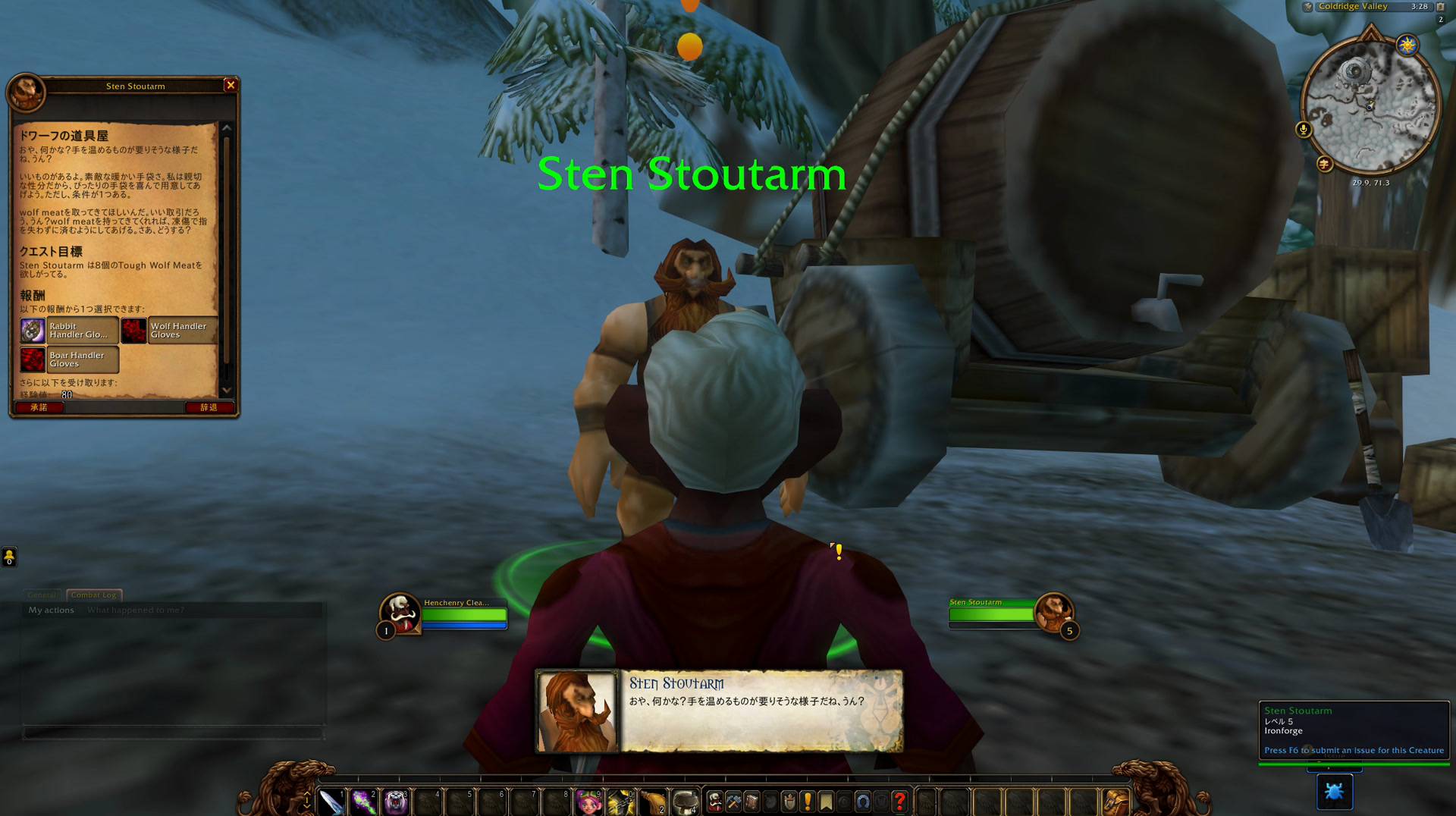
1-voice-panel-in-game.jpg
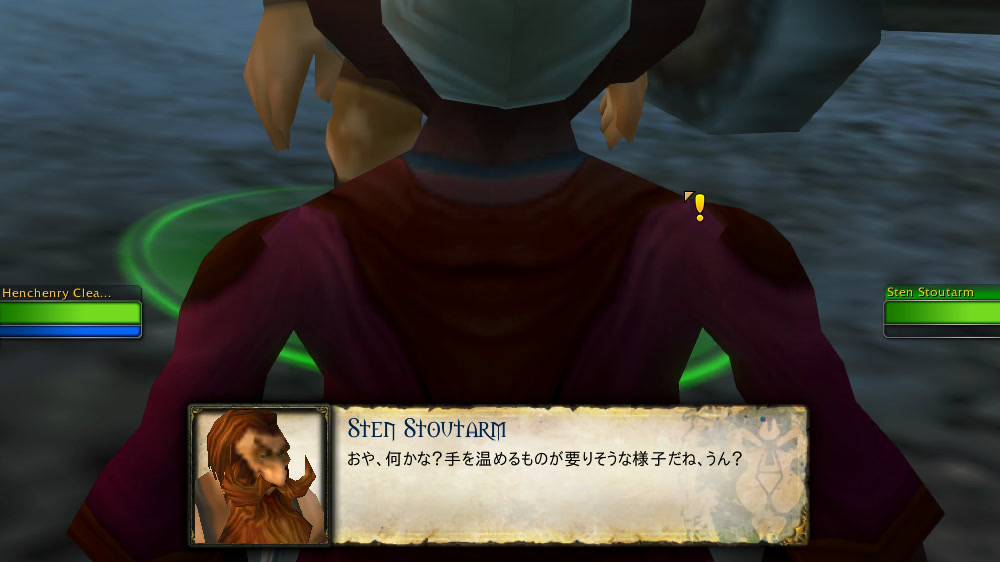
2-voice-panel-close.jpg
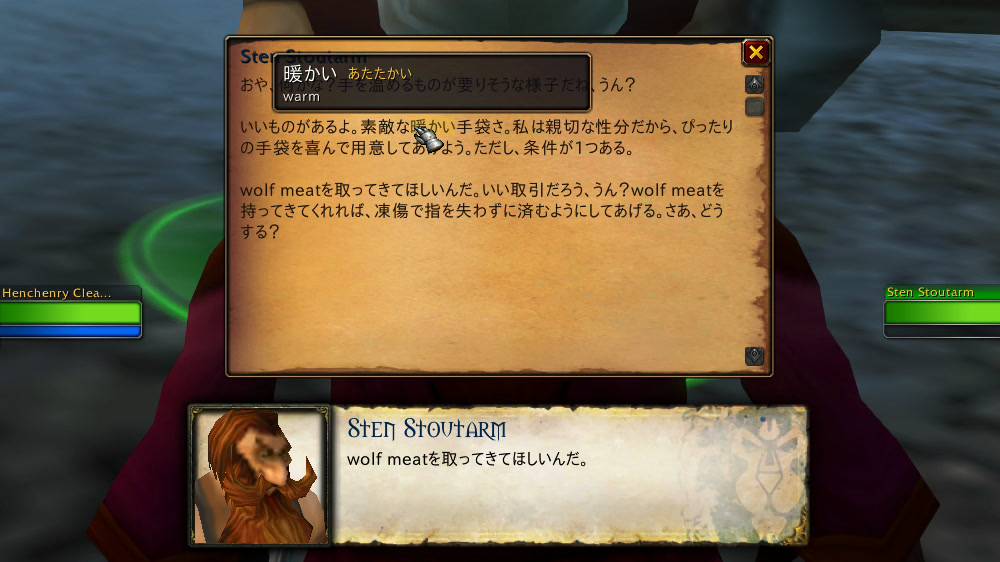
3-whole-text-word-card.jpg
Description
Install the addon first: WoW Forever Japanese.
This is only its Japanese voice and needs the addon to work. The CurseForge app installs the addon with it if you do not have it yet, and the voice never loads in the game without the addon.
Japanese voice over for the WoW Forever Japanese addon. The addon reads its Japanese aloud: quest offers, progress and turn-ins, NPC greetings and talk, book and letter pages, and your character's own spoken error lines.
Website: https://foreverjapanese.com (screenshots and a short guide to how the addon works).
The Japanese description follows the English one. 日本語の説明は下にあります。
Install
Step 1: install WoW Forever Japanese with the CurseForge app (make sure your Forever install is selected).
Step 2: install WoW Forever Japanese Voice the same way.
The Voice entry holds no audio itself; the app installs every voice pack with it (about 1.1 GB in all) and keeps them up to date. In the game, the packs show as extra rows under the addon in the AddOns list; leave them ticked. By hand: download the zip whose name ends in -all- and a date from the latest Voice release on the GitHub releases page, and unzip it into your Forever client's Interface/AddOns folder.
One setting on the addon's Voice page turns the voice off. Removing the voice addons removes it, and the addon keeps working. A line plays only when its audio was made from the Japanese the addon shows; a line whose Japanese changed stays silent until its audio is remade.
Credits
The voices were made on the maintainer's own computer with the AivisSpeech Engine (https://aivis-project.com) and voice models used under their licences. The voice models are listed by name at the end of this page.
日本語
先にアドオン本体をインストールしてください:WoW Forever Japanese
これは本体用の日本語音声だけで、本体がないと動きません。本体がまだなければ、CurseForge アプリが一緒にインストールします。ゲーム内でも、本体なしで音声が読み込まれることはありません。
WoW Forever Japanese アドオン用の日本語音声です。クエストの受注・進行・完了の文、NPC のあいさつや会話、本や手紙のページ、自分のキャラクターが話すエラーの一言を、アドオンの日本語で読み上げます。
ウェブサイト: https://foreverjapanese.com (スクリーンショットと、アドオンのしくみの簡単な説明)
インストール
手順 1: CurseForge アプリで WoW Forever Japanese をインストールします(Forever のインストール先が選ばれていることを確認)。
手順 2: 続けて WoW Forever Japanese Voice を同じようにインストールします。
Voice 自体は音声を持たず、すべての音声パック(合計約 1.1 GB)をアプリが一緒にインストールし、更新します。ゲーム内の AddOns 一覧では、アドオンの下に音声パックの行が並びます。チェックは入れたままにしてください。手動の場合は、GitHub のリリースページで最新の Voice リリースから、名前が -all- と日付で終わる zip をダウンロードし、Forever クライアントの Interface/AddOns フォルダに展開します。
アドオンの 音声 ページの設定ひとつで音声をオフにできます。音声アドオンを削除すれば音声はなくなり、アドオンはそのまま動きます。音声は、アドオンが表示する日本語から作られたものだけが再生されます。日本語が変わった行は、音声が作り直されるまで再生されません。
クレジット
音声は、メンテナーのコンピューター上で AivisSpeech Engine(https://aivis-project.com)と音声モデルを使い、各ライセンスに従って作りました。音声モデルの名前は、このページの最後に記載しています。
Voice models / 音声モデル
- Aivis Common Model License 1.0: Lux, MarkN, TANAKA, fumifumi, hinakoyuhara, kokuren_3rd, kokuren_voice, morioki, かりん(現実20代女子AIボイチェン@リアボVC公式モデル), さつき(現実20代女子AIボイチェン@リアボVC公式モデル), すみれ(現実20代女子AIボイチェン@リアボVC公式モデル), にせ, はきみて れく(瞭魅推 れく), ほのか(~現実20代女子AIボイチェン~リアボVC公式モデル), まい, まお, みちのくあいり, もえ(現実20代女子AIボイチェン@リアボVC公式モデル), らせつん, るな, れな(現実20代女子AIボイチェン@リアボVC公式モデル), ろてじん(匿名インタビュー風), ろてじん(長老ボイス), わかな(現実20代女子AIボイチェン@リアボVC公式モデル), コハク, 中2, 凛音エル, 桜音, 澤原 玄二郎, 猩々博士 (雑談ボイス), 立神ケイ, 花音, 観測症, 阿井田 茂
- CC0 1.0: すきやき馬太郎
WoW Forever Japanese Voice (日本語音声) Team