


WoW AH Watcher
- By
hero (1).png
dashboard.png
market.png
myitems.png
bestdays.png
Description

WoW AH Watcher: the in-game companion
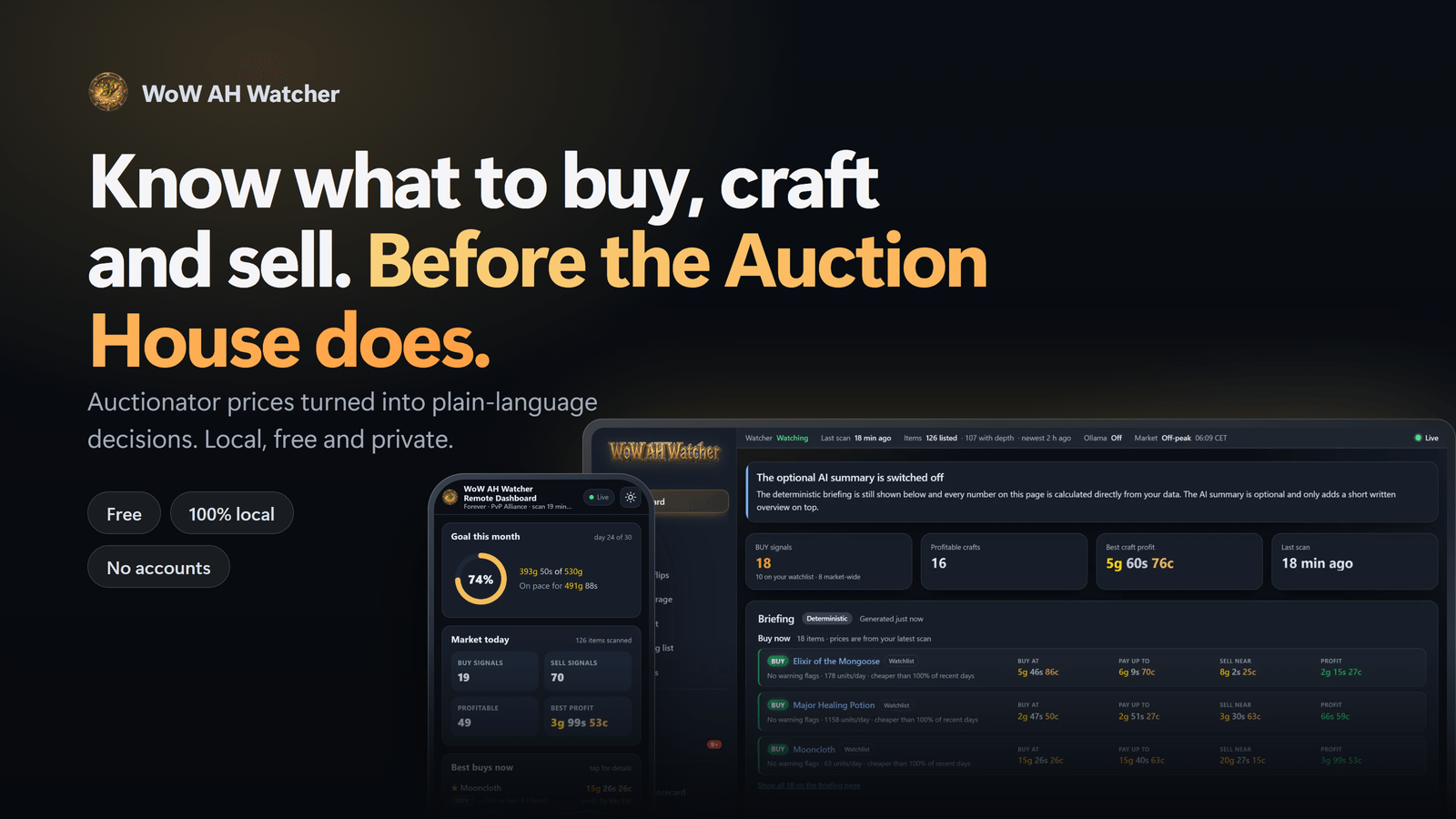
Your Auction House, explained in plain language. WoW AH Watcher is a free Windows app that scans the whole Auction House, then tells you what to buy, what to craft, what to sell and when. This download holds the two small addons that feed it.
Heads up: these addons work together with the free WoW AH Watcher desktop app. On their own they only collect data in game. Get the app at wowahwatcher.com. Its guided setup can install and update these addons for you.
Website · Download the app · Support on Ko-fi
What is in this download
| Addon | What it does |
|---|---|
| WoW AH Watcher Data | Scans the Auction House with one button in its title bar. Looks at the price levels of the items you care about. Saves your recipes, what vendors sell, what your characters carry and your Auction House sales. |
| WoW AH Watcher Names | Saves item and battle pet names, plus each item's category and vendor sell price, so the app can show everything with proper names. It works a little at a time and you can stop or continue it any time. |
Get started in four steps
- Install the WoW AH Watcher app from wowahwatcher.com (Windows 10 or 11, no administrator rights needed).
- Let the guided setup find your WoW account and install these addons, or install them from this page.
- Open the Auction House in game and press the scan button in its title bar (or type
/wahscan). - Open the app. Your market, signals and briefing are ready.
What you get in the app
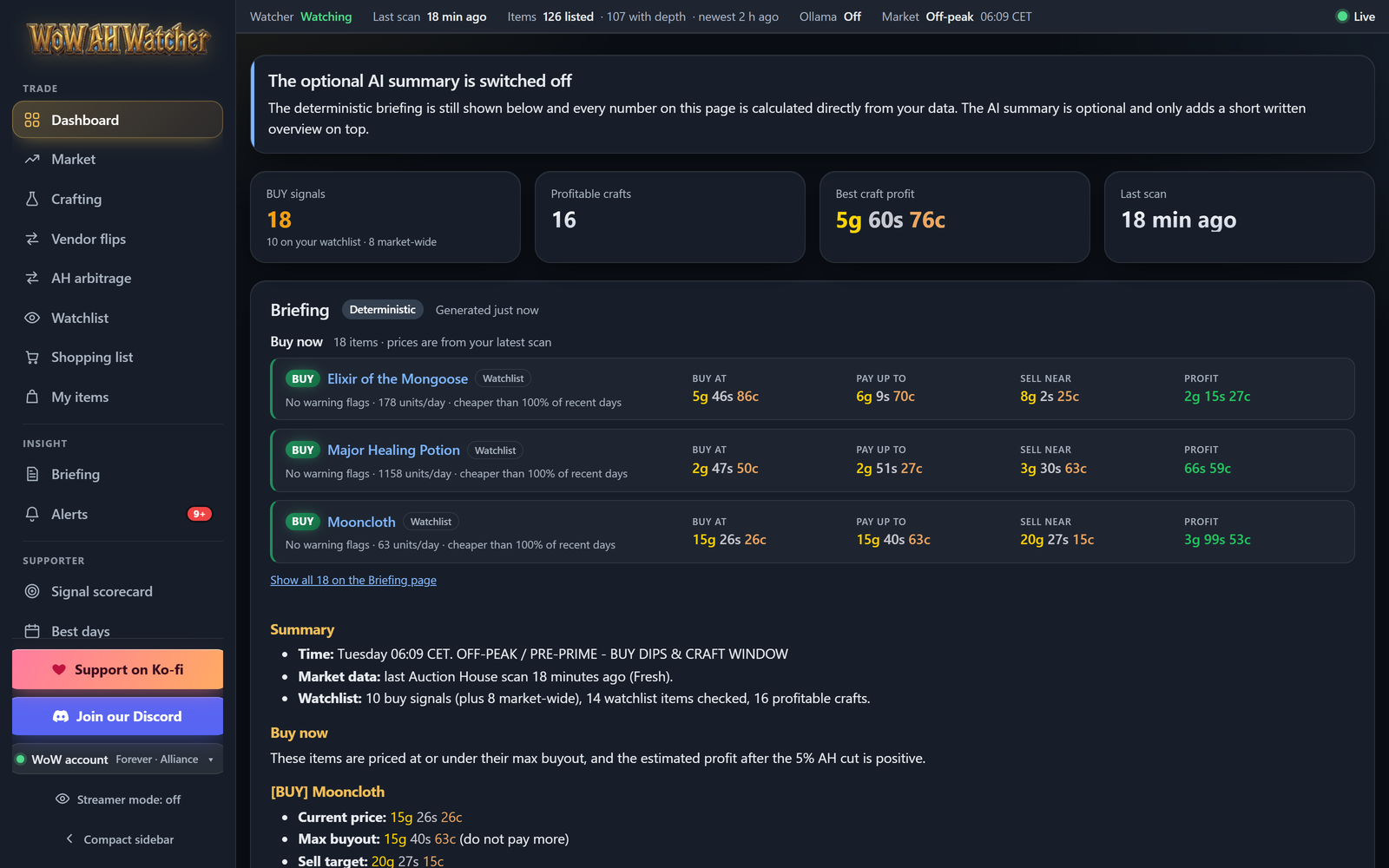
Know what to do the moment you log in
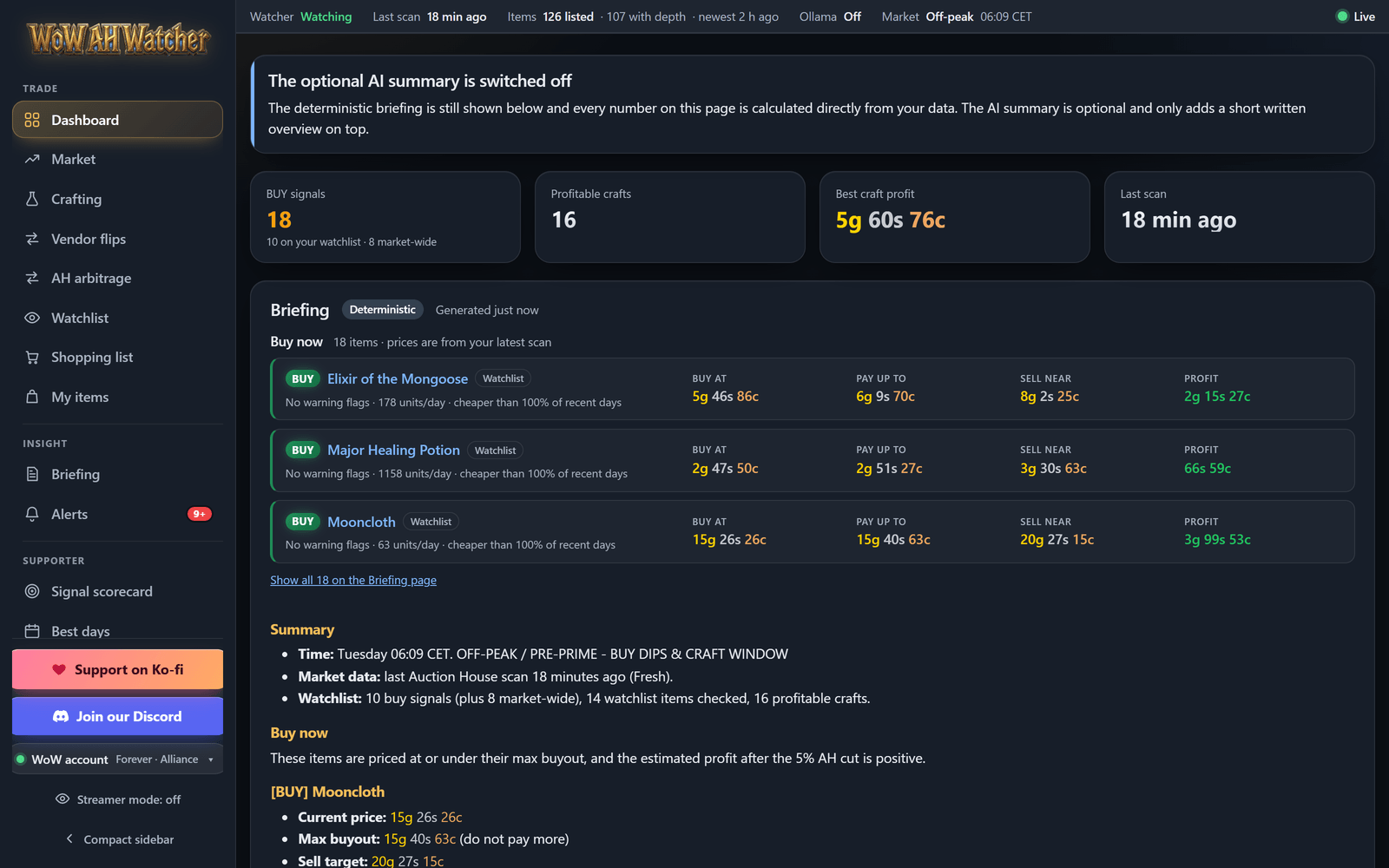
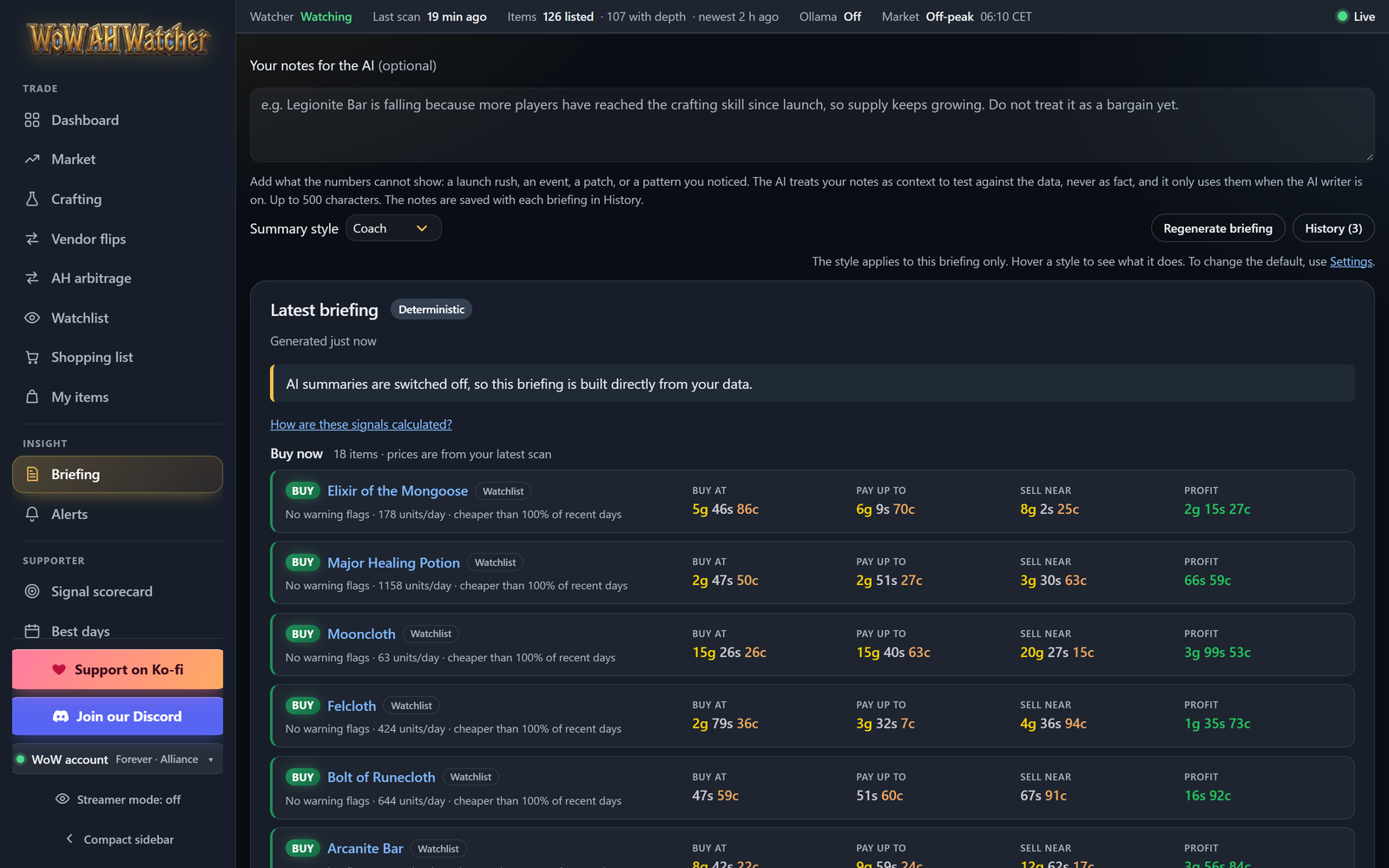
A dashboard with BUY signals, your best craft right now and a written briefing of the latest scan.
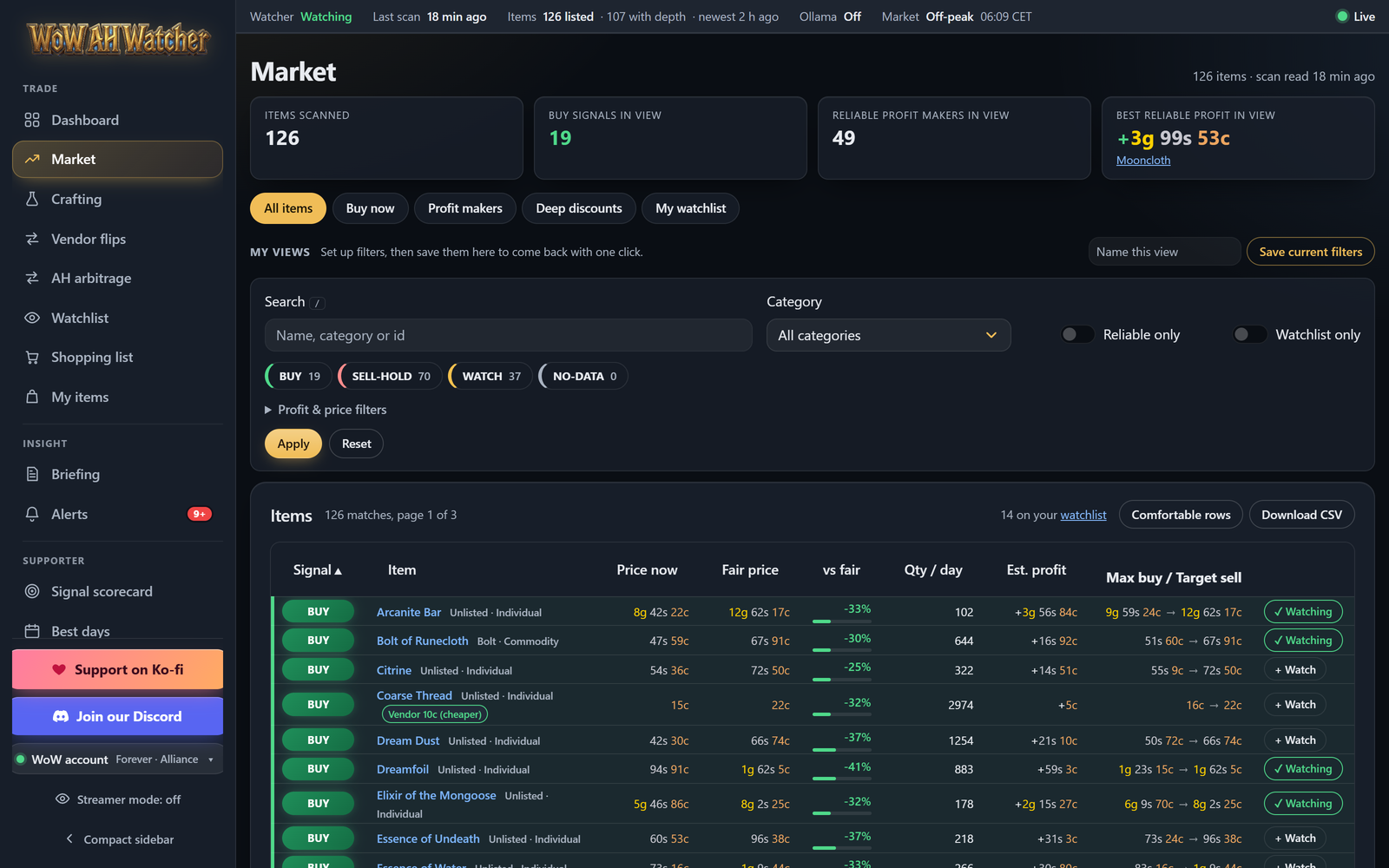
The whole market, sorted your way
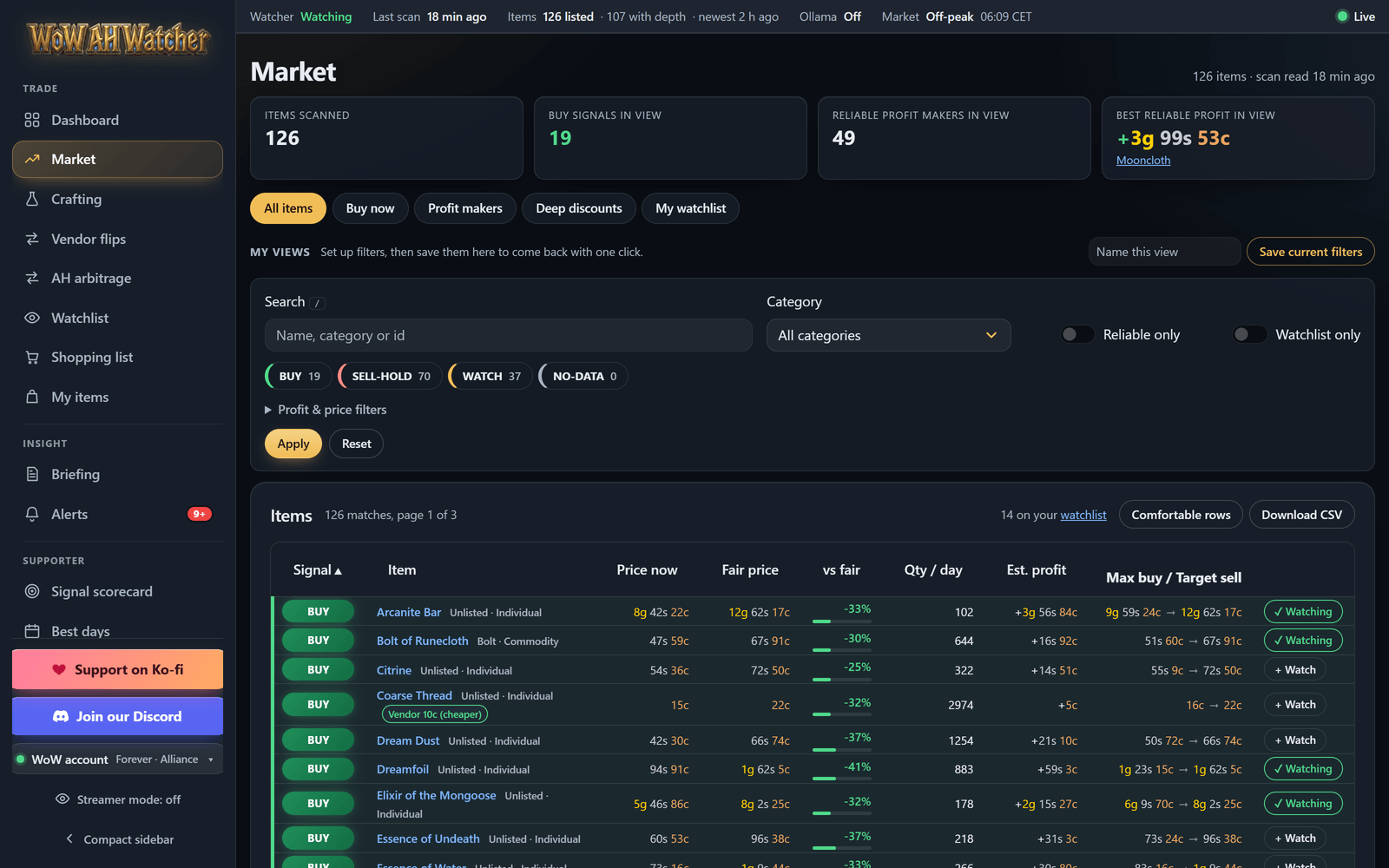
Presets, filters, saved views and signal chips. Every table sorts, and the app comes in a light and a dark theme.
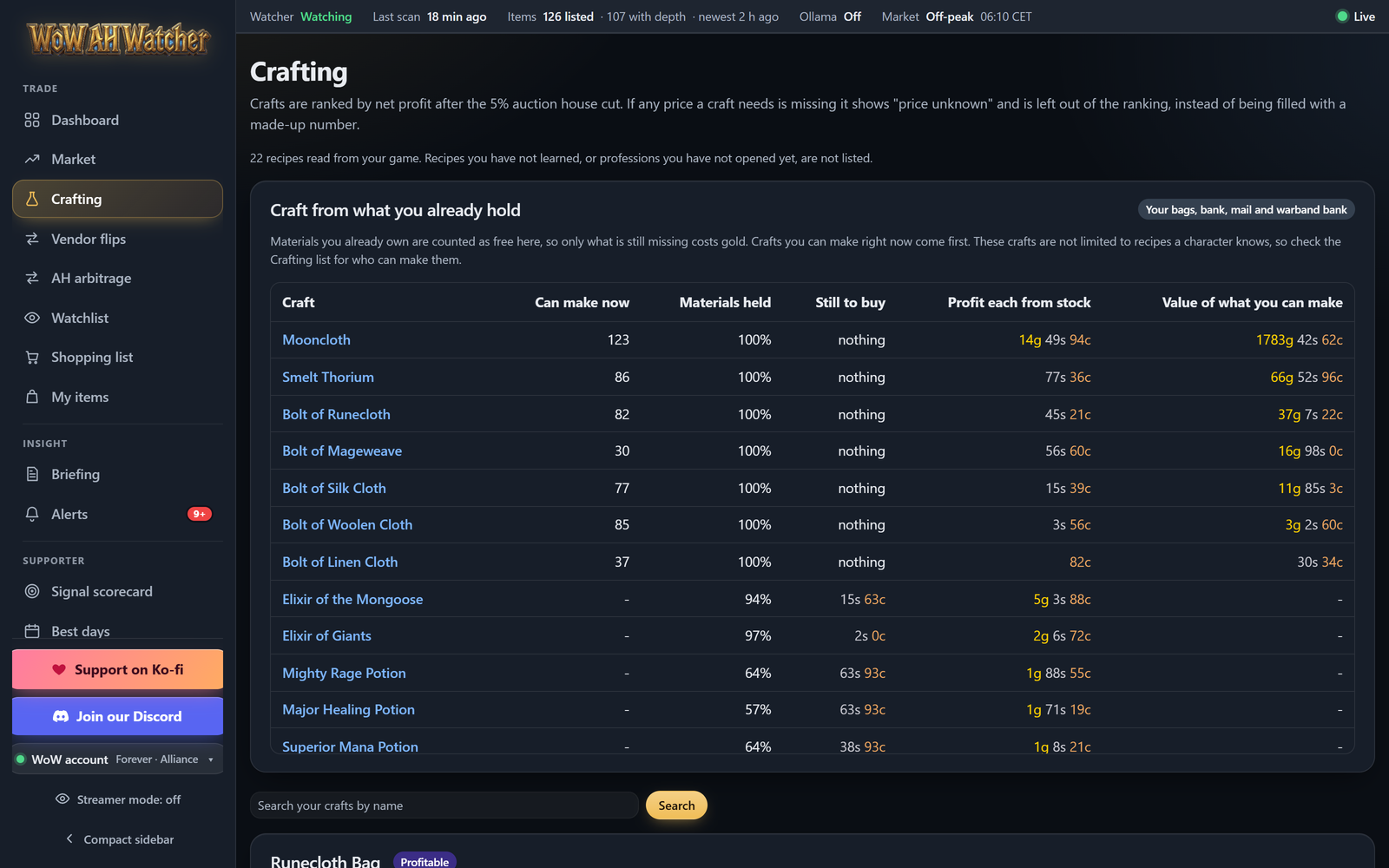
Crafting profit you can trust
Ingredients, craft cost, net profit and margin for your recipes, priced from what is really listed.
A price history for every item
Hover the chart to see the price on any day, see the price levels of what is listed now and read the reason behind each signal.
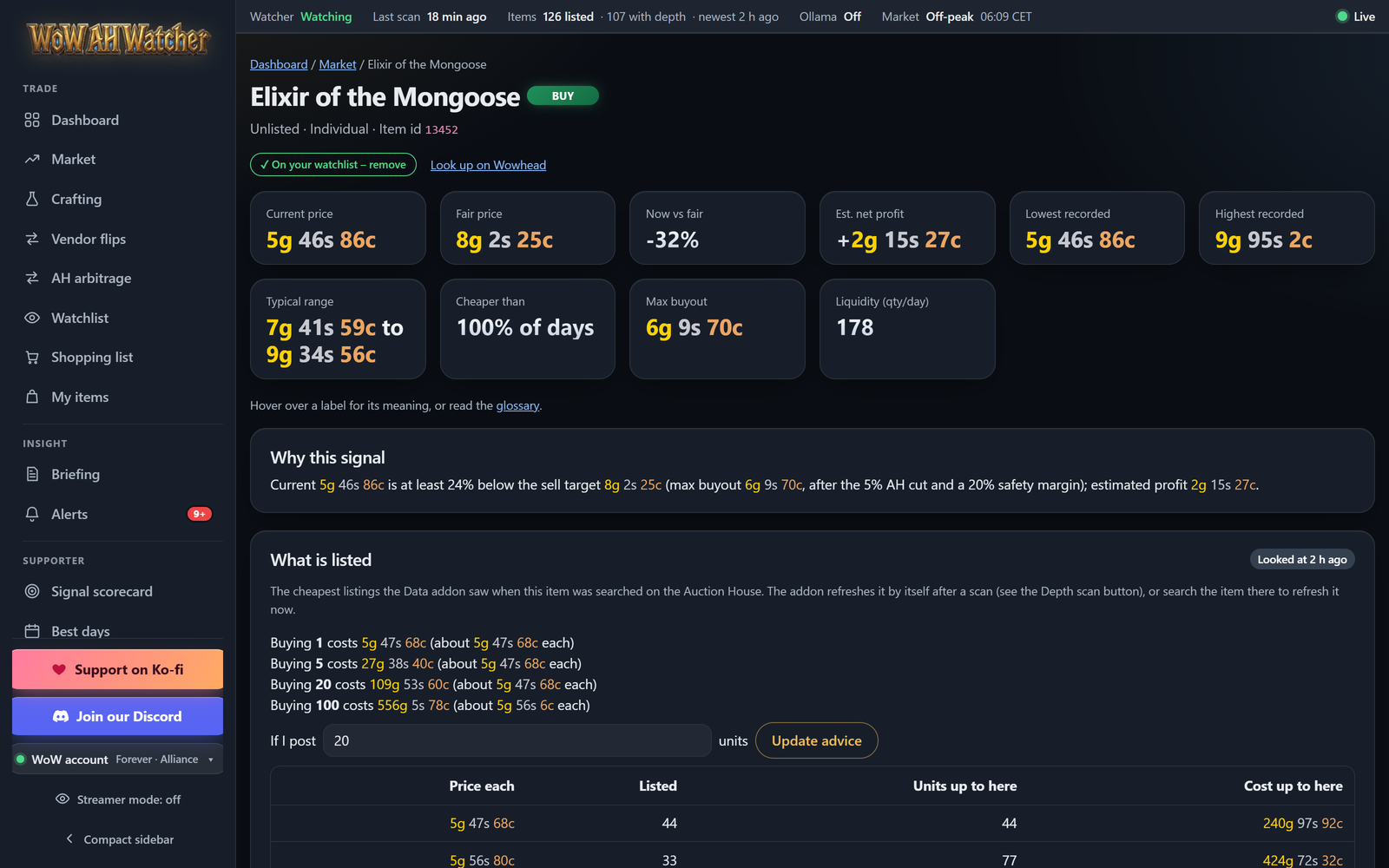
A trade advisor
What to sell now, what to buy and which crafts pay off, with a realistic price after the Auction House cut.
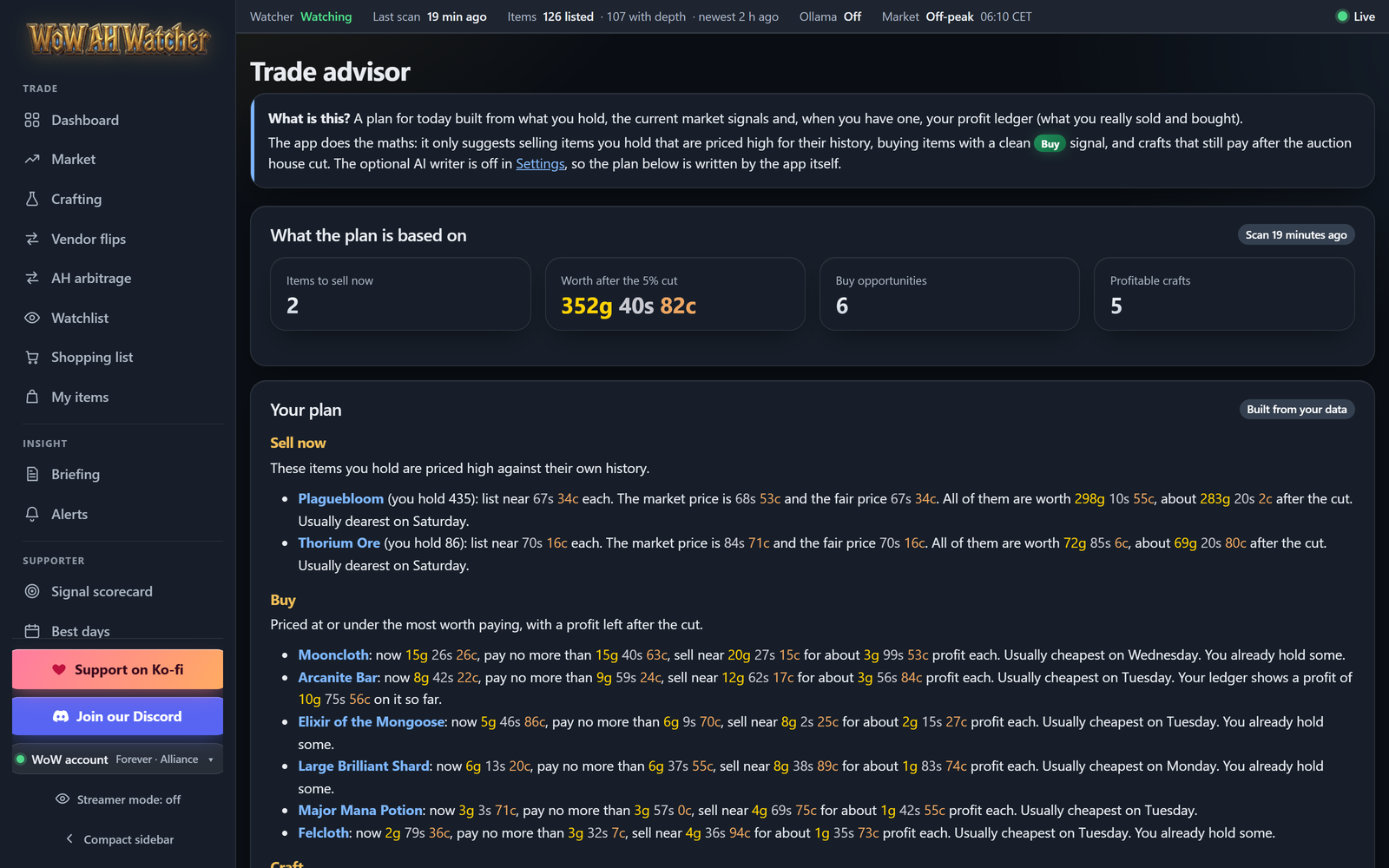
Your stock at a glance
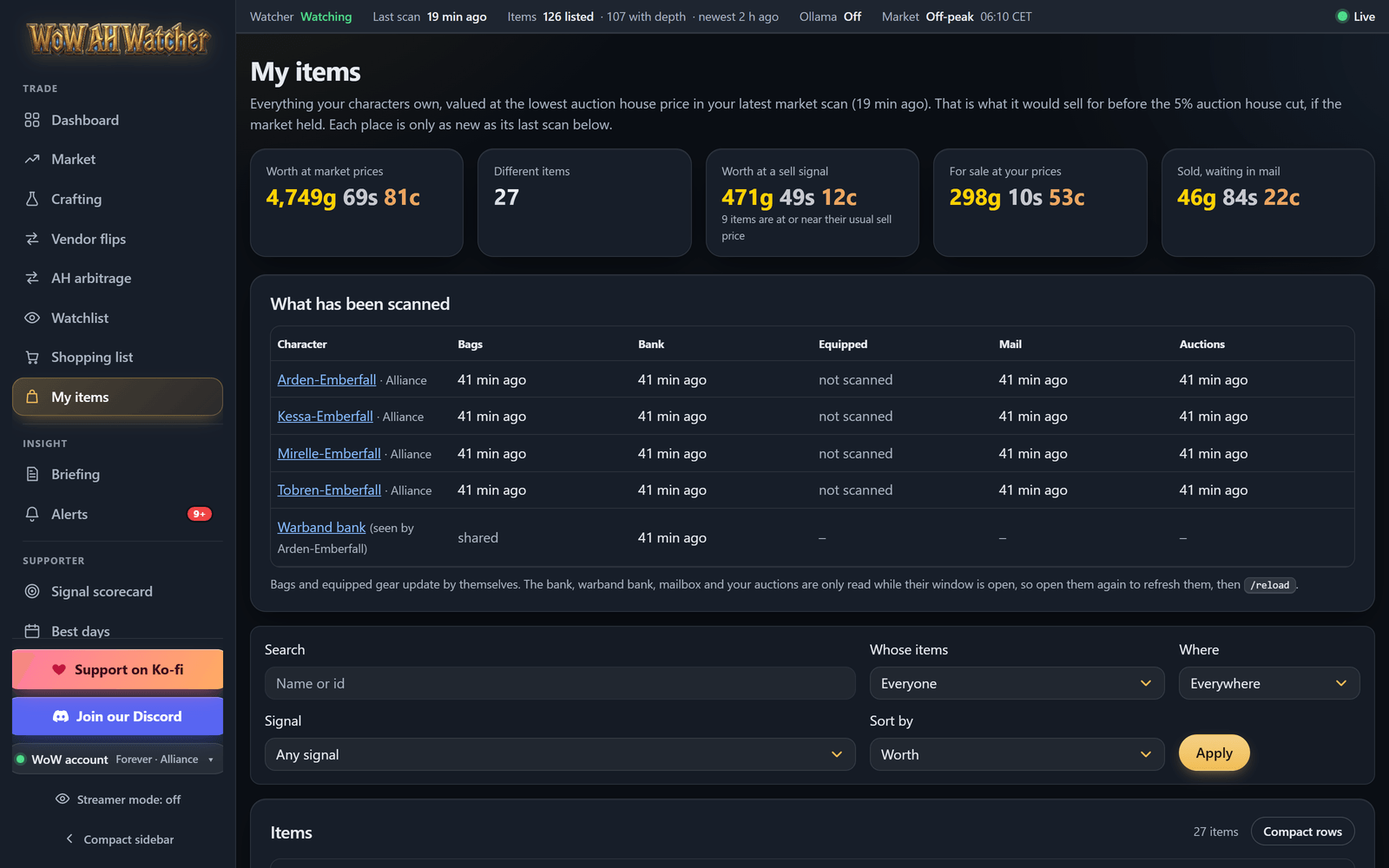
Every character's bags, bank and warband bank, plus what you have on the Auction House, each with its market signal. A Streamer mode blurs names and gold in one click.
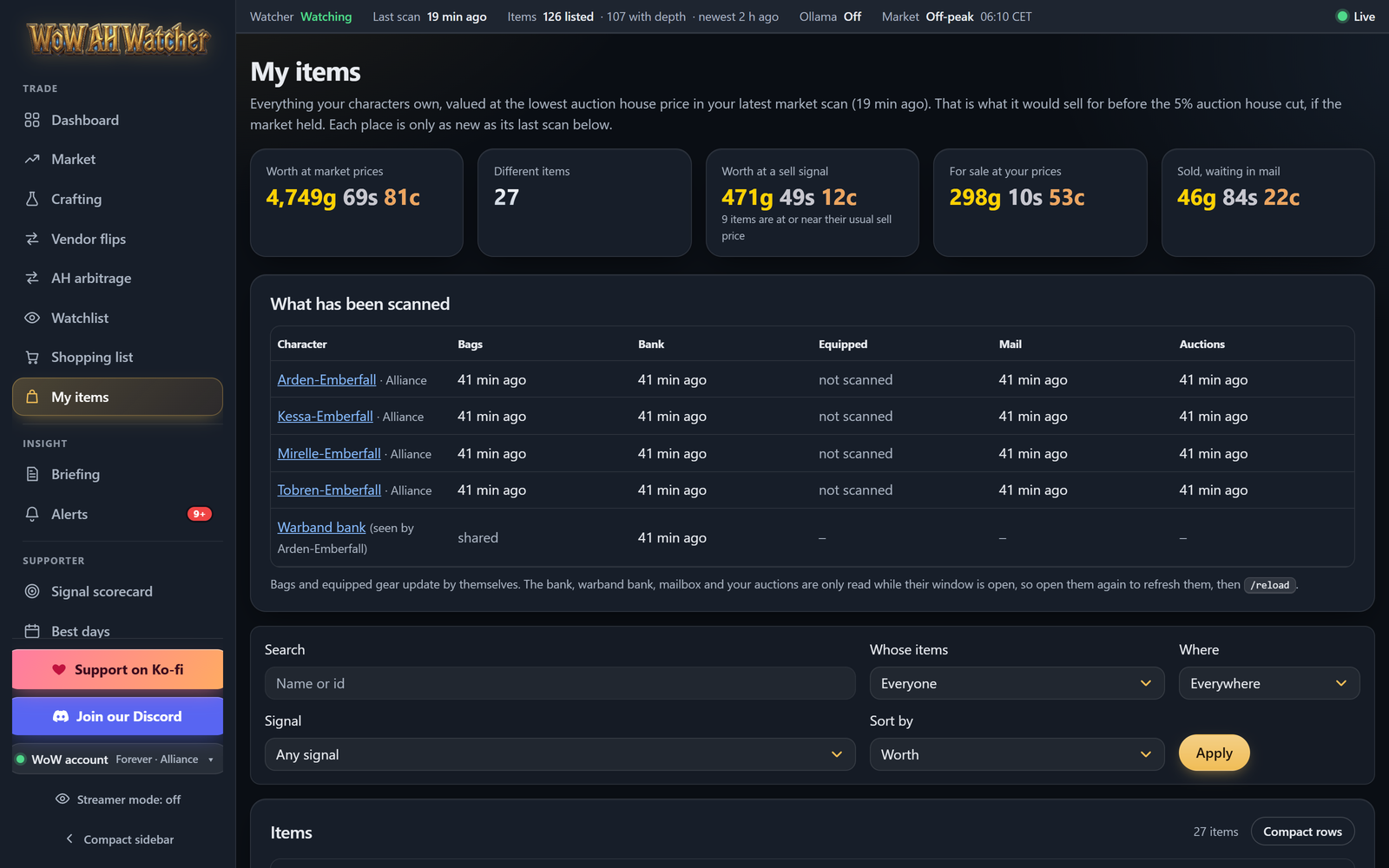
A written briefing
A short, readable summary of what to buy, why, and what to watch. If you run Ollama on your PC, a local AI can rewrite it in the style you pick. It all stays on your machine.
And more
- Alerts for new BUY deals, in the app or on Discord.
- Vendor flips and AH arbitrage between Auction Houses.
- Shopping lists with a combined materials list and a buy-versus-craft view.
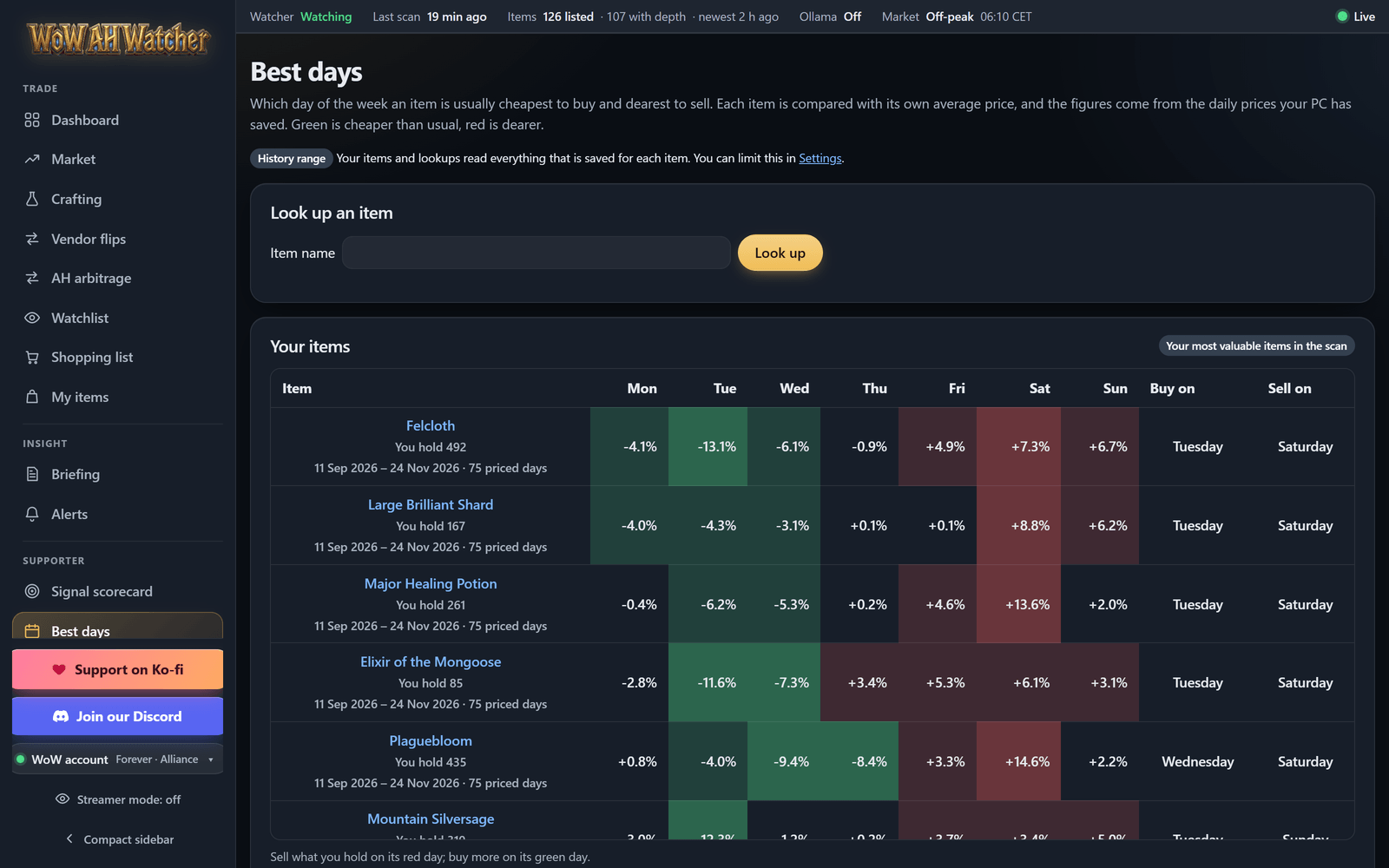
- Best days to buy and sell, from a weekday heat map.
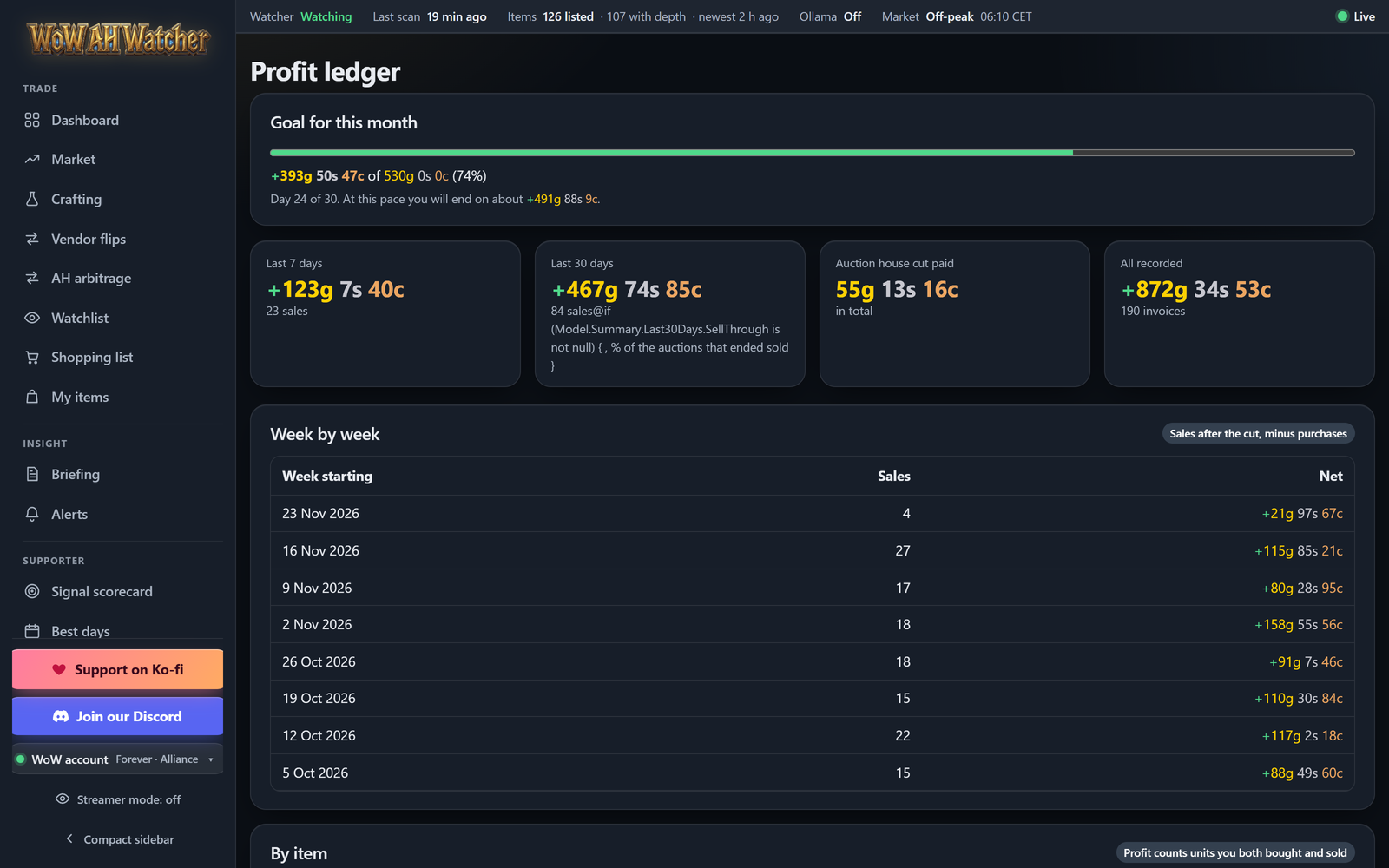
- Profit ledger with a monthly goal and week-by-week results.
- Signal scorecard showing how past BUY signals played out.
- Remote dashboard for your phone, tablet or TV.
Commands
| Command | What it does |
|---|---|
/wahscan |
Scan the open Auction House |
/wahscan auto |
Scan on every Auction House visit (turn it on or off) |
/wahscan depth |
Look at the price levels of the items you care about |
/wahdata |
Show how many recipes and vendors are saved |
/wahitems |
Show what your characters carry |
/wahrecipes |
Rescan the open profession window |
/wahnames |
Continue reading item names |
/wahnames all |
Read every item name again |
/wahnames stop |
Stop reading names |
/wahnames status |
Show how far it got |
Works with
Retail and the Classic versions listed on this page. Each version and market keeps its own history and briefings.
Install and updates
Install the addons from this page, or let the WoW AH Watcher app do it from its Settings page. Use one way or the other so the versions do not fight each other.
Your data stays yours
- No accounts and no telemetry.
- The addons only write to the game's own saved data. The app reads it on your PC.
- Nothing is uploaded anywhere. The optional AI runs on your own computer.
Questions
Do I need the app? Yes. The addons collect the data and the app turns it into advice.
Is it free? The whole app is free for personal use. Supporters on Ko-fi unlock a few extras, and everything that was free stays free.
Does it scan on its own? Only when you press the scan button, type /wahscan, or turn on /wahscan auto.
Where do I get help? Visit wowahwatcher.com.
WoW AH Watcher is an independent project and is not affiliated with or endorsed by Blizzard Entertainment. World of Warcraft is a trademark of Blizzard Entertainment.
WoW AH Watcher Team
