


World Recorder is an addon for WoW Forever. See your recorded loot and gathering: items by quality, looted corpses and objects, and the materials you gathered most.
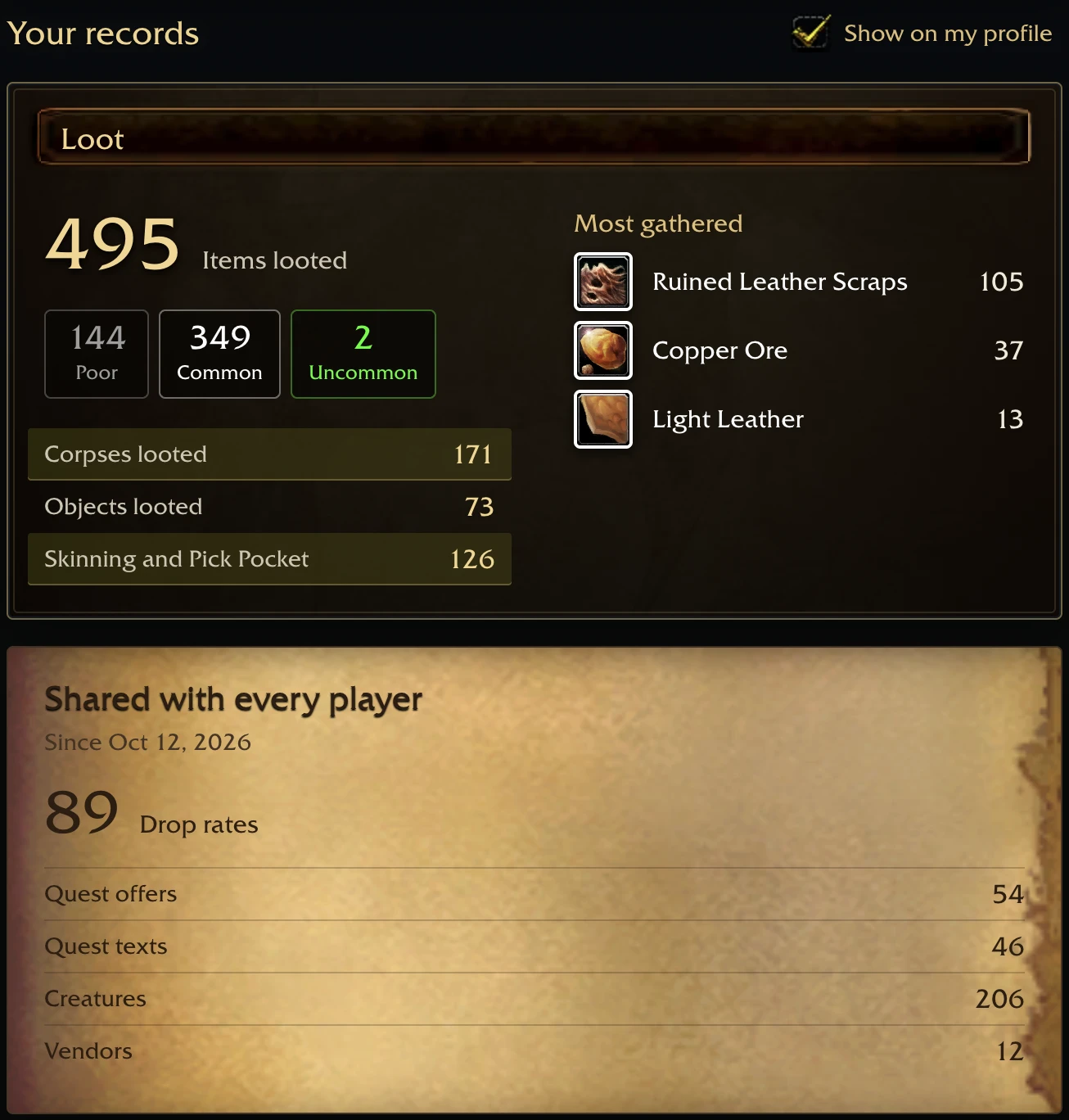
The addon listens while you play and keeps its records on your computer. It sends nothing by itself. The companion uploader sends the save when the game writes it. Read the data-disclosure section below before linking a computer.
Install
Install from the CurseForge app, or copy the WorldRecorder folder from the zip into World of Warcraft/_forever_/Interface/AddOns/.
To send your records to wowdb.wiki, install the uploader once:
- macOS: download World Recorder for Mac from https://wowdb.wiki/news/wow-forever-world-recorder, open the zip, then open World Recorder. The first time, macOS asks before opening an app from the internet: open System Settings, then Privacy & Security, and choose Open Anyway.
- Windows: download World Recorder setup from the same page and open it. If Windows shows "Windows protected your PC", choose More info, then Run anyway.
The setup starts the uploader at login, installs the addon into your WoW Forever client and opens wowdb.wiki so you can link this computer to your account: sign in and choose Link this computer. Records are sent only from linked computers.
Step by step, in ten languages: https://wowdb.wiki/forever/guides/world-recorder
Privacy
- What is sent. Everything the addon saves: loot, kills, quests, NPC services, fishing, creature observations, auction prices and the snapshot of each character, including its name, realm, guild, level, money, equipment, talents, professions and completed quests, and the save's own random id. With it go a random install id and the uploader version. The account folder name, file paths and your computer's user name are not sent. The computer's name is sent once, when you link it, as that computer's name on your profile.
- To whom. Only to wowdb.wiki, over HTTPS, with the key of the account you linked.
- What is shown. Your characters appear on your wowdb.wiki profile. They are public on your public profile unless you clear Public for a character; money is never shown publicly. Totals of what you recorded (kills, loot, gathering) appear on your profile and stay private unless you show them publicly. Everything else is combined with other players' records.
- How to stop. On your wowdb.wiki profile, under Linked computers, choose Unlink; the uploader then stops sending from that computer. To remove it, run
wowdb-recorder uninstallfrom its folder (~/Library/Application Support/wowdb-recorderon macOS,%AppData%\wowdb-recorderon Windows) and deleteInterface/AddOns/WorldRecorder. - Privacy notice: https://wowdb.wiki/privacy
World Recorder Team
