2x-replay-t13334.jpg
2x-char-quests.jpg
char-sheet-dark.jpg
watch-t25543-dark.jpg
replay-history-panel.jpg
Description
Widsith
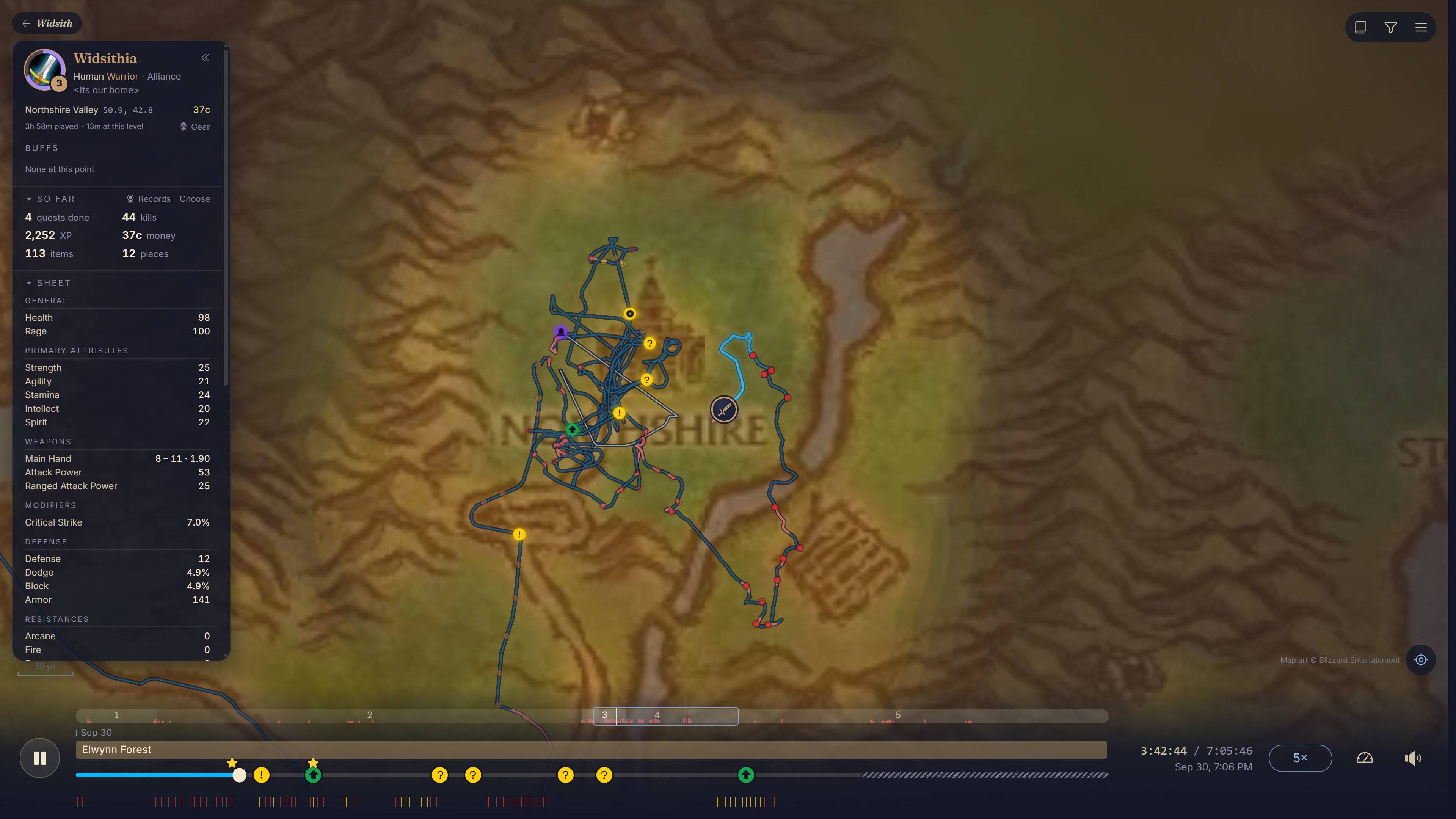
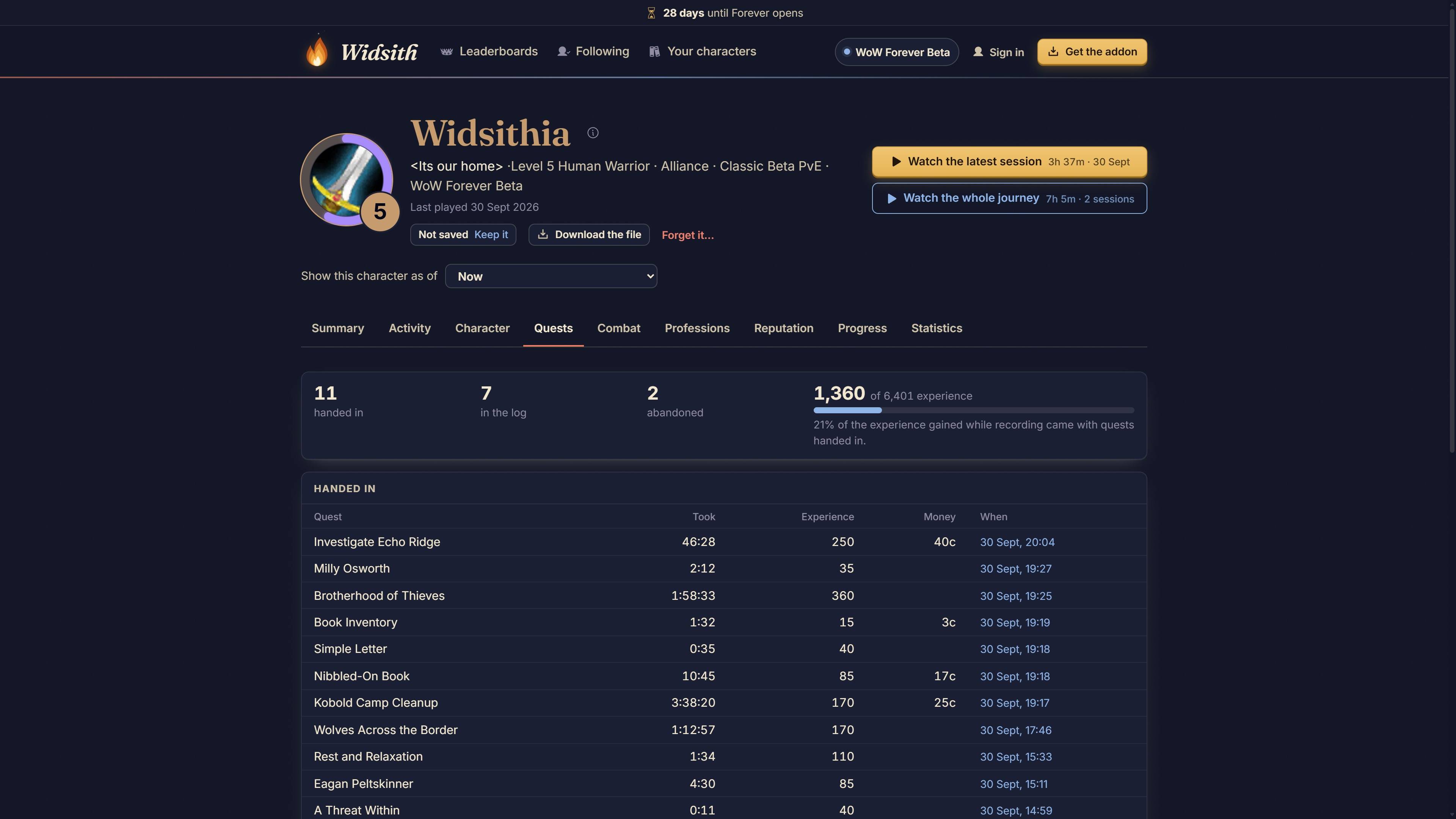
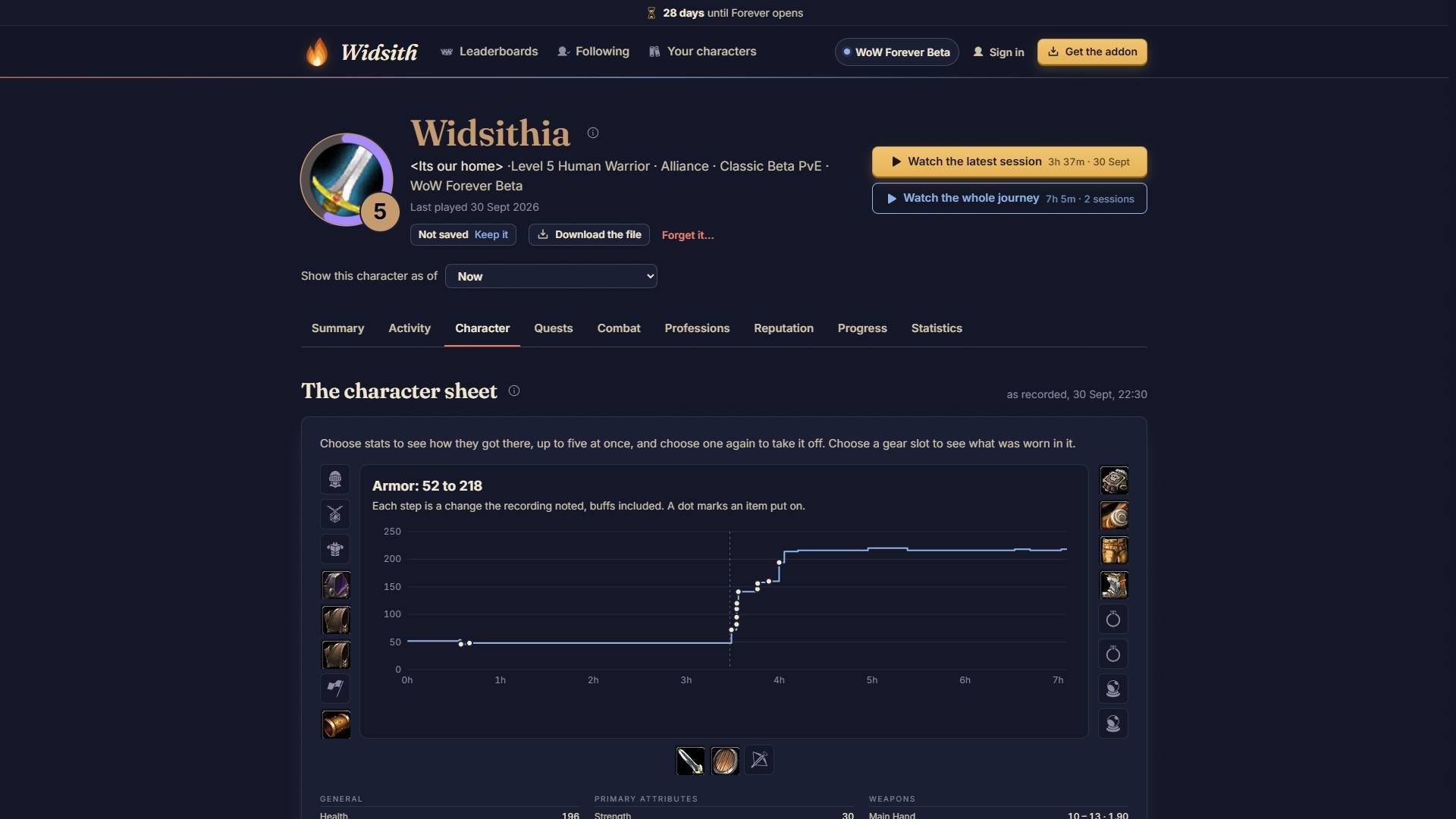
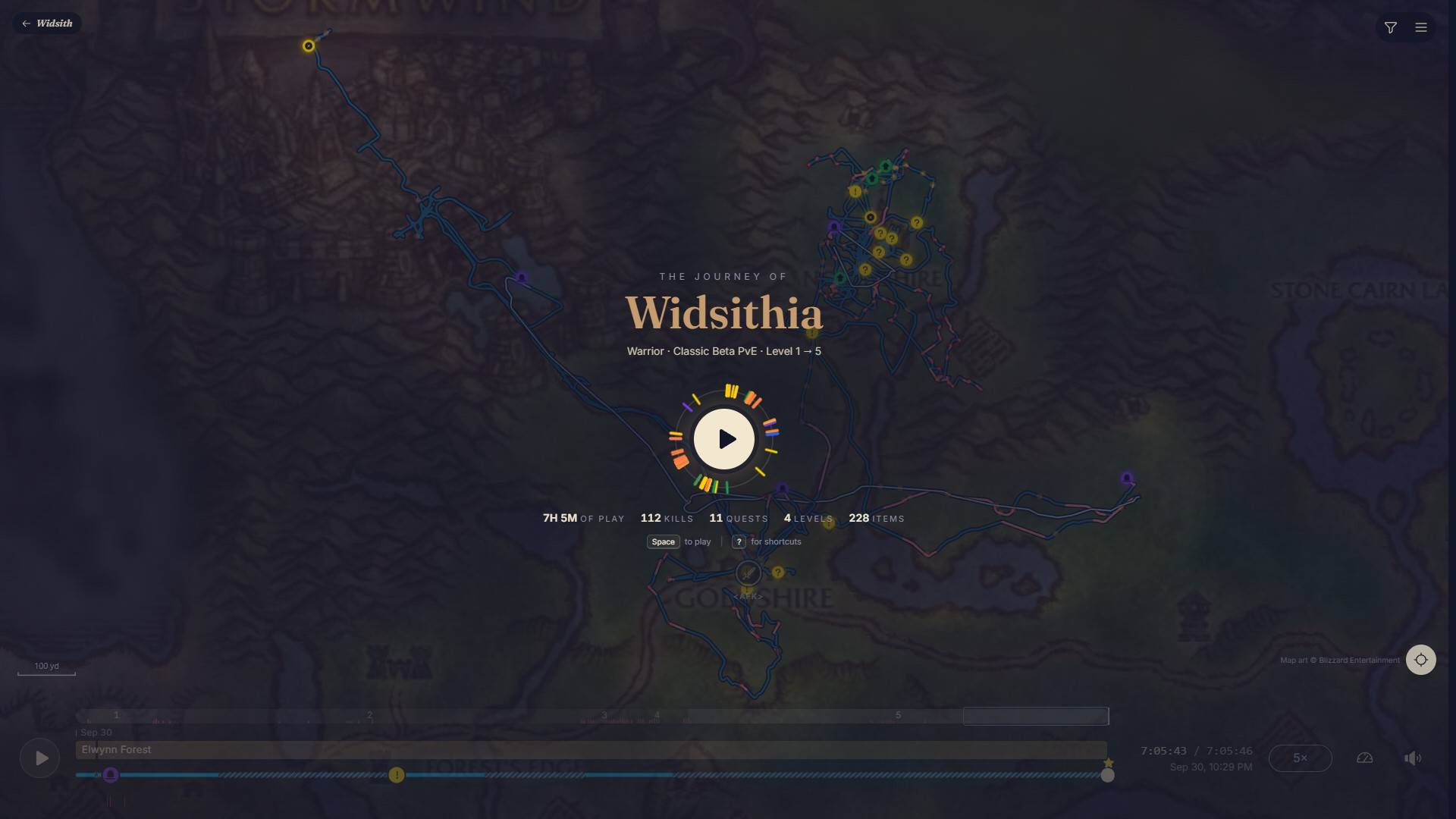
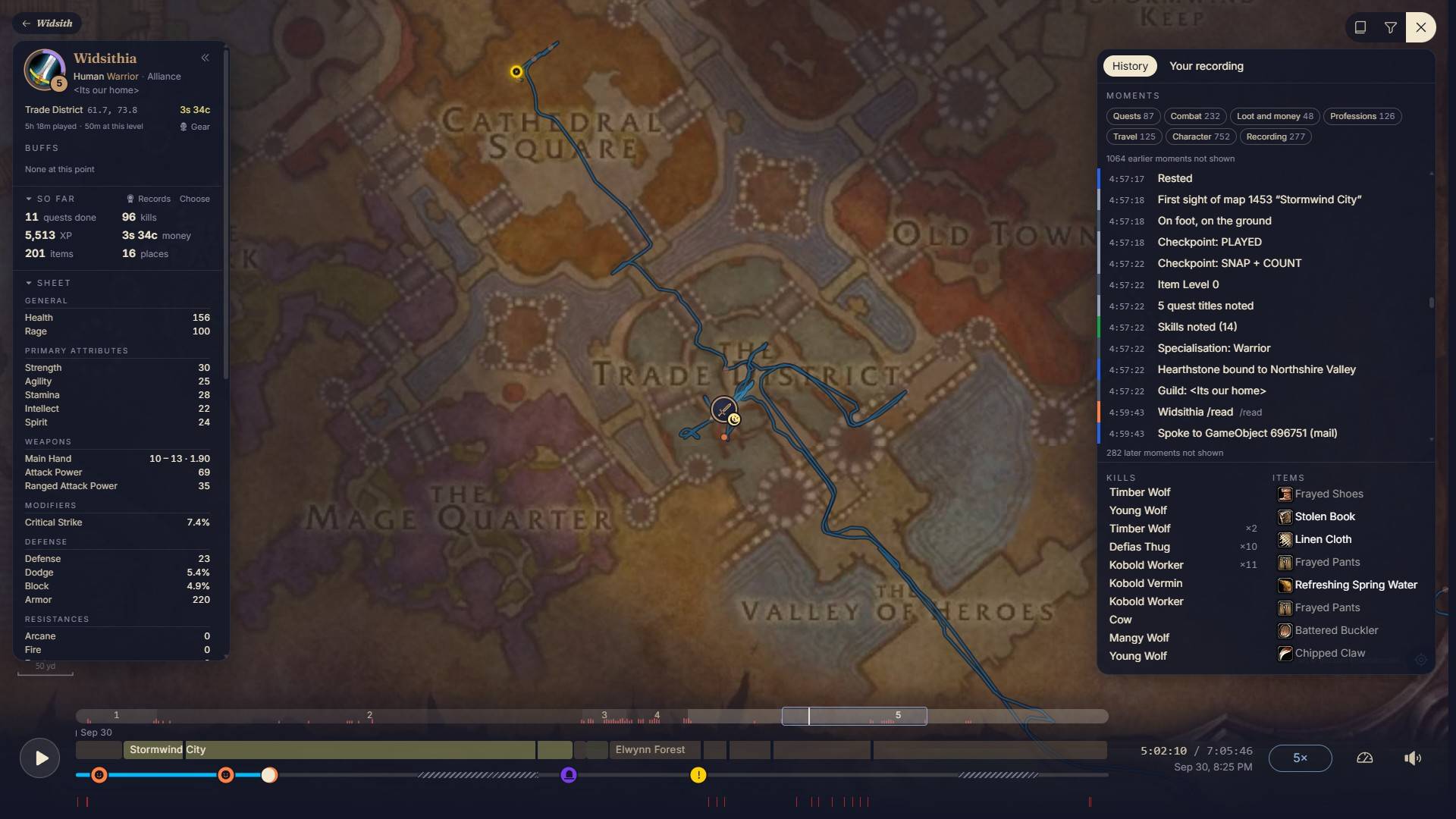
Records your character's journey as you play. The game saves it as Widsith.lua in your SavedVariables folder. You can open that file at widsith.app to replay it on the map in your browser to save, and see what your character has done and where, or make your profile public to compare yourself with others on the leaderboards and share your journey.
- Always on, unless you choose to pause. Nothing to set up, nothing to remember.
- Records where you went levels, money, quests, kills, loot, deaths, gear, professions, reputation, who you grouped with, and more.
- Doesn't record chat, your account name or anything outside the game.
- The file stays on your PC until you upload it yourself, or let the uploader do it for you.
- The flame icon by the minimap shrinks the longer you play without saving, then glows to remind you to save. Click it to save (this reloads the interface).
- Right-click the icon for the menu. Settings are also under Options → AddOns → Widsith.
- Works on Retail and WoW Forever.
If you prefer to have your progress uploaded automatically instead of manually uploading the file, a lightweight desktop app is available on the Widsith website that will automatically upload your progress whenever you save.
Commands:
/widsithfor status/widsith helplists the commands/widsith about/widsith save/widsith pauseand/widsith resume/widsith iconshows or hides the icon/widsith optionsopens the settings panel/widsith checkprovides internal diagnostic information
Free. Fan project, not affiliated with Blizzard Entertainment.
Website: widsith.app Discord: discord.gg/tpMB9SHgr9
Widsith Team