
Where's My Cursor?!
- By
Screenshot 2026-10-16 004945.png
Screenshot 2026-10-16 005050.png
Screenshot 2026-10-16 005115.png
Screenshot 2026-10-16 005155.png
Screenshot 2026-10-16 005315.png
all210_named.png
glow_shapes_named.png
all31_animations.gif
Description
# Where's My Cursor?!
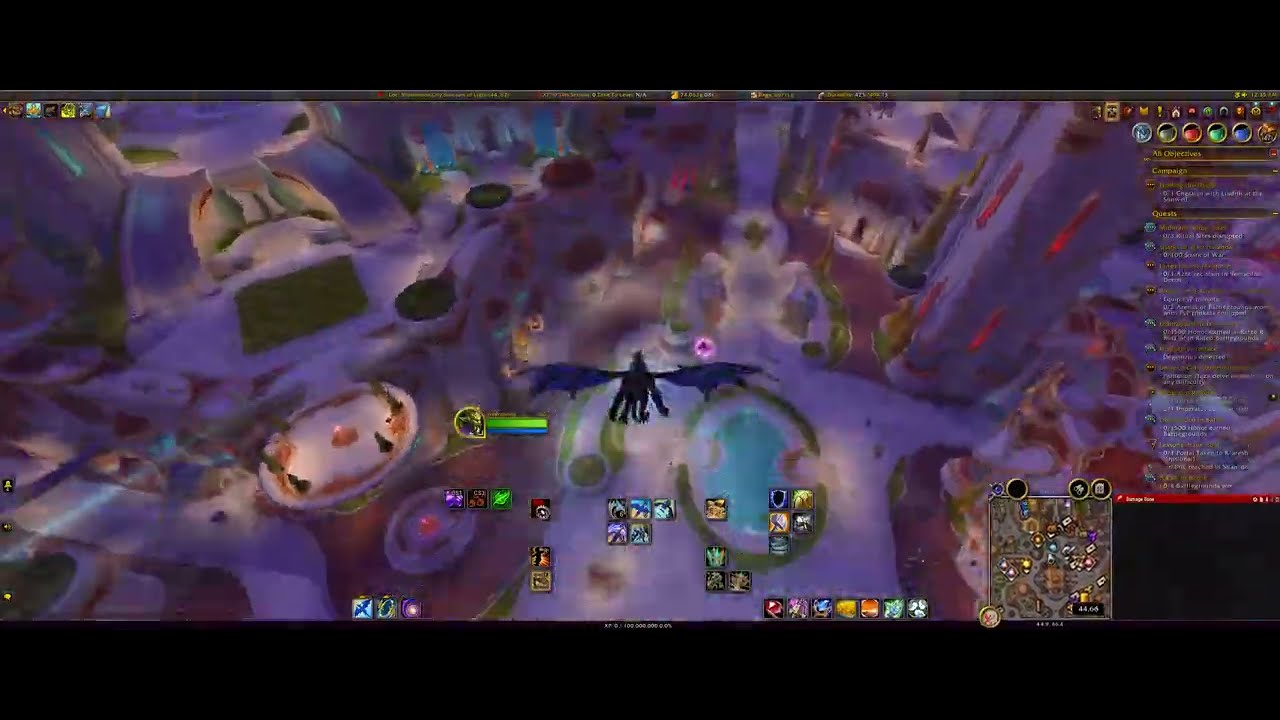
**TL;DR:** Normally, when you turn the camera, the game hides your cursor and drops it back where you started.
This addon shows an icon at that spot, so you never lose your cursor, especially in combat and raids.
Fully customizable.
---
Hold the right mouse button to turn your camera and the game hides your cursor, then drops it back
wherever you started. In a quiet moment that's a small annoyance. In the middle of a boss fight, it's
the difference between clicking the right thing and clicking the wrong one.
**Where's My Cursor?!** shows a small icon at the exact spot where your cursor will reappear while
you rotate the camera. The moment you let go, you already know where your cursor is, so you can
target, heal, click a raid frame or hit a button without hunting for it.
## Why it matters in combat and raids
- Dodge a mechanic, turn to face the boss, then click straight onto the right target or frame
- No more searching for your cursor in a busy raid UI when every second counts
- A bright icon with a glow is easy to spot in the middle of a chaotic fight
- It only appears while you're actually turning the camera, so it never gets in your way
## Make it yours
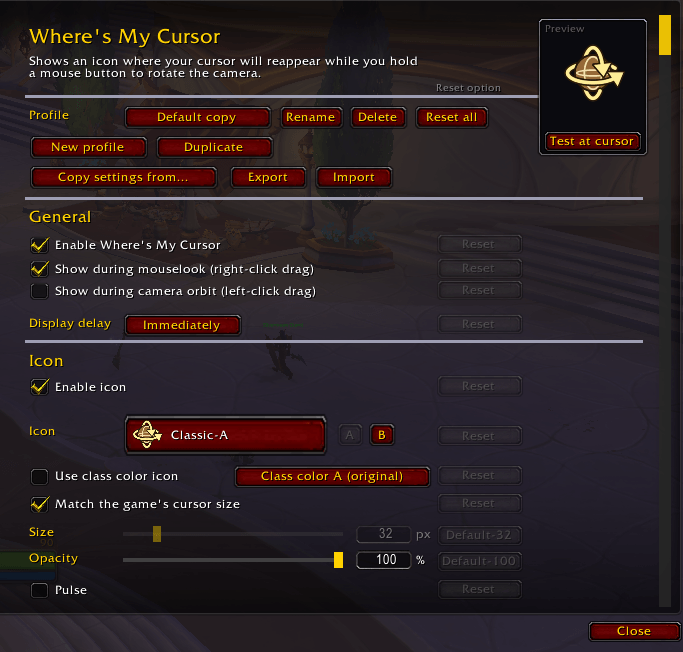
Almost everything can be changed, so it can be subtle and tidy or loud and impossible to miss:
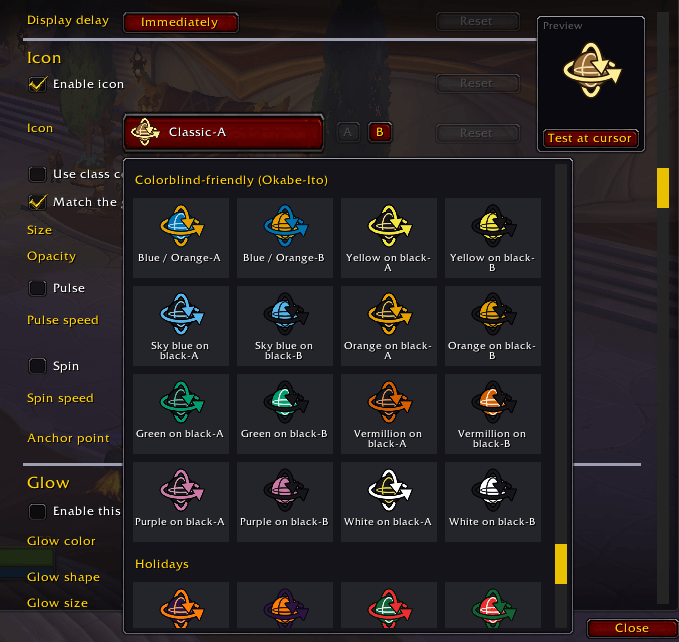
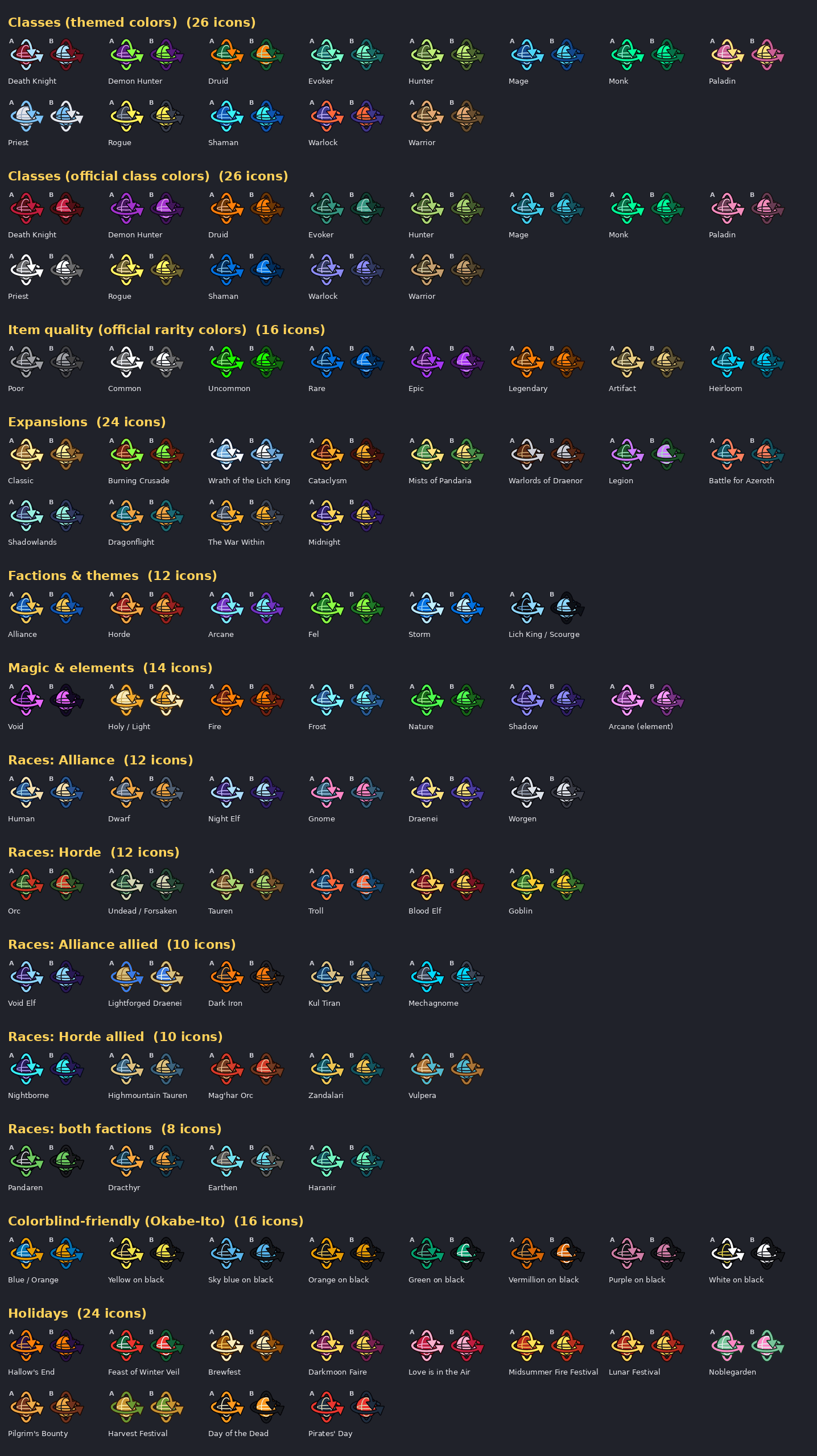
- **210 icons**: 105 colour schemes in two styles each, or an icon in your class colour
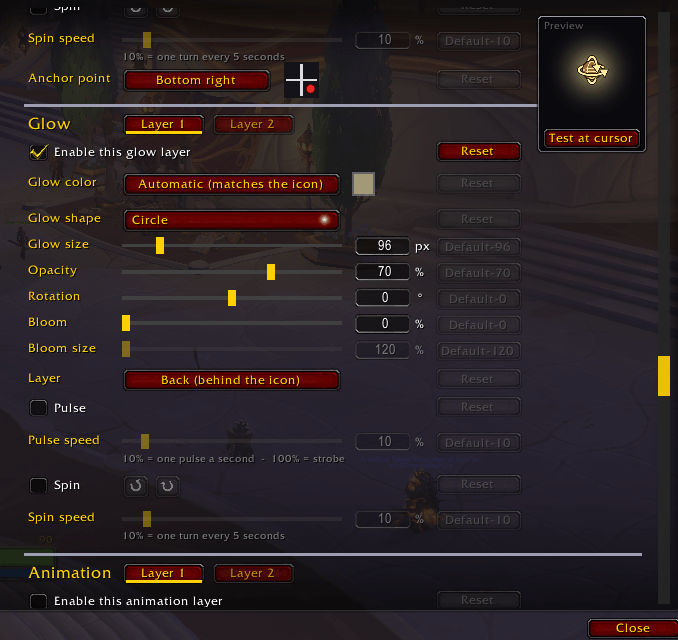
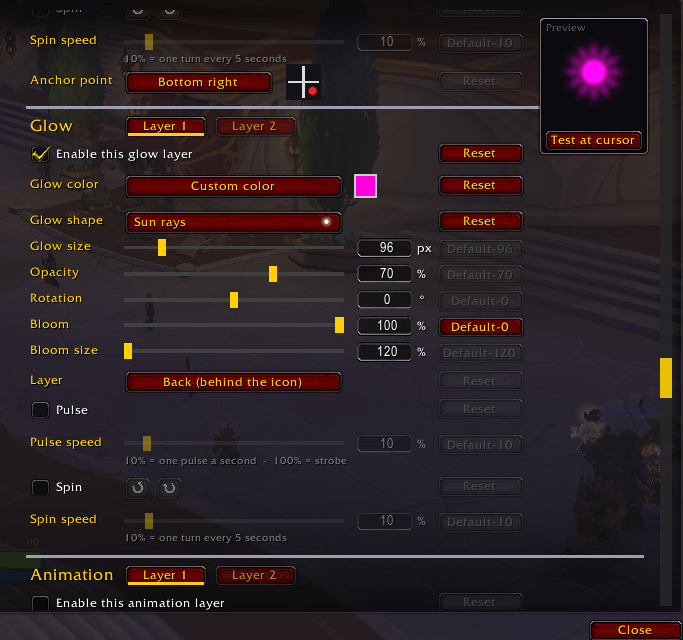
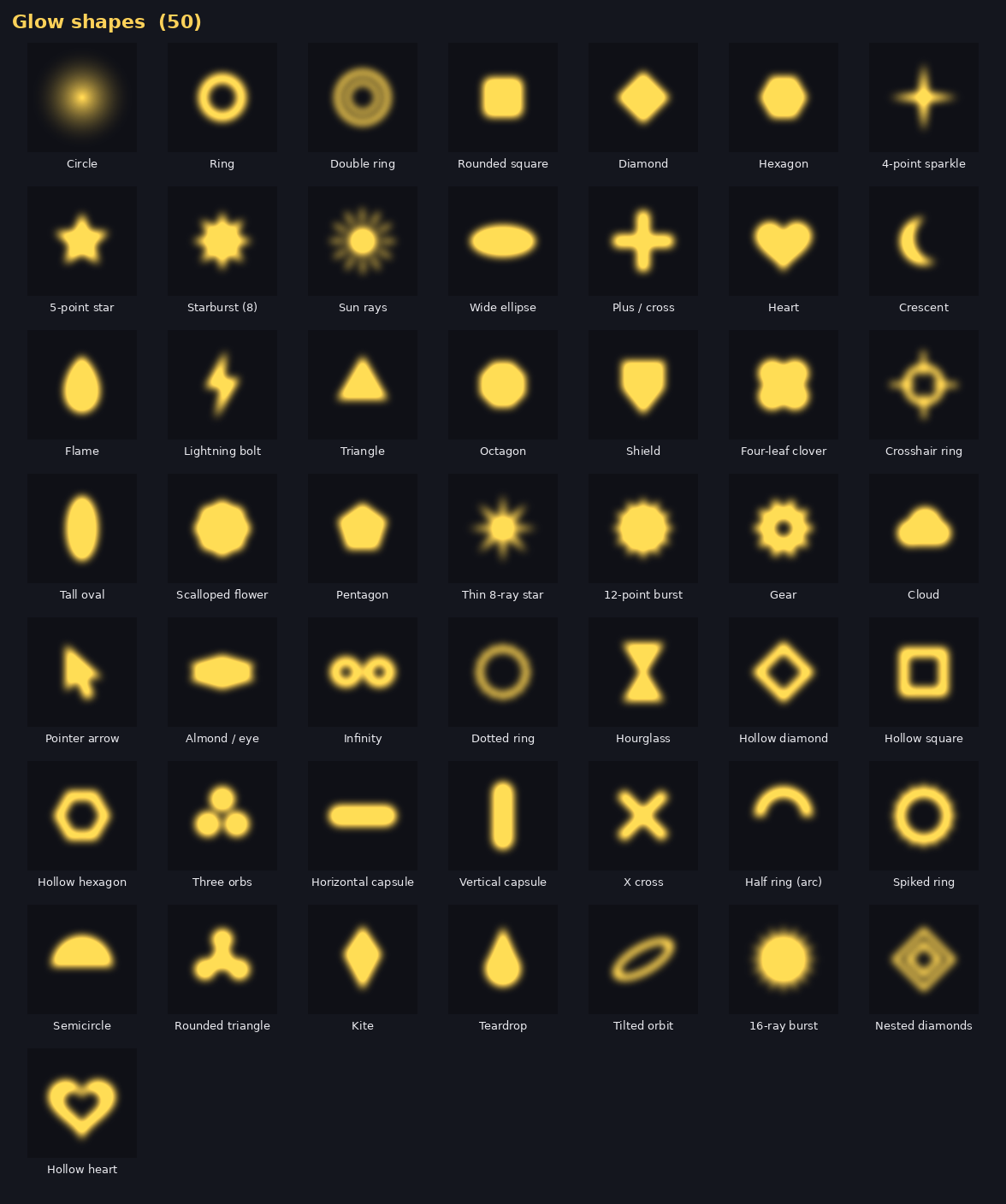
- **Two glow layers**: 50 shapes, rotation, colour, size, opacity, a soft bloom and an optional pulse
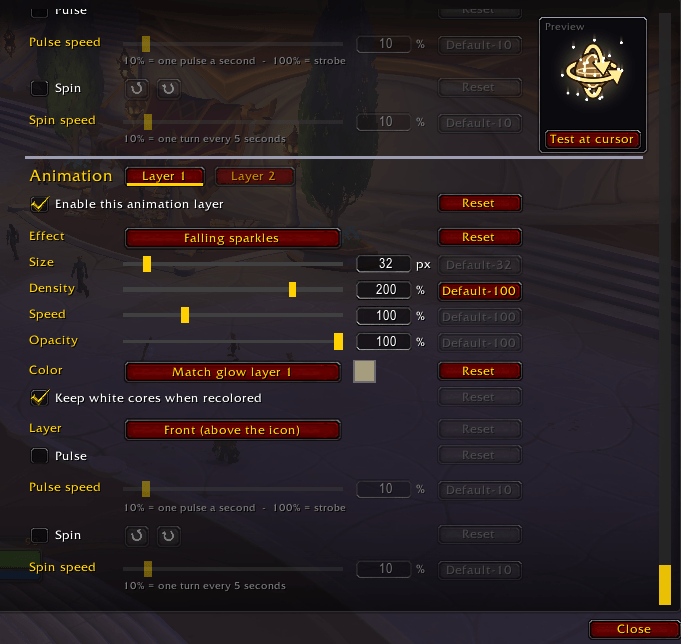
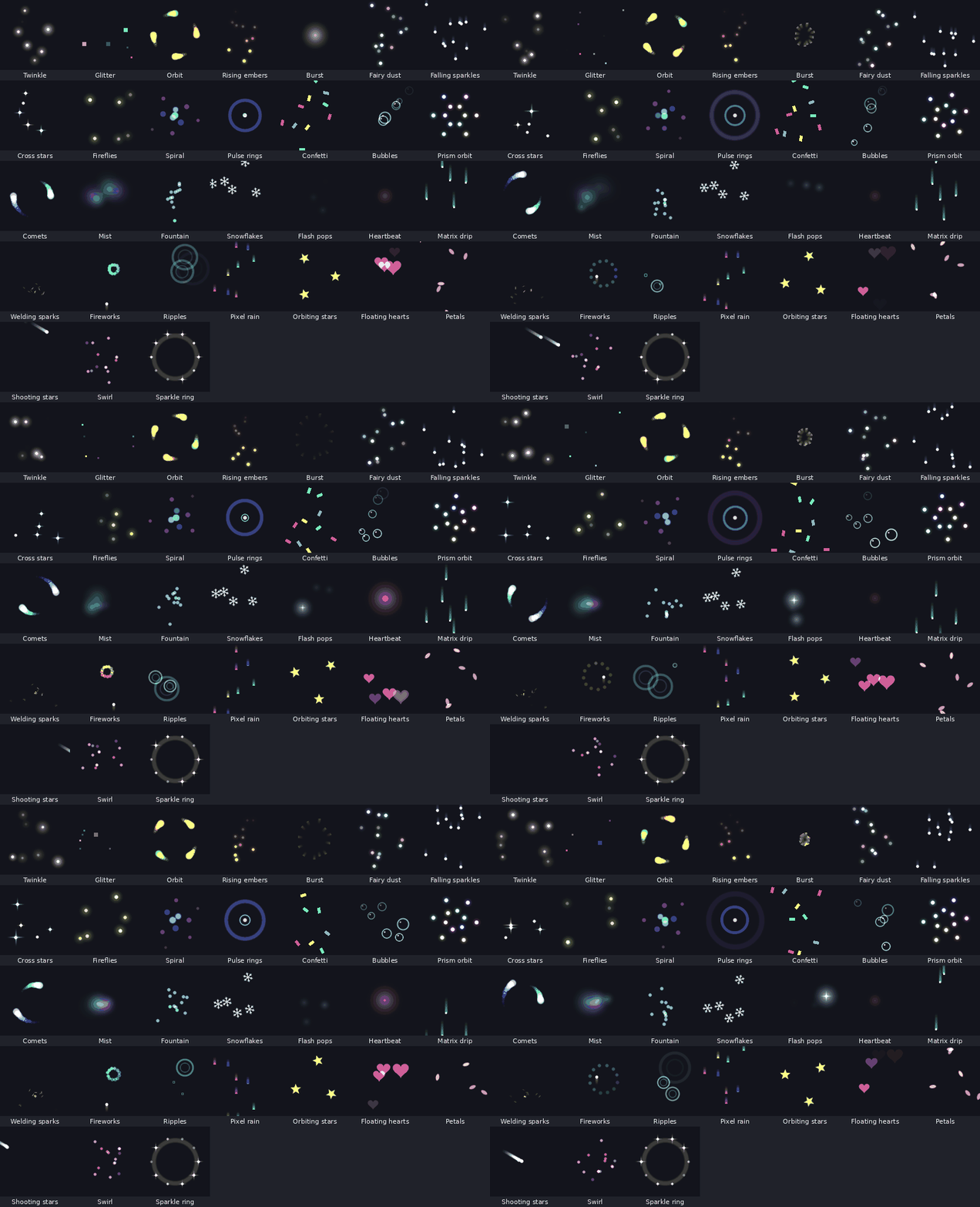
- **Two animation layers**: 31 sparkle and glitter effects (twinkle, embers, fireworks, snow and more)
with density, speed, colour and pulse settings
- **Layering**: put each glow or animation in front of or behind the icon
- **Position**: choose which corner of the icon sits on the spot, or centre it
- **Size**: follow your game cursor size, or set your own
- **Timing**: show it instantly or after a short delay of your choosing
- **Works for** right-click camera turning, and optionally left-click camera drag
- **Test button** to see your setup at your mouse pointer without turning the camera
## Getting started
Install the addon and it works right away. To tweak it, click the entry in the minimap addon list,
type `/wmc`, or open **Esc > Options > AddOns > Where's My Cursor**.
Free and open source (GPL-3.0). Uses only the standard addon API. It never touches combat actions,
chat or other players.
Where's My Cursor?! Team
