Where Is My Trainer?
- By
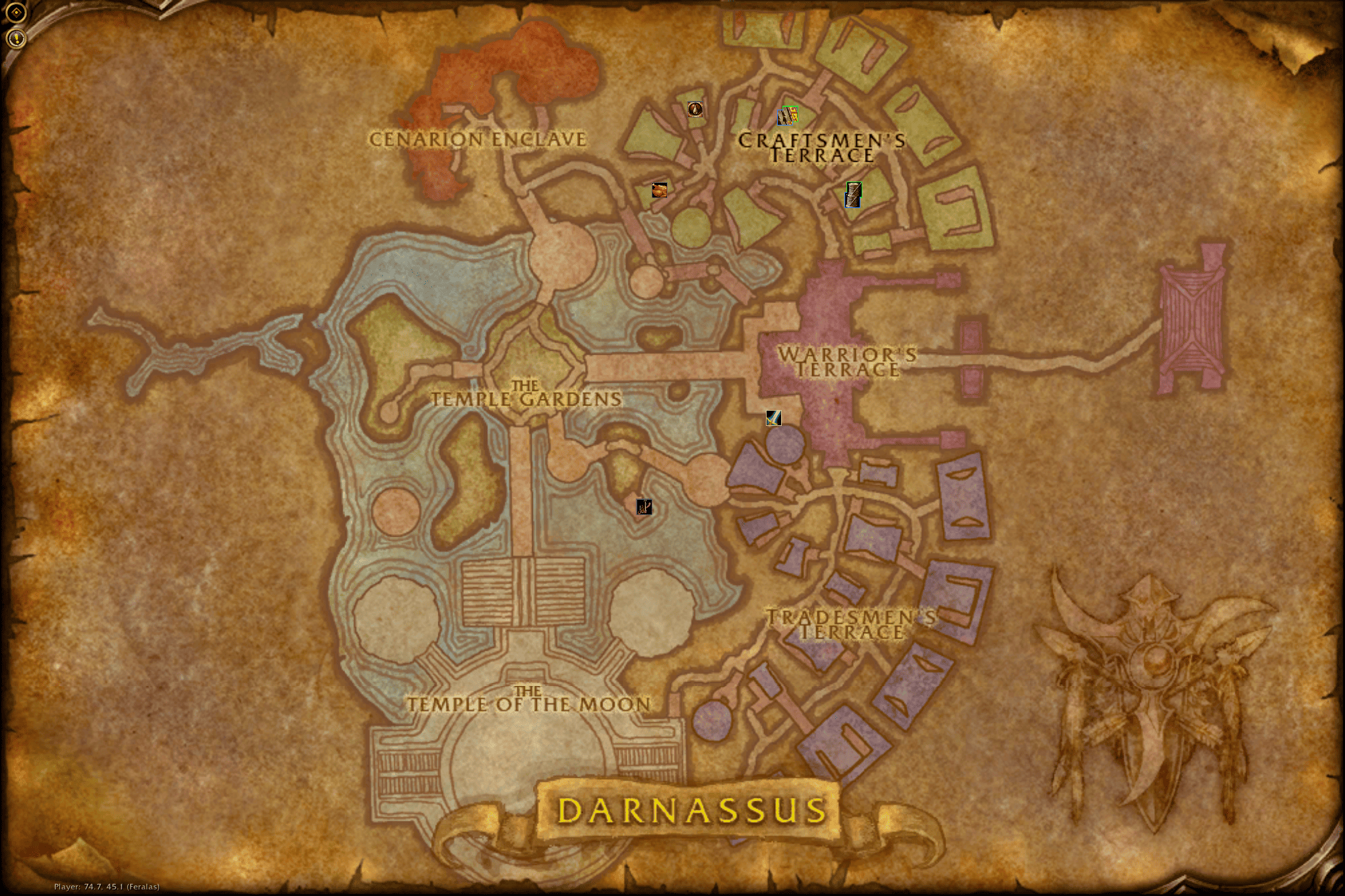
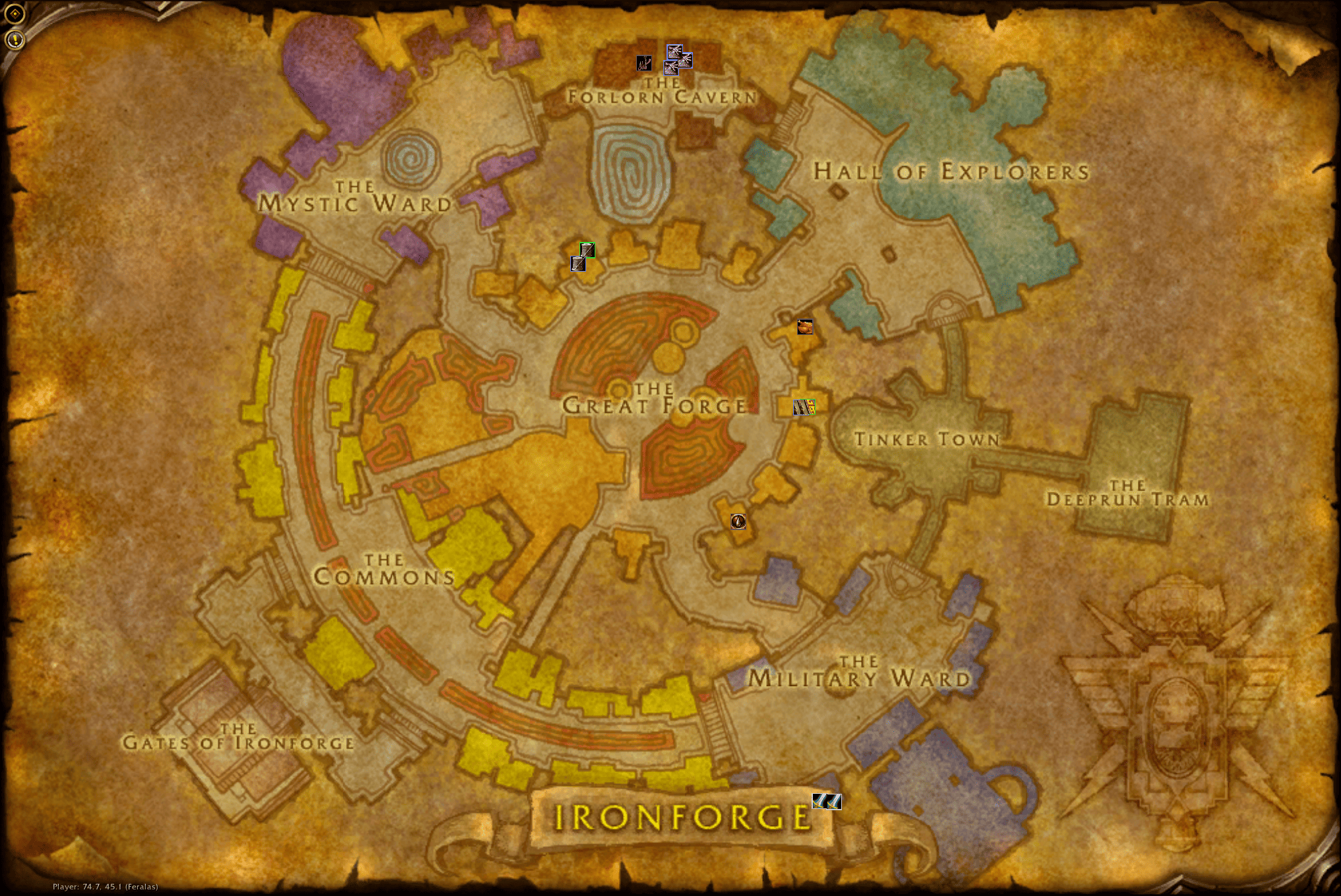
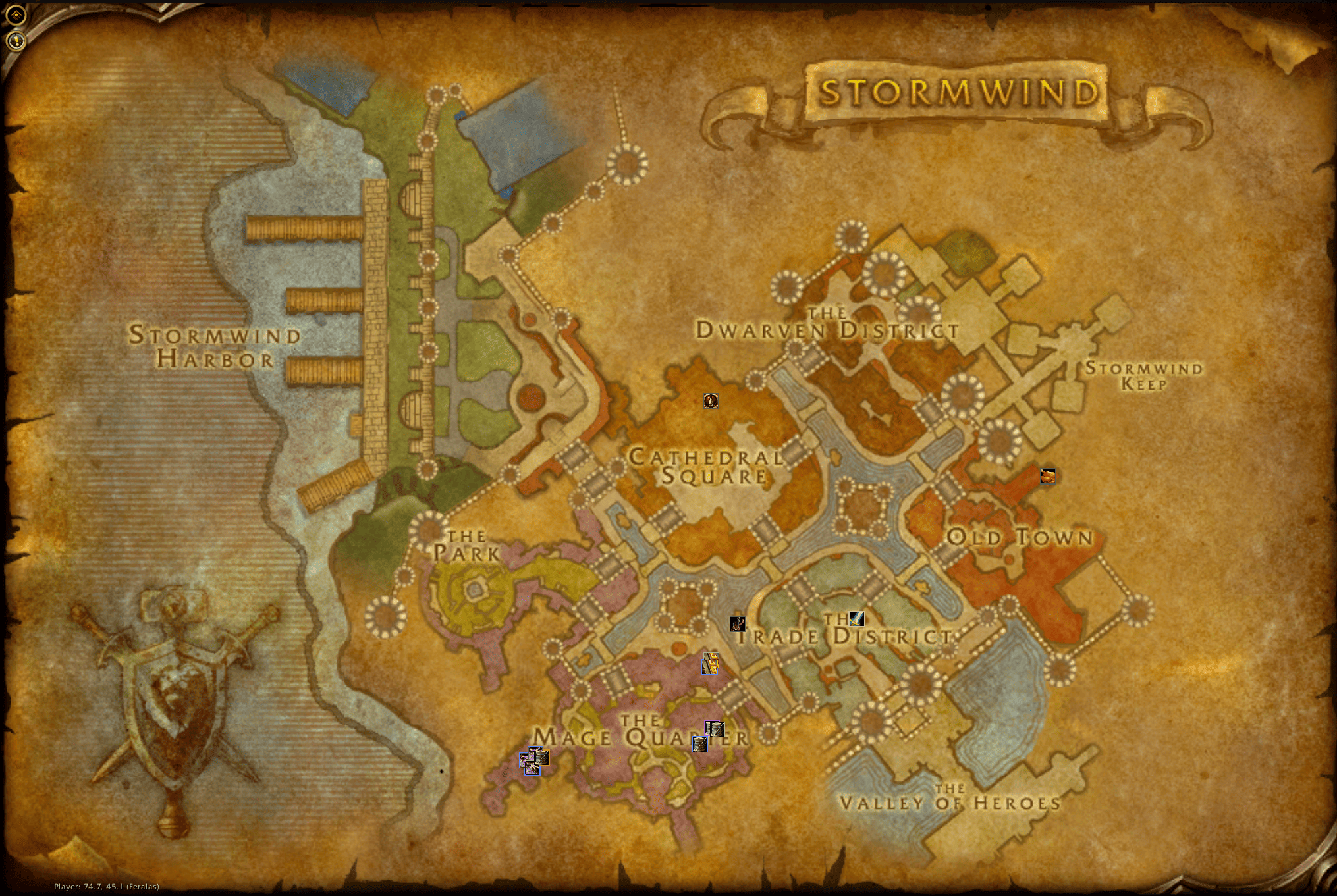
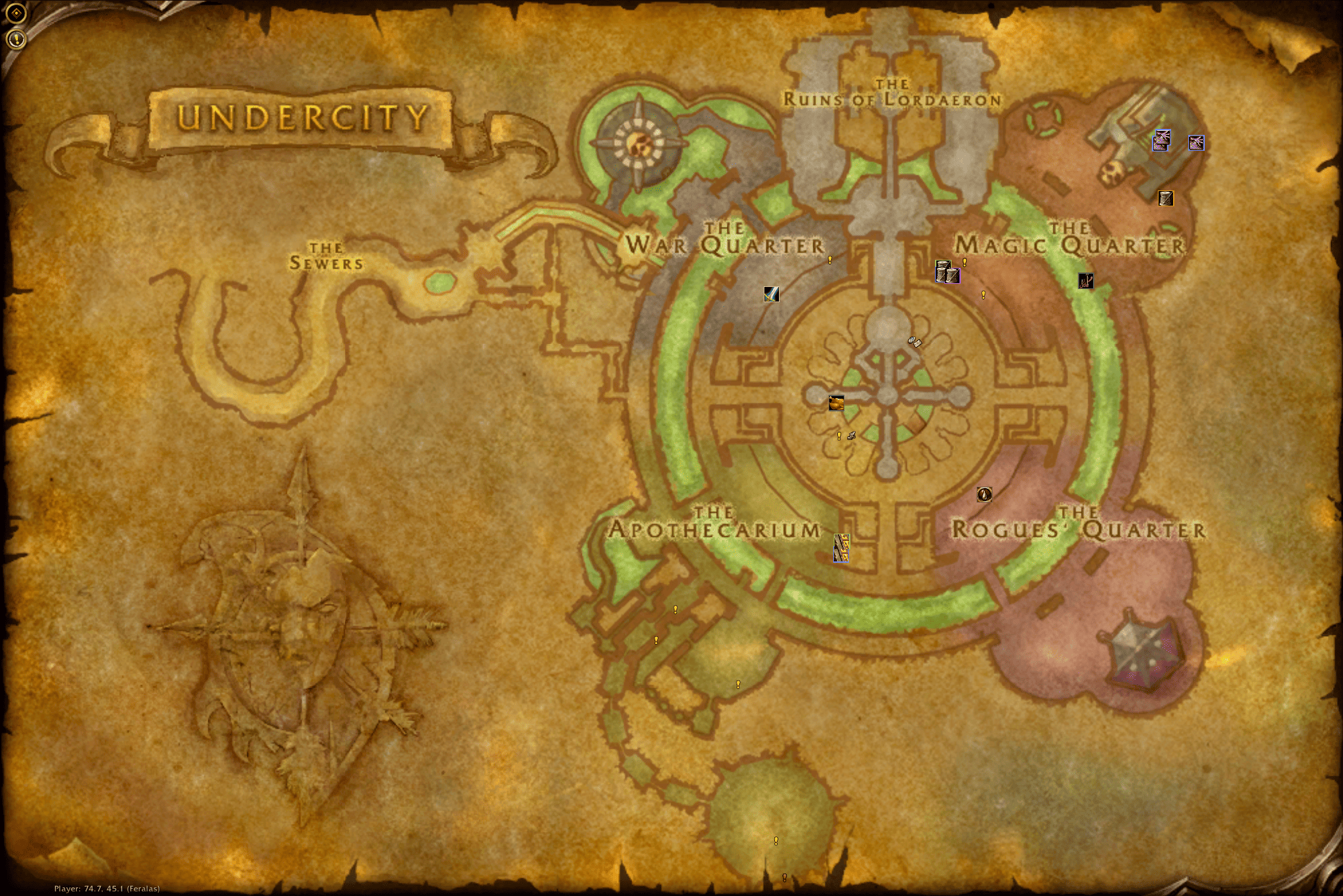
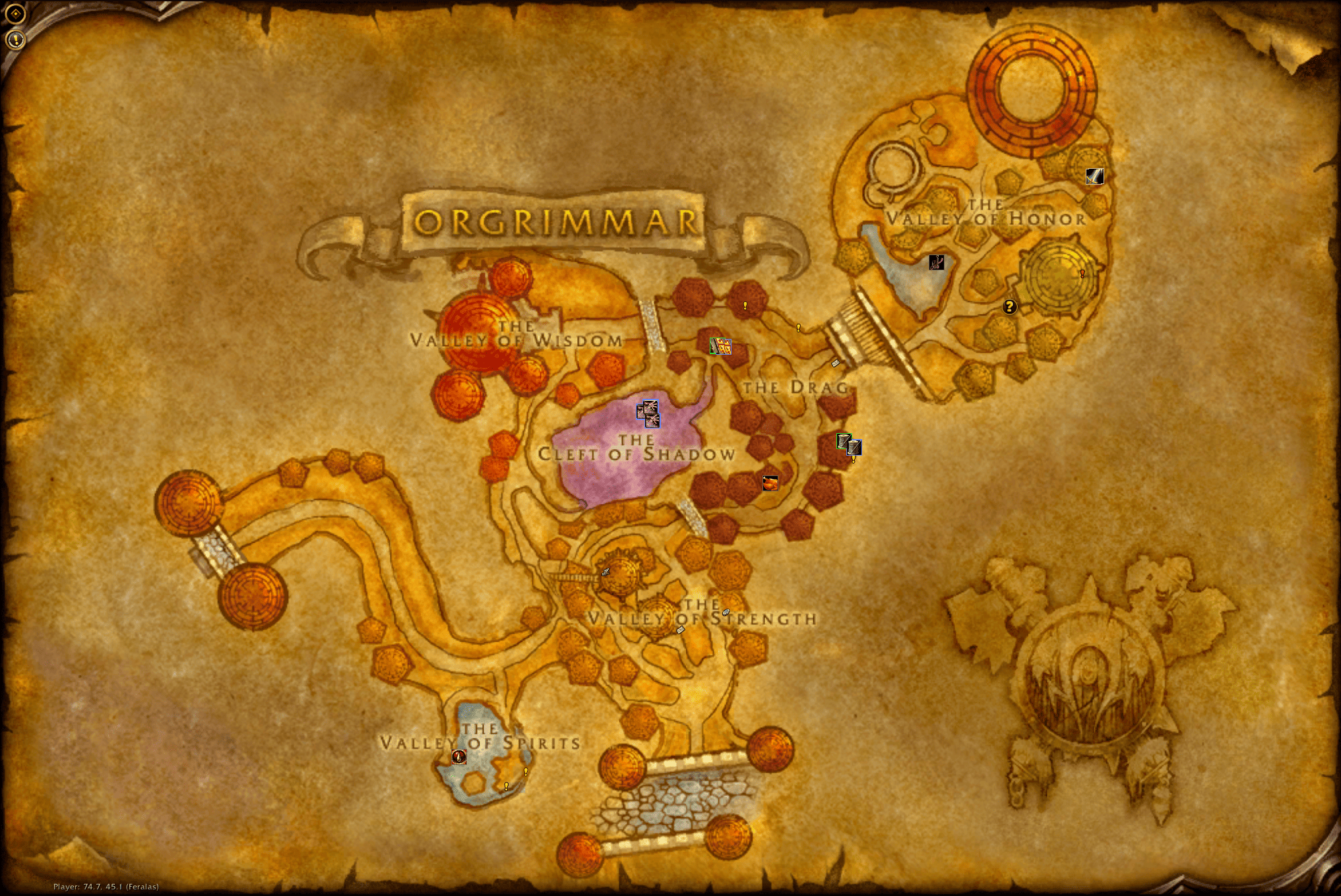
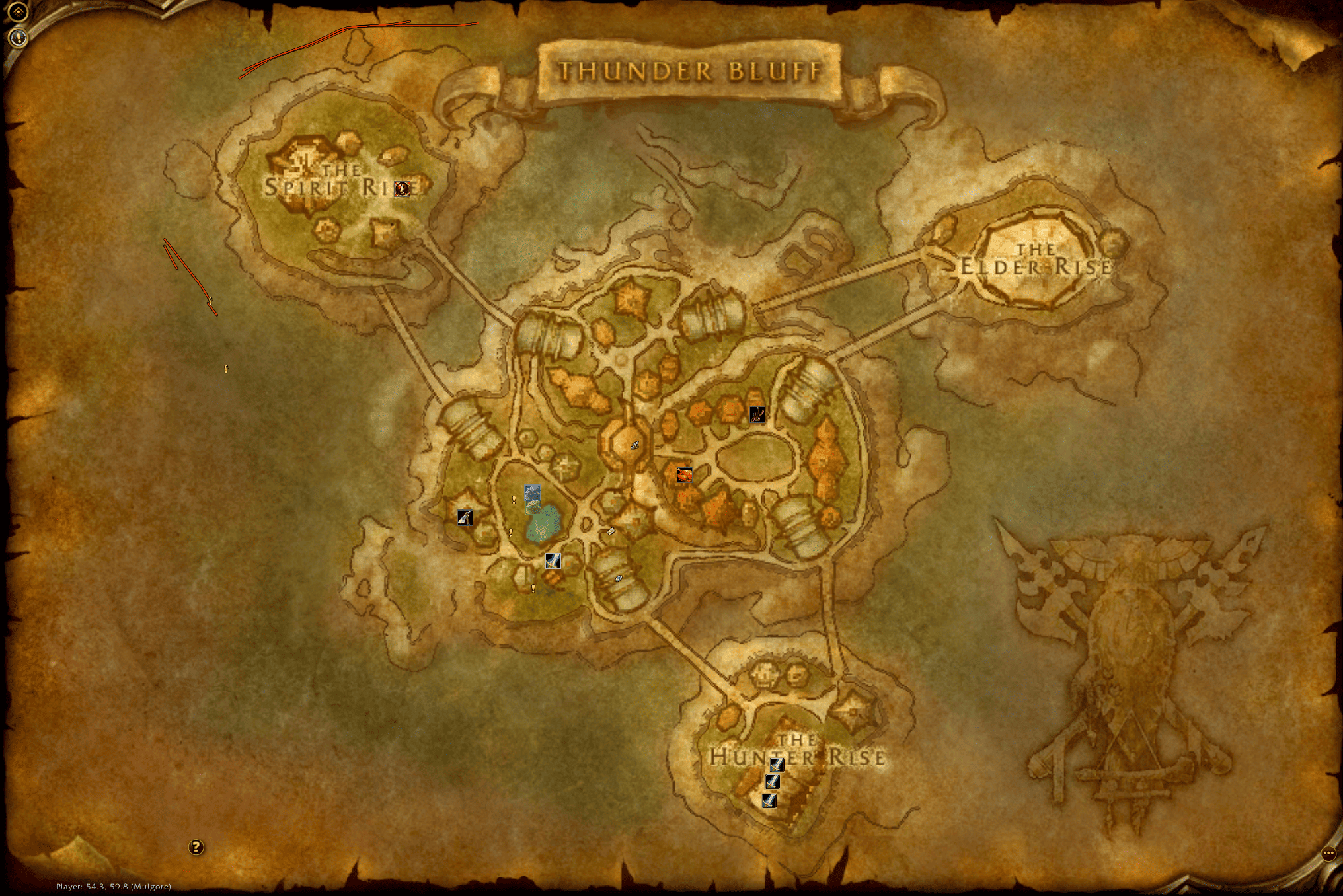
Shows class, weapon and profession trainers for World of Warcraft: Forever on the world map and minimap.
Description
Where Is My Trainer?
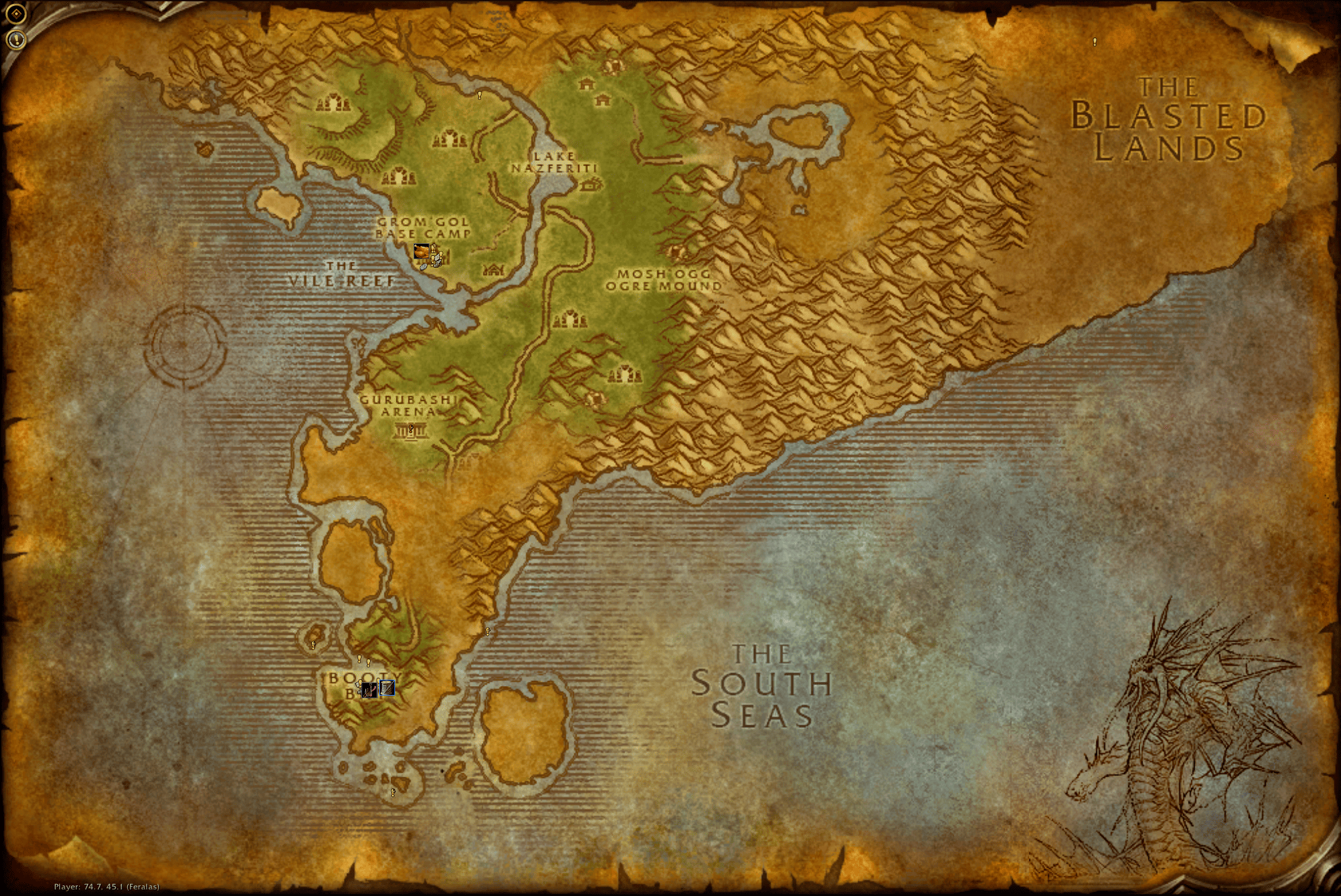
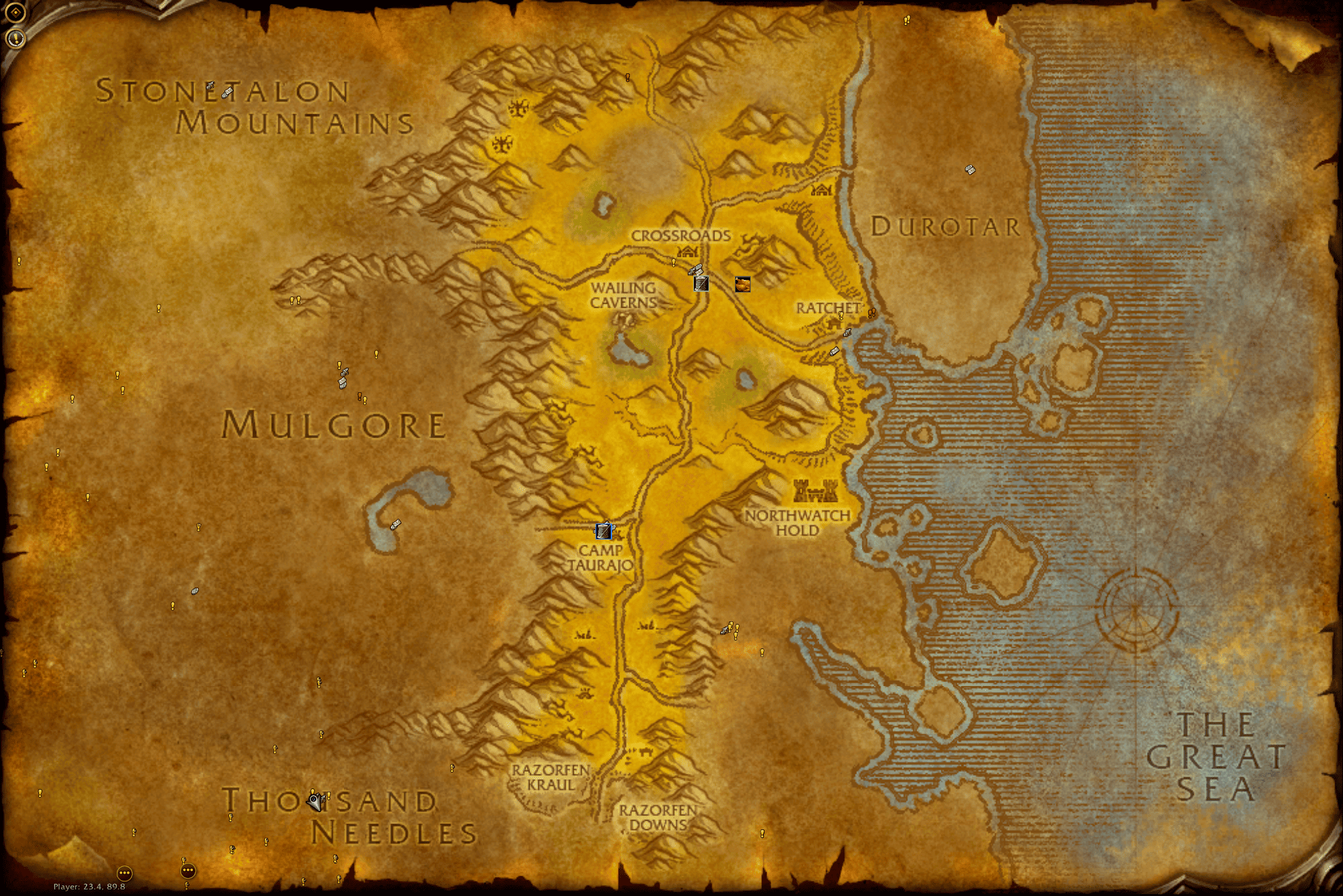
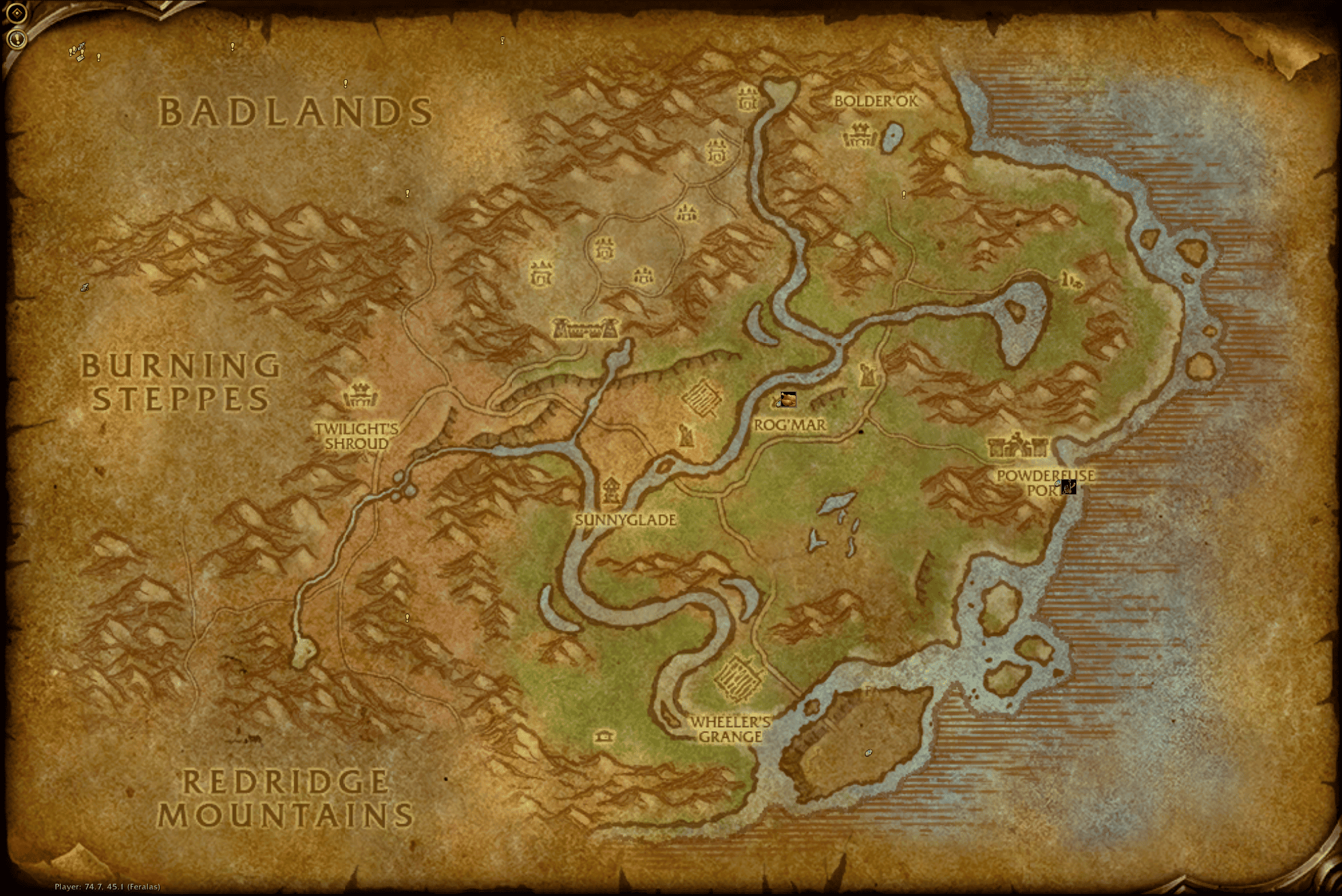
Never hunt for a trainer again. Where Is My Trainer? puts class trainers, riding trainers, weapon masters and profession trainers on your world map and minimap in World of Warcraft: Forever, with over 570+ trainers across Azeroth, including Forever's new zones and trainers.
No other addons required
Supports Open Map compatibility
Features
Map and Minimap Pins
- Each pin shows the icon of the class or profession it teaches
- Pins for Hunter Pet Trainers and Mage Portal Trainers
- Border colors show the trainer's level at a glance: Journeyman, Expert, Artisan and Master
- Hover a pin to see the trainer's name, type, level, location and your current skill
- Standing in a crowded city? The tooltip also lists other trainers at the same spot
- Optional always-on labels on the world map
- Pin size slider from 50% to 200% (Default: 100%)
- Right click a pin to hide a specific trainer (Show hidden trainers in settings to reset)
Shows What Matters to Your Character
By default you only see:
- Your own class's trainers
- Riding trainers
- Weapon masters
- Class specific trainers (Hunter Pet & Mage Portals)
- Trainers for the professions you've learned
- First Aid, Cooking and Fishing trainers, since any character can learn them in addition to two primary professions
New professions appear automatically as soon as you learn them.
Pin Tooltips
New Training, Training Type, & Training Cost
- Highlights when new class spells are available for training
- Profession and riding trainers display approximate training cost
- Weapon trainers show what weapon type(s) are available
- Displays trainer location
Show as Much or as Little as You Want
- Display all trainers: every class and profession for your faction
- Display hostile faction trainers: add the other faction's trainers
- Hide or show each trainer type: class, weapon and profession
- Filter profession trainers by level
- Turn individual professions and classes on or off, saved per character
Know Where to Go Next
- A gold glow marks the trainer for your next profession rank when you're ready for it
- Primary professions you have not learned can be dimmed
- Click any pin to set a waypoint (uses TomTom if installed, otherwise the game's own waypoint)
- Search from chat to find the nearest trainer
Minimap Button
- Left-click: open settings
- Right-click: toggle display all trainers
- Drag to move it, or hide it in settings
- Works with minimap button collector addons that support LibDBIcon
Commands
- /wmt - Opens Settings
- /wmt <search> - List the nearest matching trainers by name, title, or profession, e.g. /wmt alchemy
- /wmt zone - Lists every trainer in your zone
- /wmt status - Shows pin counts and your detected professions
- /wmt help - List of valid commands
Search results are clickable waypoint links, displays the nearest 3
Short Form Search
- /wmt <search> - Supports abbreviations
- /wmt bs
- /wmt lw
- /wmt lock
- /wmt pally
Settings
Open settings with '/wmt`, the minimap button, or Options > AddOns > Where Is My Trainer. Individual profession and class choices are on the Professions and Classes sub-page.
- Display all trainers (Default: off)
- Display hostile faction trainers (Default: off)
- Show pins on world map
- Show pins on minimap
- Show minimap button
- Highlight trainer for new class spells
- Dim primary professions I haven't learned
- World map pin size (100% default)
- Minimap pin size (100% default)
Reset hiden trainers with 'Show Hidden Trainers'
Good to know
- A trainer's level only appears when their in-game title states it. Titles like "Cook", "Herbalist" or "Mining Trainer" do not, so those pins show no level and will not get the next-rank glow.
- The addon is currently English only.
- Open Map compatibility
Credits & License
Released under GPL-3.0.
Uses HereBeDragons, LibStub, CallbackHandler, LibDataBroker and LibDBIcon.
Where Is My Trainer? Team