


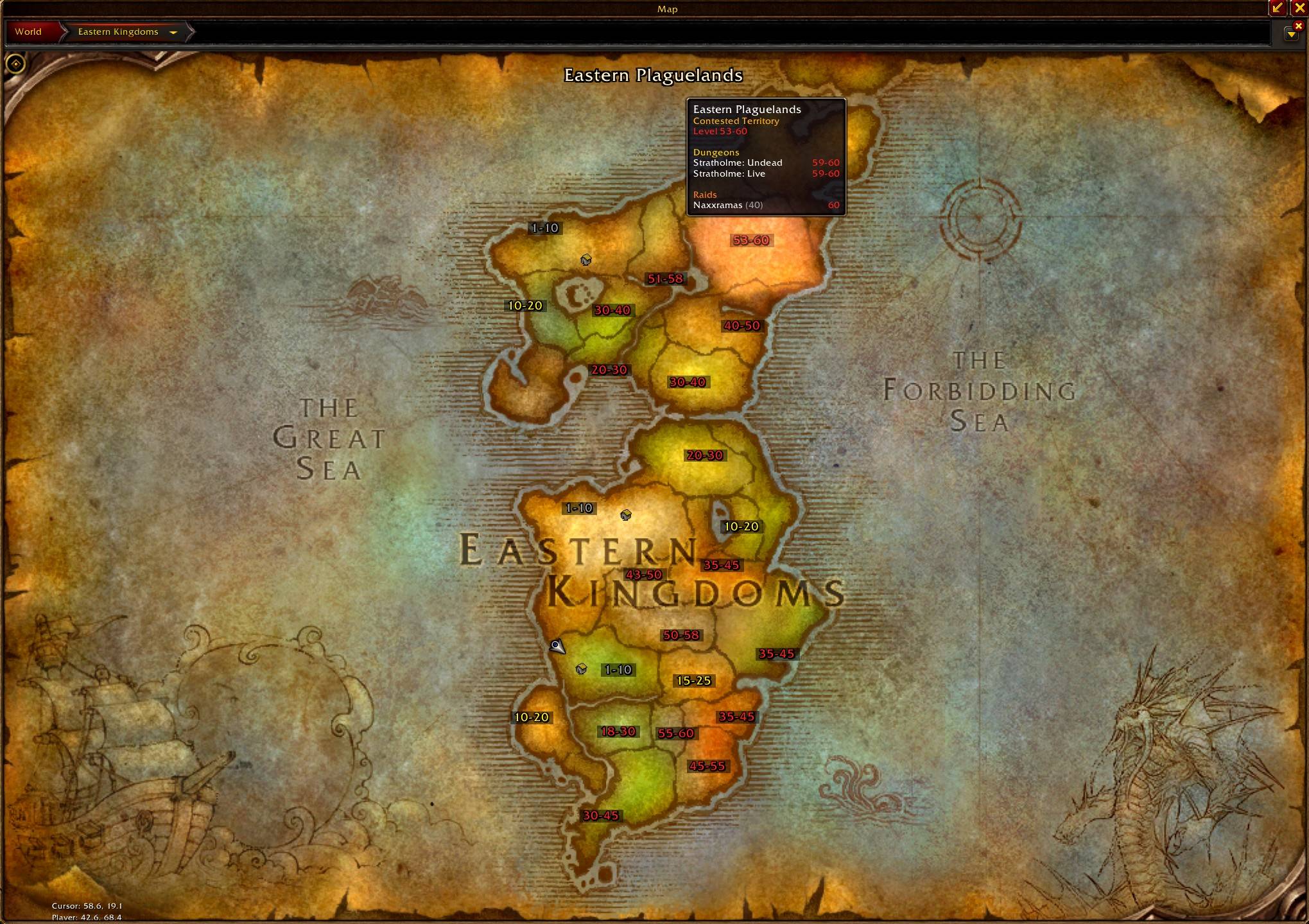
Every zone shows its level range, colored for your level
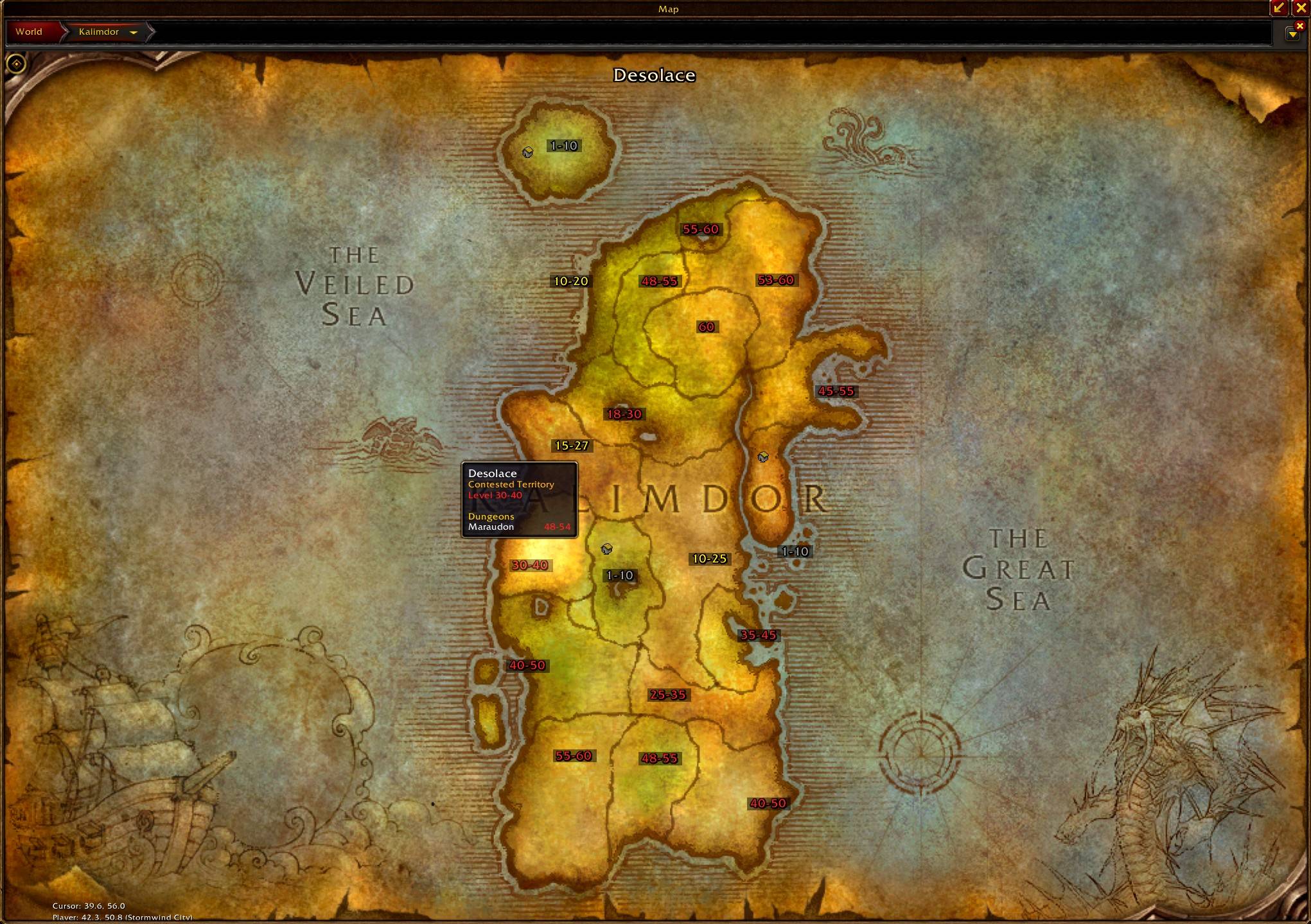
Hover a zone to see its level, faction and dungeons
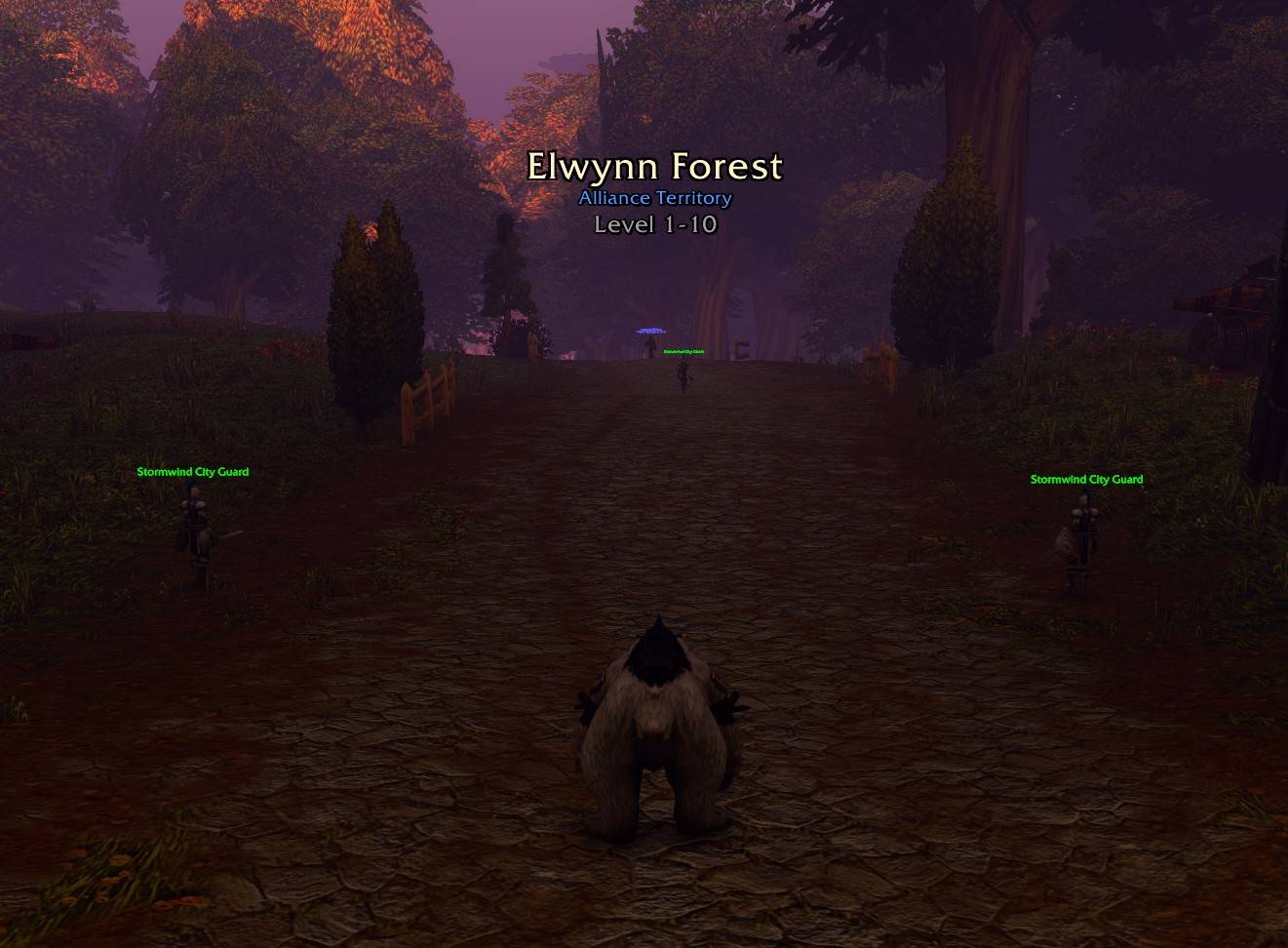
Zone level pops up when you enter a new zone
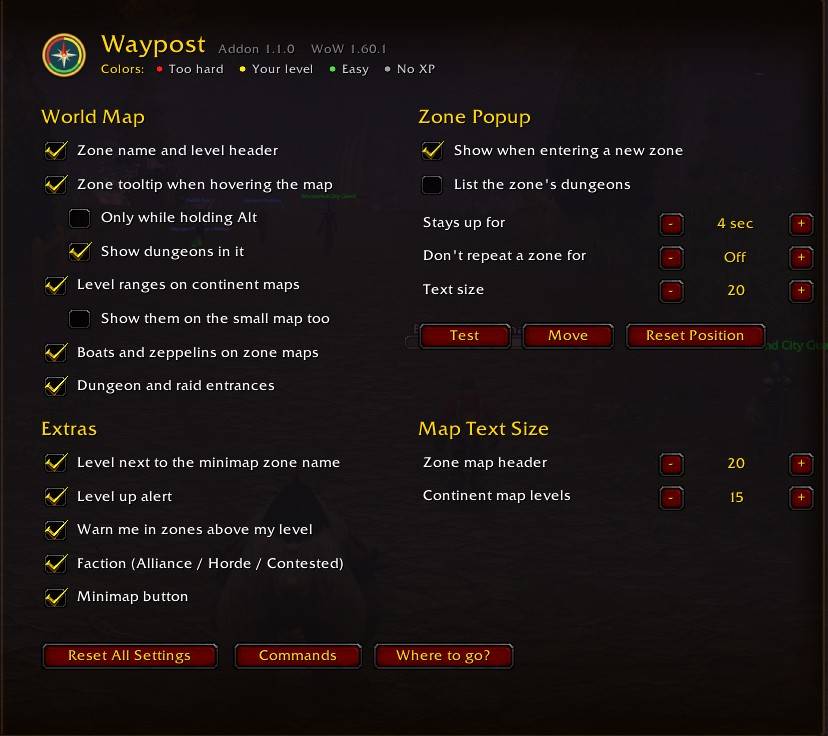
Turn anything on or off
Description
Waypost
Waypost colors zones and dungeons based on your level so you can open your map and see where you should be going.
Red is too high for you, yellow is your level, green is lower but still gives XP, and grey gives no XP.
On the map
- Every zone on the continent map shows its level range. Hover a zone to see its territory and what dungeons are in it.
- The small Map & Quest Log map stays clean by default. Just hover a zone, or turn the ranges on in settings if you want them there too.
- Zone maps show the zone name and level at the top with an Alliance or Horde icon.
- Dungeon and raid entrances are marked on the map.
- Hovering the edge of a zone map shows the level of the zone next to it.
While you play
- When you walk into a new zone the level range shows up under the zone name. Same thing when you walk into a dungeon.
- If you wander into a zone that's a few levels above you, it warns you.
- The zone level shows next to the zone name on your minimap.
- When you level up it tells you which zones and dungeons just opened up for you.
Boats and zeppelins
All the boats and zeppelins are on the map. Hover one to see where it goes, how often it runs and how long it sits at the dock. Click it when the boat pulls in and it'll count down to the next one.
Where should I go?
Type /wp where or right click the minimap button. It lists the zones and dungeons that fit your level right now and what's coming up next. Contested zones are marked and you can click any zone to open it on the map.
Commands
| Command | |
|---|---|
/wp |
Settings |
/wp where |
Where should I go? |
/wp commands |
Every command |
/wp test |
Preview the zone popup |
/wp move |
Move the zone popup |
/wp reset |
Back to defaults |
You can turn anything off in settings.
Made for WoW Forever 1.60.1
Waypost Team
