WayBook
- By
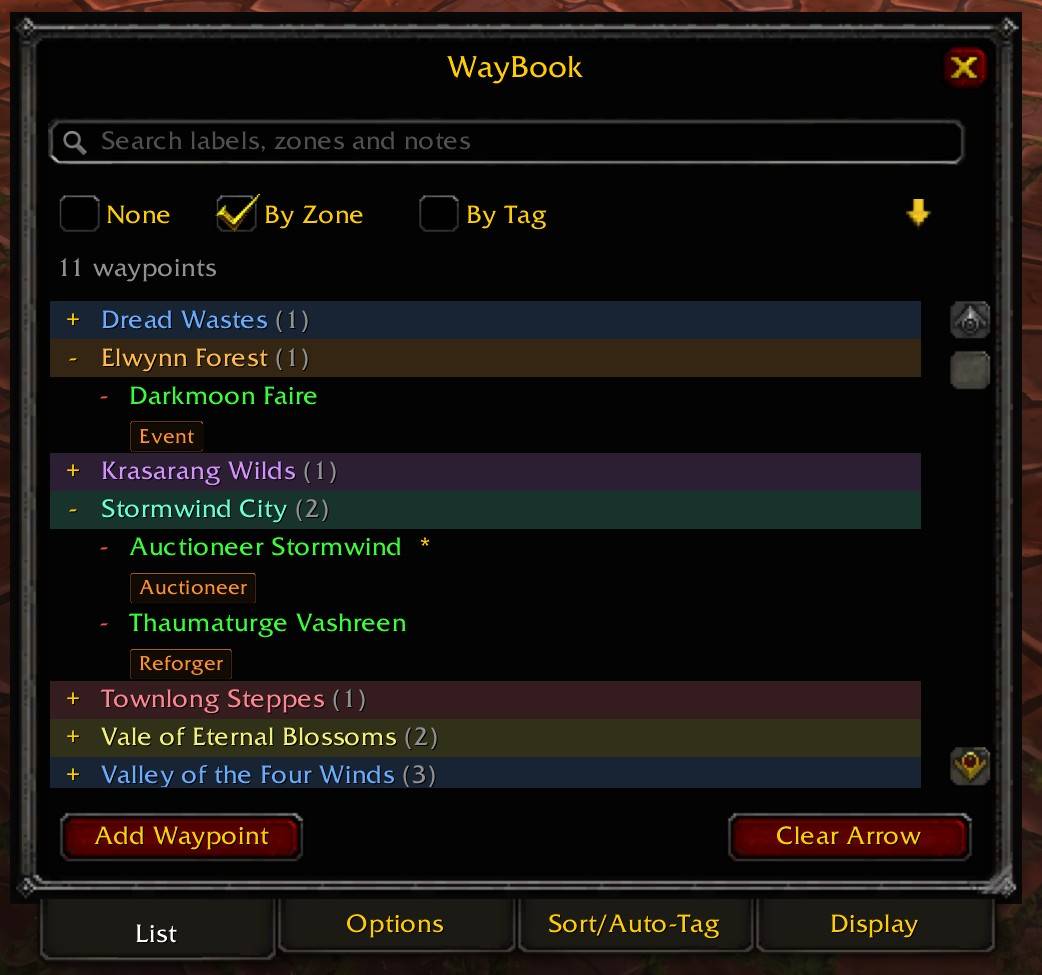
Main Interface.jpg
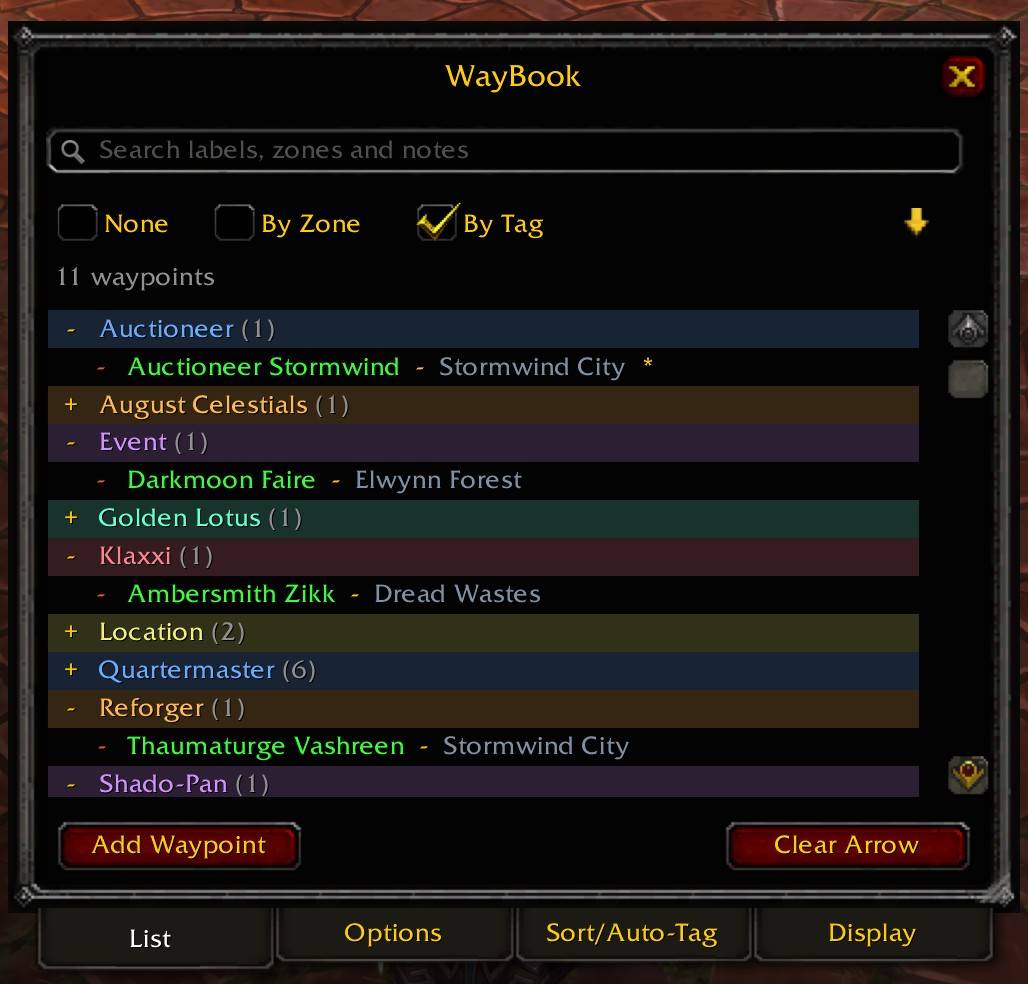
Sorted by tags.jpg
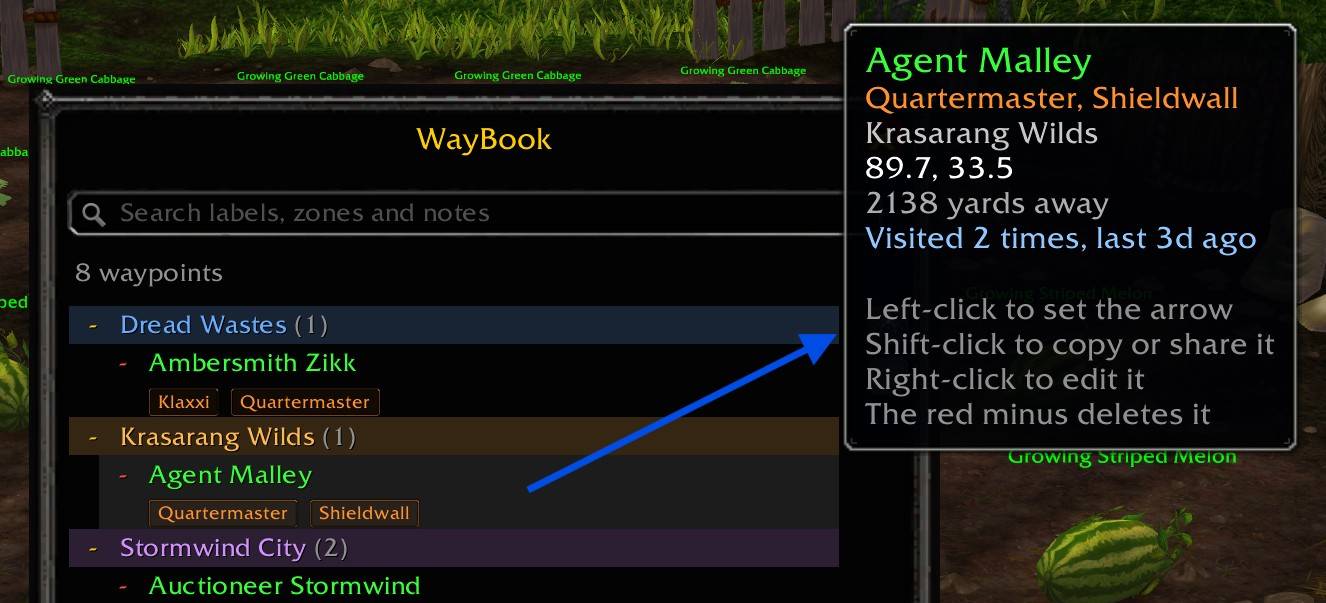
Detail flyout.jpg
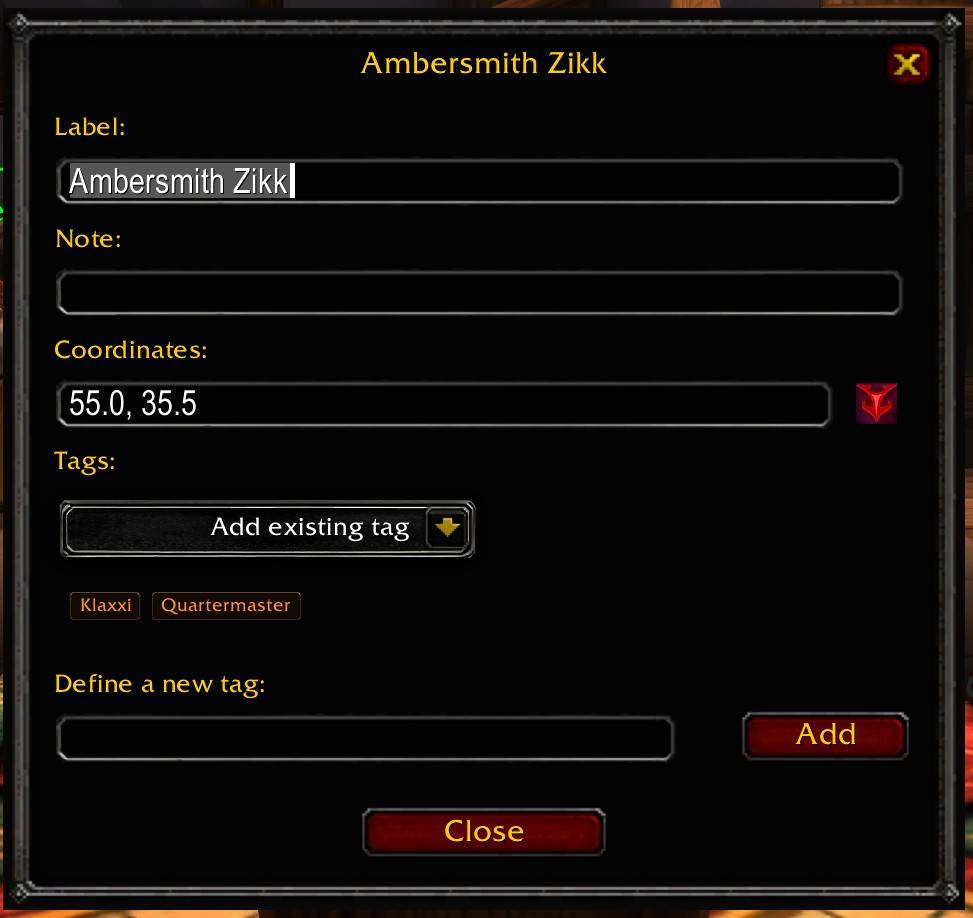
Add Waypoint.jpg
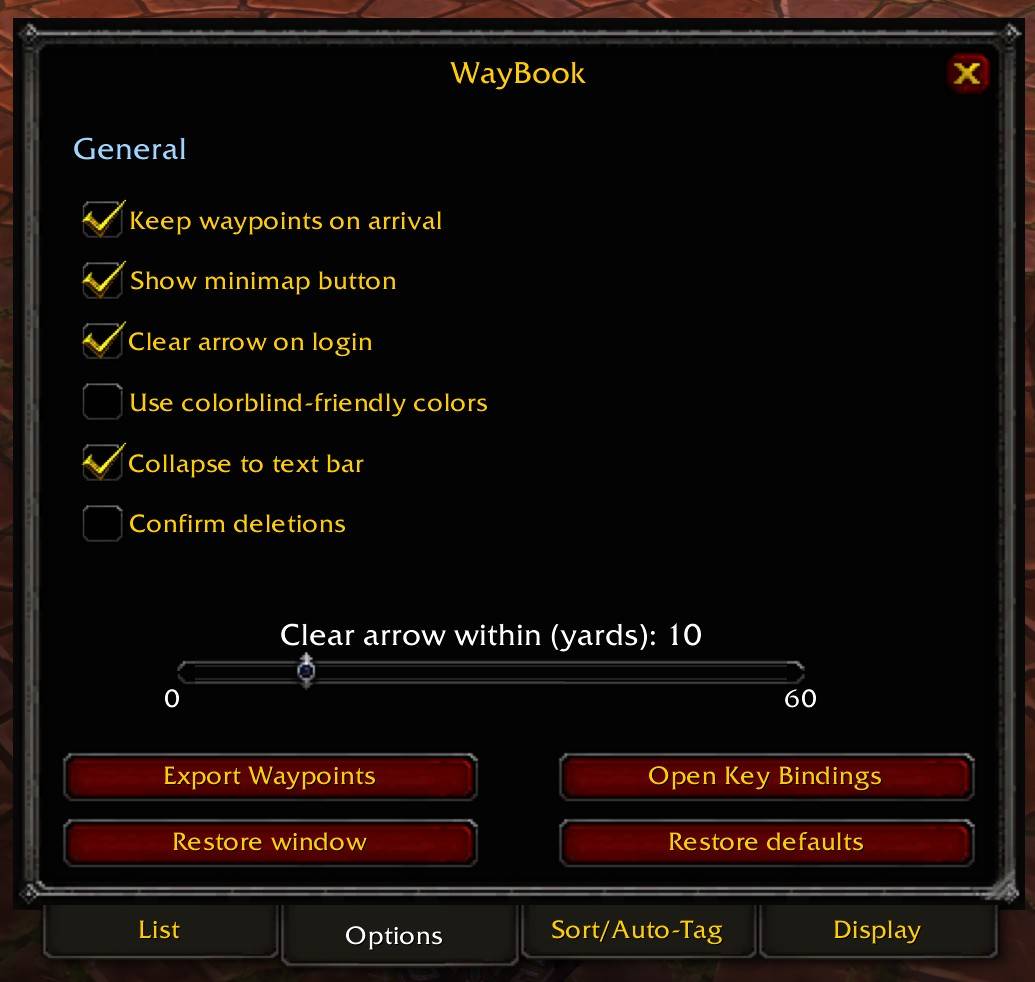
Options window.jpg
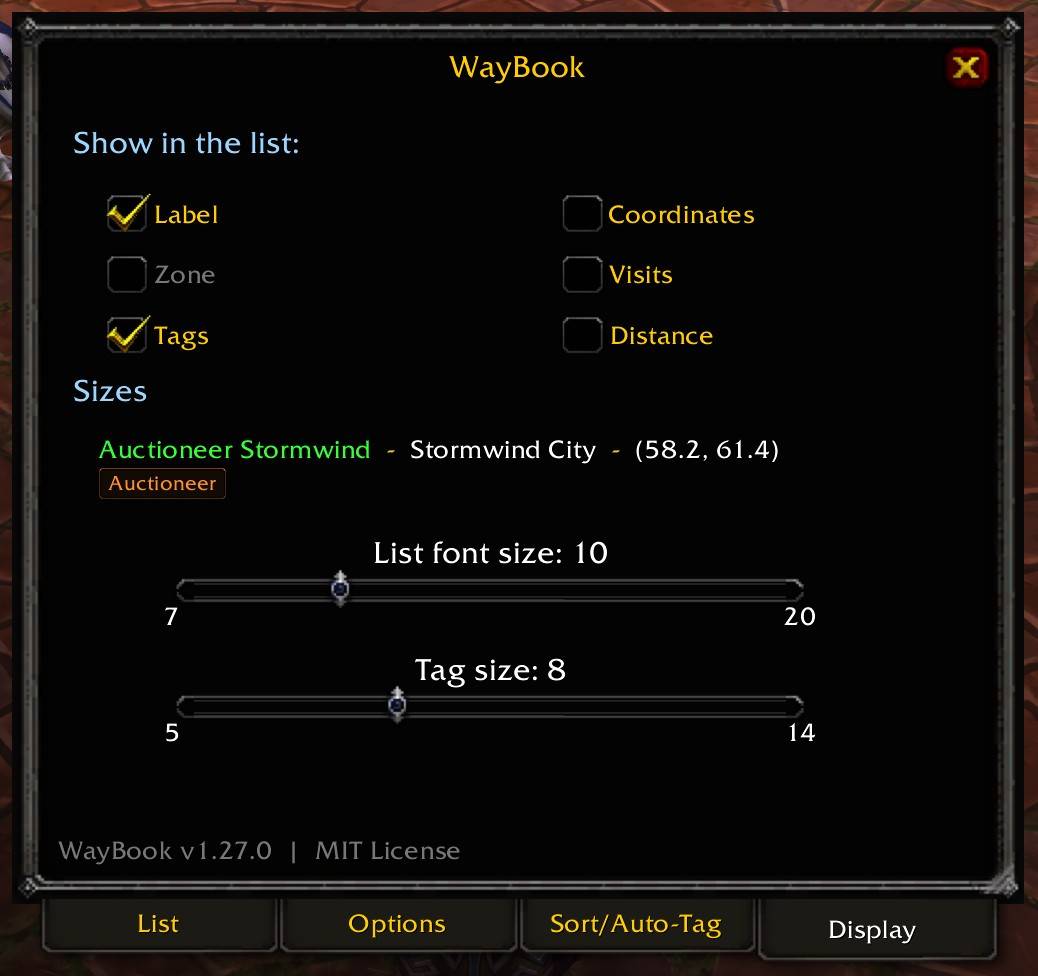
Display Options.jpg
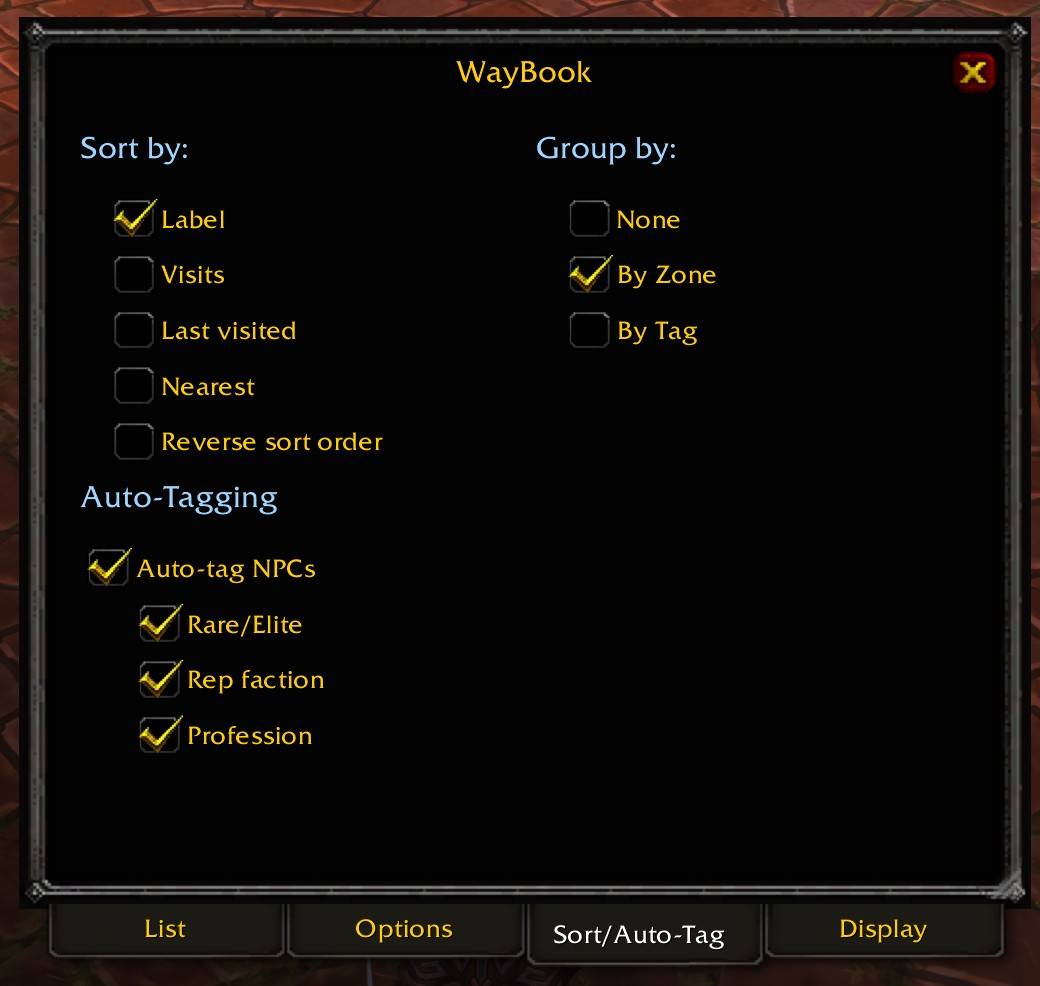
Sorting & Auto-Tagging.jpg
Description
WayBook turns the waypoints you already save with TomTom into a browsable, searchable address book. Instead of hunting through a flat list, you get your locations grouped by zone or by tag, color-coded, and annotated however you like.
Requires TomTom. WayBook does nothing without it.
WHAT IT DOES
- Search across labels, zones, and notes. Words are matched in any order, so "bank org" and "org bank" both find the Orgrimmar bank.
- Group by zone, by tag, or not at all, with the controls right under the search box. Tag grouping is true many-to-many: a waypoint tagged "Auctioneer, Klaxxi, Quartermaster" shows up under all three headers.
- Sort by label, visit count, last visited, or distance, in either direction.
- Tag once, reuse forever. Define a tag the first time you need it and pick it from a dropdown after that. Tags nobody uses anymore prune themselves out of the list.
- Automatic tags. Save a waypoint while targeting an NPC and WayBook tags it Rare or Elite where that applies, along with its reputation faction and its role, like Flight Master or Quartermaster.
- Notes on any waypoint. Free text, and the search box reads them.
- Visit tracking. WayBook counts how many times you have been somewhere and remembers when you were last there.
- Live distance. Turn on the distance column or sort nearest-first, and both update as you move.
- Pick your columns. Label, zone, tags, coordinates, visits, distance, in whatever combination you want.
- Quest markers. Anything tagged "Quest" shows a book icon on its row.
- Its own map art. Waypoints you add through WayBook show the WayBook logo on the world map and a gold arrow on the minimap, both a little larger than TomTom's default, so your saved places stand out from everything else marking your map. Waypoints made any other way keep your TomTom theme.
- Share and export. Shift-click a row for a copyable /way line, or drop it straight into your chat box. Export the whole book at once, or just what your search currently matches.
- Collapse to a bar. Optional, off by default. A small draggable bar switches the list on and off with a click, so WayBook stays reachable without occupying the screen.
- Colorblind-friendly palette, using the Okabe-Ito color set, as a one-click option.
- A tabbed window. List, Options, Sort/Auto-Tag and Display sit along the bottom, so there is no separate options window to lose track of.
- Resizable. Drag the corner grip and the list widens with the window. The size is remembered along with the position.
- A live preview on the Display tab, so you can see what the font and tag size sliders are doing without switching away from them.
- Four key bindings, none of them bound by default.
- Everything saves per character, because different characters want to remember different places.
GETTING STARTED
Type /waybook or /wb, or bind a key under Key Bindings. Click Add Waypoint to save wherever you are standing, or target something first to name the waypoint after it. Left-click a row to point the arrow at it. Right-click one to edit its label, note, coordinates, and tags.
Runs on Retail and on Mists of Pandaria Classic, both tested. Open source under the MIT license.
The WayBook Team