
Wakaba_Palette
- By

A customizable palette that lets you select and arrange specific skills from your action bars and items from your bags.
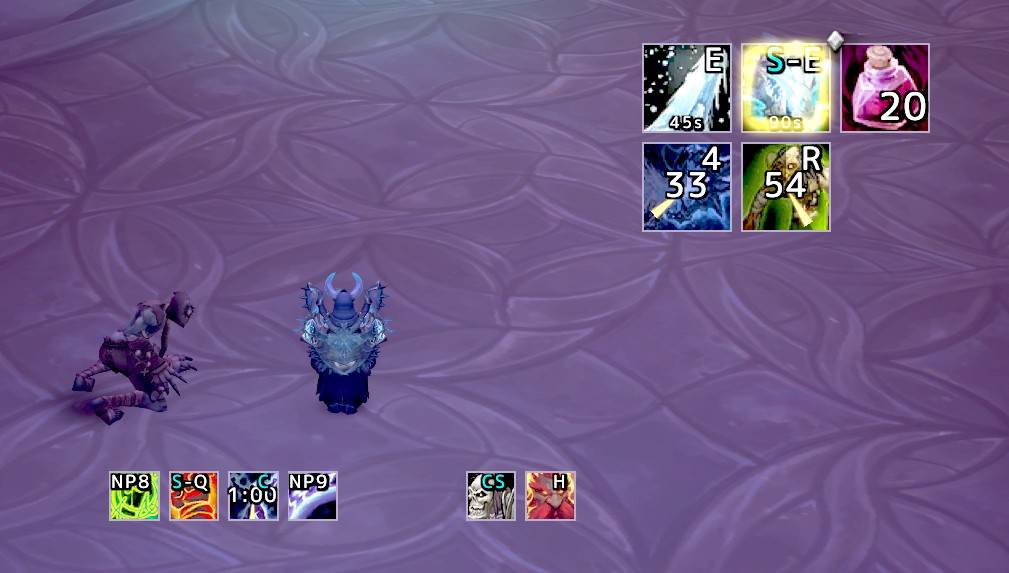
your spells, potions and trinkets in small bars you place anywhere. Each icon shows its keybind, charges and cooldown.
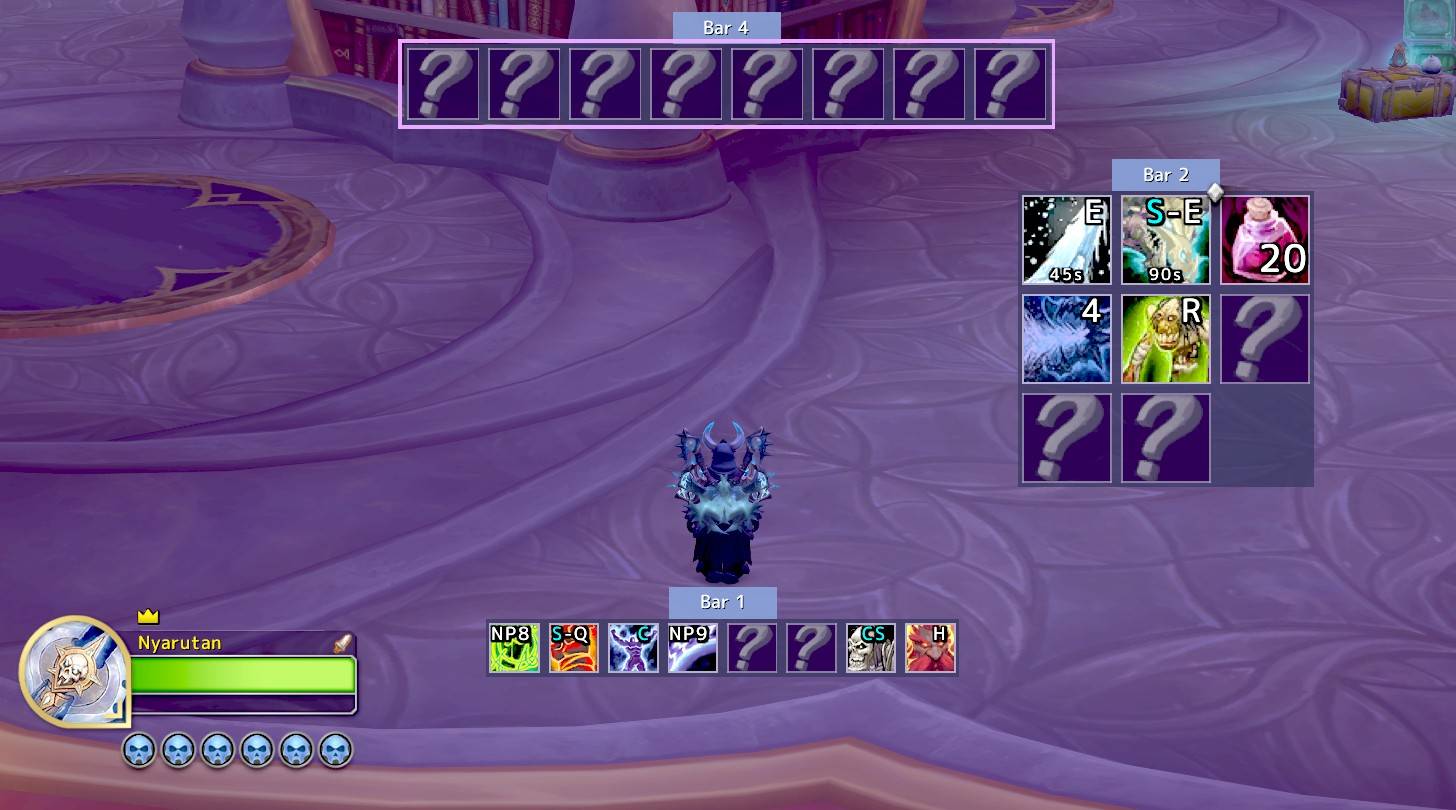
Move the bars with the mouse. Empty slots are shown while you set things up.
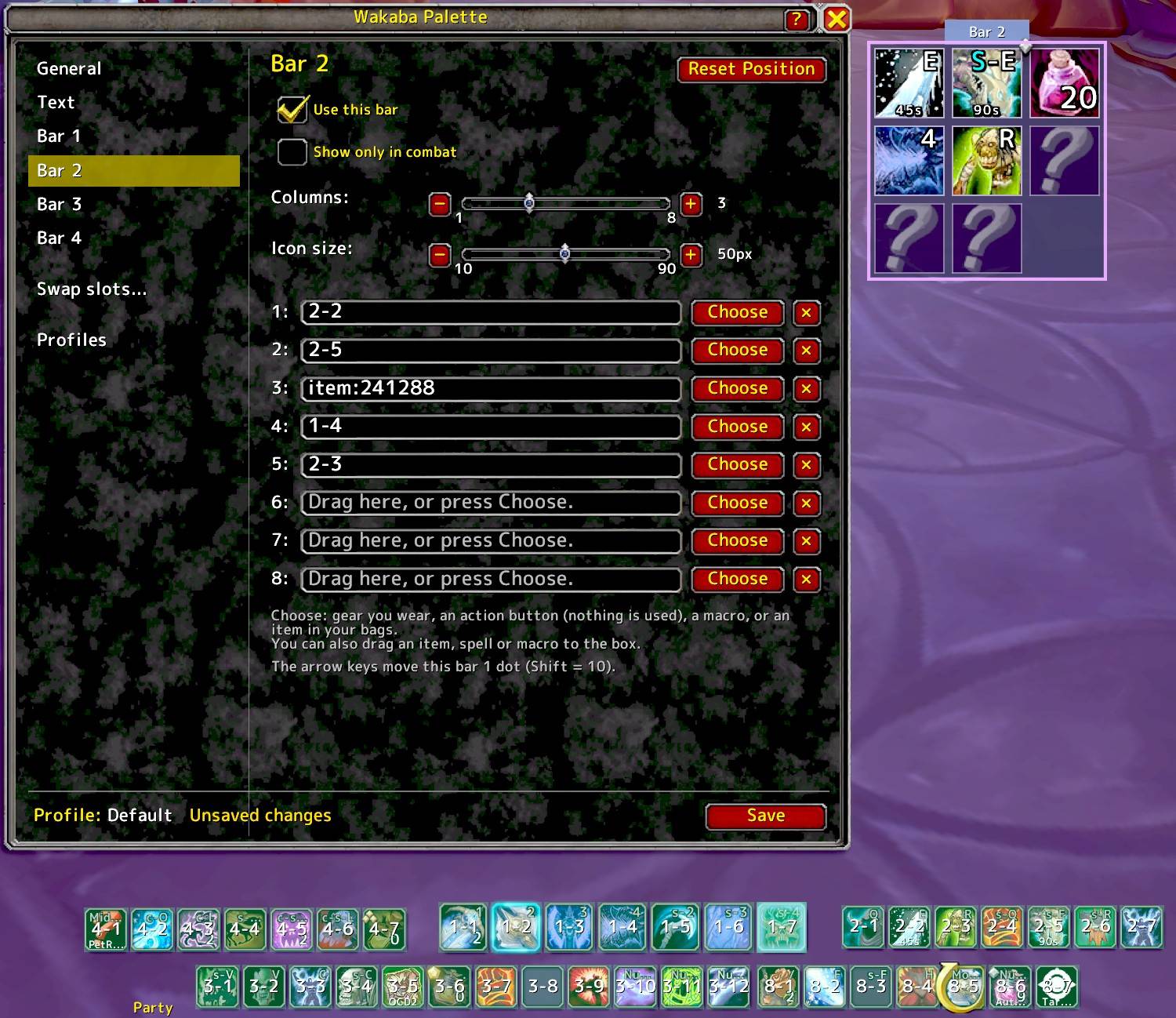
Bar settings. Choose columns and icon size, then pick gear, action buttons, macros or bag items for each slot.
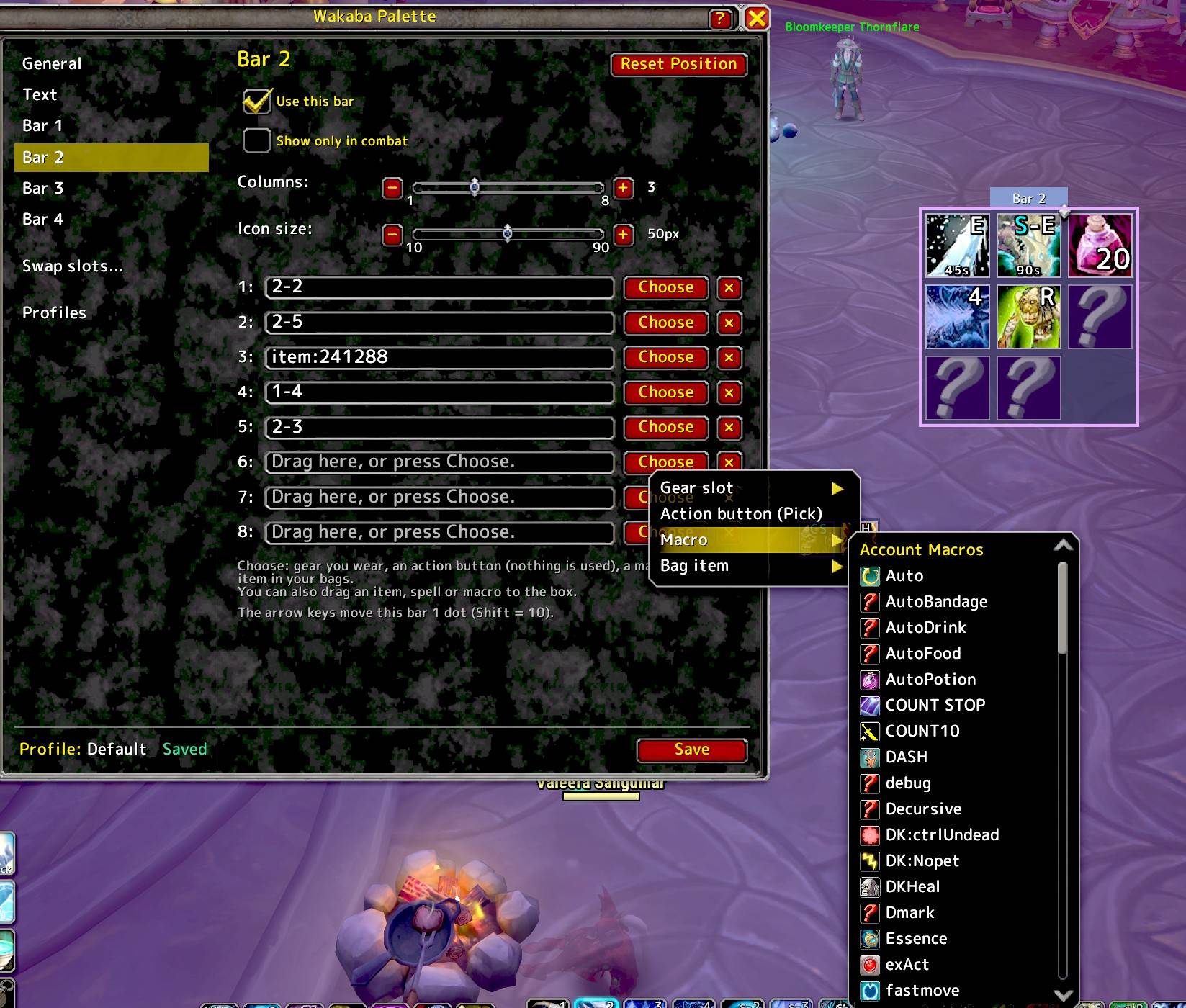
No typing needed. Press Choose, then pick from the list or click an action button, and it is registered for you.
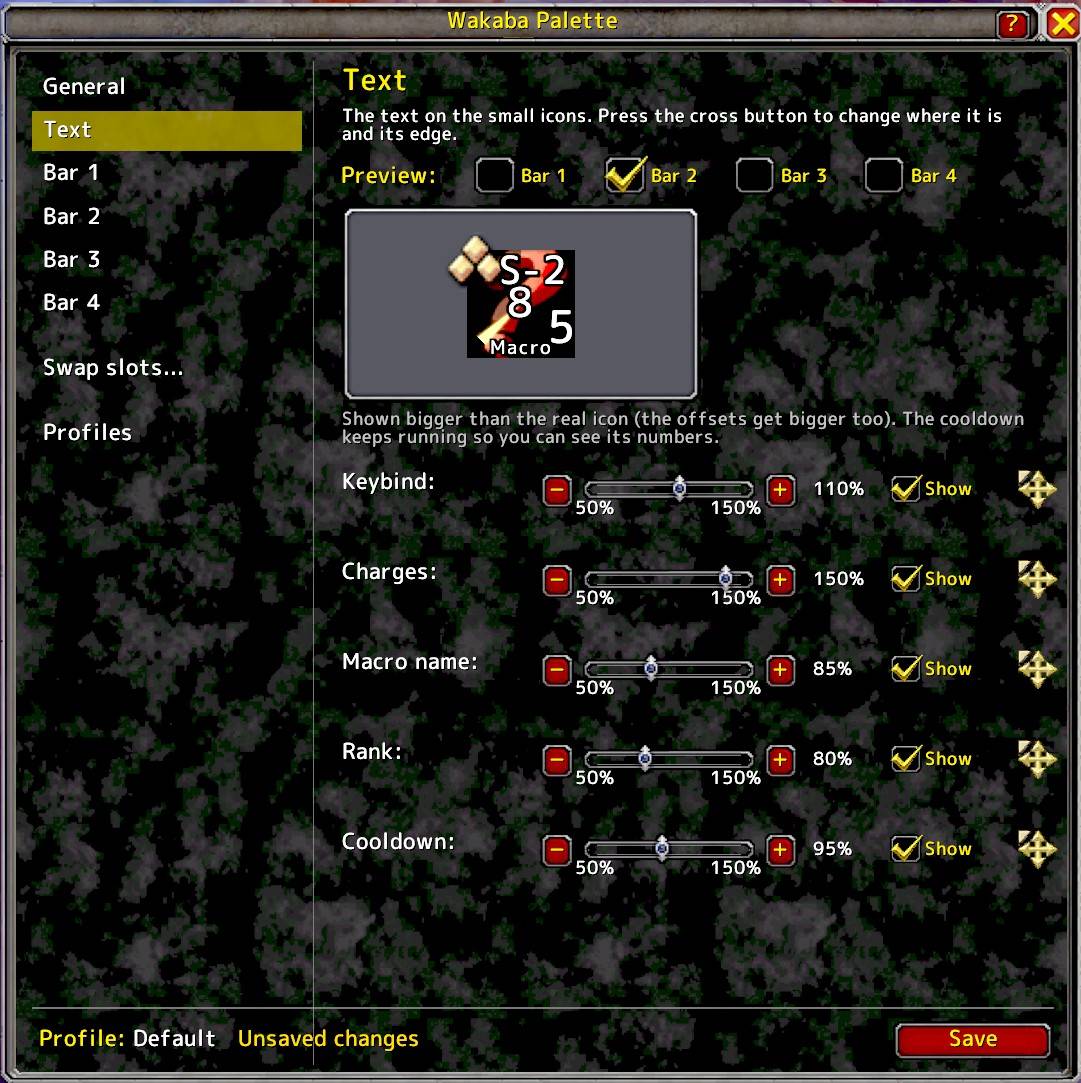
Text page. Change the size, position and edge of the keybind, charges, macro name, rank and cooldown text, with a live preview.
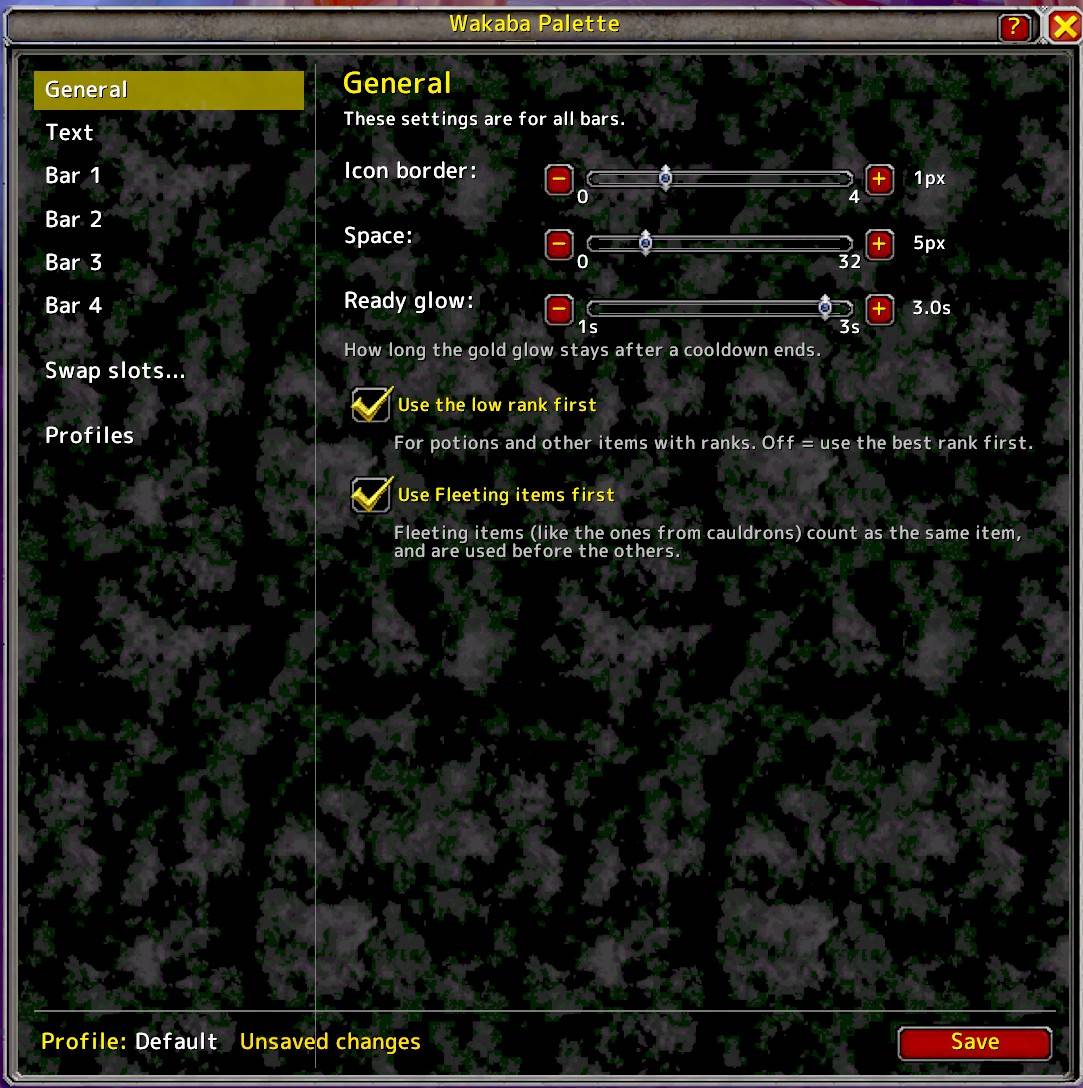
Setting Page
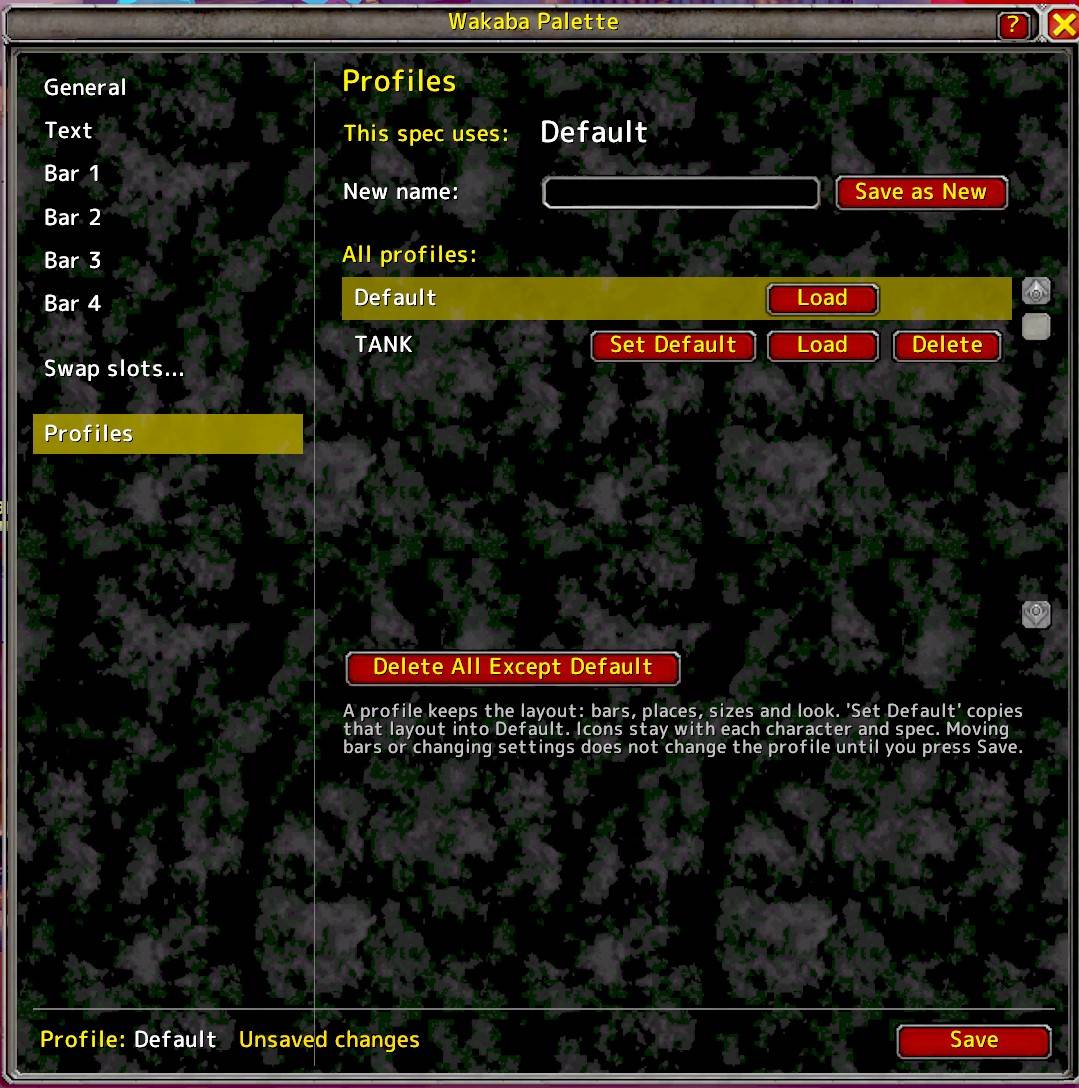
Profiles. Keep one layout for all your characters.