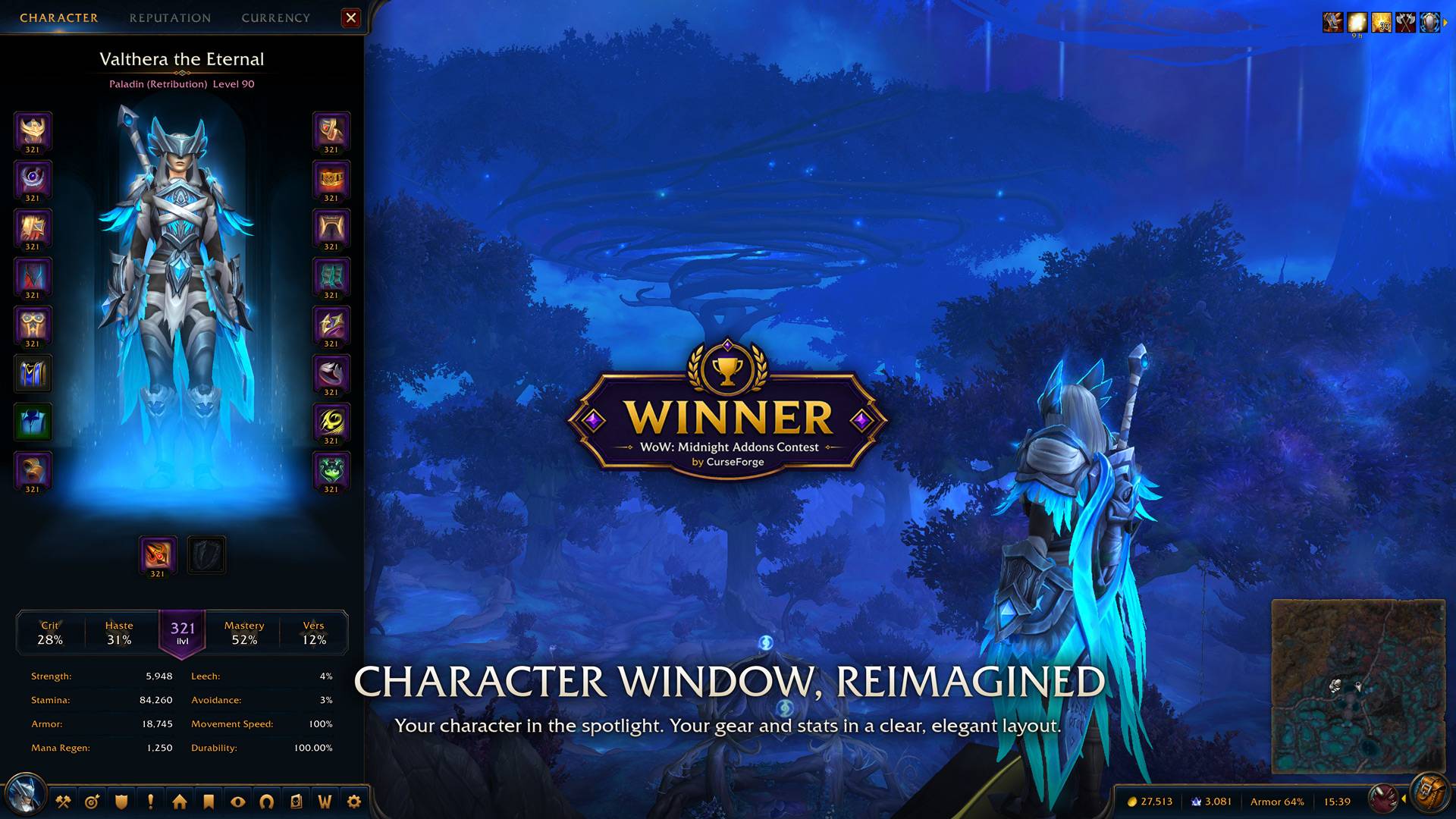
Character
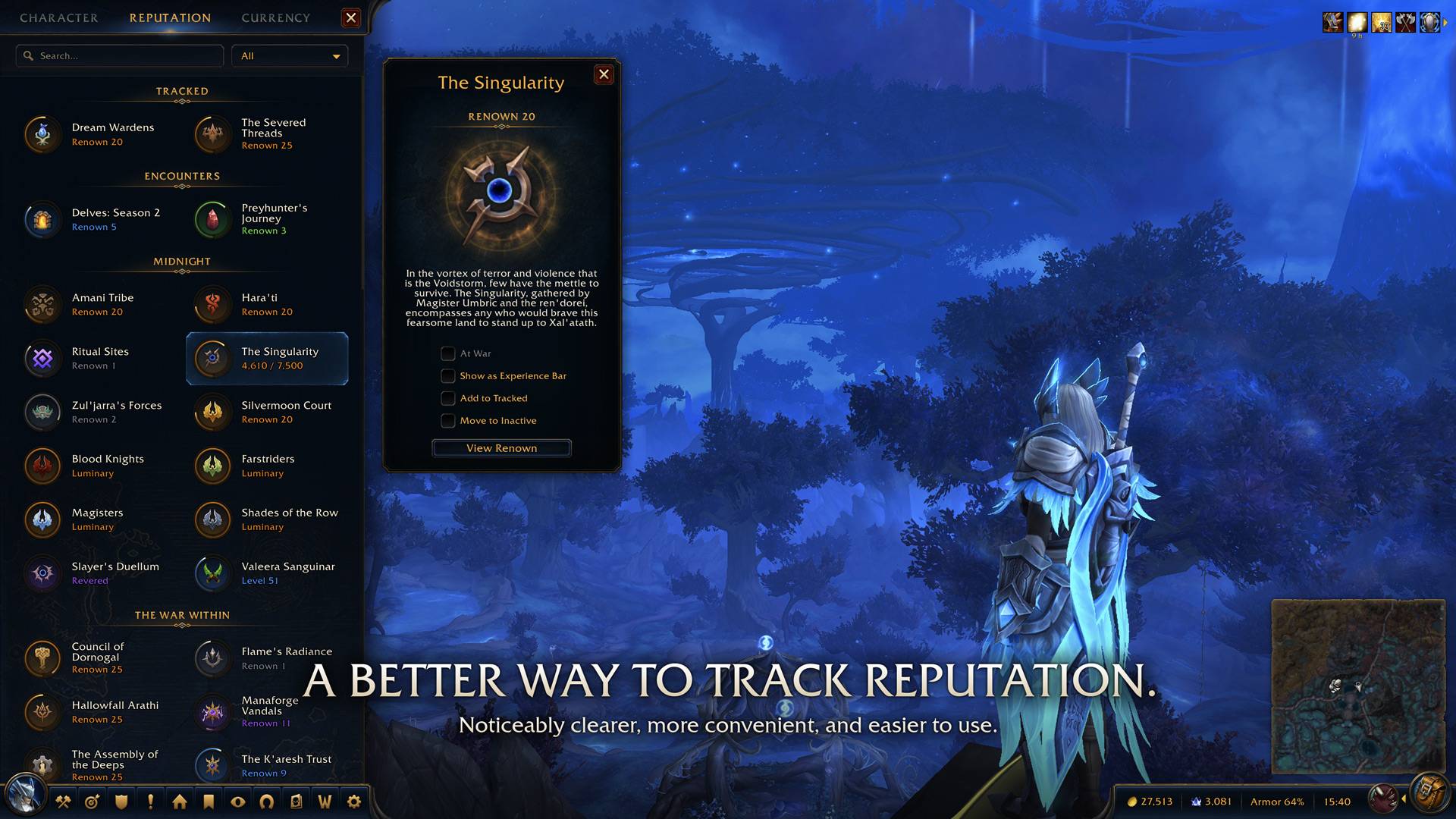
Reputation
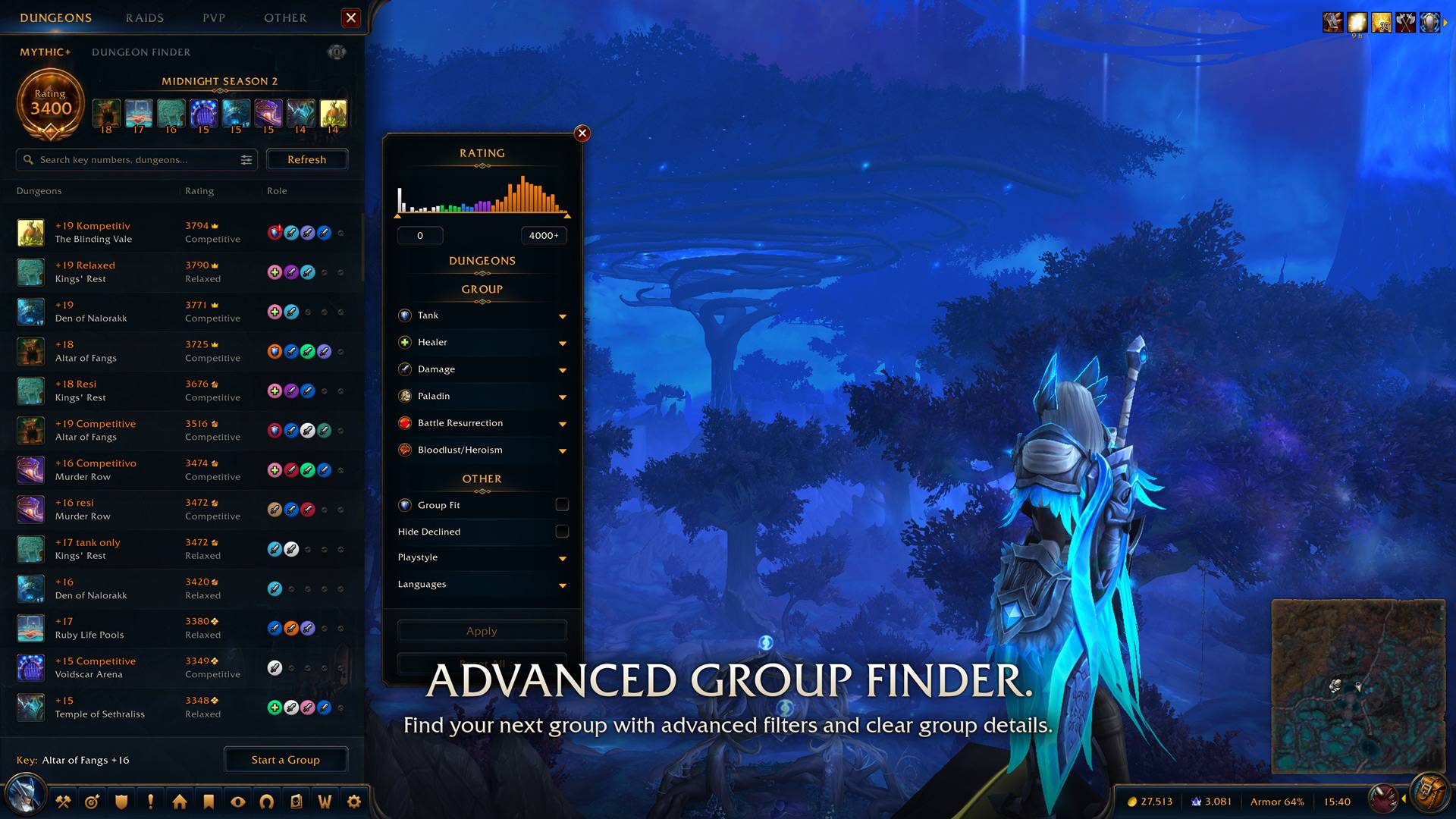
Group Finder
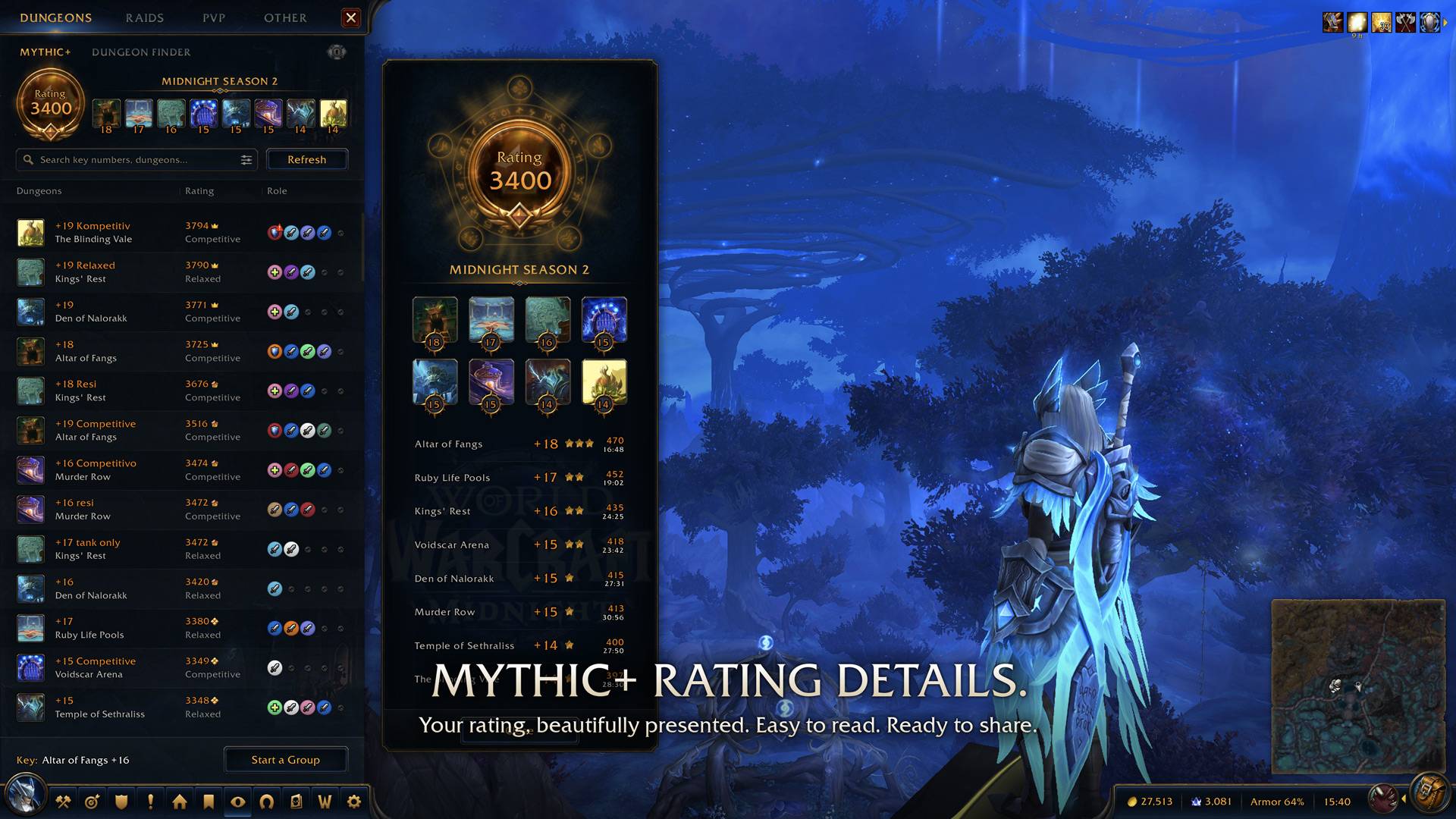
Mythic+ Rating Details
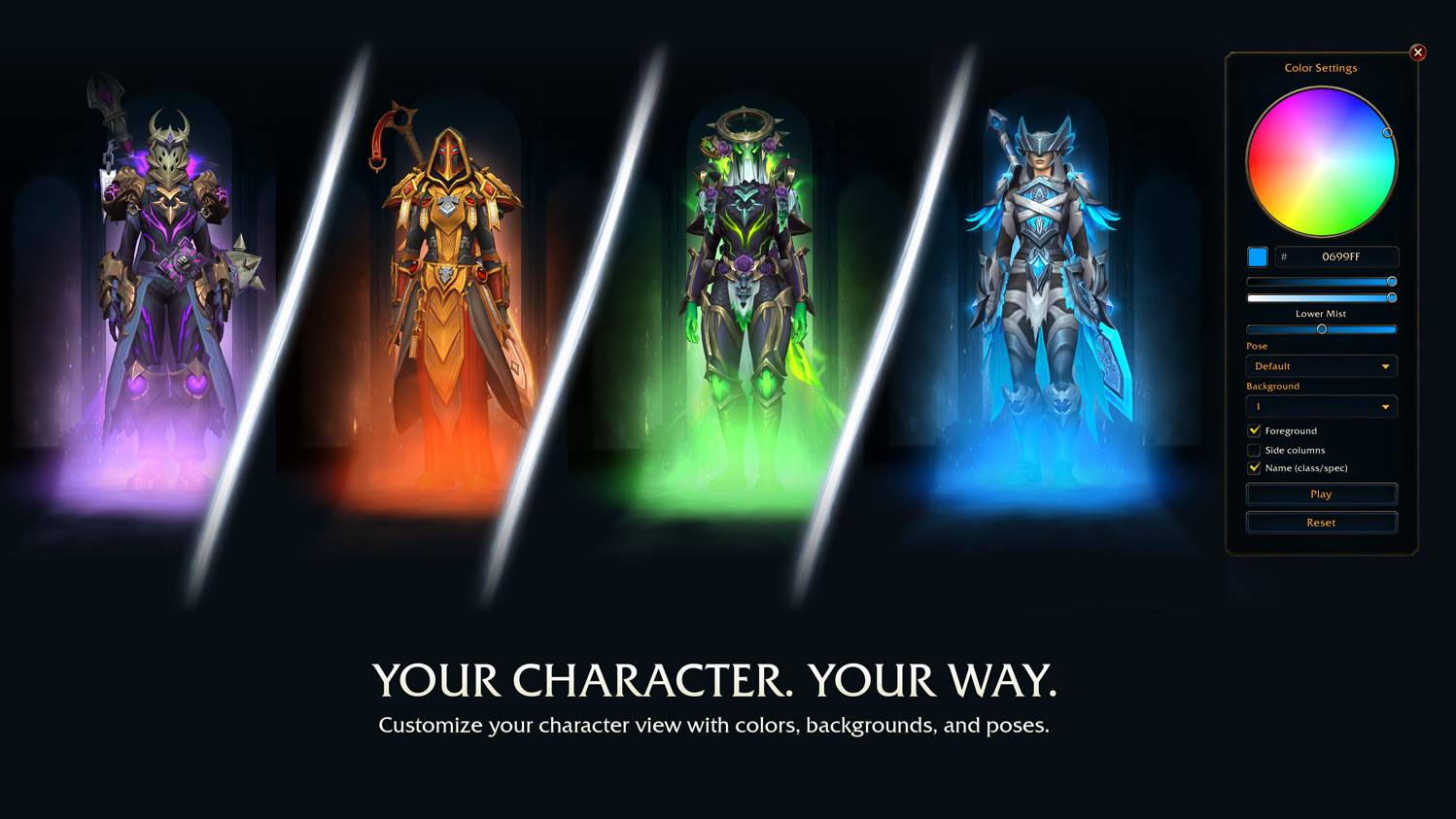
Customization
Description
Hello everyone!
I have played World of Warcraft for years, and as a designer I always had this small idea in the back of my head:
“What if the default WoW UI could look a bit nicer, more consistent, and more modern, while still keeping its WoW flavor?”
And that’s how my vision for W2UI came to life.
One of my main inspirations in terms of aesthetics is Bastion. This location is one of my favorites in the game. It has a serene, clean, and somehow peaceful vibe, and I wanted to recreate some of that feeling in the interface.
At first, I spent quite some time wondering whether the interface should be light or dark. I am a huge fan of light mode interfaces, and one day I would really like to create a bright WoW interface. However, for this project, dark mode simply made more sense. WoW is a game where players spend many hours in front of their screen, dealing with lots of elements and tasks, and a darker interface is usually easier and more comfortable to use.
Before this version was created, there were many concepts, wireframes, mockups, and even interactive prototypes to go through. I wanted something that would feel familiar to Warcraft, but still more refined, more readable, and more coherent. Something adapted for modern resolutions and screen sizes, but not pushed into extreme minimalism or a sci-fi redesign.
I would have liked to try out in W2UI would be using larger almost fullscreen windows for certain of the major game interfaces.
The old WoW windows are quite appealing, however, a lot of them were initially created to fit the old screen resolutions. In addition, through time the game added more and more features such as collections, transmog, group finder, achievements etc. Most of these windows have acquired much more data that needs to be shown, yet at the same time, most of them are still viewed as small popup windows.
I would have liked to treat them as proper system screens rather than small popups.
With larger frame size, you will get more space for better separation, spacing, previews, list readability and visual hierarchy. It will also help you avoid the feeling of having too many tiny windows on your screen.
It also partially follows the current trends in interface design of RPGs/ARPGs, in which screens related to your character, inventory, skills or any collection usually utilize more space on screen and look like fully working environment. It would suit WoW perfectly.
So, for W2UI, it is important to reskin existing frames, but also reconsider some of them and make them larger and more logical windows.
This is just the start. W2UI is planned as a modular UI replacement, and more modules are already in the works.
What is included in this early release
- Character window
- Group Finder — in beta/early release
- Mini Professions window
- Menu bar
- Mini Map/bag button with info text
- Options to turn off specific modules.
Limitations
A big part of the development was figuring out how to make custom frames work safely with Blizzard’s API. Some things are allowed, some things can be done with workarounds, and some things simply are not allowed by Blizzard at all.
Known limitations:
- The custom Group Finder cannot be opened while in combat. If you try to open it during combat, you will receive a prompt to use the default Blizzard Group Finder instead.
Future Development
There are many window frames in WoW that could use a more consistent visual treatment — collections, achievements, also social features, and many others. Some of them are already being worked on for future releases.
This is only the beginning of a larger project.
Any useful feedback will be greatly appreciated. Please feel free to report any bugs, visual issues, or inconsistencies you notice.
Recommendations
-Clean Icons - Mechagnome Edition - cleaner, higher-resolution icons that look especially good with W2UI's larger icons.
Community Links
Discord
W2UI is a passion project which I create in my spare time and the UI will forever be free for everybody.
Should you appreciate W2UI and want to contribute to its development, then you have an opportunity to do that via Boosty. Even small contributions will help me allocate more time to its updates and development ❤️
Support W2UI on Boosty
W2UI Team