VaultProgress
- By
VaultProgress is a lightweight, elegant, and performance-focused World of Warcraft addon designed to keep track of your Great Vault progress across all your characters with zero clutter.
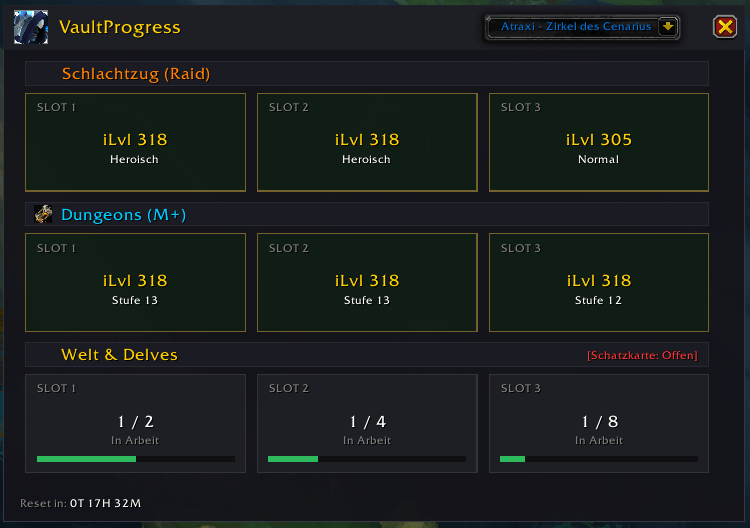
Main window overview
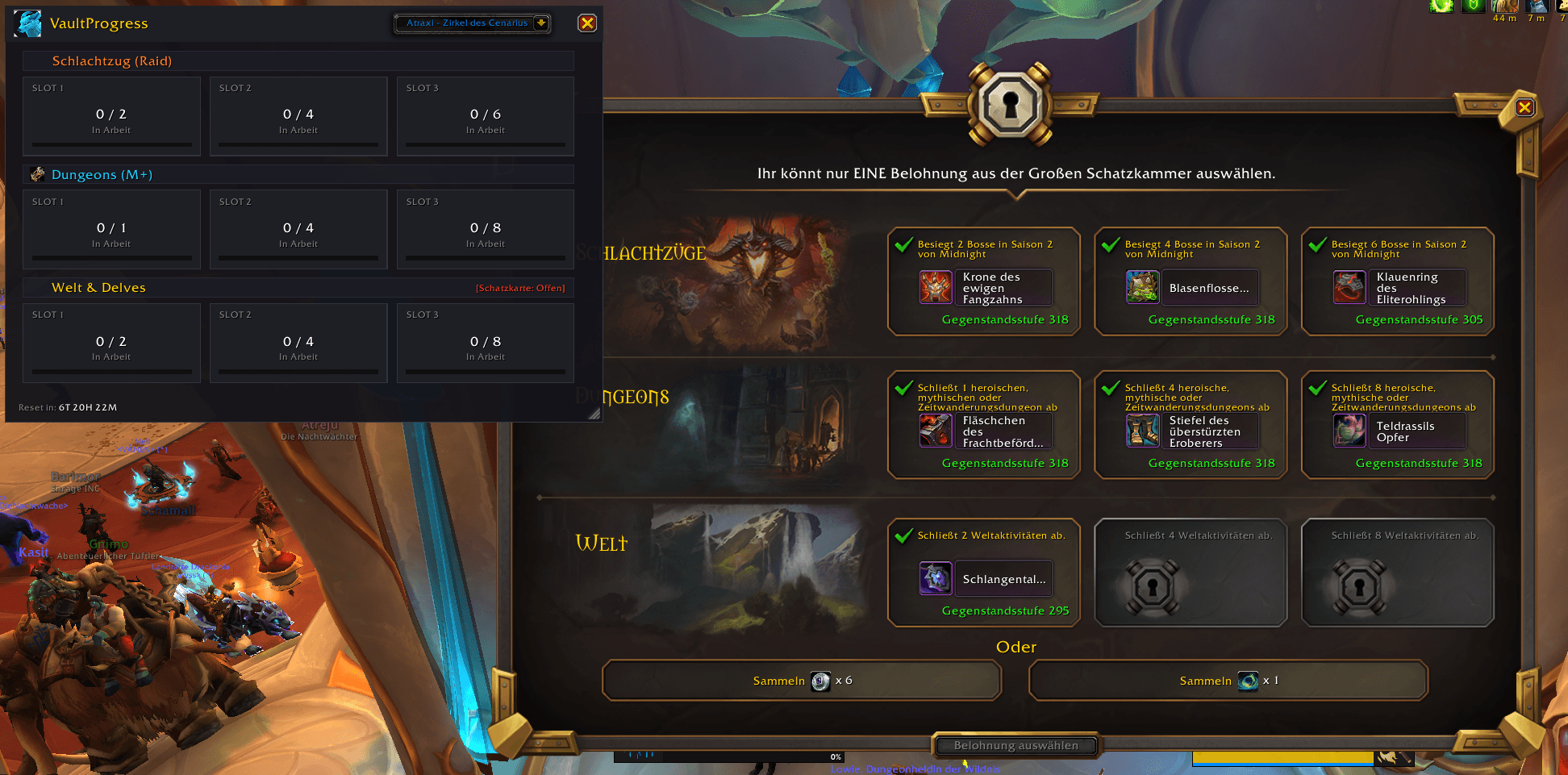
VaultProgress window compared directly with the default Great Vault UI
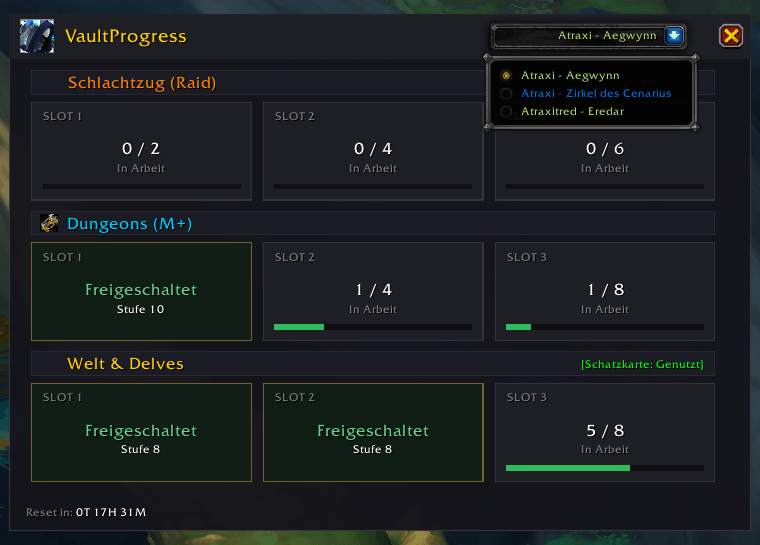
Multi-class selection menu
Description
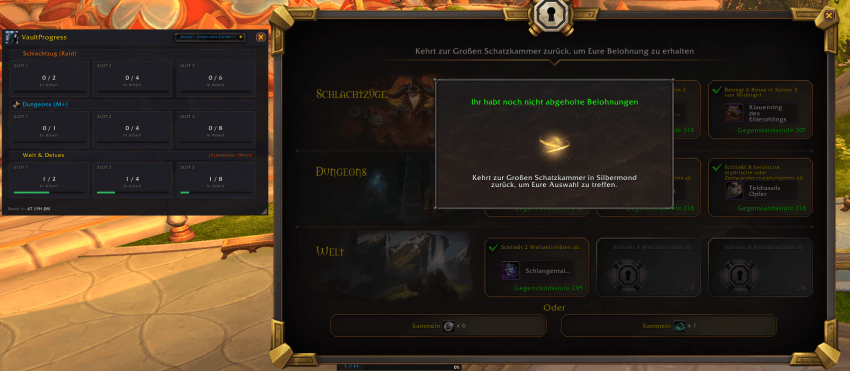
Key Features:
- Current Progress Hidden by Unclaimed Vault? Fixed: Unlike the default Blizzard UI, which hides your current week's progress until you loot your previous week's Great Vault rewards, WeeklyVault always displays your active progress regardless of pending rewards!
- Account-Wide Tracking: Effortlessly switch between your characters using the top-right dropdown menu to check their weekly progress.
- All Vault Categories: Displays status and progress for Raids, Mythic+ Dungeons, and World/Delves.
- Detailed Tooltips: Hover over any slot to see requirements, current item levels, and helpful tips on how to upgrade your reward tiers.
- Weekly Reset Timer: Live countdown showing the exact time remaining until the next weekly reset.
- Draggable Minimap Icon: Quick left-click access with smooth right-click dragging to place the icon anywhere around your minimap.
- Lightweight & Fast: Minimal memory footprint with no unnecessary bloat or hidden background processes.
- Delve Bounty Map Tracker: Automatically tracks your weekly Delve Bounty Map usage in real time via spellcast events.
- Displays whether your map is Available or Used directly in the World & Delves section.
- Persists reliably across UI reloads and logins.
- Includes a manual reset command (
/vp resetmap) if needed.
To display data for all your characters, you must log into each character once with the addon enabled. VaultProgress will automatically save their current progress and remember it across your account.
Commands and Access:
- /vp or /vaultprogress - open Main Window
- /vp resetmap - Manually reset your Delve Bounty Map status back to Available.
- Minimap Button – Left-click the custom minimap icon to open/close the interface, or right-click & drag to move it around your minimap.
The VaultProgress Team