


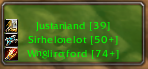
Small window showing nearby players. Friendly players are green and enemies are red (by default)
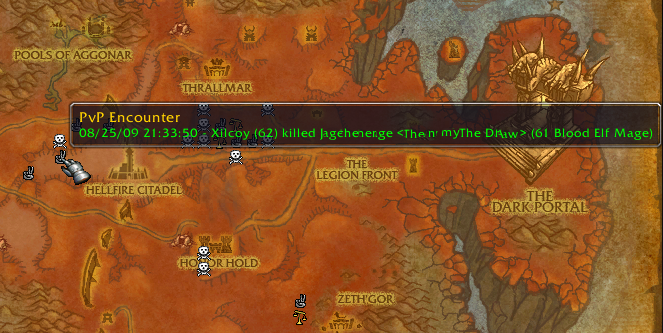
PvP events shown as icons on the map
List frame docked as a tab in the friends frame
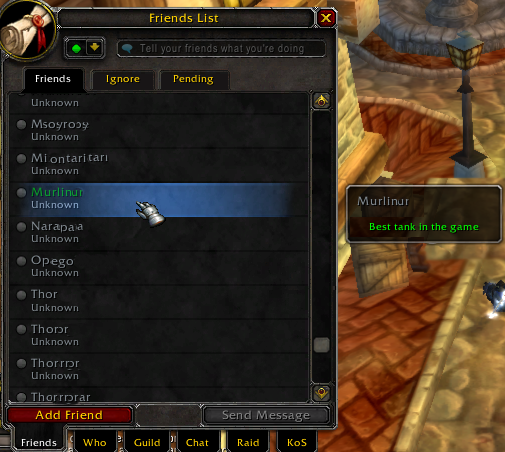
If a player is on your nicelist or hatelist and is your WoW "friend" their name will be colored and the VanasKoS reason will be shown as a note.

Dropdown when minimap button (or data-broker icon) clicked
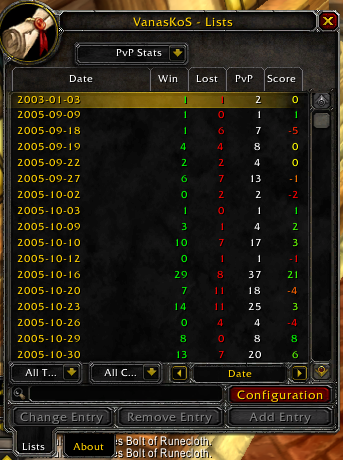
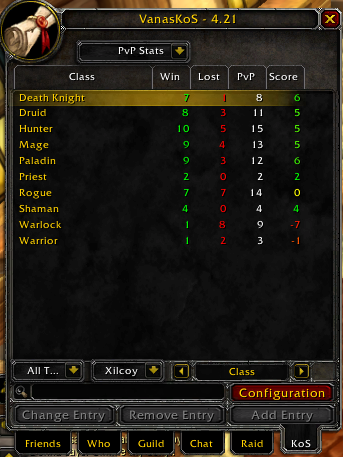
One of the several pvp stats views. This is view by date.
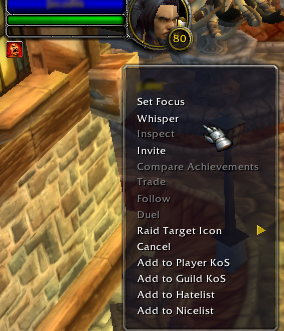
KOS options on player context menu
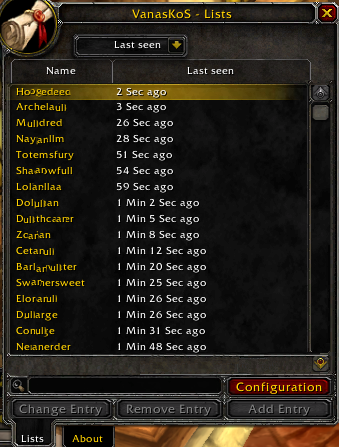
List of the most recently seen players
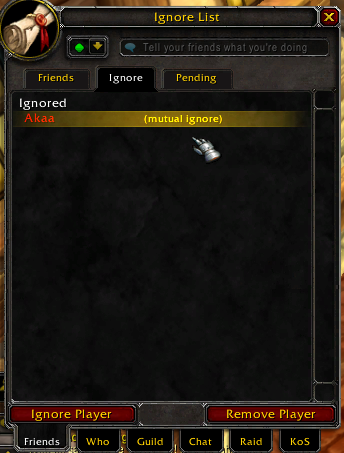
Color ignore list entries that are also on your hate/nicelist and show the corresponding reason

KoS List, with mouse-over stats window
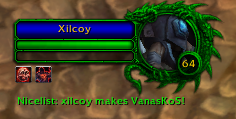
Shows a colored dragon around the target frame (and party frame) depending on which list the target is on.
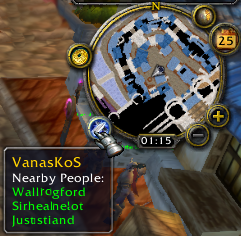
LDB/minimap mouseover frame showing nearby players
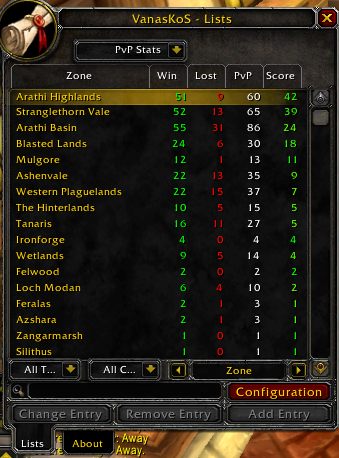
One of the many pvp stats viewing options. This one is the map zone view.

