


UWOWEA - SelfBuffTracker
- By
SelfBuffTracker is a lightweight, customizable World of Warcraft addon designed to keep track of missing self-buffs (like Mark of the Wild, Well Fed, flasks, or stances) and alert you before you enter combat without them.
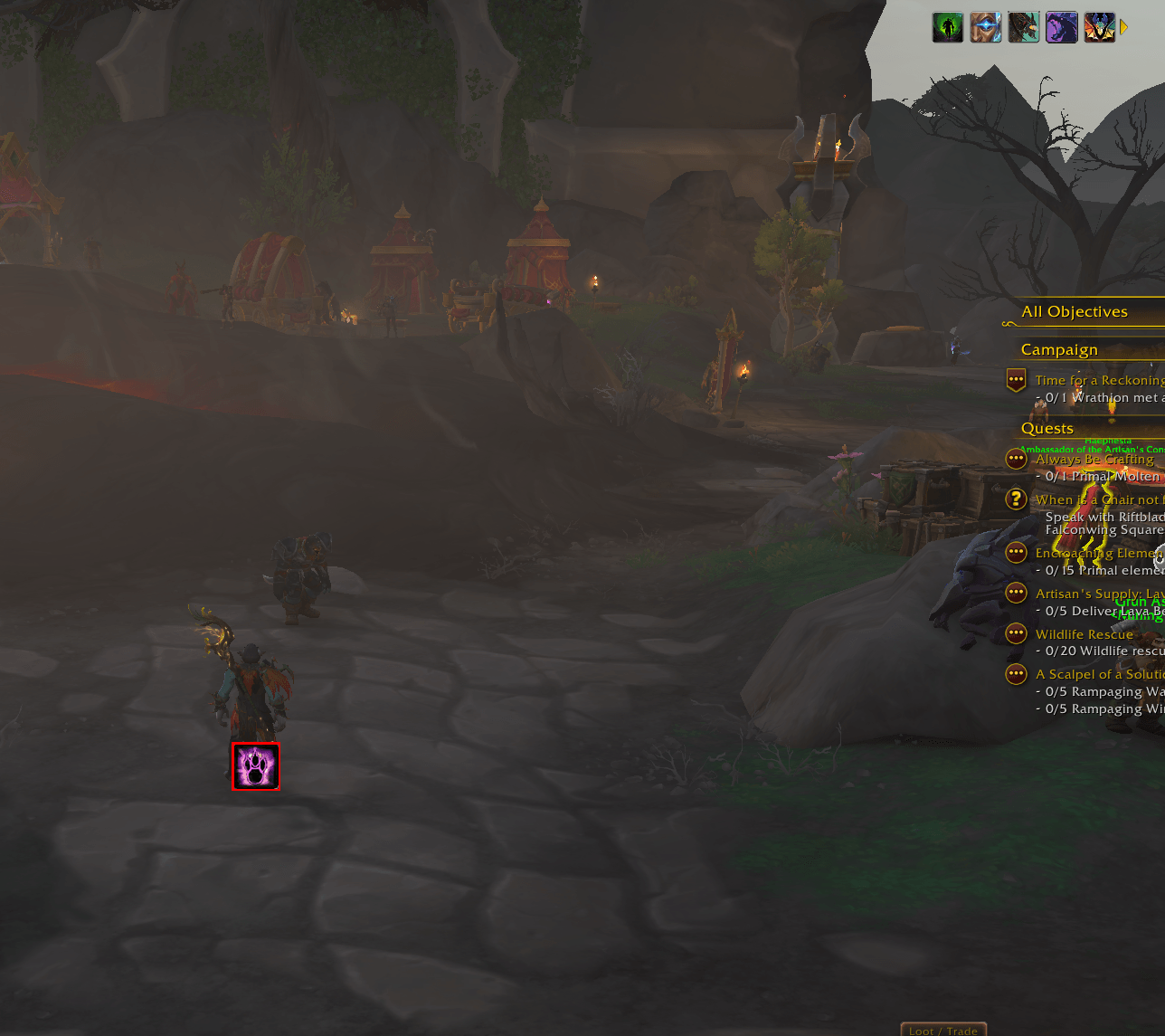
Screenshot_20260920_054104.png
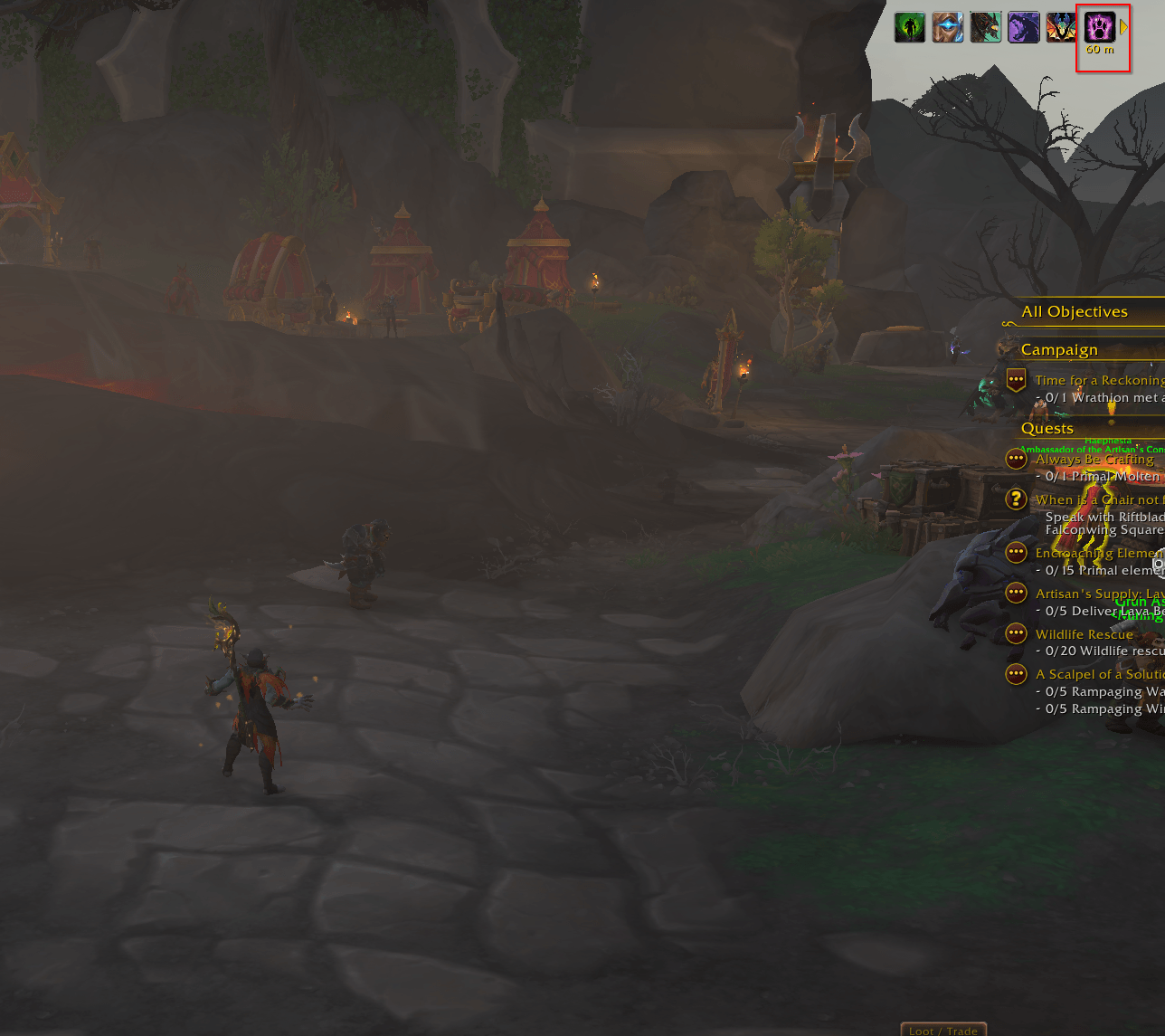
Screenshot_20260920_054204.png
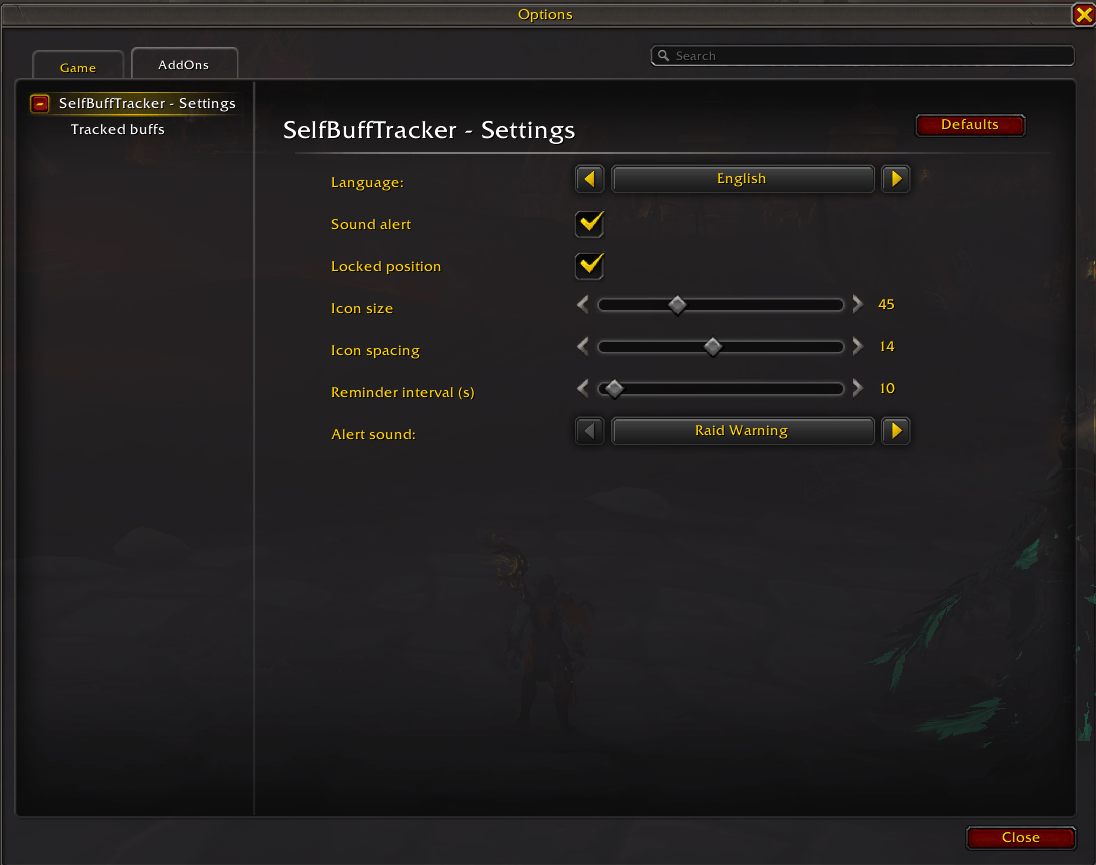
Screenshot_20260920_054303.png
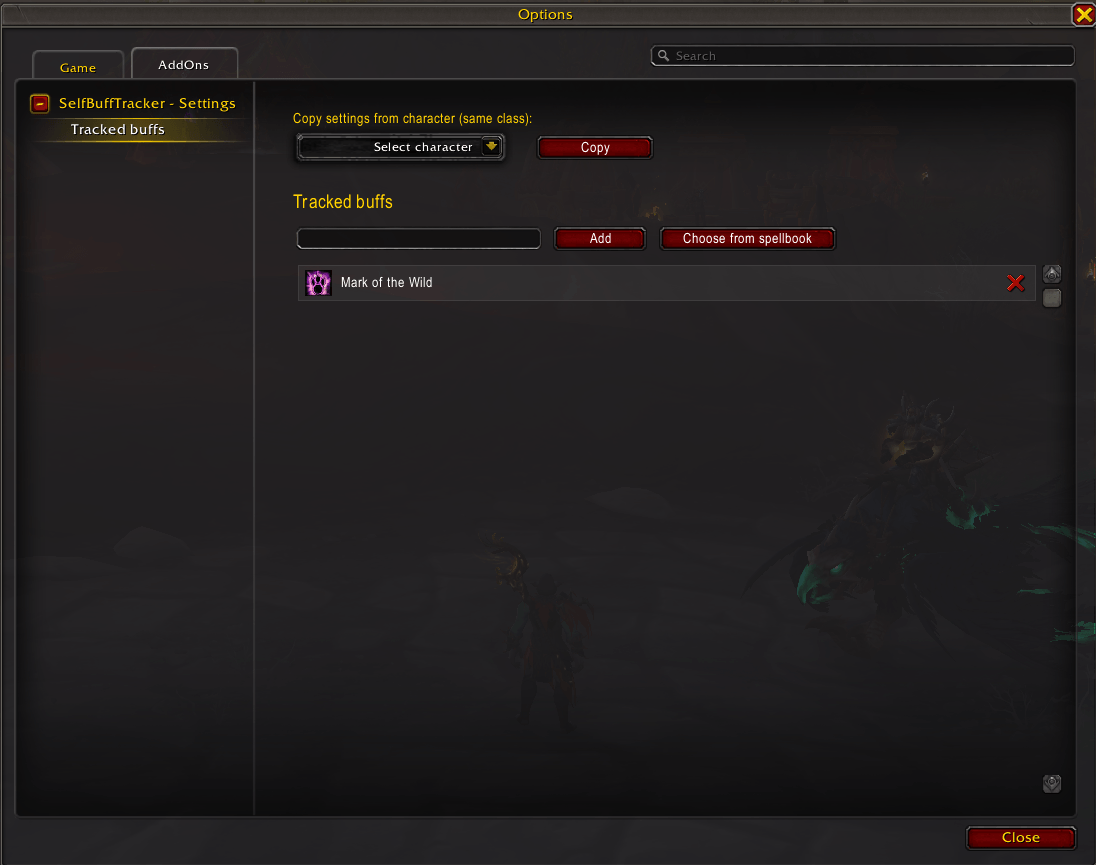
Screenshot_20260920_054338.png
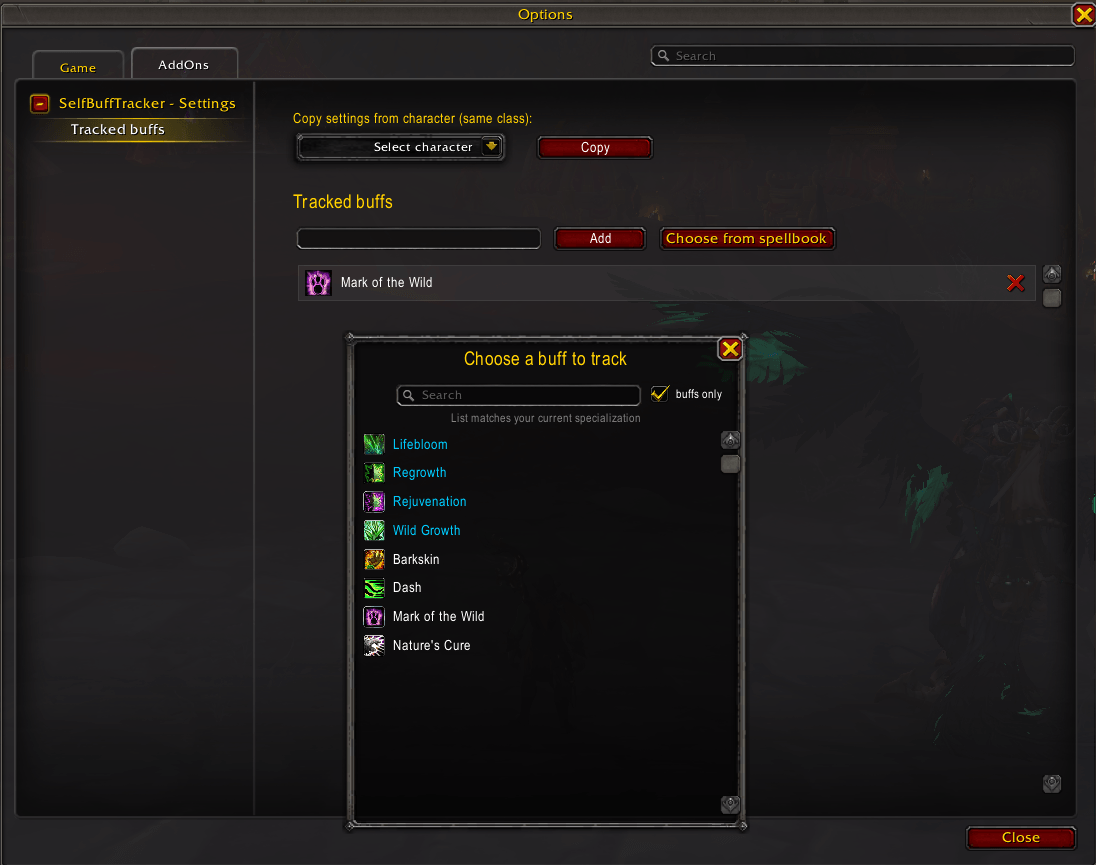
Screenshot_20260920_054356.png
Description
SelfBuffTracker
SelfBuffTracker is a lightweight, customizable World of Warcraft addon designed to keep track of missing self-buffs (like Mark of the Wild, Well Fed, flasks, or stances) and alert you before you enter combat without them.
🌟 Key Features
- Multi-Buff Tracking: Track as many buffs or spells as you want simultaneously.
- Drag & Drop Position: Easily unlock and move the display frame anywhere on your screen.
- Spellbook & Chat Integration: Quickly add or remove spells by Shift-clicking them directly from your Spellbook or chat links into the command line.
- Audio Alerts: Plays a clear warning sound when you are missing buffs upon entering combat or at regular intervals.
- Per-Character Profiles: Each character maintains its own independent list of tracked buffs and settings.
- Minimalist & Clean UI: Dynamic icon frames that scale and auto-adjust based on how many buffs are currently missing.
💻 Chat Commands
Use /sbt or /buff in chat to configure the addon:
/sbt add [Spell Link or Name]– Adds a buff to track (Tip: Shift-click from your Spellbook!)/sbt remove [Spell Link or Name]– Removes a buff from tracking/sbt list– Displays all currently tracked buffs in your chat frame/sbt lock– Toggles frame locking (unlocks the container to move it via drag & drop)/sbt sound– Toggles audio warning alerts ON/OFF/sbt size [number]– Changes the icon size (Default:50)
⚙️ Installation
- Download the latest release.
- Extract the
SelfBuffTrackerfolder into your WoW directory:World of Warcraft\_retail_\Interface\AddOns\ - Restart or reload your game UI (
/reload).
The UWOWEA - SelfBuffTracker Team
