UPDOG's Forever Hunter Swing Timer + Range Indicator
- By
Screenshot 2026-10-16 185939.png
SWINGDOG1.jpg
SWINGDOG2.jpg
upfst1.png
SWINGDOG3.jpg
Description
UPDOG's Forever Hunter Swing Timer + Range Indicator
Time your shots. Know your range. Plan your weave. Swing timers and range cues for Hunters in WoW Forever 1.60.1.
Open /fst or /updog for settings. No WeakAuras or other addons required.
Time your attacks
Track Auto Shot, melee swings and an optional off-hand timer. Use the countdown to plan movement and melee weaves between shots.
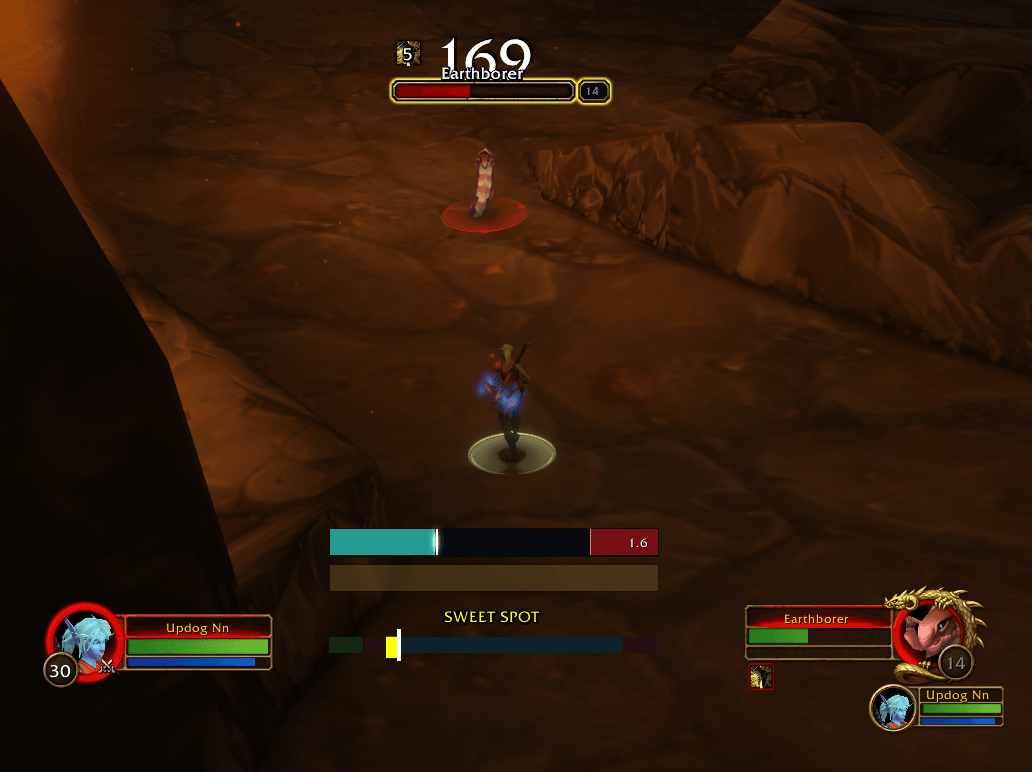
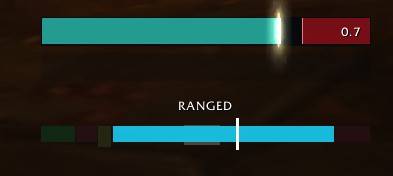
- Shot warning: a colored section marks the final 0.5 seconds. Enable Moving spark for a flare at 0.7 seconds remaining.
- Delay feedback: a red -0.24 means your Auto Shot fired 0.24 seconds later than expected. Shown for 1.5 seconds; it measures delay, not damage lost.
Know your range
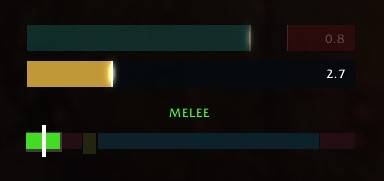
The Hunter range indicator shows where you stand:
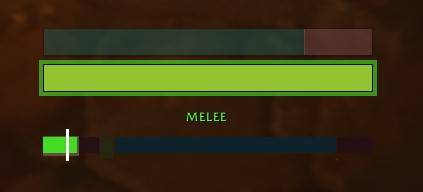
- Green — MELEE: close enough to melee.
- Red — DEAD ZONE: too far to melee, too close to shoot.
- Yellow — SWEET SPOT: close shooting range, normally 8–10 yards, for shorter melee weaves.
- Blue — RANGED: within shooting range.
- Red — TOO FAR: move closer to shoot.
The white tick follows your estimated distance. The pale span shows the possible range—it's a guide, not an exact yard measurement. A flashing LoS warns of a blocked or stalled shot; check your line of sight and facing.
Watch the timer glows: blue when entering shooting range, green when entering melee reach, and gold on your first sweet-spot entry each combat.
Hear your opening
Sound cues mark leaving the dead zone into melee or shooting range. Switching targets stays silent. Choose your sounds and adjust melee, ranged and bark volumes separately, from 0–200%.
🐶 UNLEASH YOUR INNER DOG
Land a PvP killing blow. Let out a victory bark.
Turn it on in settings → Sounds · Try it with Bark!
Make it yours
Pick your colors and bar style. Move and resize each bar, adjust text and fading, or hide anything you don't need.
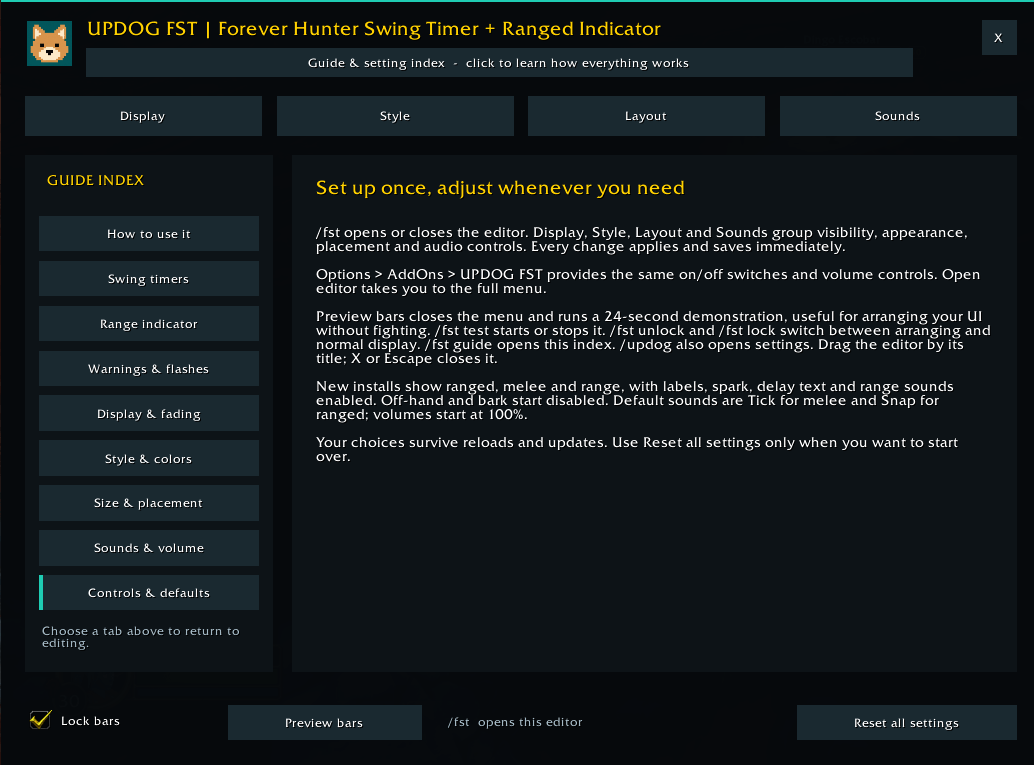
Use /fst unlock to arrange your bars, /fst lock when finished, and /fst test to preview. For help reading any indicator or using a setting, open /fst guide.
Quick toggles and volume controls are also in Options → AddOns → UPDOG FST. Settings save automatically and stay with you through updates. Bark and the off-hand timer start off; enable them when wanted.
All Rights Reserved. Not affiliated with Blizzard Entertainment.
Created by UPDOG. Questions, suggestions or feedback? Contact updogg. on Discord.
UPDOG's Forever Hunter Swing Timer + Range Indicator Team