


UnitFramesImproved
- By
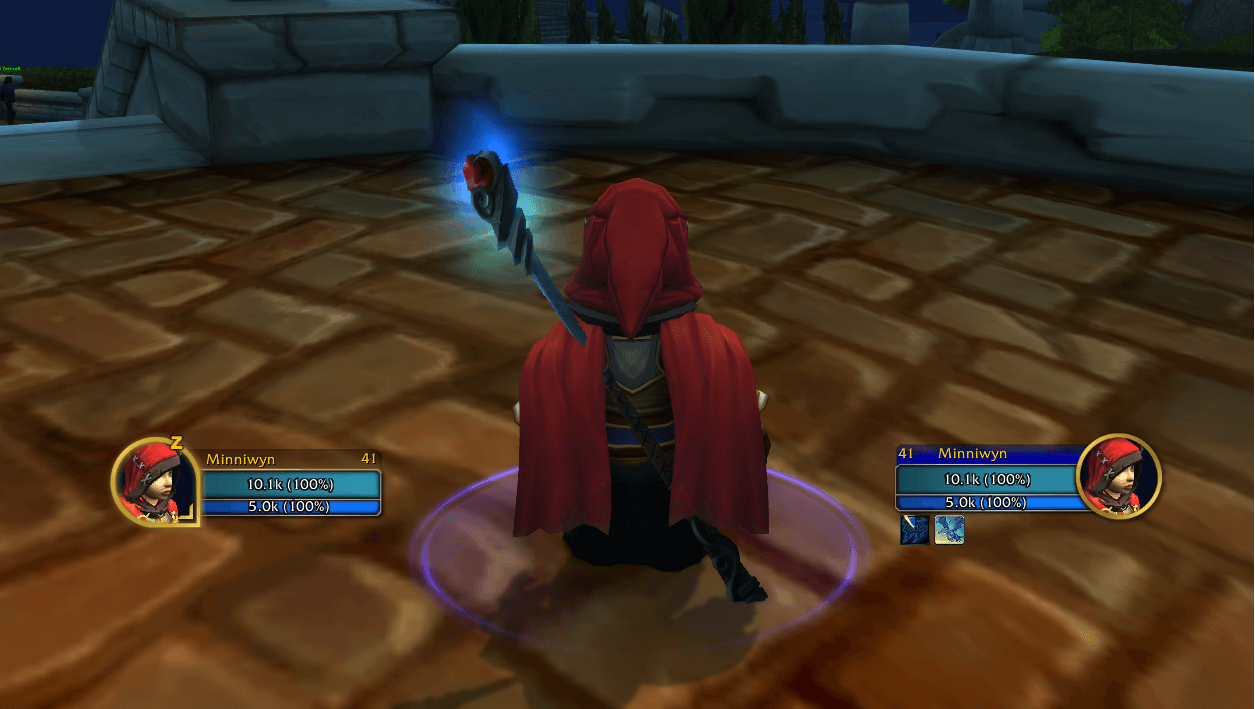
Screenshot 2024-08-22 212404-23.png
Simple screenshot showing the features of UnitFramesImproved.
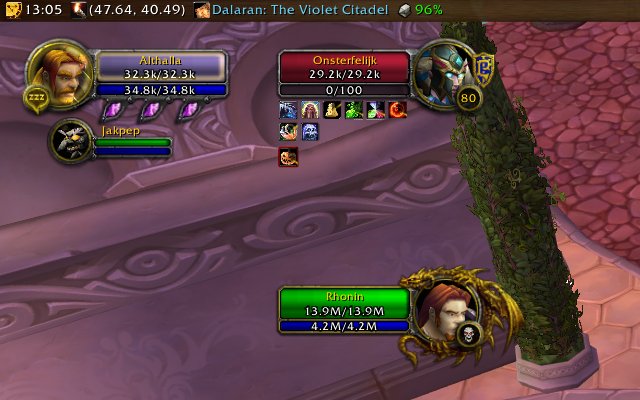
This is a screenshot of UnitFramesImproved in combination with the new Blizzard built-in CompactPartyFrames (have to be tuned on in settings/party-frames) and configured in settings/raid-frames. In this example, I do not have the option on to show Po...

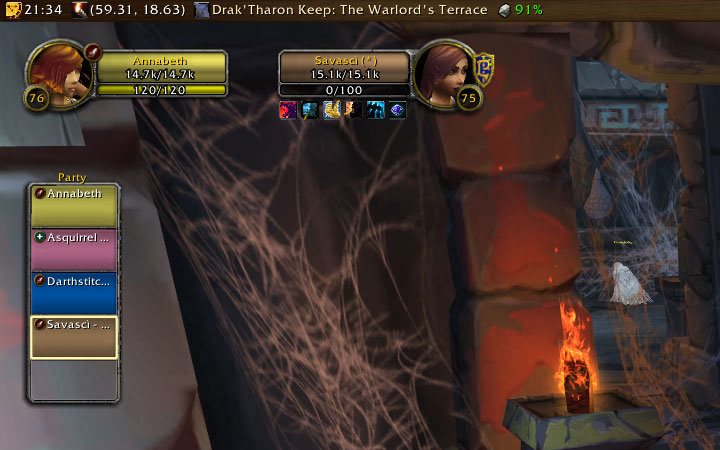
Just a quick screenshot of the percentages view. Couldn't figure out a better presentation than this, but i think this will make most people happy. Well, to be honest, this is the presentation I found that I like, so there it is.
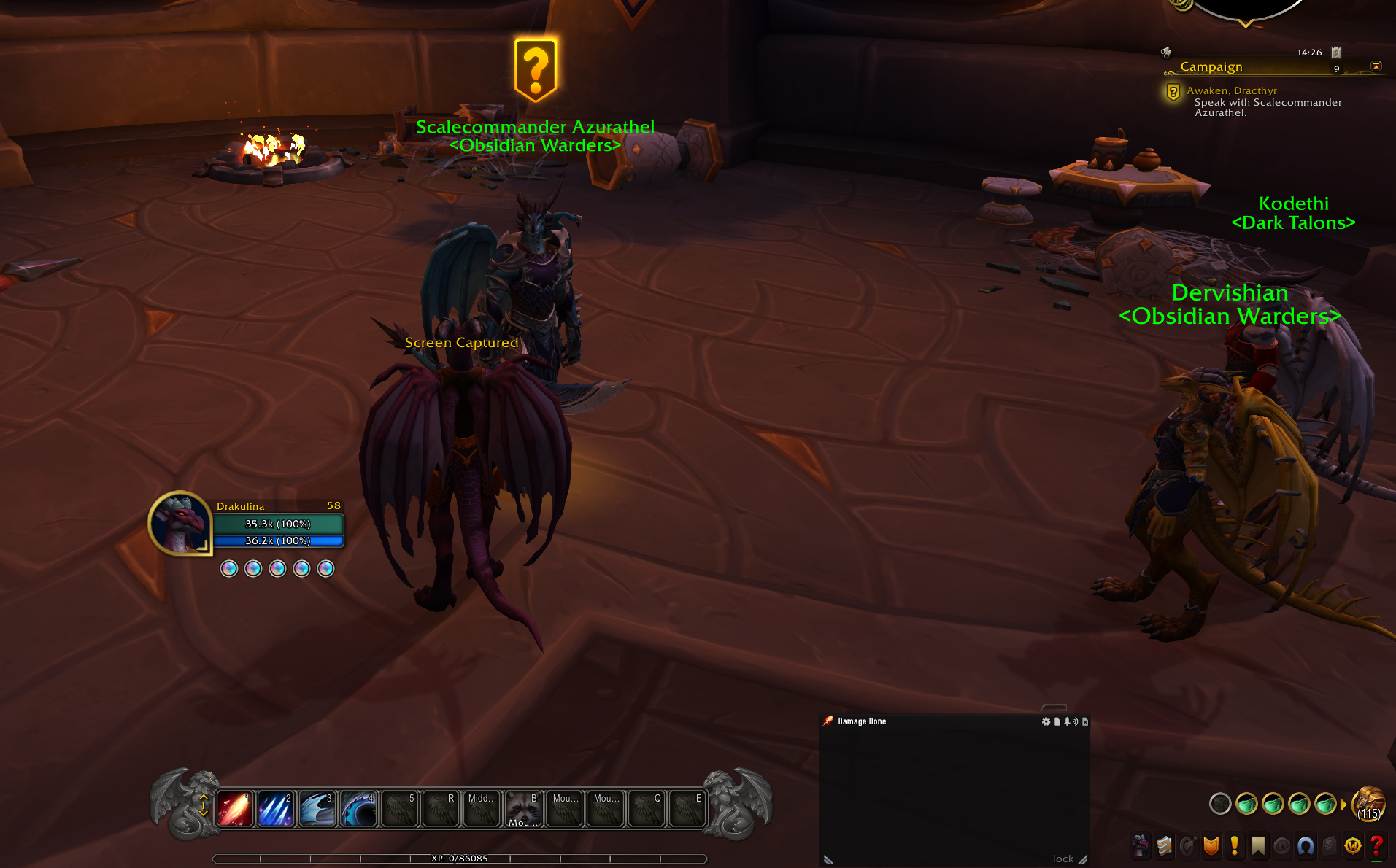
Example of looks in modern UI.
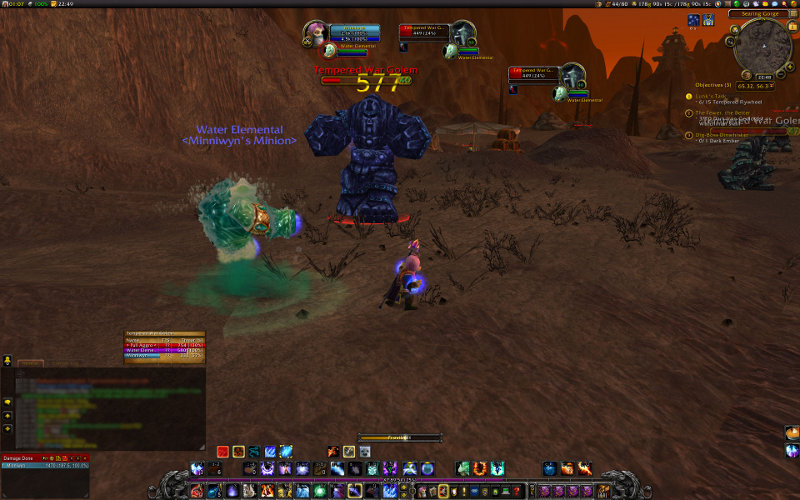
With release 1.2, you can now move your player frames around by simply dragging them.
Description
UnitFramesImproved
"Improve upon the standard Blizzard unit frames, without going beyond the boundaries they set."
A minimal-footprint reskin of Blizzard's own Player, Target, and Focus unit frames - not a replacement unit frame system. UnitFramesImproved keeps Blizzard's own frame logic (health/mana updates, portraits, PvP/faction icons, classification handling, combat behavior) fully intact and only changes how the frames look. No separate options UI, no settings to learn - it just works.
Key Features
- Class-colored health bars, with tap-denied targets shown gray.
- Status text (numbers, percentages, or both) follows whatever you've already set in the game's own Interface Options, with large numbers abbreviated automatically (e.g. "12.4k/45.3k").
- Built to work reliably with Blizzard's newest protections - no errors or glitches in combat.
On Classic (Classic Era & Classic progression)
- Custom targeting-frame-style textures for the Player, Target, and Focus frames, including elite/rare/rare-elite border variants.
- Health bar and status text repositioned to match the custom textures, staying lined up correctly even after Blizzard UI updates.
Platform Support
One download works for Retail, Classic (currently Mists of Pandaria Classic), and Classic Era.
Installation
Install via CurseForge or the
CurseForge app. Manual installation: download a release, and extract the UnitFramesImproved
folder into Interface/AddOns for the client(s) you play.
Configuration
There isn't one, by design - how it looks is how it looks. /ufi (or /unitframesimproved) exists
as a slash command, but only points you at Blizzard's own status-text options; the frame-scale and
frame-anchoring settings from older versions were removed since Blizzard's default UI already
covers them.
Known Issues
Classic Era & Classic progression
- Frame scaling has not been re-implemented (yet?).
- Anchoring frames to each other has not been re-implemented (yet?).
UnitFramesImproved Team

