
Ultimate Mouse Cursor
- By
Ultimate Mouse Cursor, as seen on youtube! This is a set of rings around your cursor that helps you see the cursor faster while showing your cast and GCD. No external download needed, lightweight and zero code alerts.
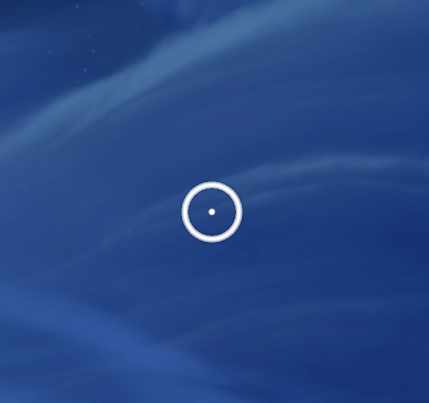
Cursor_default.png
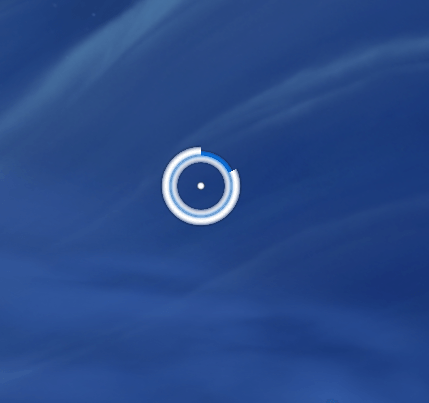
Cursor_HealthCast.png
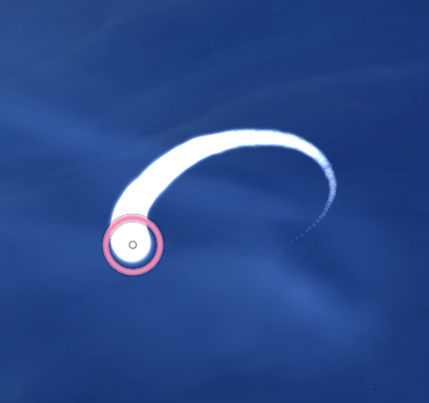
Cursor_Trail.png
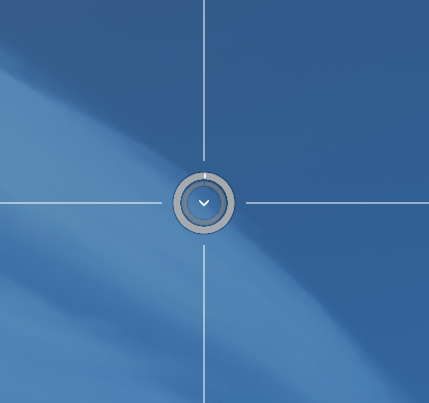
Be creative, merge GCD and Cast with modifiers.
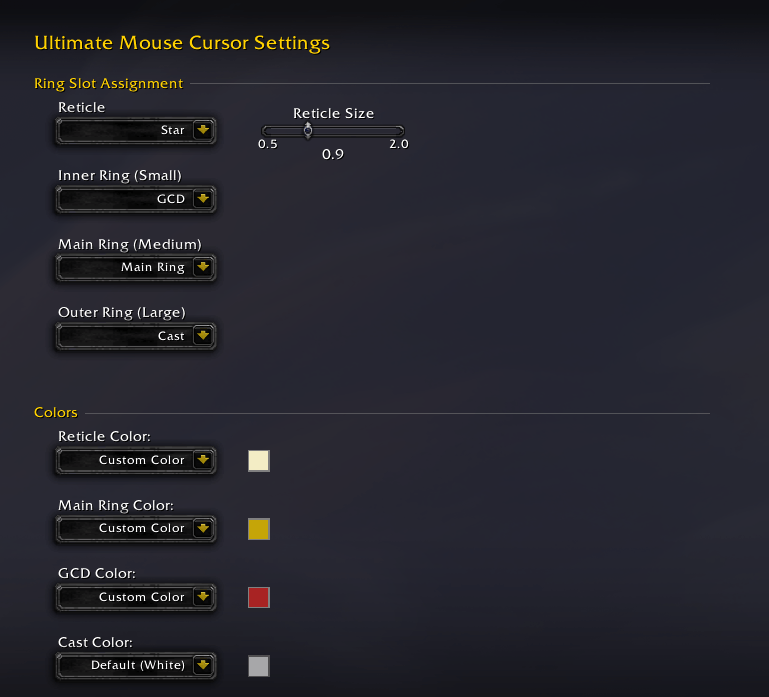
Settings
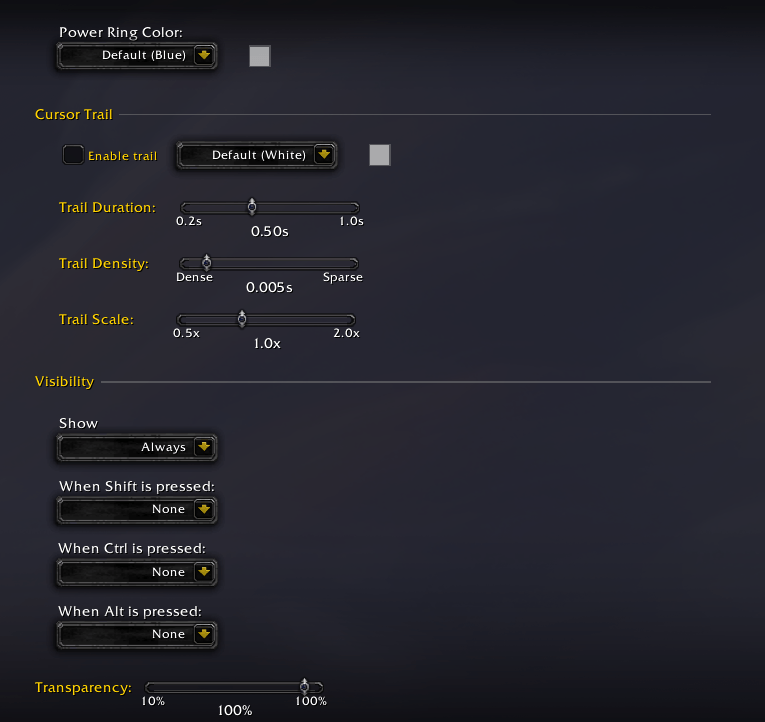
More settings
Description
Ultimate Mouse Cursor, as seen on youtube by many players!
This is the official weakauras port to a stand alone addon.
This is a set of rings around your cursor that helps you see the cursor faster while showing your cast and GCD. No external download needed, lightweight and zero code alerts.
Main Features
- Works on TWW Retail and Midnight Beta.
- Middle (Main) ring: Static ring so you can view your cursor in the heat of the battle.
- Inner ring: Shows you global cooldown.
- Outer ring: Shows your cast and channeling time.
- Cursor Trail
- High Contrast Ring
More Features
Color
- Ability to change the GCD ring color with the class color or custom color.
- Ability to change the Main ring color with the class color or custom color.
- Ability to change the cast ring color with the class color or custom color.
- Ability to set the health ring color with the class or custom color.
- Ability to use the power color instead of blue (default) or custom color.
- Ability to change the cursor trail color with the class color or custom color.
- Ability to change the cursor trail density and duration.
- Ability to change High Contrast Ring Color.
Customization
- Change reticle texture
- Change rings texture
- Change color with class or custom color
Visibility
- Show only when in combat
- Option to change Main Ring color when entering combat.
- Option to set a fixed position instead of being attached to the cursor.
- New! Frame Strata Customization
- New! Shake to Find Cursor: Locate your mouse pointer simply by shaking it rapidly.
- New! Activity Visibility ("Show In:"): Control where the cursor appears:
- Open World
- Dungeons / M+
- Raids & World Boss Lairs
- Delves & Nemesis Lairs
- Battlegrounds
- Arenas
Modifiers
- Visibility actions when a modifier is pressed (Shift, Ctrl, Alt).
- You can have a different action for each modifier.
- Show Rings: Show the rings while pressing the button
- Ping with ring: Highlight the cursor position with a ring.
- Ping with area: Highlight the cursor with a solid spotlight.
- Ping with cosshair: Highlith the cursor position with a screen wide crosshair.
- Show crosshair: Show the screen wide crosshair wile pressing the button.
Settings
Use /ultimate or /umc to go to settings.
Ultimate Mouse Cursor Team

Owner
