


TypeWhisper
- By
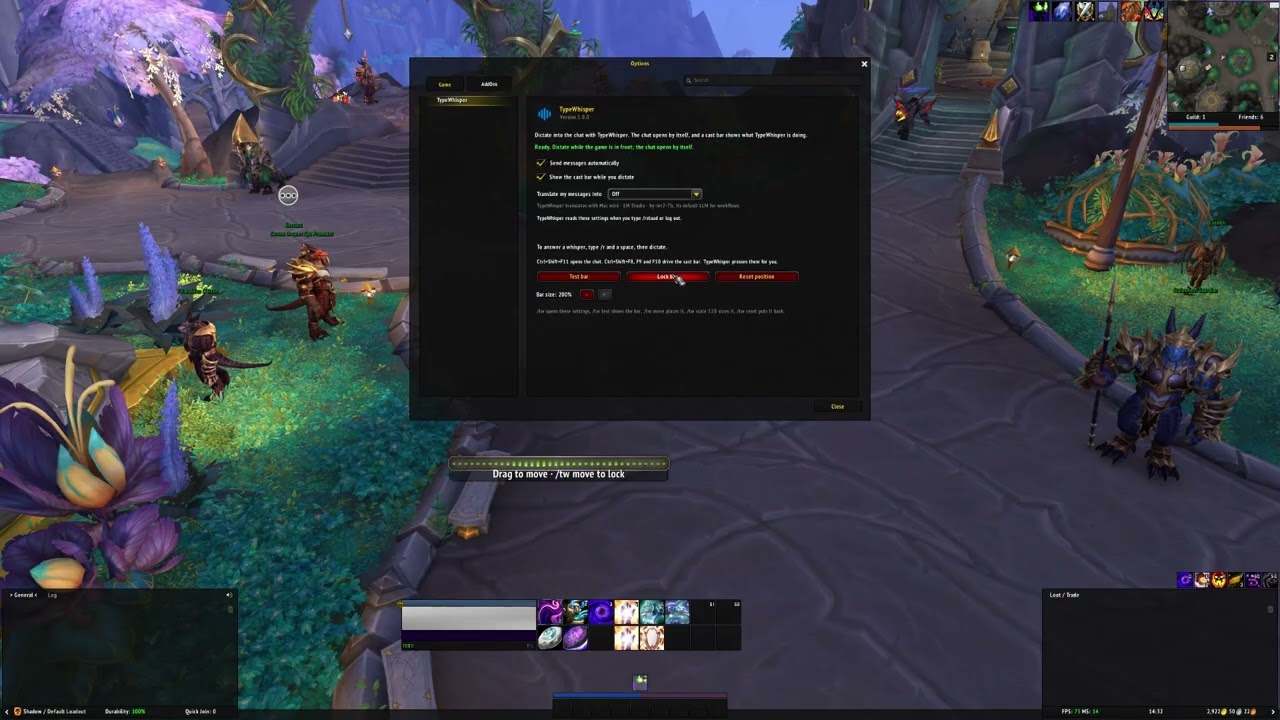
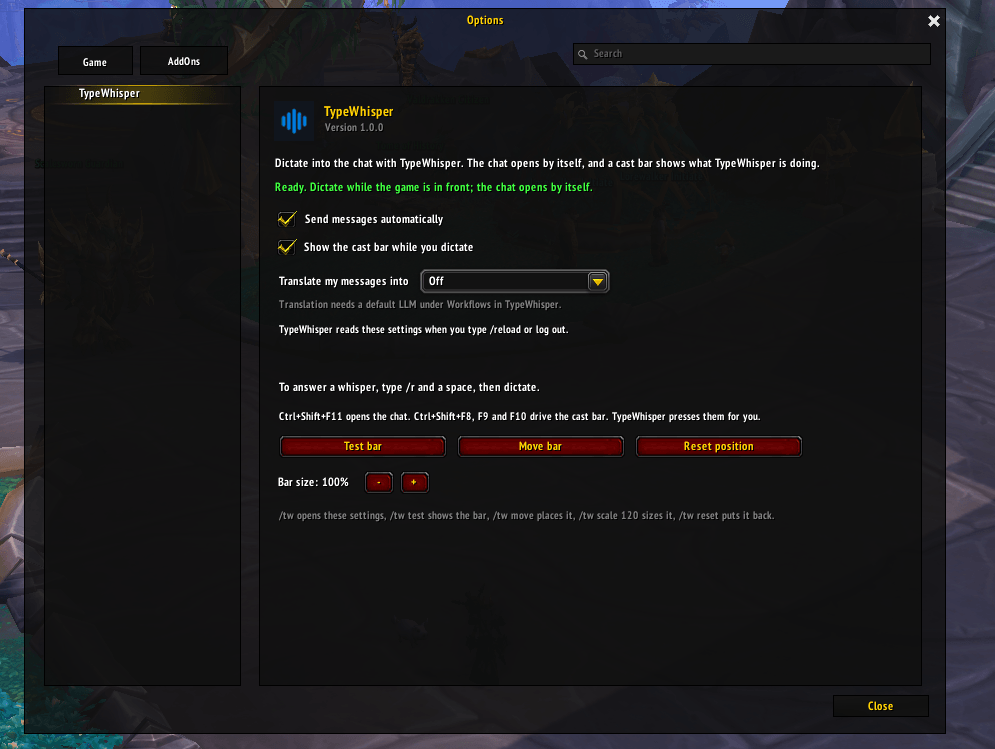
wow-addon-settings-2.png
Description
Dictate into the chat instead of typing. TypeWhisper turns your speech into text. With this add-on, a dictation goes straight into the World of Warcraft chat: the chat opens by itself, the text is inserted and sent.
Works in Retail, Classic, Classic Era and Forever.
What you get
- The chat opens by itself. An open chat stays open with what you already typed, so a dictation never closes it or sends half a message.
- A cast bar in the game's own style shows what TypeWhisper is doing: a waveform while you speak, a bar that fills while your speech is transcribed, and a red bar when a dictation is canceled.
- Long messages are split into chat messages of up to 255 bytes, sent one second apart.
- No game commands by accident. A dictated message never starts with a slash.
- Translate your messages: pick a language, and TypeWhisper translates each dictation before it goes into the chat.
- Reply to whispers: press your Reply key, then dictate.
Setup
- Install TypeWhisper for Windows from typewhisper.com.
- In TypeWhisper, open Settings › Advanced › Integrations and turn on World of Warcraft. TypeWhisper can install this add-on for you, or install it here.
- In the game, type
/twto open the add-on's settings: sending, the cast bar, its size and position, and translation.
Dictate with your usual TypeWhisper shortcut while the game is in front.
How it works
Add-ons cannot talk to other programs, so TypeWhisper presses keys that the add-on understands: Ctrl+Shift+F11 opens the chat, and Ctrl+Shift+F8, F9 and F10 drive the cast bar. The add-on binds them as override bindings on top of your own bindings and never saves them. It never changes the chat itself; sending stays with the game's own code.
Settings you change in the game reach TypeWhisper when you type /reload or log out.
Commands
/tw: open the settings/tw test: play a dictation on the cast bar/tw move: move the bar; type it again to lock it/tw scale 120: set the bar size, from 50 to 200 percent/tw reset: put the bar back in its default place
TypeWhisper Team
