
Twin Fangs Interrupt Assignments
- By
Shows numbers on the mythic adds nameplates on The Twin Fangs encounter.
Screenshot 2026-09-28 195629.png
Screenshot 2026-09-28 200301.png
Screenshot 2026-09-28 200240.png
Screenshot 2026-09-28 200138.png
Description
Twin Fangs Interrupt Assignments - Shows numbers on nameplates and a reminder that your interrupt is incoming on The Twin Fangs encounter.
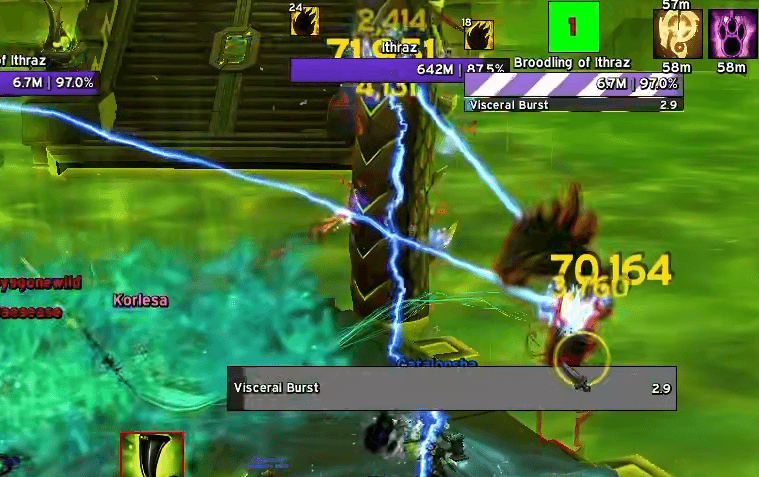
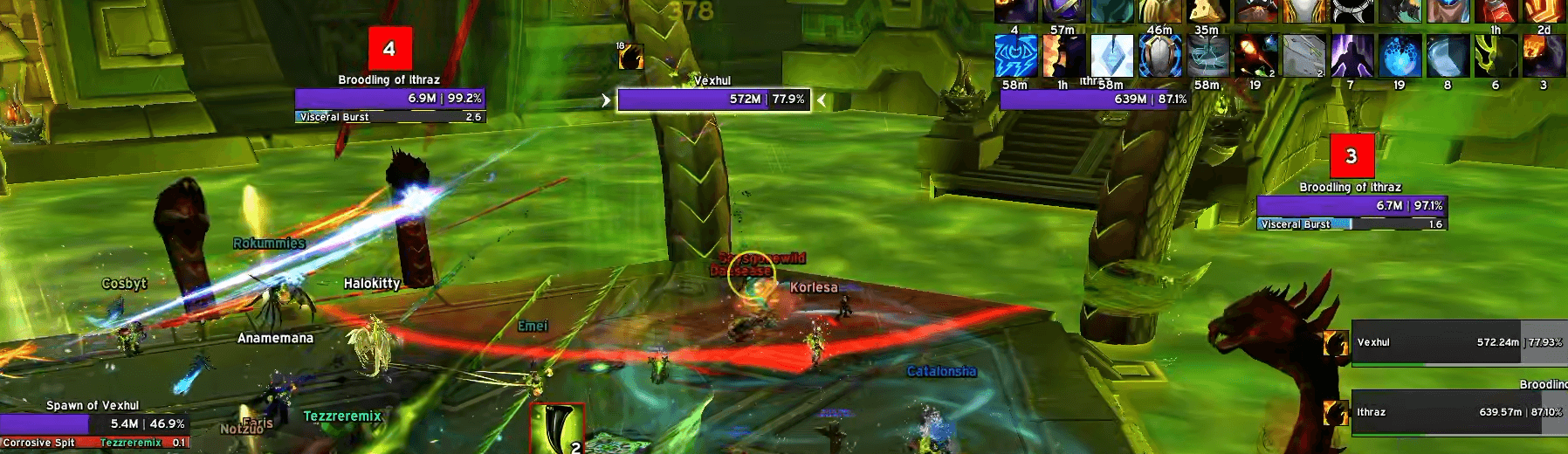
The addon itself is not particularly clever, it cannot differentiate between sides, but due to the fact that the adds always spawn alternating per side, it will always mark 1, 1, 2, 2, 3, 3 etc. Unless you choose to show all numbers, the number you've been assigned will show above the nameplate of your assigned kick as a green box with your number inside it. Numbers other than your assigned will be a red box. Please be aware that you will likely see 2 of your green box, one per side, and it's up to you to make the logical choice as to which is right and left.
The logic behind the addon requires that the nameplate be on your screen (as in it's in your FoV) when the cast starts to be able to mark it. It cannot retroactively mark a nameplate once the cast has begun. Due to this, use the reminder to make sure your camera is in a position such that you can see all possible spawn locations on your side when your add is about to spawn.
Setup
/tfia - Opens the options panel
/tfia unlock - Unlocks the reminder anchor to allow dragging
/tfia assign - Opens the assignment window
/tfia version - Opens the version check window
/tfia remind - Runs a test reminder
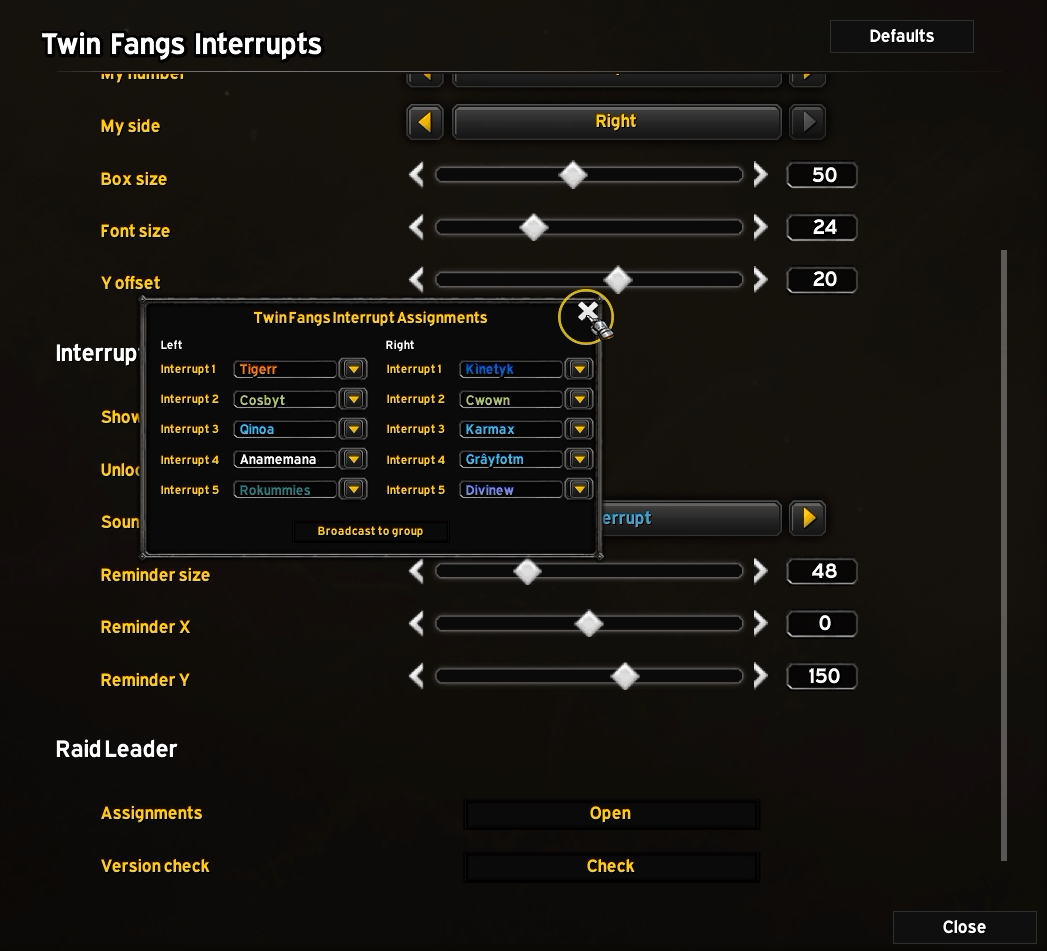
The raid leader (or an assist) can choose who to assign to each kick through a simple dropdown menu system, although you can also type in a character name if you wish to set it up before someone has joined the raid. Once happy with the setup, they can then broadcast the assignments to the raid, whose addons will automatically update settings to reflect what was broadcast. A reminder will show 5s prior to the add spawning in the middle of the screen (moveable) and a sound can be attached to this reminder.
Reminder
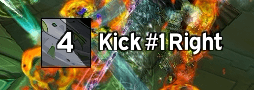
The reminder can be moved around as you see fit, either through an unlockable anchor or via sliders in the options. You can also choose to play a sound when your reminder expires letting you know your kick is imminent.
If you'd like footage of the addon in action, feel free to watch my kill video - https://youtu.be/O-Q4Hm-9Nwg
Twin Fangs Interrupt Assignments Team


