


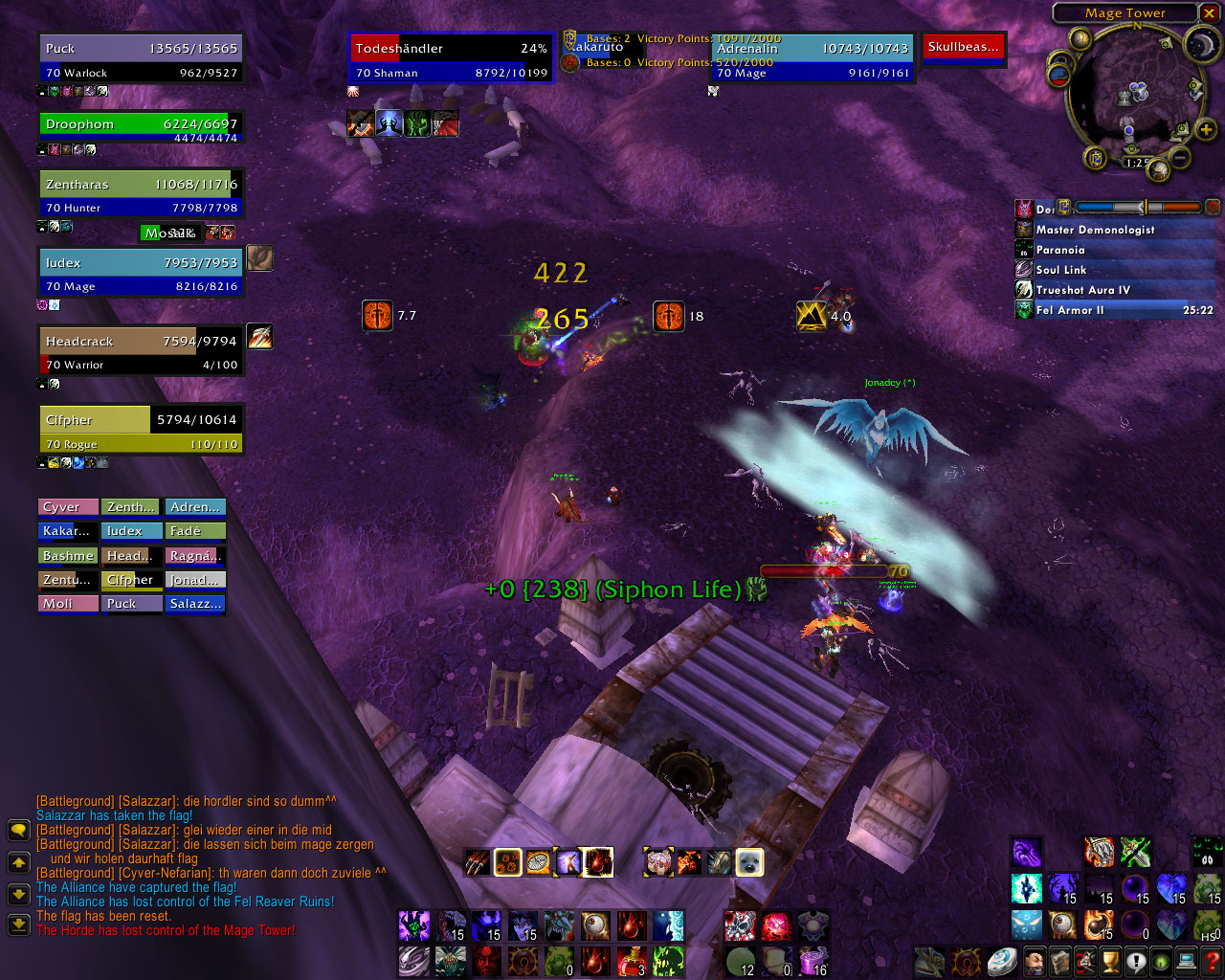
- You can see the duration of my debuffs on the enemy
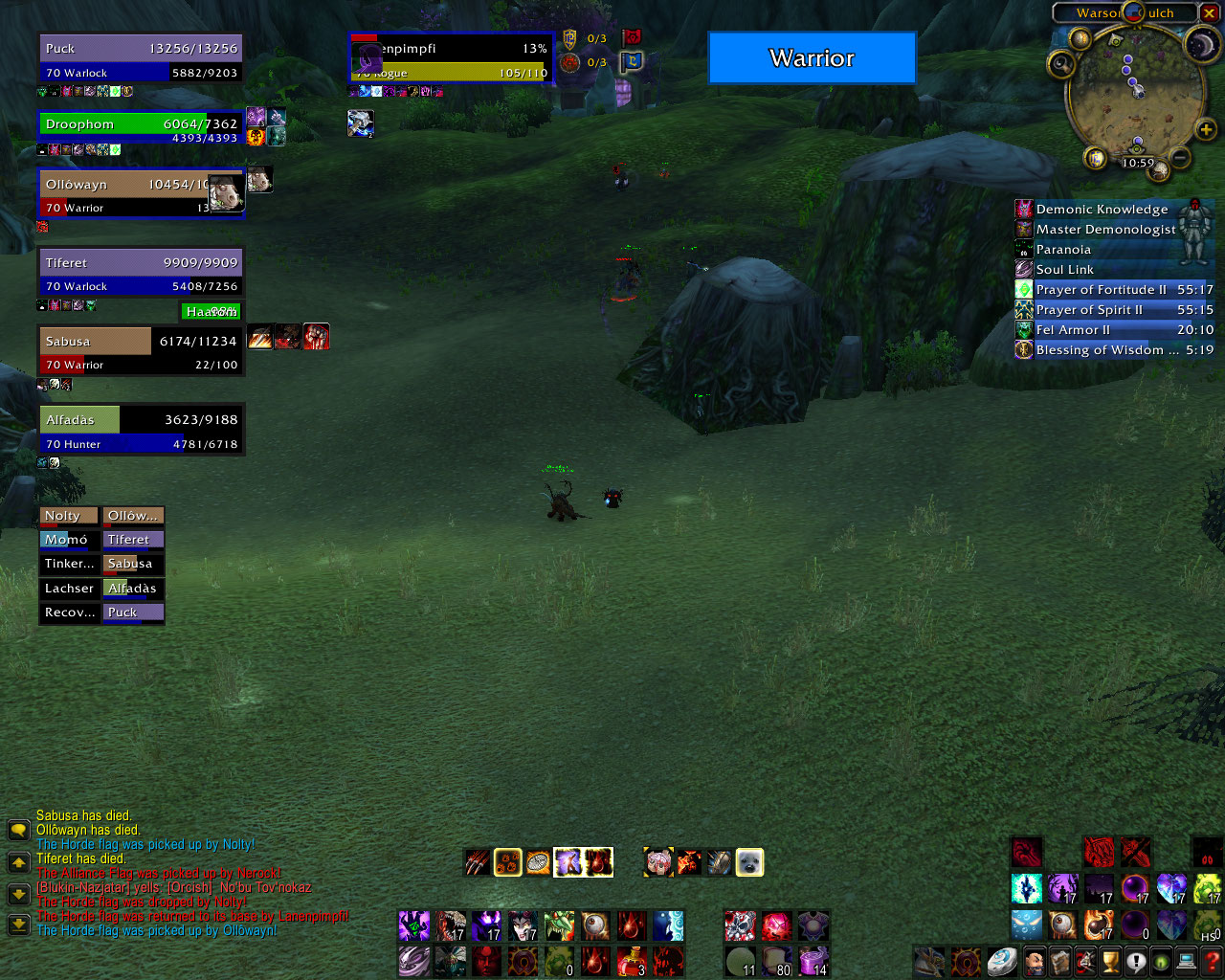
- See the duration of enemy buffs (cloak of shadows on the rogue)
- See the duration of debuffs on friendly targets (sheep on the warrior)
- Highlighting of important buffs/debuffs (cloak of shadows/sheep)
- Highlighting of...
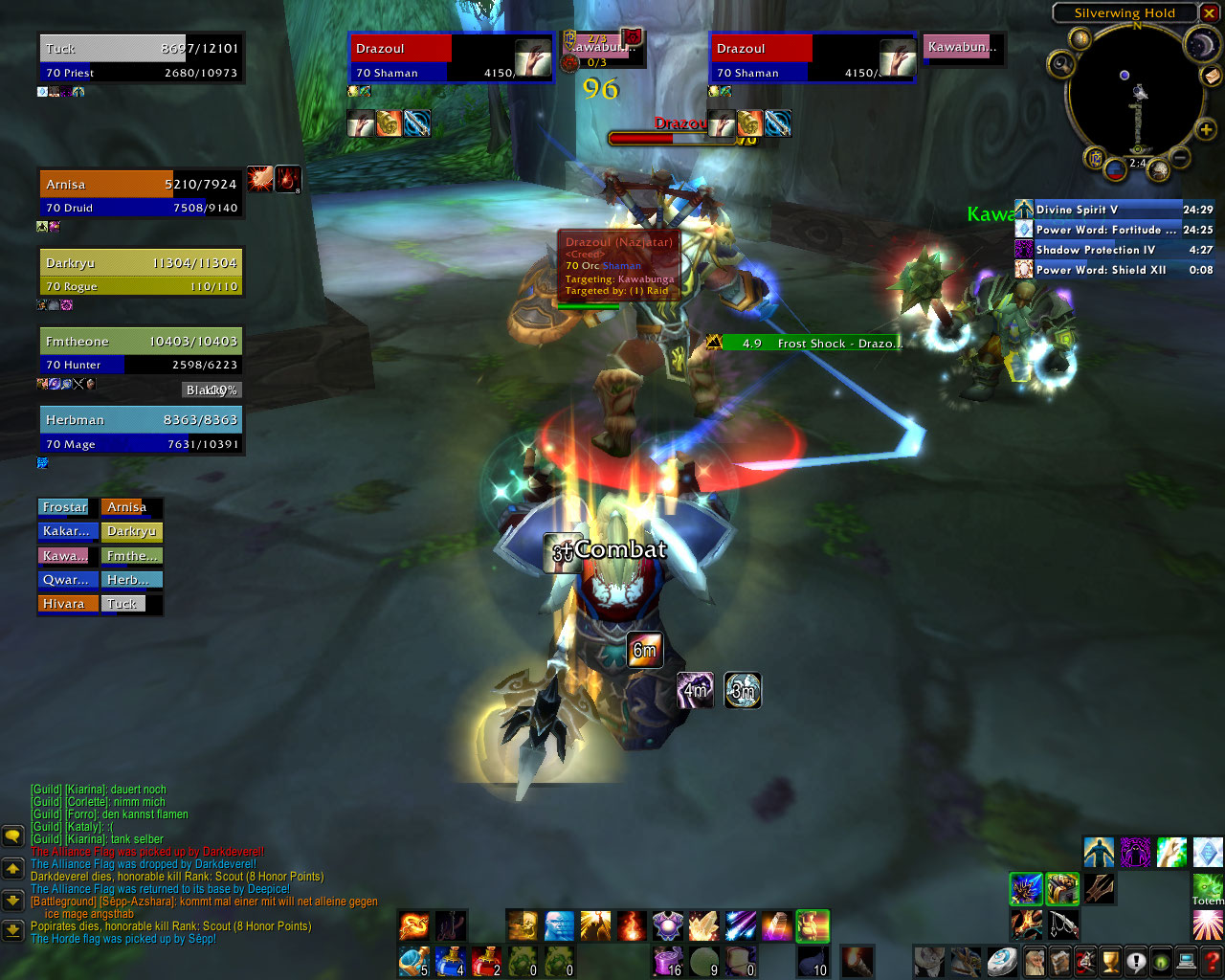
- The remaining duration of my chastise is shown. The same visualization is shown for all buff/debuff durations that you know (own buffs/debuffs and buffs/debuffs of party members with this addon)
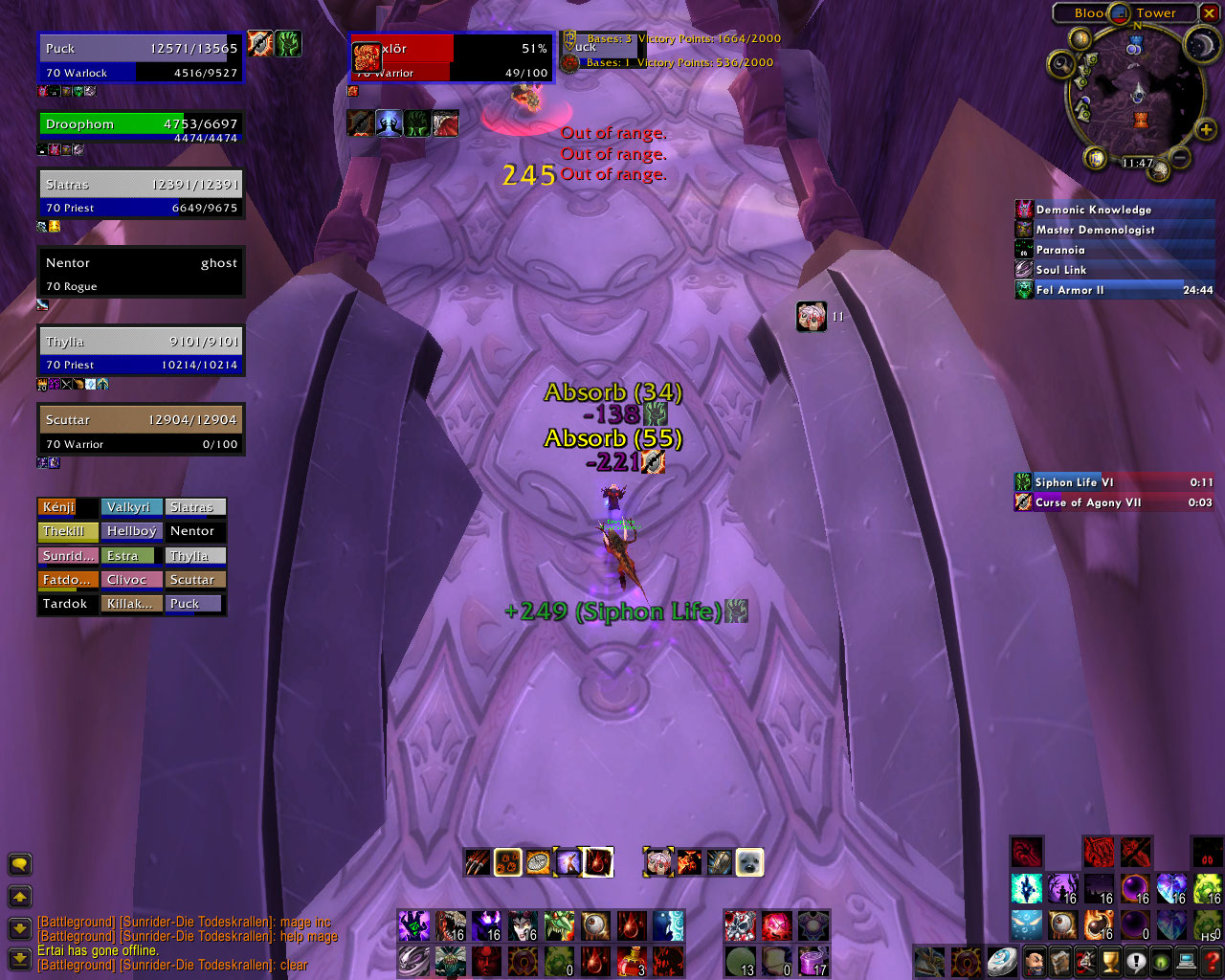
- The Death Wish buff of the enemy warrior is highlighted, as it makes him immune to fear, which is important for this player (a warlock)
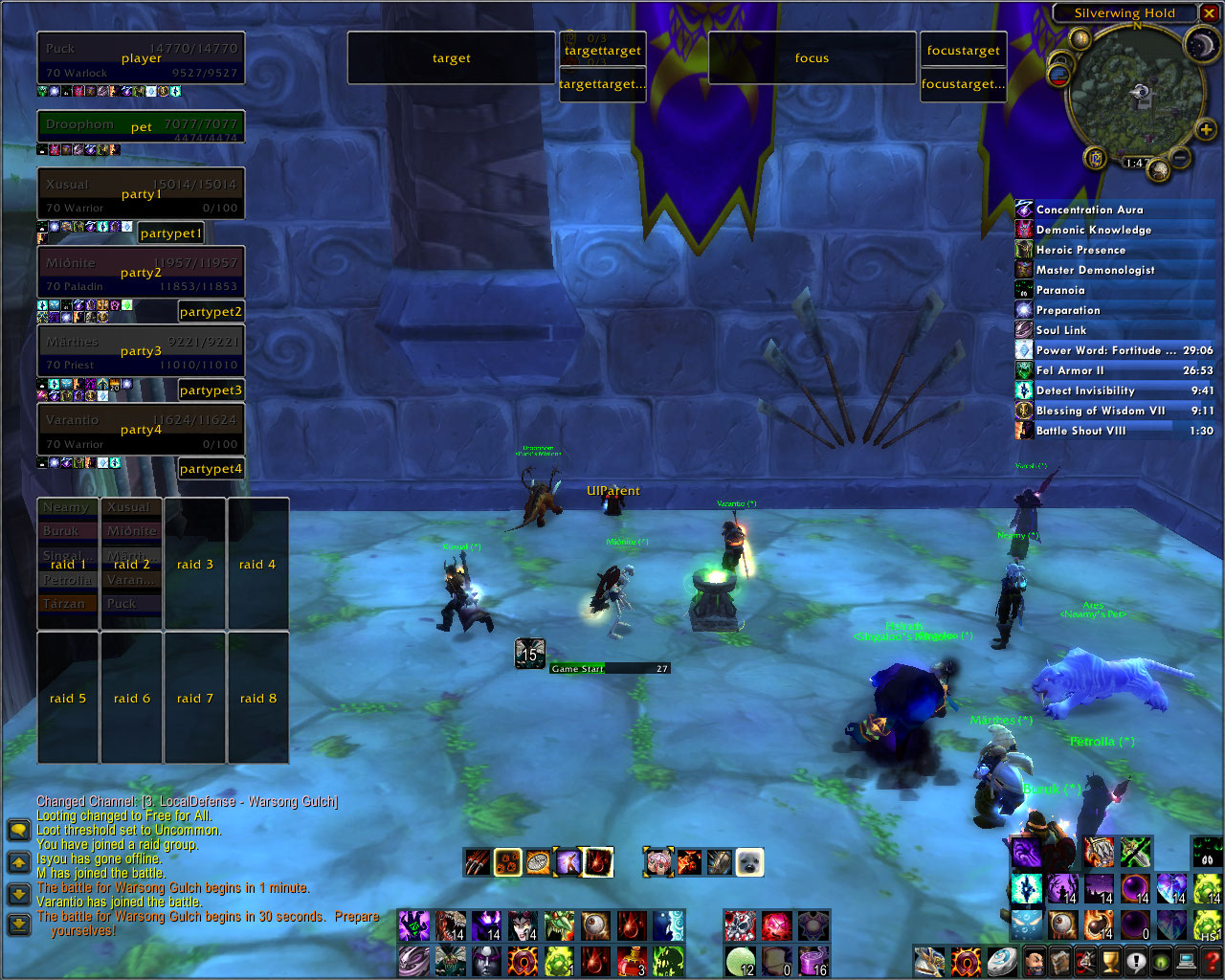
- Frame layout (customizable)
Description
TuckUnitFrames are unit frames optimized for arena and PvP play. The main highlight is the customized display of buffs and debuffs.
Features
- Default unit frame functions
- Highlight important buffs/debuffs and their remaining time
- Filter, group and sort buffs/debuffs (customizable for each frame)
- See exact duration of your and your party member buffs or debuffs
- See the duration of all other buffs/debuffs (approximate)
- Highlight frames with cureable debuffs
- Click-casting (limited)
- Diminishing returns shown as debuffs (experimental)
- Assist alert. If someone from my party has something targeted other than my current target and I don't have a focus target set, a blue assist alert frame is shown in place of the target frame. Useful for 2vs2, if your partner targets an enemy that just left stealth. You will immediately see the class and can use a macro to swap target/focus, assist and swap back to aquire a new focus target.
Quick Start
- Use the command '/tuf ifm' to start IFrameManager. The latest version includes its own copy of IFrameManager, so there is no external dependency, but frames can no longer be bound to frames of other addons that support IFrameManager. All credits go to Shag, the original author of IFrameManager.
- Use the command '/tuf reset' to reset all settings (including frame positions)
- Move the frames around with your mouse. Google IFrameManager for a documentation of advanced features like binding frames to each other.
- Enter '/tuf ifm' again to close IFrameManager.
- Use the ingame config menu to change settings.
FAQ
Until I figure out how to add a page here, see the FAQ at CurseForge
Latest Version
- The latest version of this project can be found at the CurseForge SVN. Note that the latest version might be unstable.
Known Bugs
- Name and class sometimes not updated on raid unit frames. You have to reload the UI with '/rl' to fix this.
- Some buffs/debuffs not hightlighted, or their duration is not shown.
- If you reapply a CC without it first running out, the system will think it is still the first application, resulting in wrong diminishing returns.
Todo
- Improve diminishing returns checking and display
- Update and check all aura data
- Customizable frame highlighting
- Range check
Bugs, feature requests and suggestions
!!!! IF YOU HAVE FOUND A BUG, DO NOT POST A COMMENT, I DON'T READ THEM. !!!!
Instead, open a ticket at http://wow.curseforge.com/projects/tuf/tickets/. This way, I get an email notification and see what problems are open.
If you cannot be bothered taking a few seconds to understand the system and check whether the problem is already reported, use http://wow.curseforge.com/projects/tuf/create-ticket/ to immediately create a new ticket.
The TuckUnitFrames Team

