JC002.png
JC003.png
JC004.png
JC005.png
JC006.png
Description
JunkCutter
Automatic Junk Management for Wrath of the Lich King (3.3.5a) - Should also support 3.3.X and 3.4.X versions
Overview
JunkCutter helps you keep your bags tidy on Wrath (3.3.5a) private servers by automatically identifying common junk (Poor/Common/Uncommon) and either verifying, deleting, or selling it when appropriate. It is lightweight, safe by default, and includes a guided setup to get you running in seconds.
Key Features
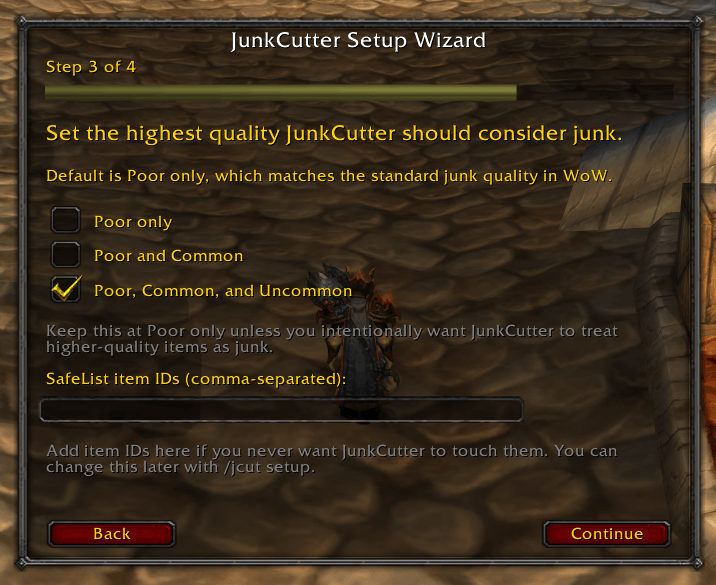
Quality-based detection: Poor (0), Common (1), or Uncommon (2) items.
Flexible Modes:
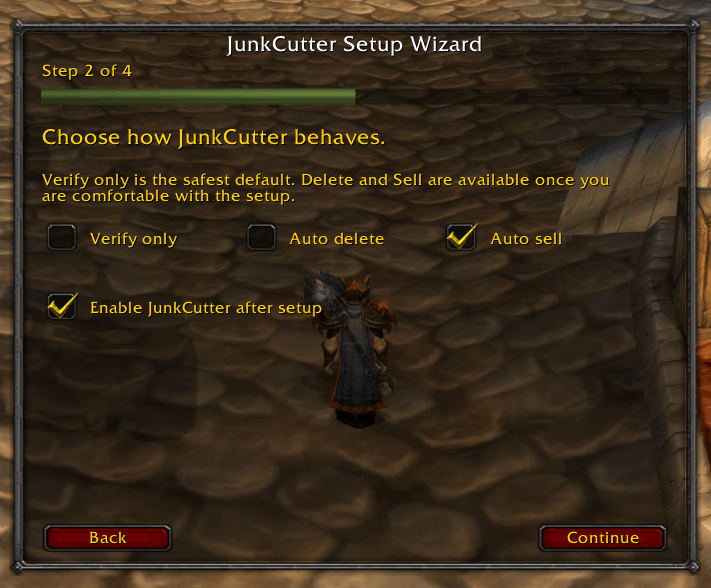
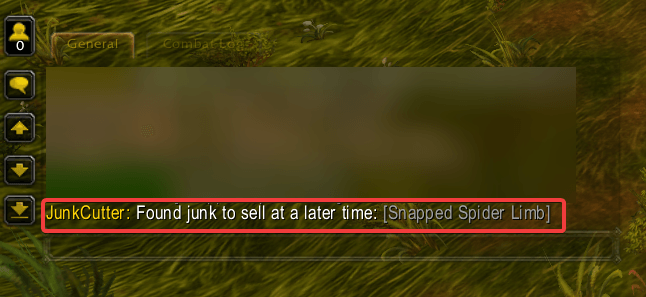
- VERIFY: Reports identified junk to chat (Safe mode).
- DELETE: Automatically destroys junk items.
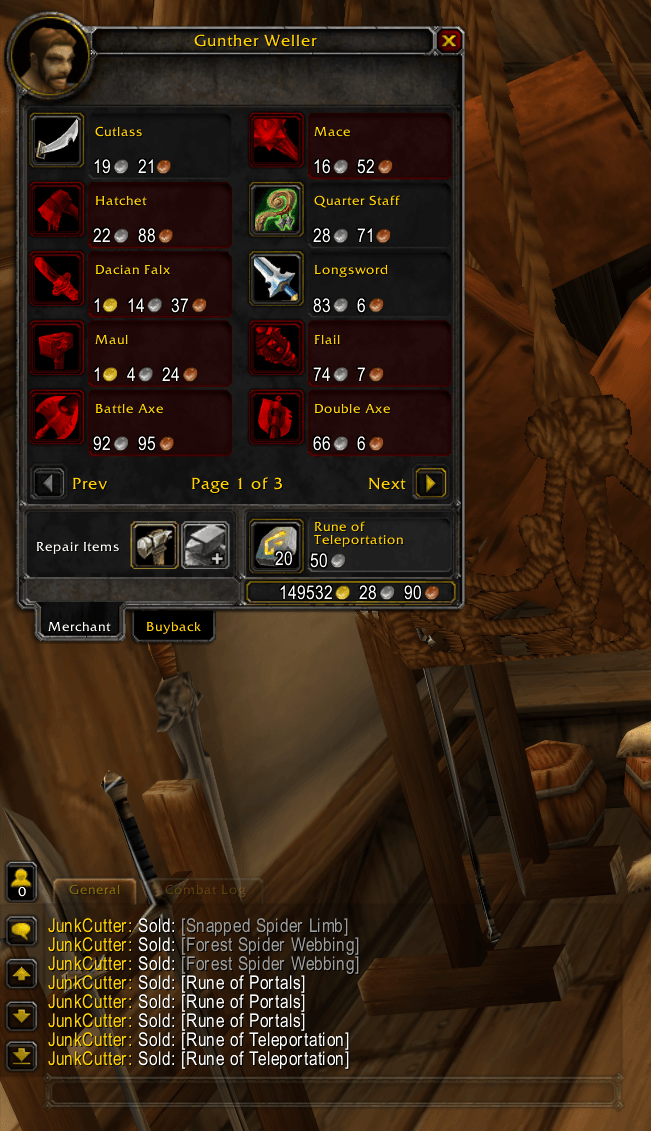
- SELL: Automatically sells junk when a vendor window is open.
- Onboarding Wizard: Recommended defaults and a single-click setup flow on first login.
- SafeList: Prevent specific items from ever being touched (Hearthstone [item 6948] excluded by default).
- Smart Cleanup: Uses reverse-order removal and deferred cleanup to ensure no items are missed during rapid looting.
Installation
- Download the package and extract it.
- Place the TTD-Junk Cutter folder into your World of Warcraft/Interface/AddOns/ directory.
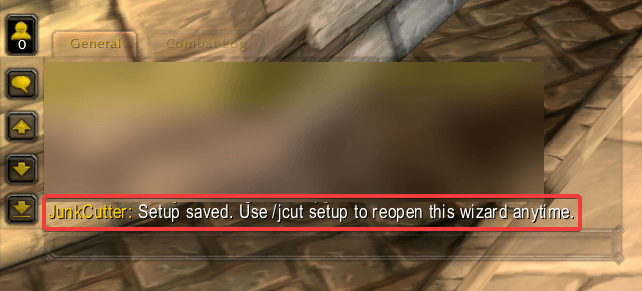
- Log into the game and run /jcut setup or follow the on-screen prompt.
Commands
- /jcut setup — Launch the onboarding wizard.
- /jcut enable/disable — Toggle the addon status.
- /jcut mode [VERIFY|DELETE|SELL] — Set the operational behavior.
- /jcut quality [0|1|2] — Set the maximum quality treated as junk.
- /jcut safe add/remove — Modify your protection list.
- /jcut safe list — Display current protected items.
- /jcut reset — Revert settings to recommended defaults.
Safety & Notes
The default setup is intentionally conservative (VERIFY mode enabled). We highly recommend testing your settings in VERIFY mode before switching to DELETE.
TTD-JunkCutter Team