TrinketMenuAutoswap
Shows equipped trinkets, swap them from a popup menu, and auto-swaps to the next trinket you pick once the equipped one is on cooldown.
Screenshot 2026-10-12 162800.png
Screenshot 2026-10-12 162811.png
Screenshot 2026-10-12 162821.png
Screenshot 2026-10-12 163933.png
Description
Trinket menu and auto-swap for WoW Forever 1.60.1.
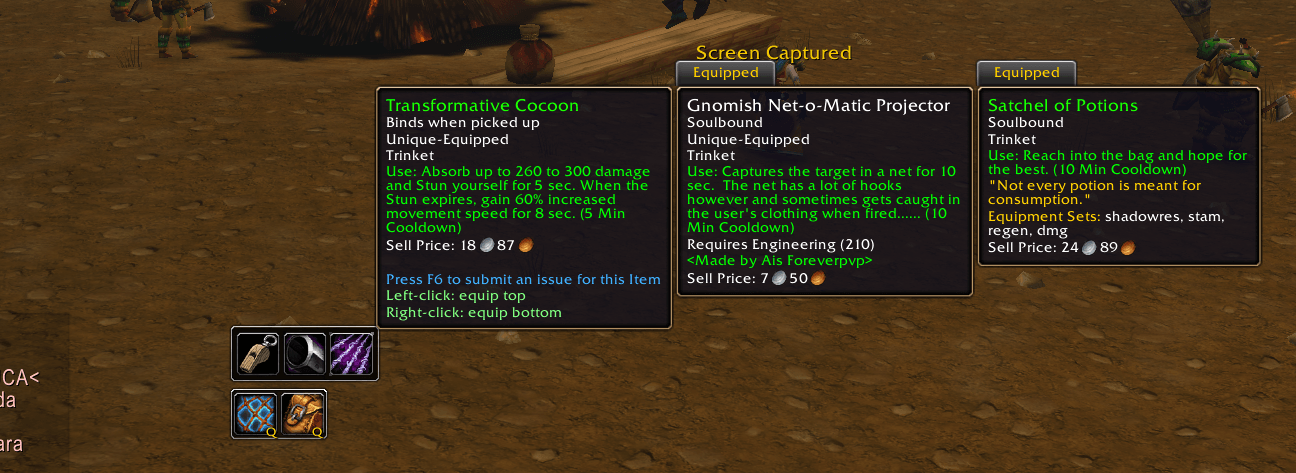
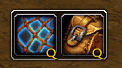
- Two buttons for your equipped trinkets. Hover one to see the trinkets in your bags.
- Left-click a bag trinket to equip it in the top slot. Right-click to equip it in the bottom slot.
- Click an equipped trinket to use it.
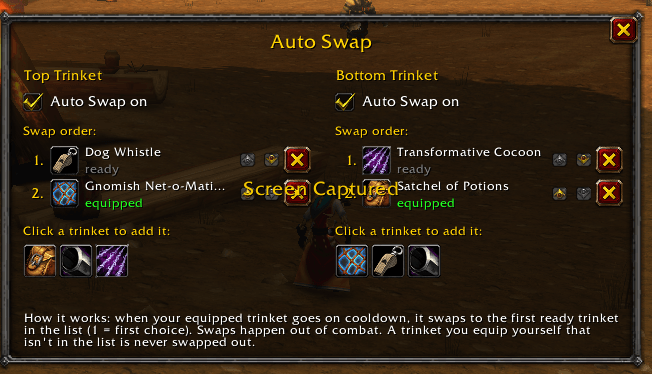
- Right-click a slot, or type /tmf swap, to set the Auto Swap order. Number 1 is the first choice. When the equipped trinket goes on cooldown, it swaps to the first ready trinket in that list. A trinket you equip yourself that is not in the list is left alone.
- Alt-click a slot to turn Auto Swap on or off. A gold Q means it is on.
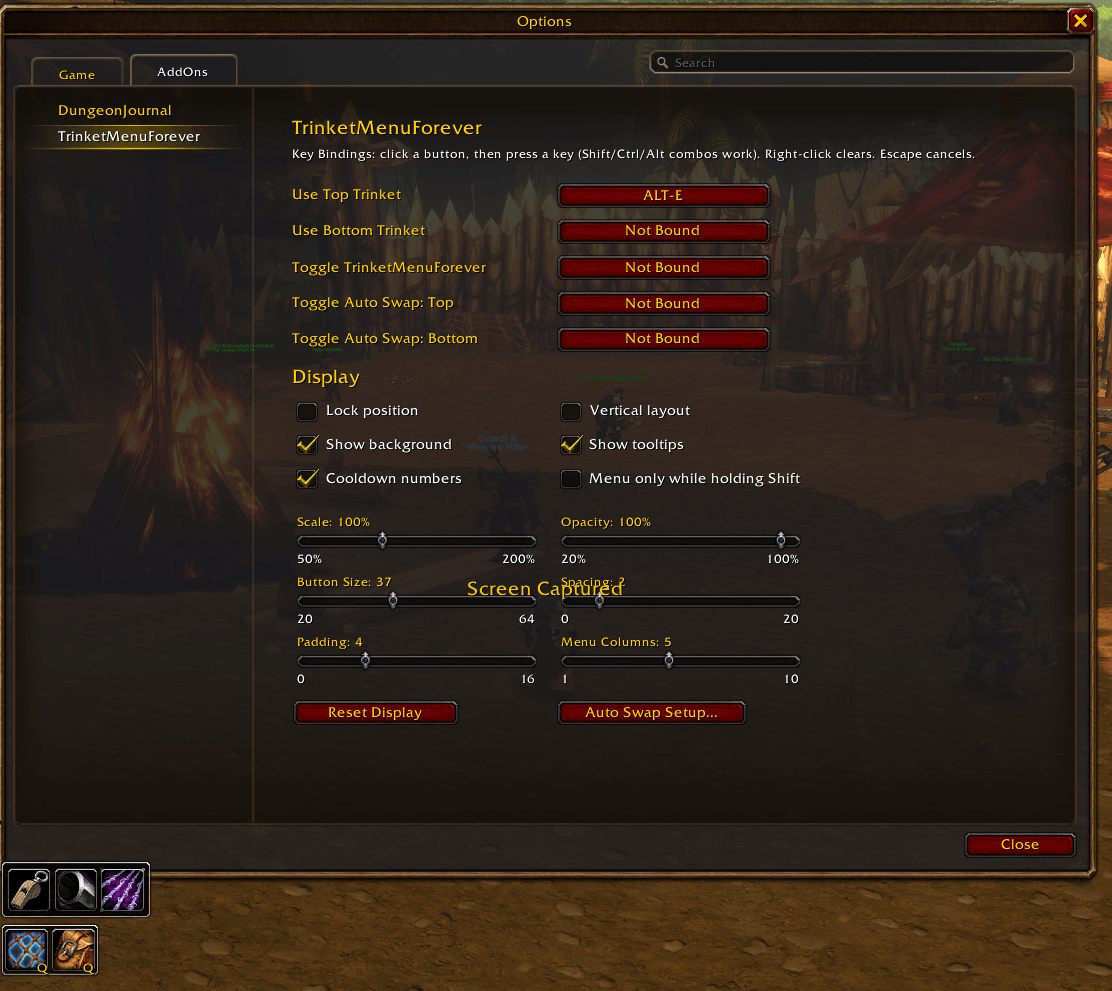
- /tmf options sets keybinds and display: scale, opacity, button size, spacing, padding, menu columns, vertical layout, background, tooltips, cooldown numbers, and menu-only-while-holding-Shift.
TrinketMenuAutoswap Team