TrinketAlert - Arena Trinket Callouts
- By
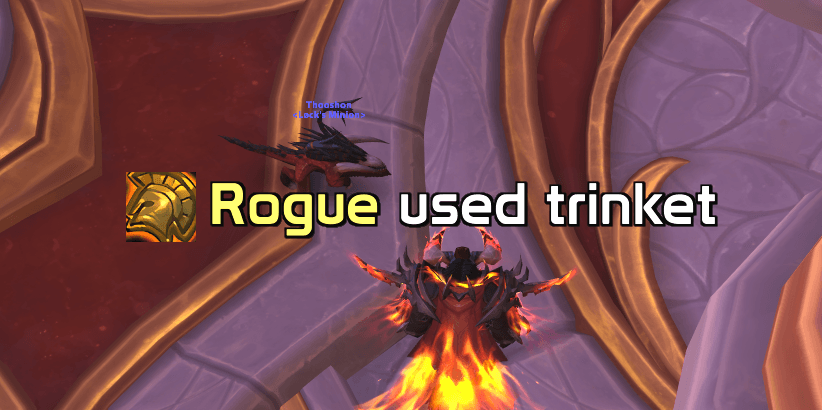
Enemy popped their trinket? You'll know instantly. Sound or text-to-speech callout, class-coloured on-screen alert and optional team chat warning.
screen.png
general.png
audio.png
style.png
about.png
Description
TrinketAlert - know the instant an enemy trinkets
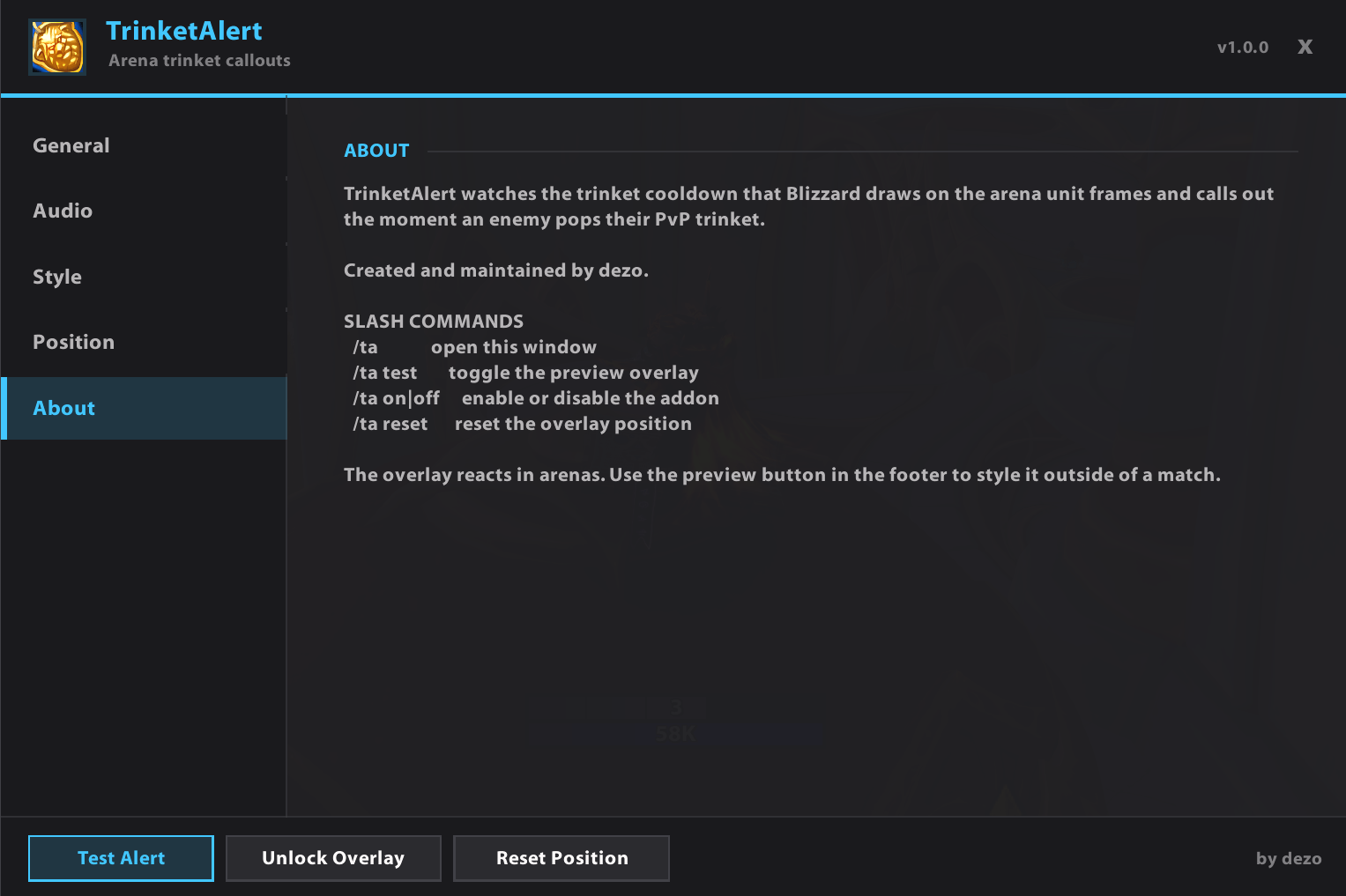
TrinketAlert watches the trinket cooldown that Blizzard draws on the arena unit frames and calls it out the moment an enemy pops their PvP trinket. No combat log parsing, no delay, no setup: install it, join an arena, hear it.
Why players use it
- Instant detection - it hooks the very cooldown the game itself displays, so the alert lands the moment the trinket goes on cooldown.
- Your ears, not your eyes - pick a sound effect, or let text to speech say the class name out loud (EN/FR/DE/ES).
- Readable at a glance - class-coloured on-screen alert with the trinket icon, sized and placed exactly where you want it.
- Team awareness - optionally announce it in instance, party, say or yell chat so your partner knows too.
- Great for swaps - mark enemy healers as "Healer" instead of showing their class.
- No spam - a smart re-arm window keeps one trinket to one callout.
- Zero bloat - no required libraries, tiny footprint, runs alongside your unit frame addon (sArena, default Blizzard frames, ...).
- Up to date for Midnight / patch 12.1.
Slash commands
| Command | What it does |
|---|---|
/ta or /trinketalert |
Open the options window |
/ta test |
Toggle the preview overlay |
/ta on / /ta off |
Enable or disable TrinketAlert |
/ta reset |
Reset the overlay position to the default |
Quick start
- Install, log in and type
/ta. - Press Test Alert to see the overlay, then Unlock Overlay to drag it where you want it.
- Choose Sound effect or Text to speech. That is it - alerts fire automatically in arenas.
What you can configure
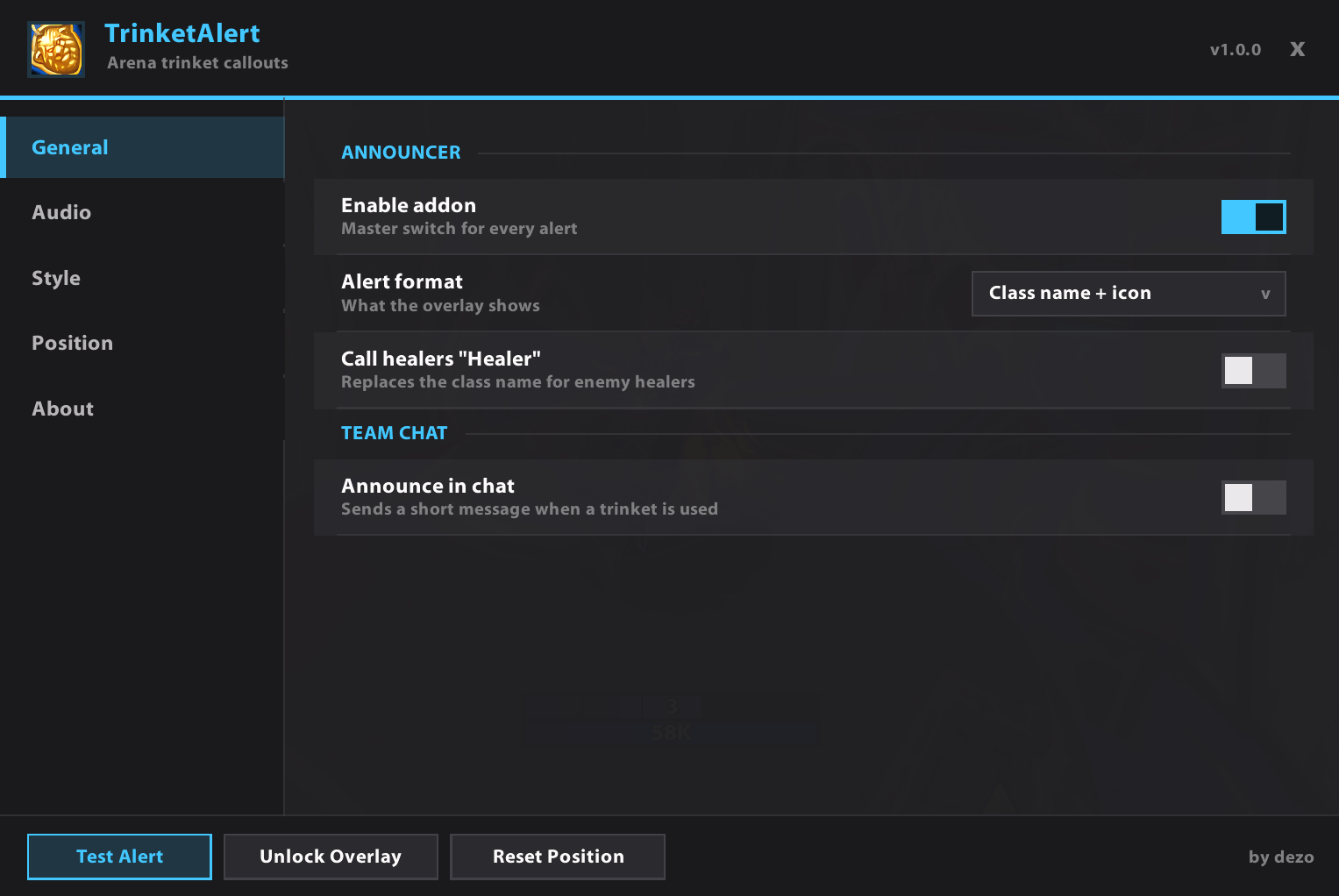
- Alert format: class name + icon, class name only, or icon only
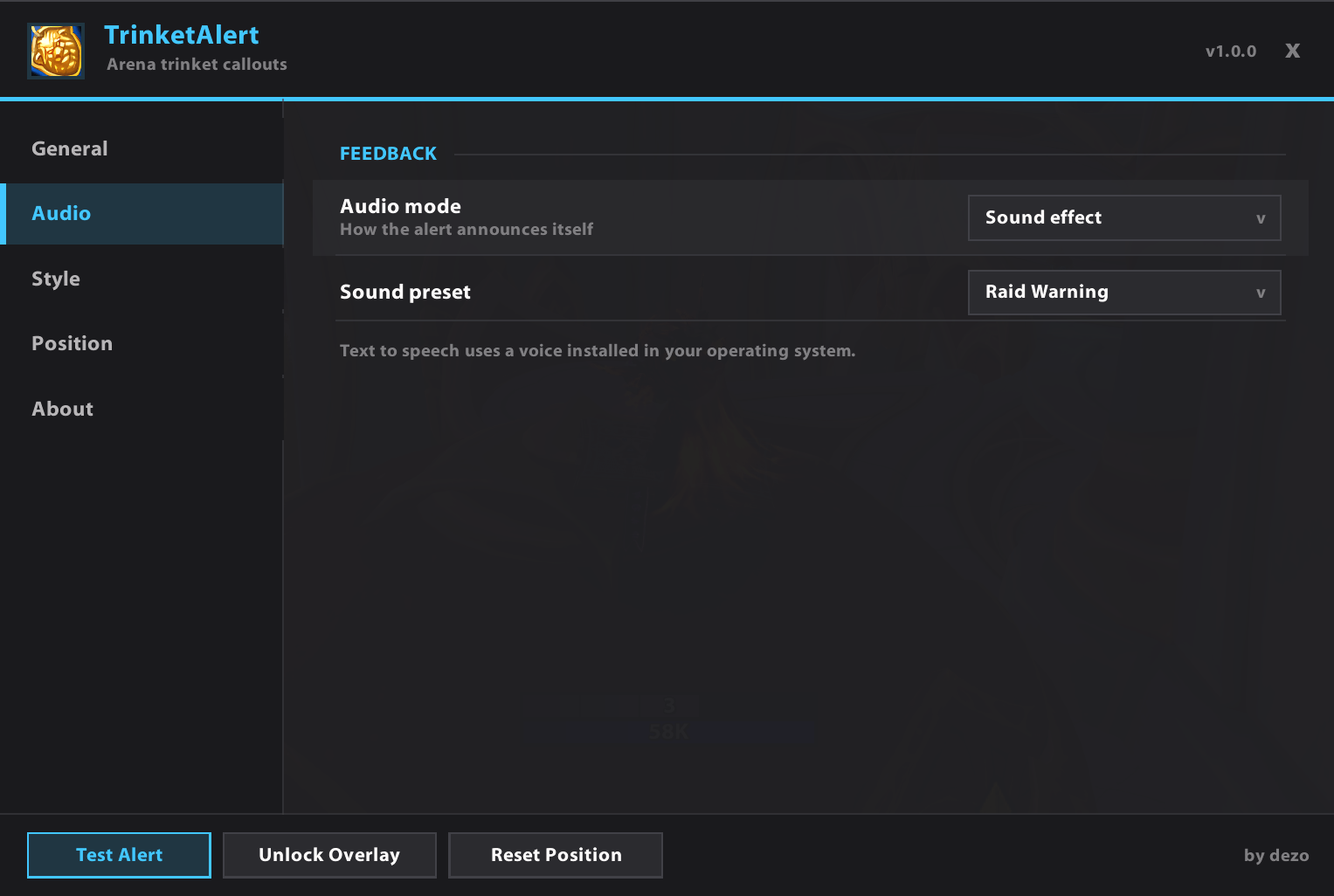
- Audio: 5 sound presets (Raid Warning, Ready Check, Flag Capture, Alarm Clock, Level Up) or text to speech with voice, language, speed and volume
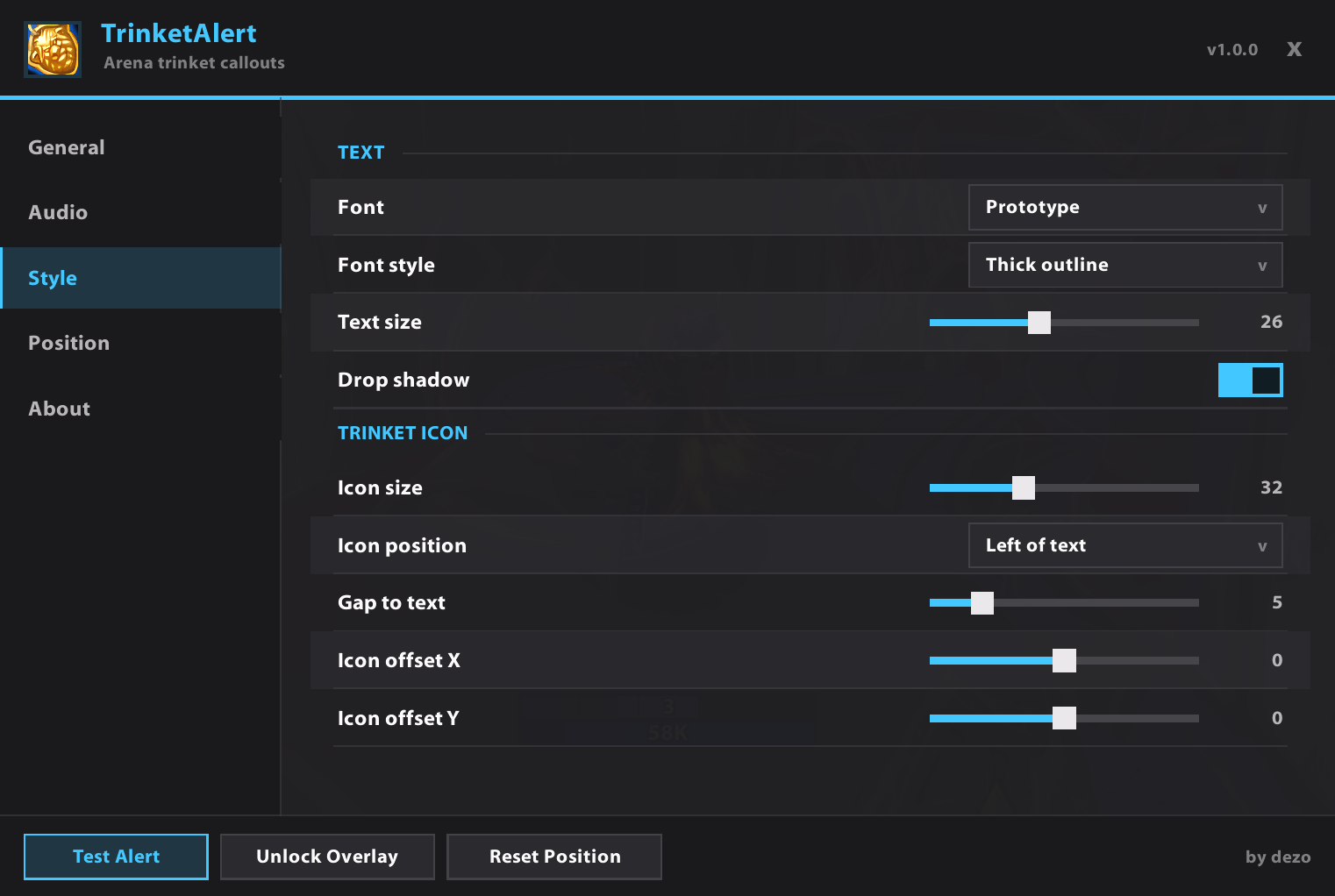
- Text: font, style (outline / thick outline / none), size, drop shadow
- Icon: size, left or right of the text, gap and fine offsets
- Position and timing: X/Y anchor, hold time, fade time, drag to place
- Chat: enable it and pick the channel
- Healers: label enemy healers as "Healer"
Notes
- Alerts are made for arenas, which is where the game exposes the trinket cooldown.
- Text to speech uses a voice installed in your operating system.
- No setup needed - the defaults work straight out of the box.
Feedback
Found a bug, have an idea, or want another feature? Leave a comment. TrinketAlert is actively maintained and I read everything. If it wins you a game, a rating helps other players find it.
The TrinketAlert - Arena Trinket Callouts Team