


TributeChest
- By

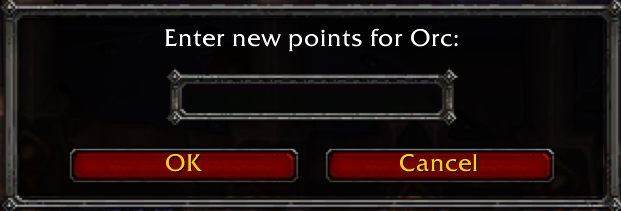
Enter points for each race prior to starting the bidding.
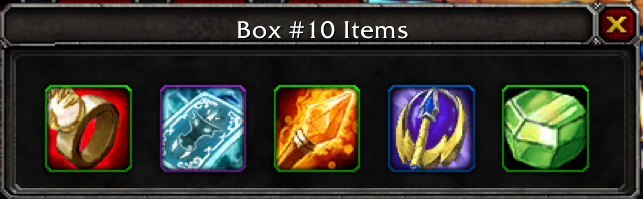
Add 0-5 items per box (tied to your bank slots).
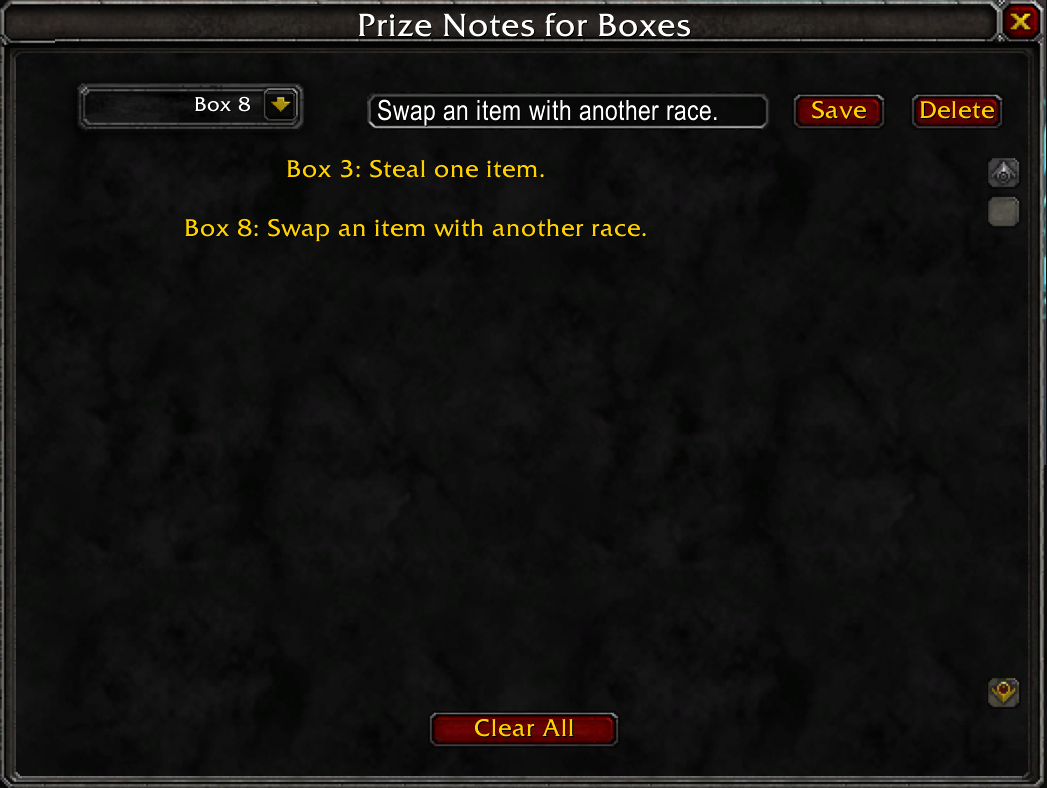
Add prize notes to boxes of your choosing.
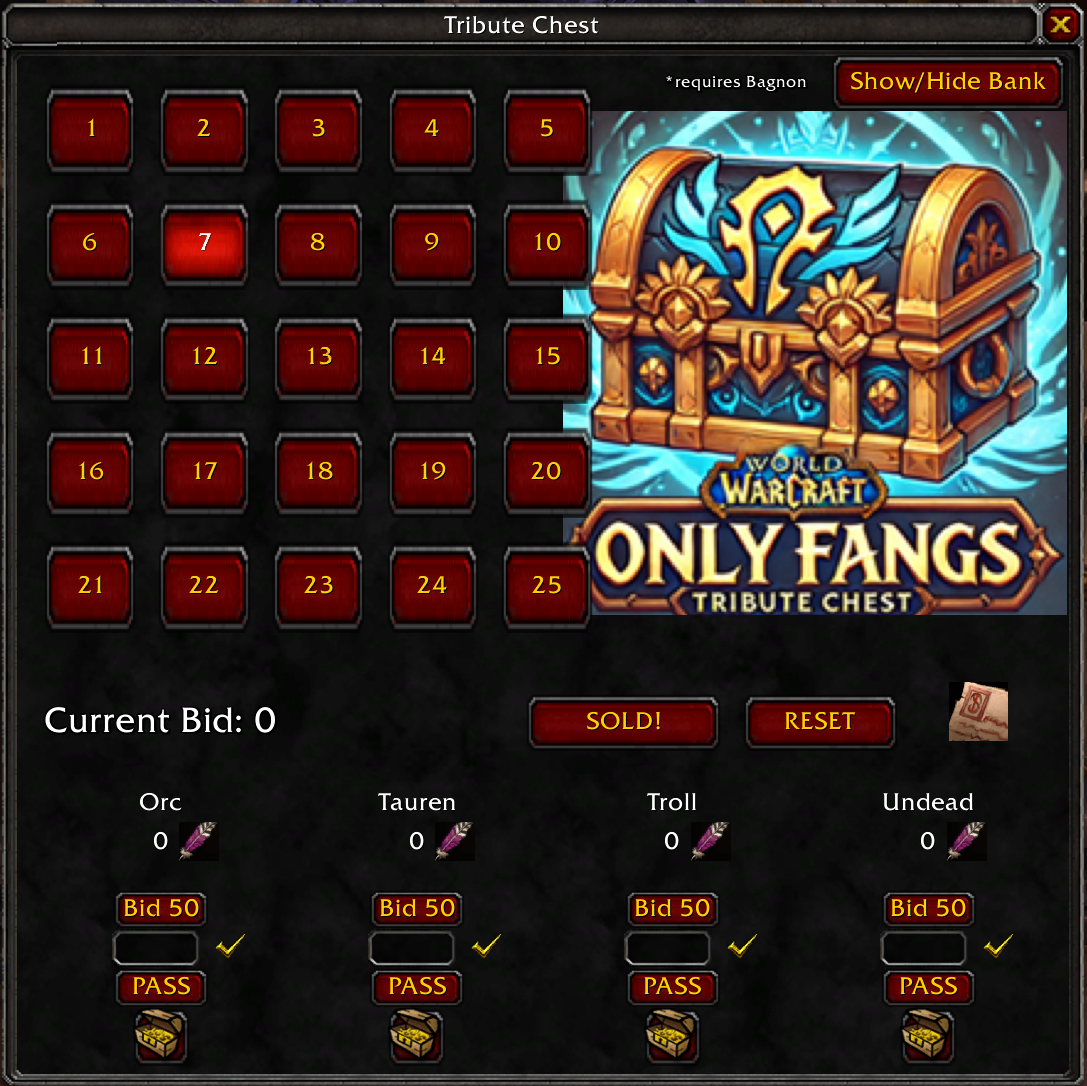
Main window.
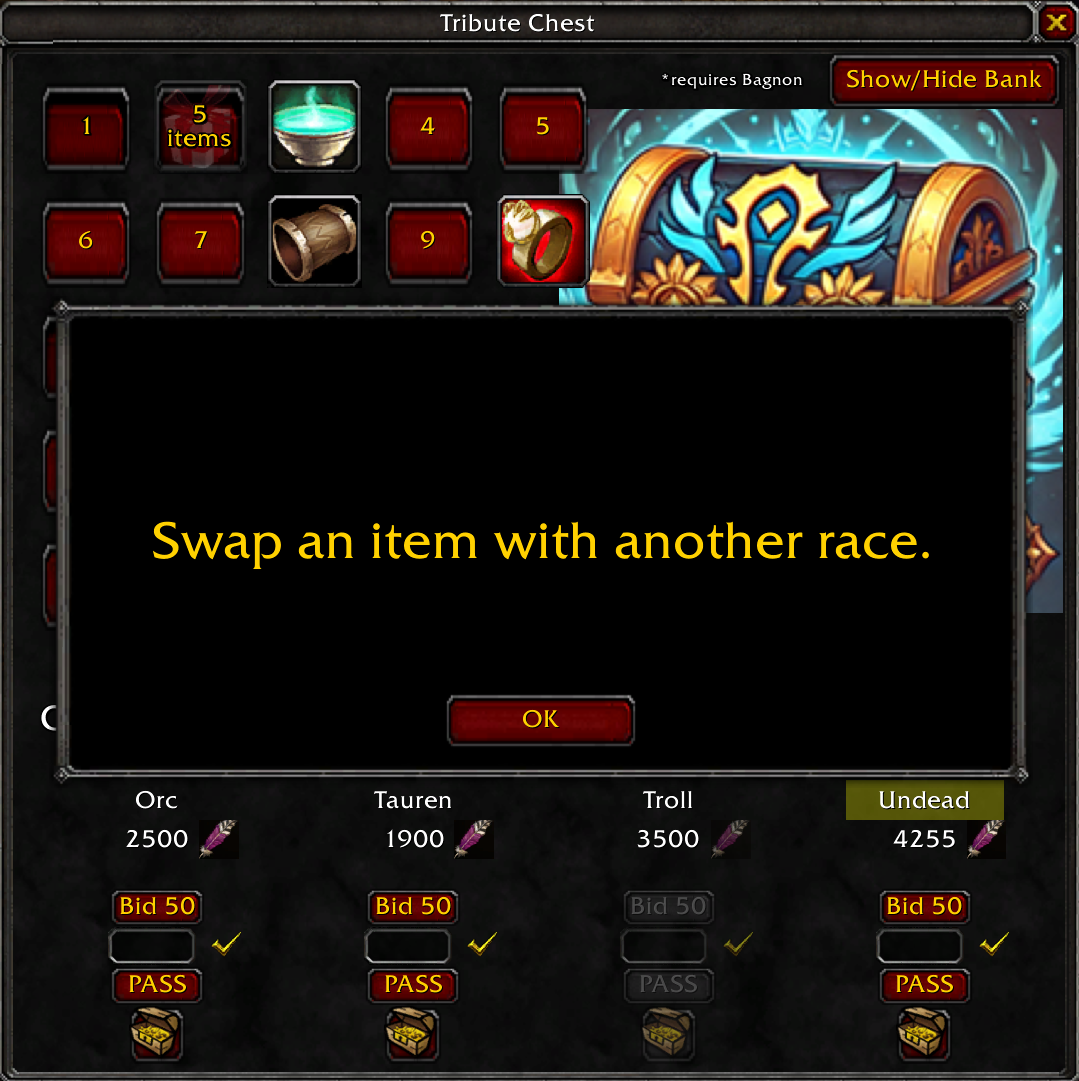
Prize note popups are revealed upon fully opening a box.
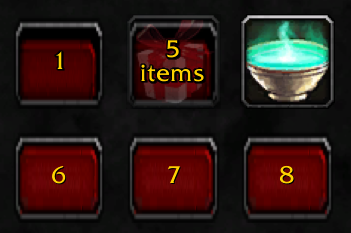
Boxes #1-25. 1st click reveals how many items. 2nd click reveals the item icon. 3rd click reveals any hidden popup prizes and the items in the box.
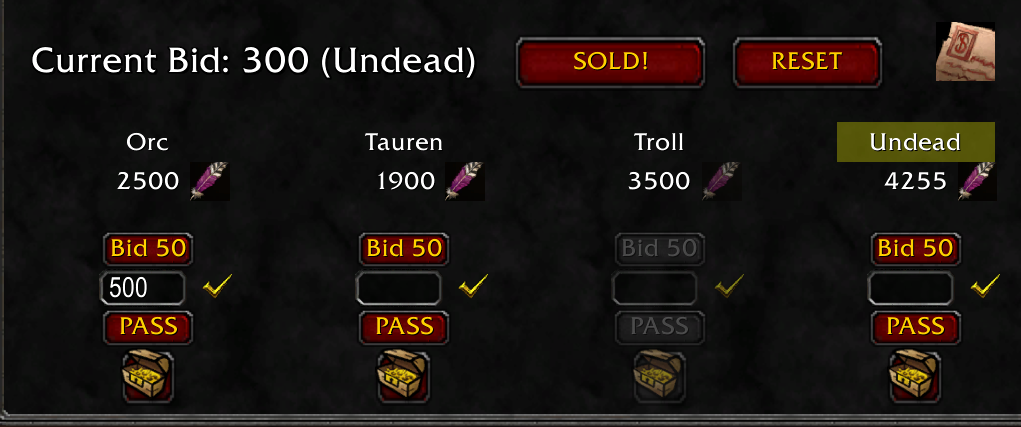
Bidding system. Edit race points. Bid 50 or enter a custom amount. Pass grays out the race. Hitting "SOLD!" assigns the items to the winning race. Opening the chest below each race shows their current stash. Click the Note icon to prize messages to boxes.
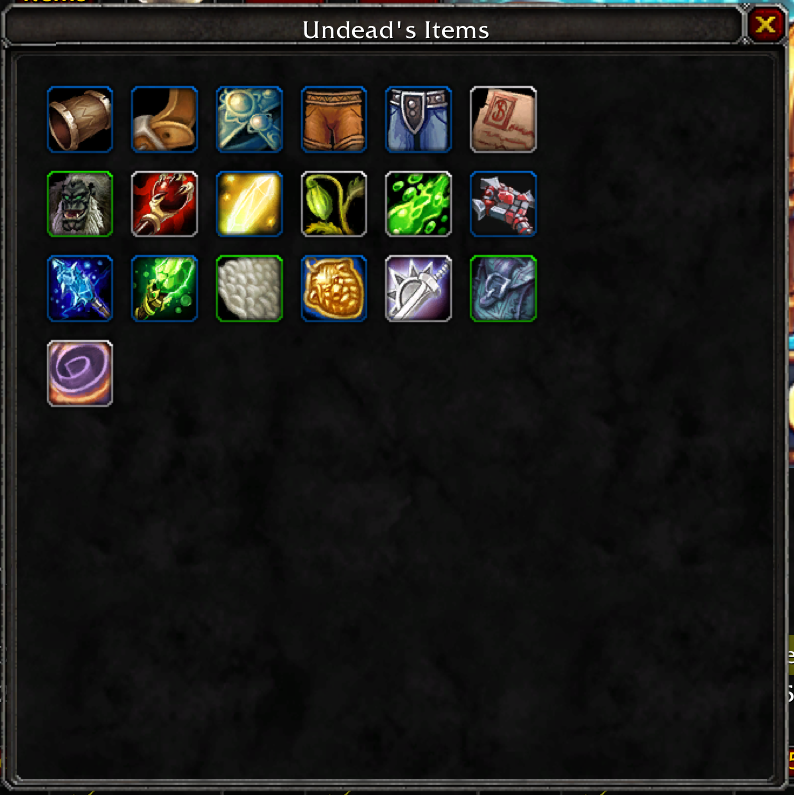
All of the loot won by the race is consolidated into a single container below each race. Left-click to grab the item, or right-click to transfer them into your bank.