


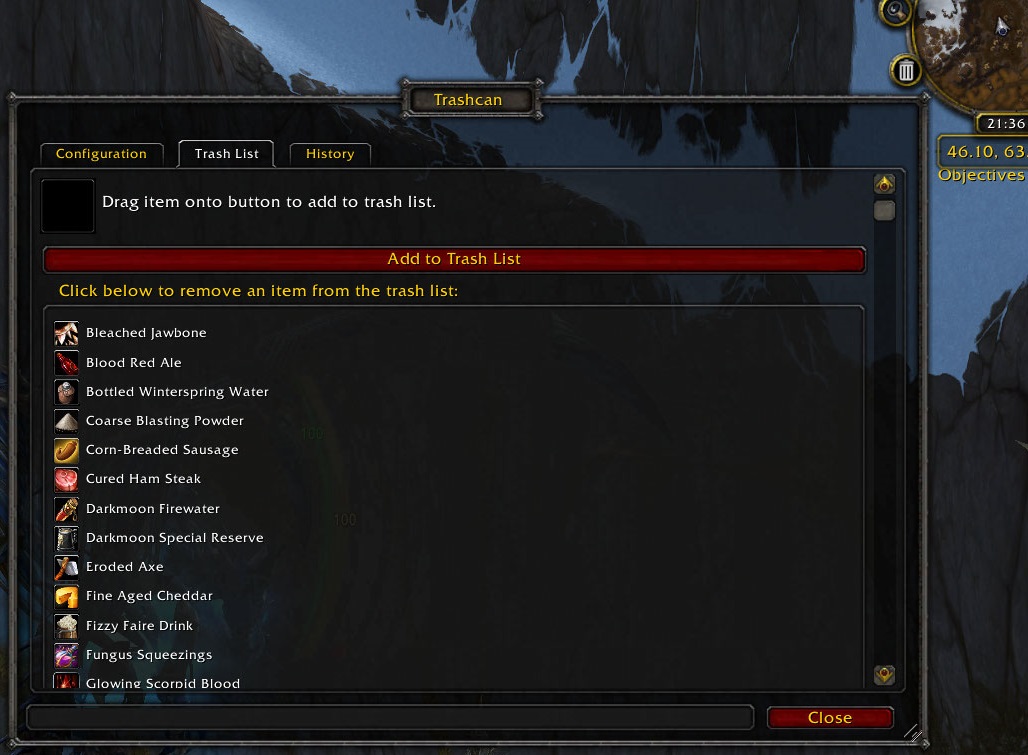
Trash list management frame, with drop target for adding items to the trash list.
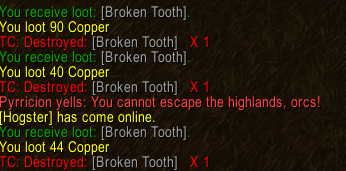
Alerts in chat when items are sold or deleted.
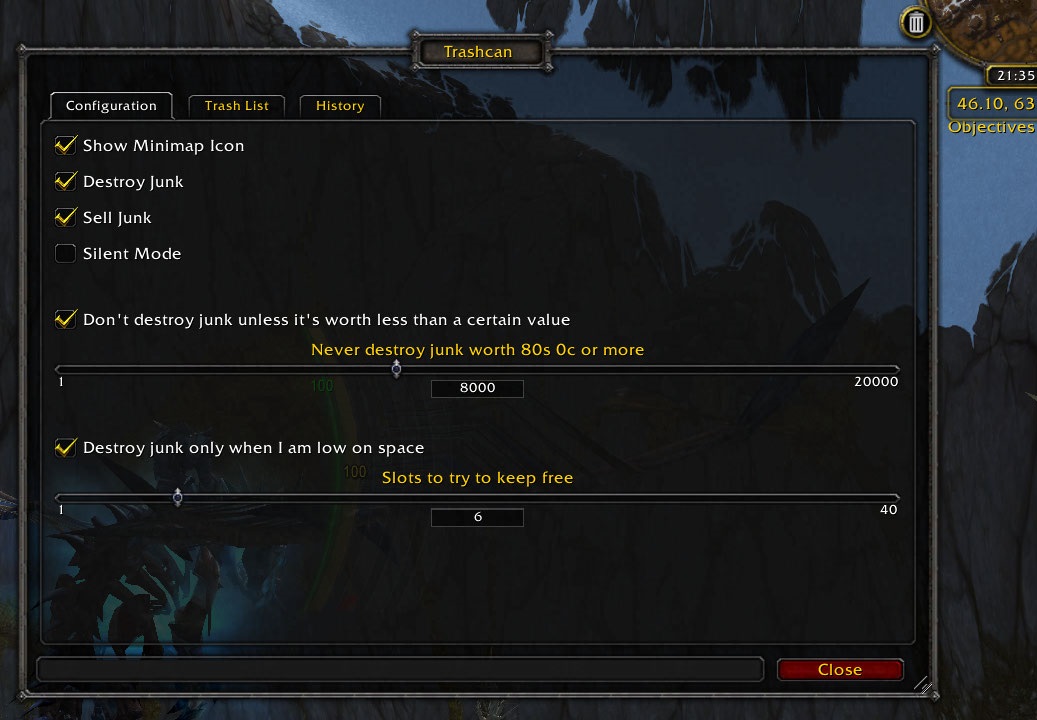
Main options page
Description
Trashcan keeps space free in your inventory by selling low value gray items or destroying them if you do not visit a vendor and are running out of space.
(Note: when first installed, Trashcan is disabled. Go to Options->Interface->AddOns to enable it.)
Features:
- GUI configuration can be opened by clicking the Minimap / LDB icon or through the Bliz Options/Interface/Addons.
- Maintains a Trashlist to which you can add non-gray items that will automatically be sold (or destroyed, depending on settings)
- Any time you manually destroy an item, you will see a third button in the confirmation dialog allowing you to add the item to your Trashlist.
- If selling is enabled, sells all grays and all items in your Tashlist whenever you visit a vendor.
- If destroying is enabled, you can set a minimum number of free bag slots and a maximum item value to destroy. Whenever you have less than that number of free bag slots, Trashcan will destroy the least valuable gray or Trashlist item in your inventory to reach the set number of free slots.
- GUI includes a page for managing your Trashlist where you can drag to add items or click to remove items. You can also add items to the Trashlist manually by name using the command line.
- GUI shows the total vendor value of all items ever sold and of all items deleted by Trashcan.
- Note that when calculating the vendor value of items to destroy, Trascan uses the value of a full stack of any stackable items, so that in the long run you will destroy less value if you repeatedly fill your inventory.
The Trashcan Team
