TMM_Preview.png
TMM_Random.png
TMM_Random.png
TMM_Random.png
TMM_Mount2.png
TMM_Mount.png
TMM_Mount.png
Description
Transmog Matchmaker
Find transmog and mounts that actually match your outfit.
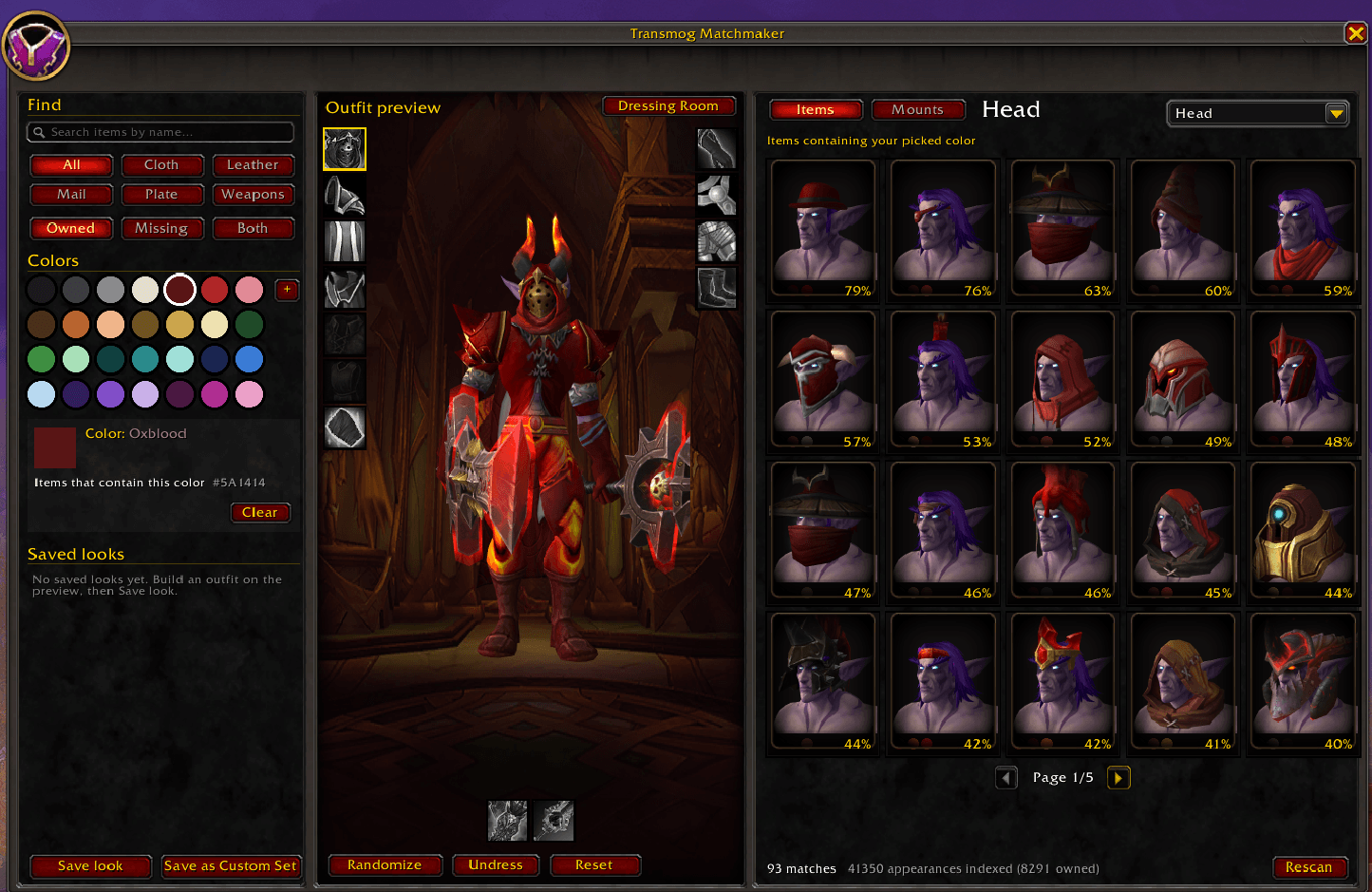
Blizzard's color filters are broad: "Red" covers everything from pink to dark brown-red. Transmog Matchmaker measures the real colors of every appearance from the game's own textures, then shows you what goes with what you're wearing.
Features
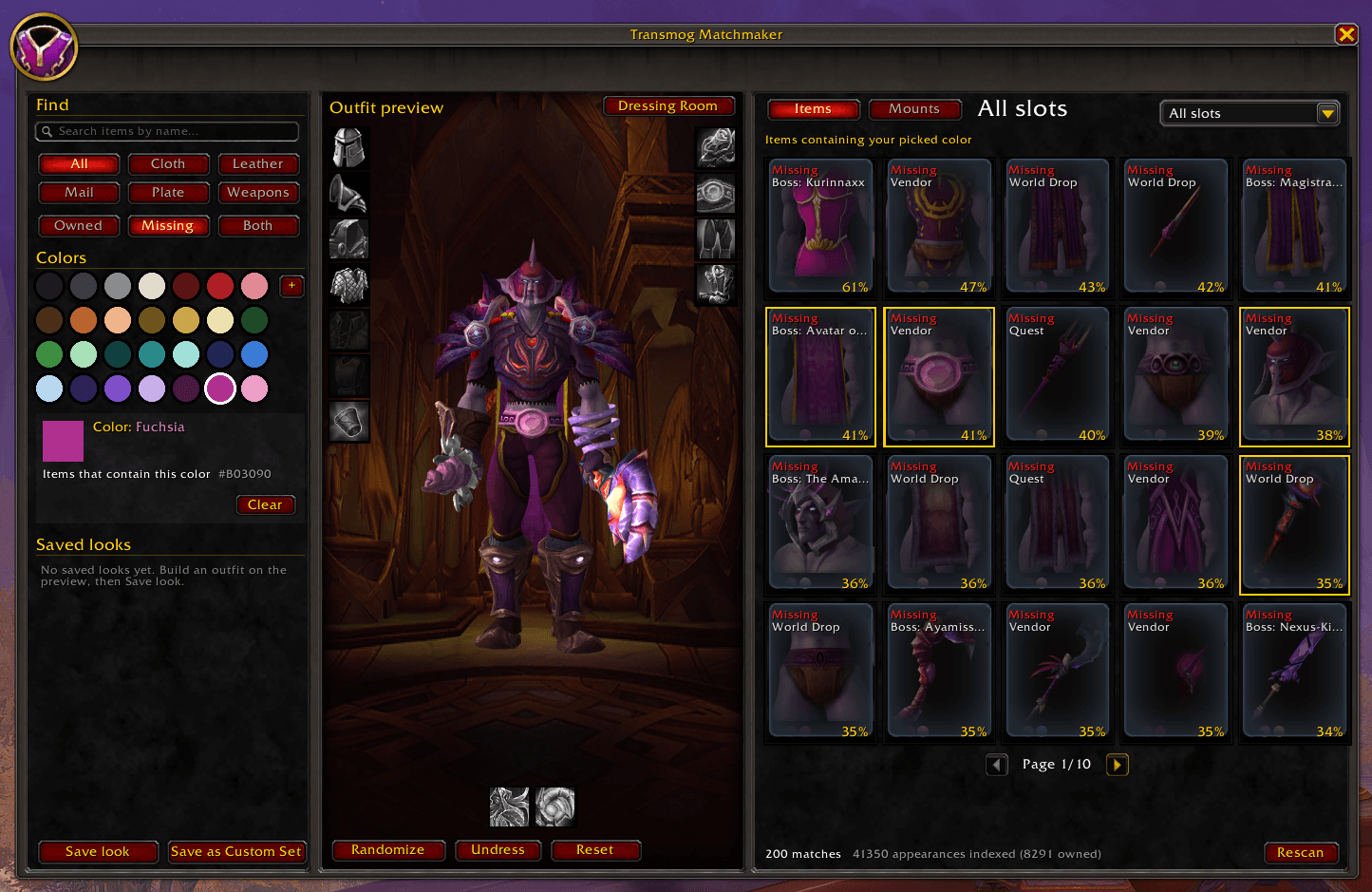
- Matches your current look. Your outfit, transmogs included, loads into a built-in preview. Results are ranked by how well each piece goes with it.
- Pick any color. Choose from 28 color swatches or a custom color picker to see every appearance in that color.
- Armor and weapons. Every slot, including weapons, shields and off-hands. Filter by cloth, leather, mail or plate.
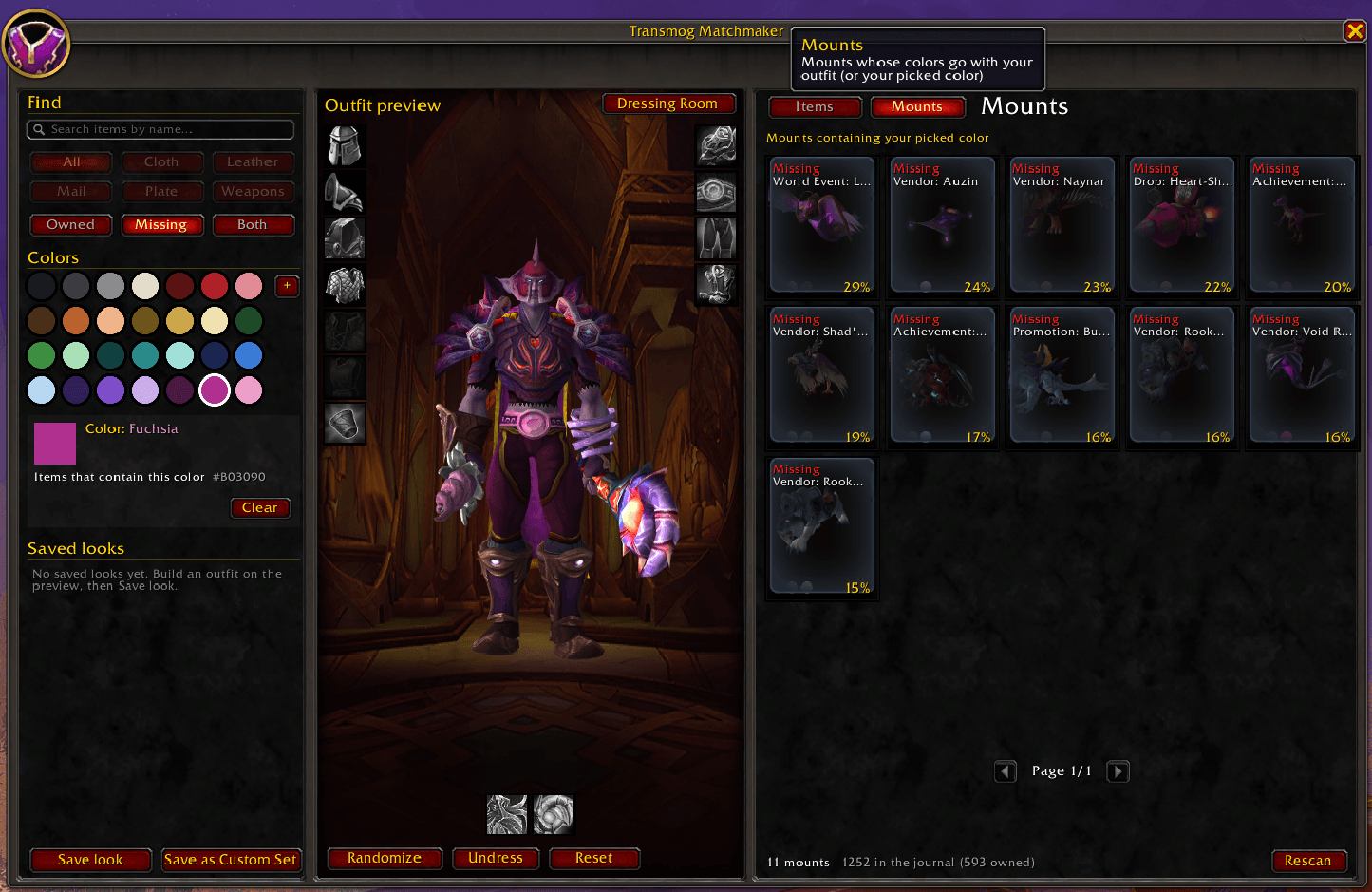
- Owned or Missing. See what you already have, or browse what you haven't collected yet. Missing items show where they drop: boss, instance and difficulty.
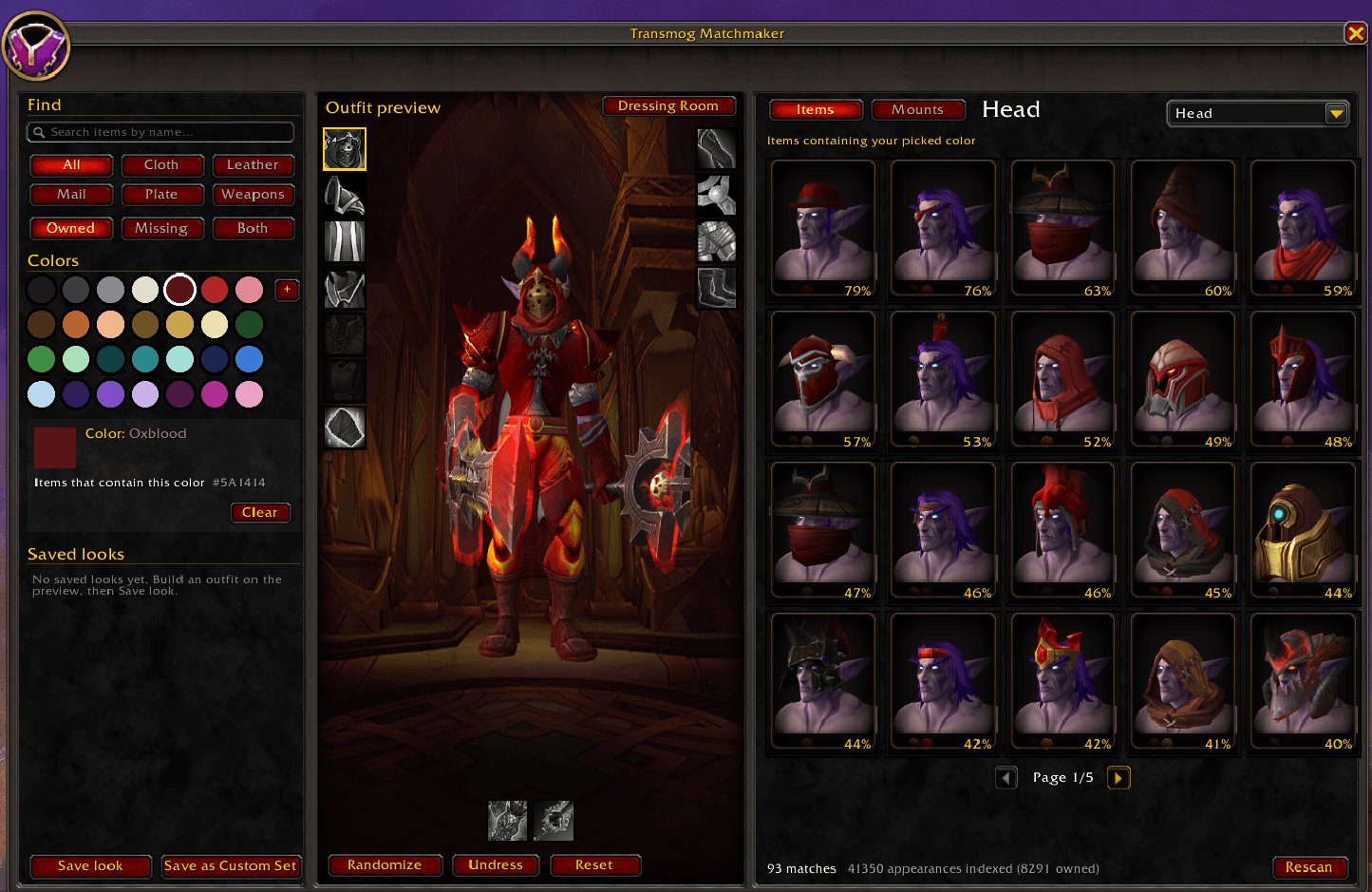
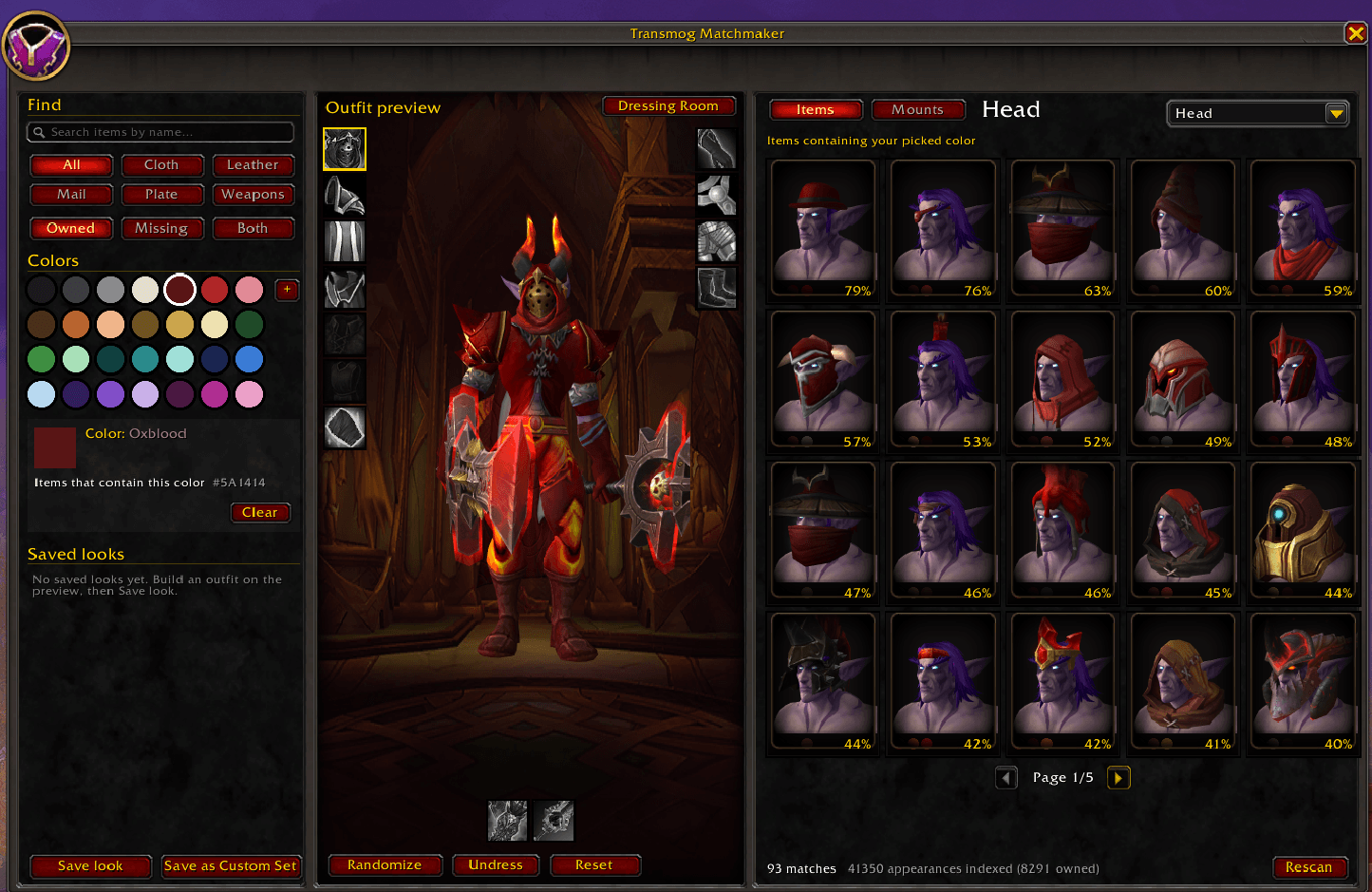
- Randomize. Builds a whole outfit in matching colors with one click.
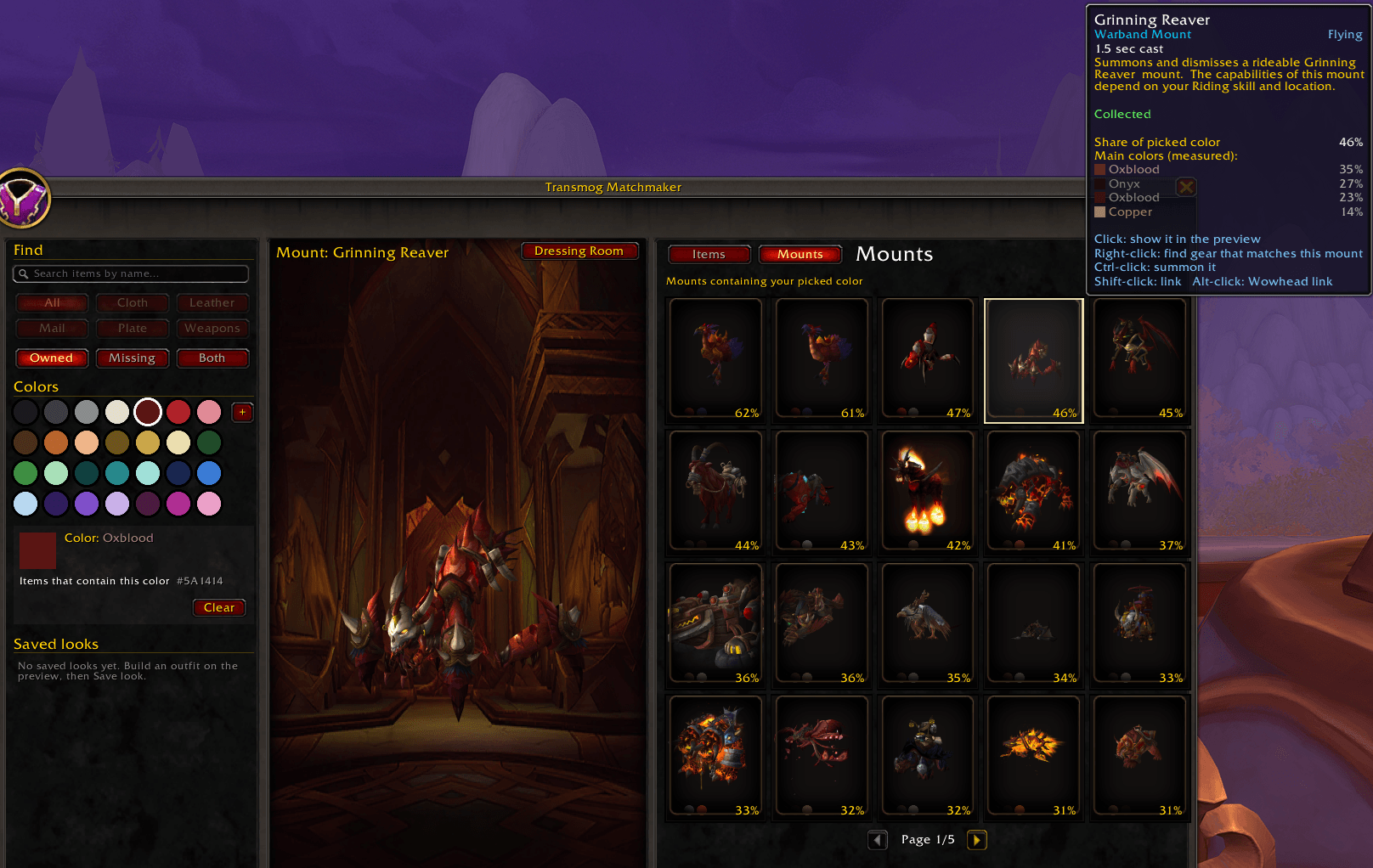
- Mounts tab. Finds the mounts that best match your outfit or a picked color.
- Save looks. Keep outfits in the addon, or send them to the dressing room to save as a Blizzard Custom Set.
- Light on memory. Colors are stored compactly and searches run in the background.
How to open it
- the minimap button
- the minimap's addon menu
- the Matchmaker button beside Collections > Appearances or the transmogrifier
/tmm
Tile clicks
- Click: try it on the preview
- Right-click: find things that match this piece
- Ctrl-click: dressing room (on mounts, summon)
- Shift-click: link in chat
- Alt-click: copy a Wowhead link
Commands
/tmm: open or close/tmm minimap: hide or show the minimap button/tmm scan: rescan your collection/tmm help: list commands
Notes
- Gear added after this version's patch uses colors guessed from item names until the next update.
- Drop locations use the Adventure Guide's loot tables. Quest and vendor items offer a Wowhead link instead.
- Boss and instance names are in English. Item names follow your game language.
Feedback and bug reports are welcome in the comments.
Transmog Matchmaker Team