


Trade Bulletin Board
- By
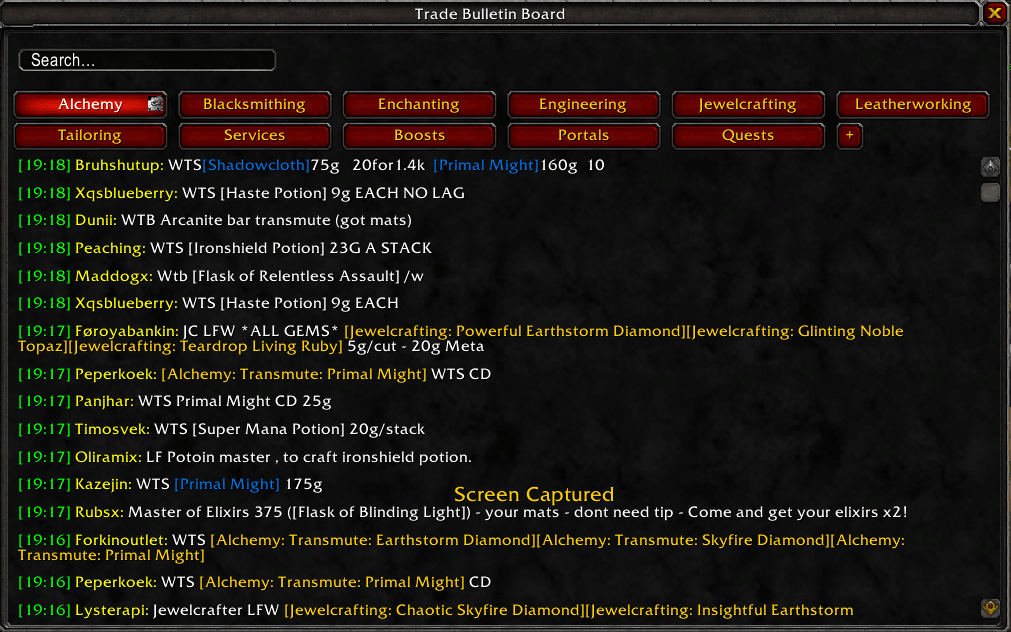
Trade Bulletin Board adds a clean UI which filters messages from Trade Chat into dedicated, searchable tabs for professions and services. It also allows users to setup audio alerts for specific keywords as well as messaging users directly
TBB55.png
TBB66.png
TBB22.png
TBB44.png
Description
Are you also tired of the chaotic Trade Chat? You're not alone. I made this addon because it seemed impossible to find the services I needed when Trade Chat was going 1000mph.
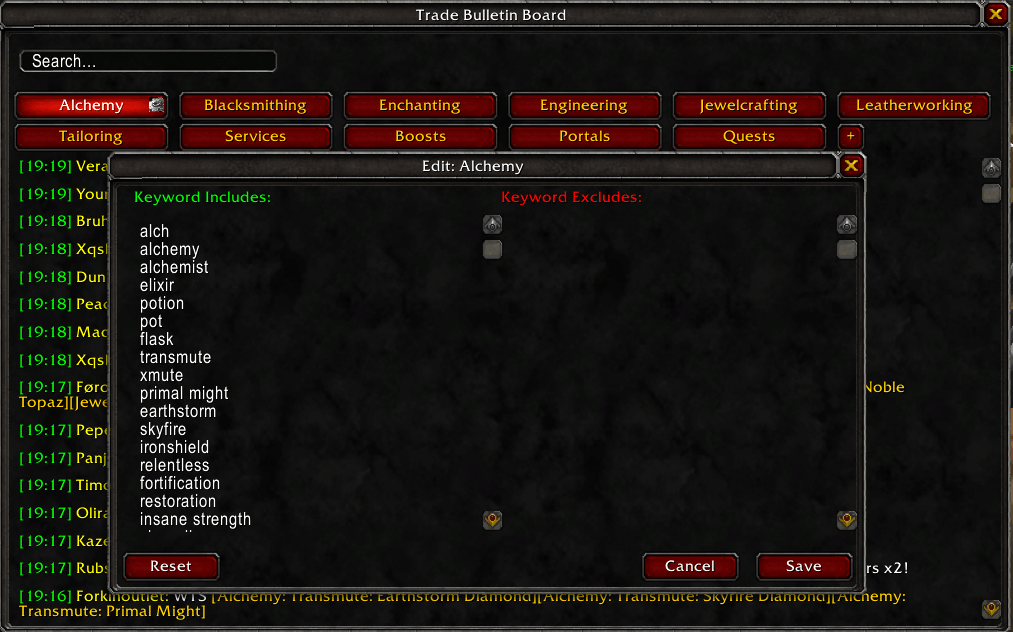
Trade Bulletin Board adds a window with tabs for each profession, it then shows messages from the Trade Chat in the tab for the corresponding profession. It does this by filtering Trade Chat messages for keywords, which the user can edit per tab.
- Comes with 8 default tabs + keywords for them.
- Open TBB with the dedicated mini-map button or type /tbb in the chat.
- Messages from Trade Chat and General chat get analyzed, and if a keyword is found that matches any of the tabs, the message is added to, and displayed in, that tab.
- You can freely add and remove keywords for each tab.
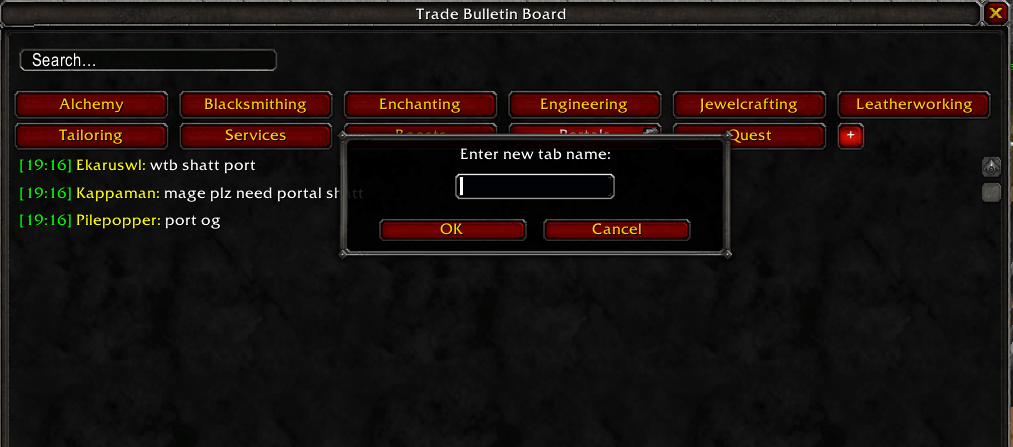
- You can add and remove your own custom tabs - currently up to 4.
- You can blacklist keywords using Excluded keywords
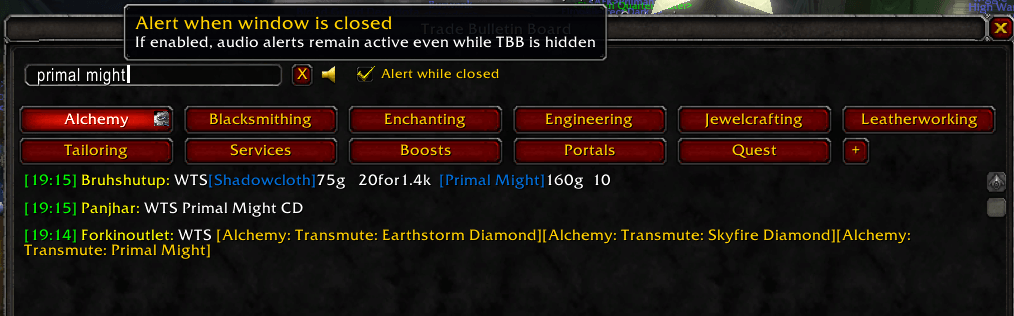
- You can freely search across all tabs and messages - making it easy to find exactly what you are looking for.
- You can enable audio alerts when a new message matches a search term.
- This also works while TBB window is closed.
- Usecase: You want to find an enchanter for Mongoose. You search "Mongoose" but there are no messages to be found (or the ones that are there are too expensive, for example). You can now click a little bell icon next to your search term and this will now play a subtle sound effect when a new message that matches your search appears in any tab. Optionally you can also allow the sound to play while TBB is closed, so you can continue questing or doing other things while waiting for TBB to find what you're looking for.
- Hovering a message pauses the flow of new chat messages, so you don't accidentally click the wrong message.
- Clicking a message will initiate a whisper to that player.
- By default it filters out spam - the same message will only ever show once per session
The Trade Bulletin Board Team
