

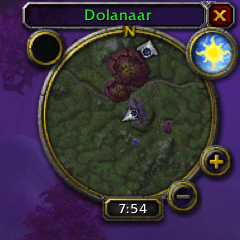
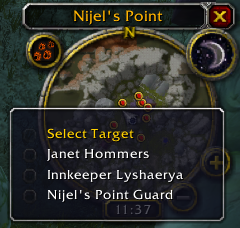
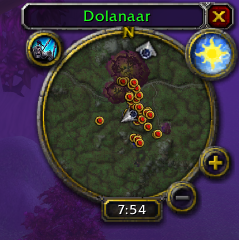
Right click on a minimap blip to get a menu of possible targets.
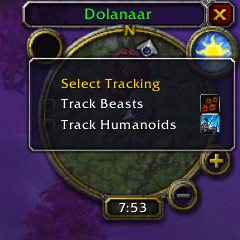
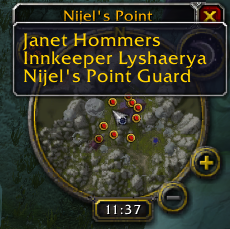

Selecting a target from the menu will target them.
Description
Overview
World of Warcraft Classic Tracking Plugin
Replaces the minimap tracking icon with a button that can be used to switch the current tracking type. Clicking the button will display a context menu with all tracking options available to the current character. Right clicking the button will cancel tracking.
Also adds a target selection menu to minimap blips. Right clicking a blip will offer a menu to allow you to select a target by name and target them.
By default the button is locked to the default tracking icon location.
Commands
/te
Toggle the position lock on and off.
/te scale 1.13
Set the scale of the minimap button to 1.13 (default)
Target Menu
You can select targets from the minimap by right clicking a tracking blip on the minimap and choosing your target from the context menu. However this will only work when out of combat. This is due to restrictions within the addon/macro system which block many actions in combat.
Supported Tracking Types
- Track Beasts
- Track Humanoids
- Track Undead
- Track Hidden
- Track Elementals
- Track Demons
- Track Giants
- Track Dragonkin
- Sense Demons
- Sense Undead
- Find Herbs
- Find Minerals
- Find Treasure
The Tracking Eye Team
