


Touchbars
- By
02-touchbar-layout-editor.png
01-circular-action-buttons.png
03-spell-layer-layout.png
04-iphone-touch-controls.png
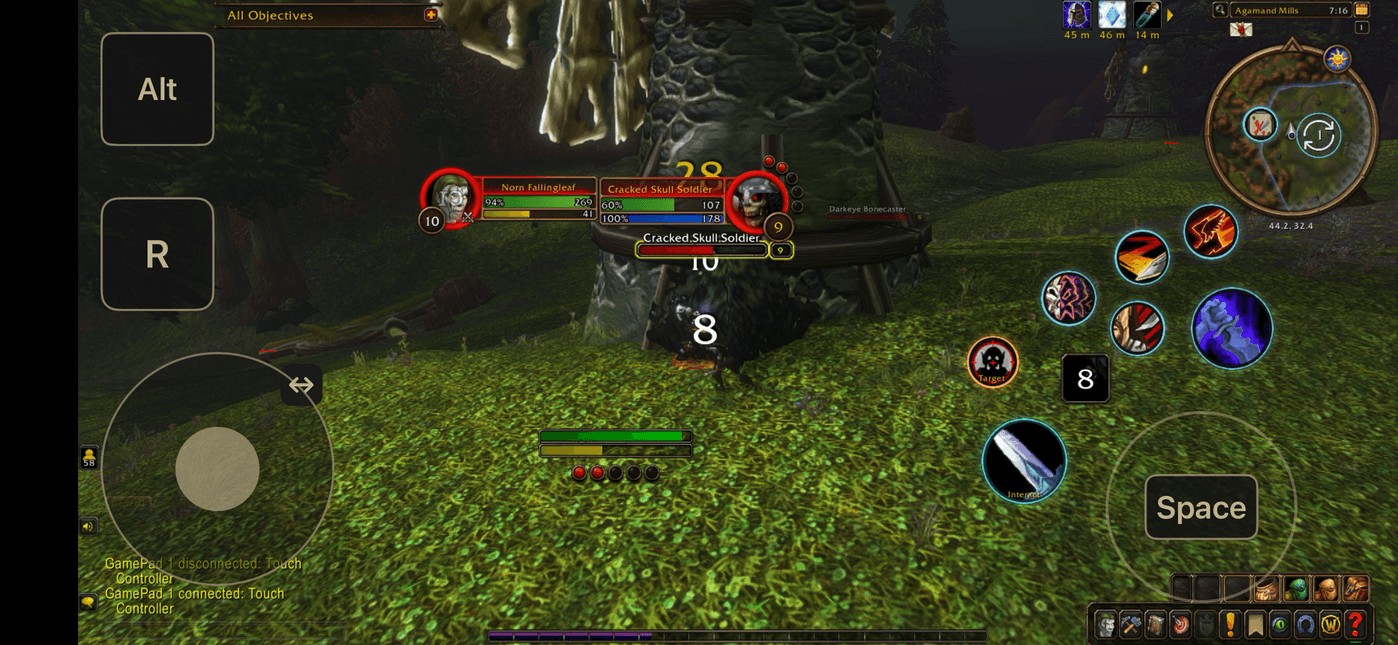
iphone-gameplay.png
Description
Touchbars
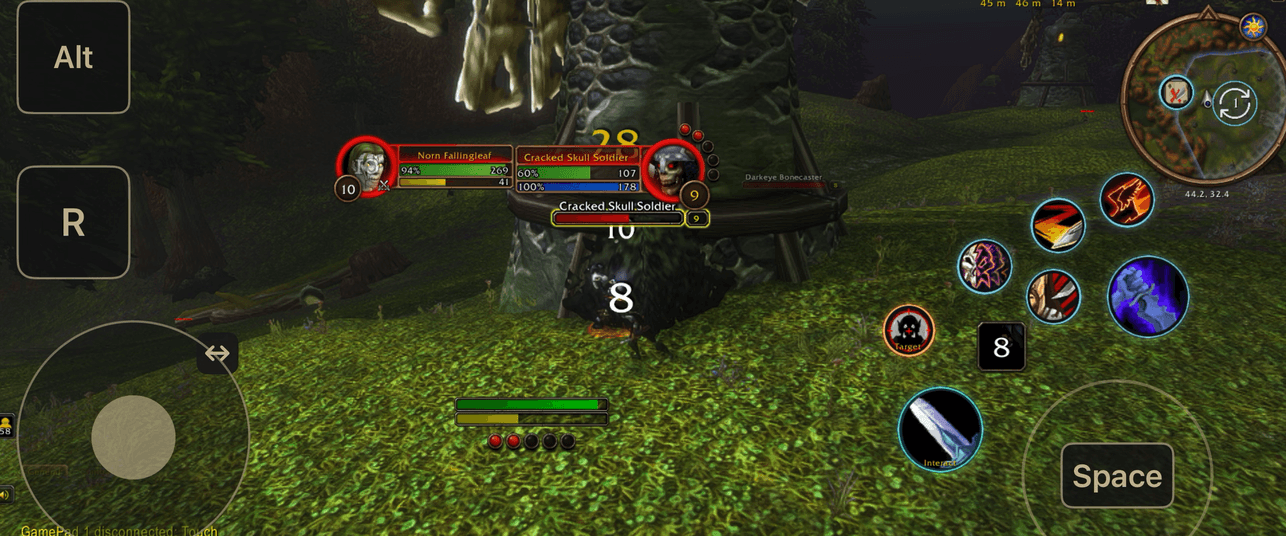
Customizable touchscreen action bars for World of Warcraft.
Bring your spells and everyday controls within easy reach.
Features
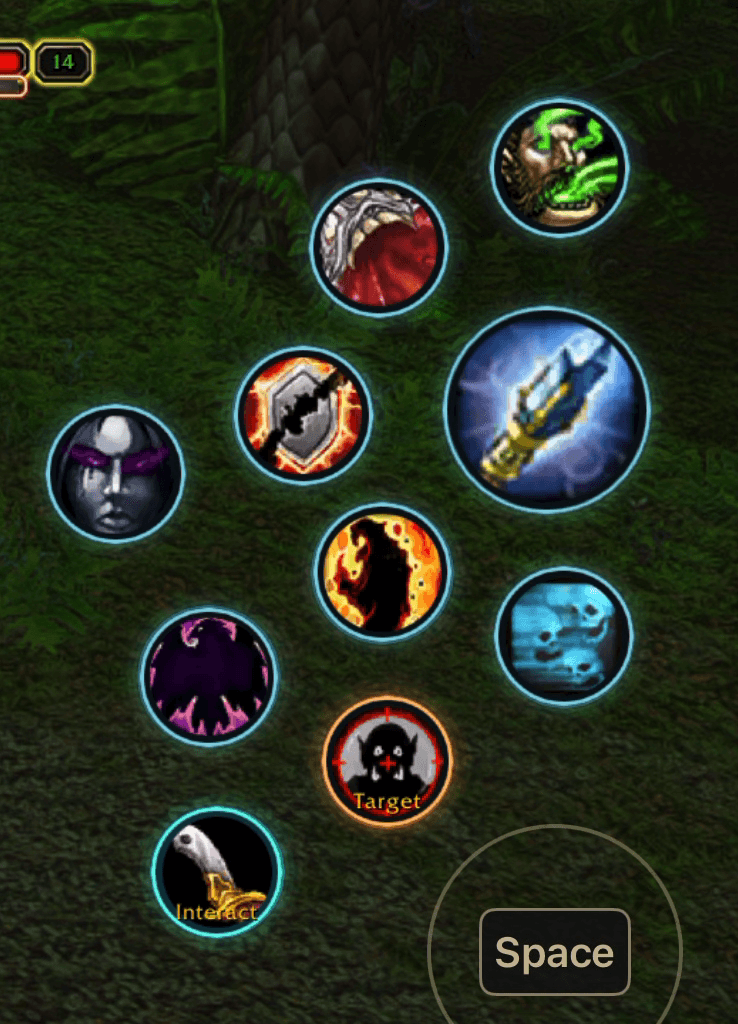
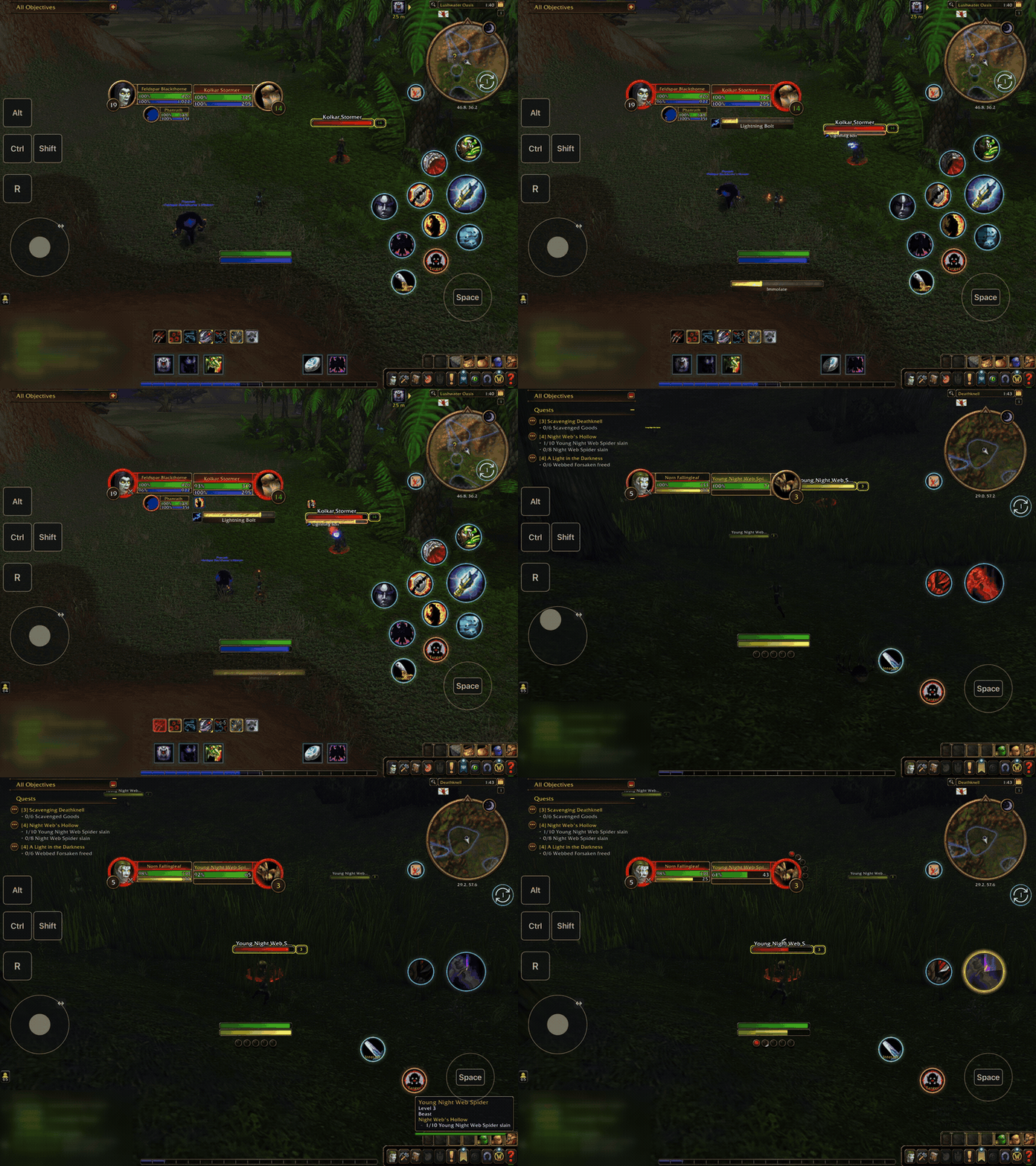
- Movable, resizable circular spell buttons.
- A configurable utility bar for items, consumables, mounts, and macros.
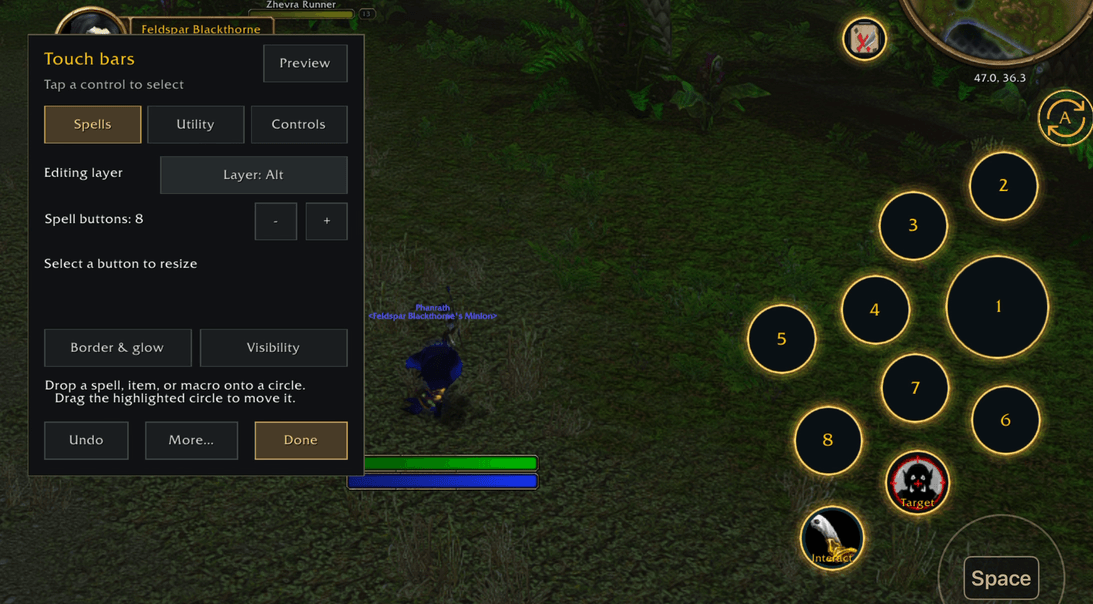
- Two spell sets with separate Ctrl, Alt, and Shift layers.
- Independent Target, Map, and contextual Interact controls.
- Adjustable colours, glow, spacing, and visibility.
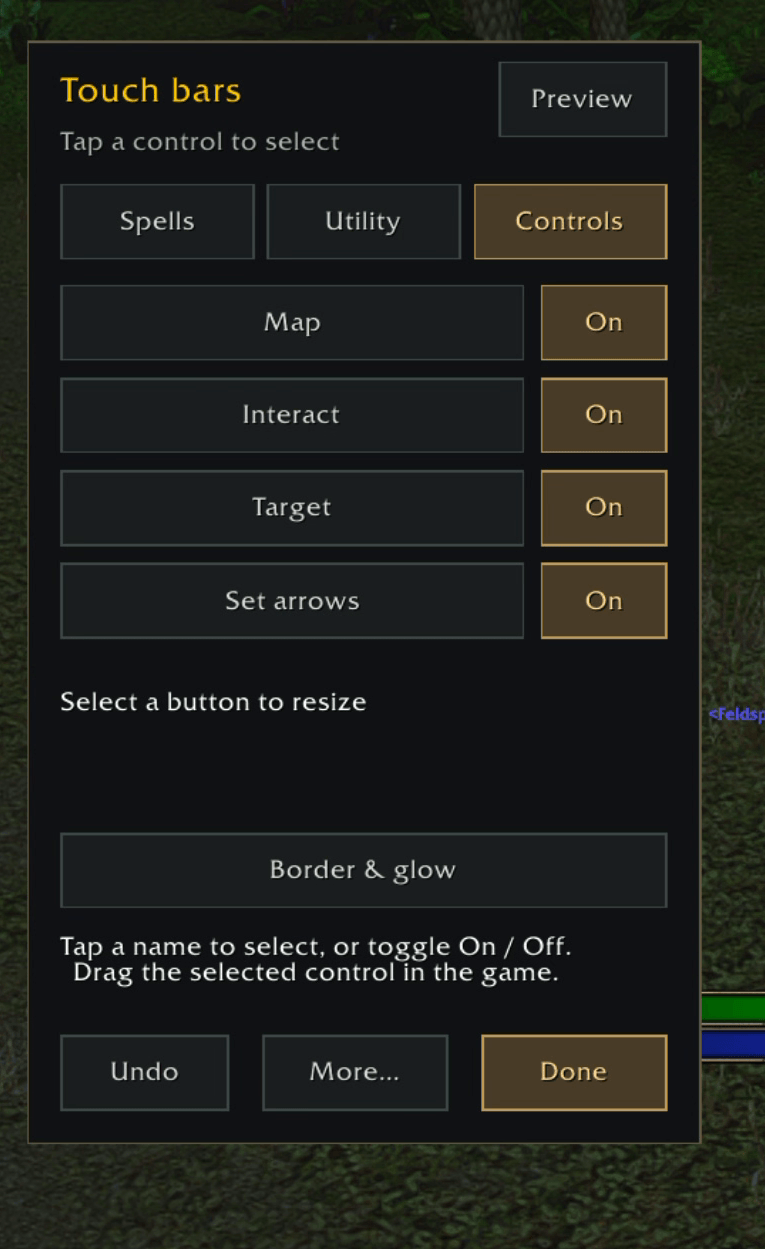
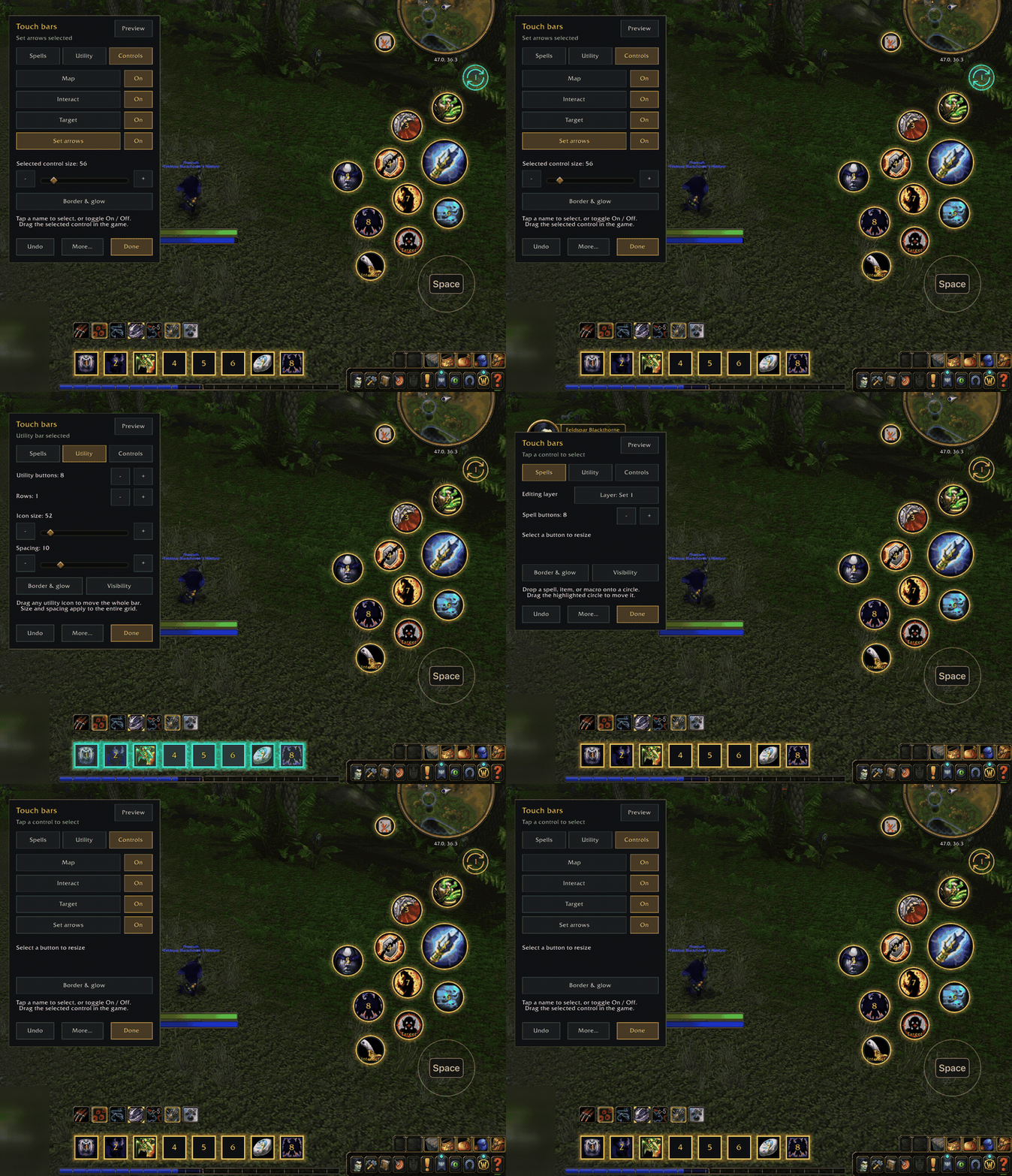
- A layout editor with preview and session Undo.
- Per-character layouts and assignments, separate from native action slots.
Getting started
Enable SPTouchBars, then type /sptouch.
Drag spells, items, mounts, or existing macros onto the buttons, arrange your layout, and press Done.
Buttons start empty. Restore normal player bars through More... → Default bars.
Compatibility
Supports Forever and experimental Retail.
On Retail, talking and looting use WoW’s normal Interact With Target key/controller binding or world clicks. The Interact circle advances already open quests. Multiple rewards require manual selection.
Live Retail gameplay validation is still pending.
Works as a standalone addon. The installed name remains SPTouchBars to preserve existing layouts.
Touchbars Team
