Torvin's Logbook
- By
character_overview.png
global_bank_and_bag_search.png
gold_tracking_over_time.png
profession_helper.png
Description
Torvin's Logbook
Torvin's Logbook is an addon for WoW Forever that keeps track of all your characters. It holds your route, notes and journal in the game, watches for the items and rares you want, and shows the bags, professions, reputation and gold of every character on the account. Type /tc in game to open it.
Your data stays on your computer. If you want your characters on the web as well, there is an optional companion app for torvins.net (more on that further down).
Characters
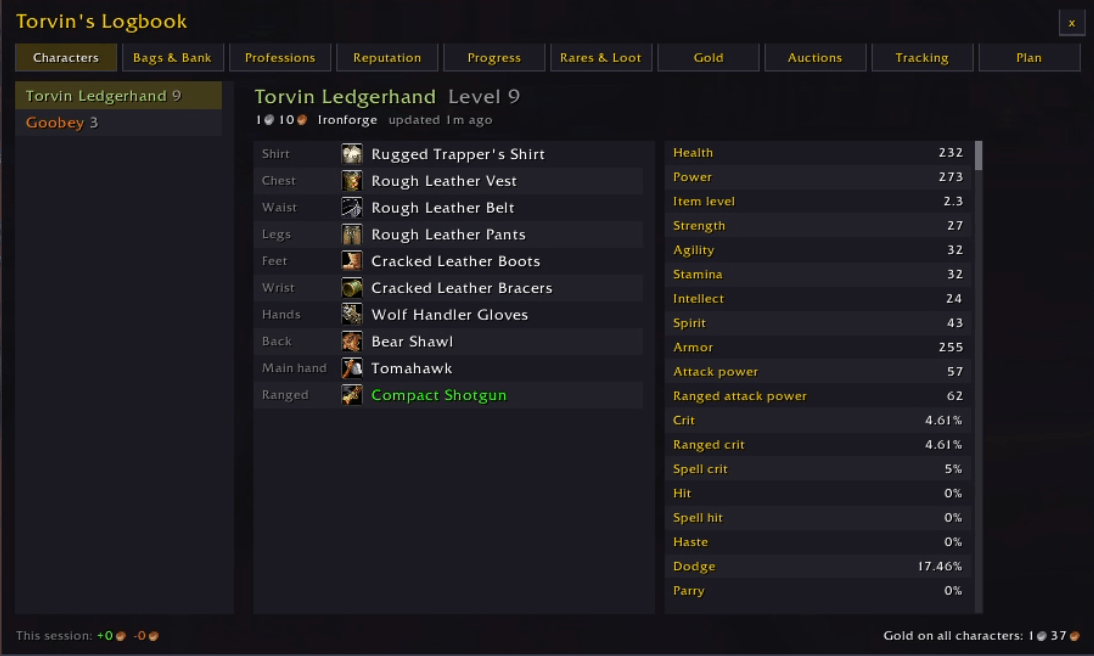
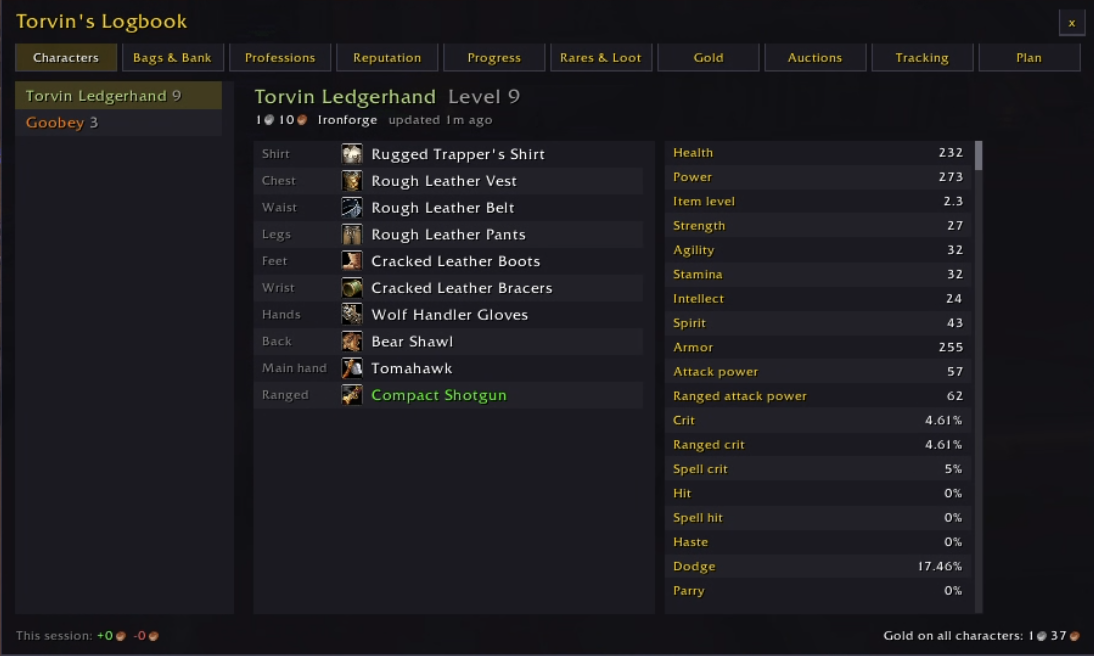
Pick any character to see its level, gold, zone, gear and stats, even while you are logged in on someone else. Gear shows with icons and quality colours, and the stats sheet covers health, armor, crit, hit, dodge and the rest. It also remembers where each character was and when you last played it.
Bags and bank
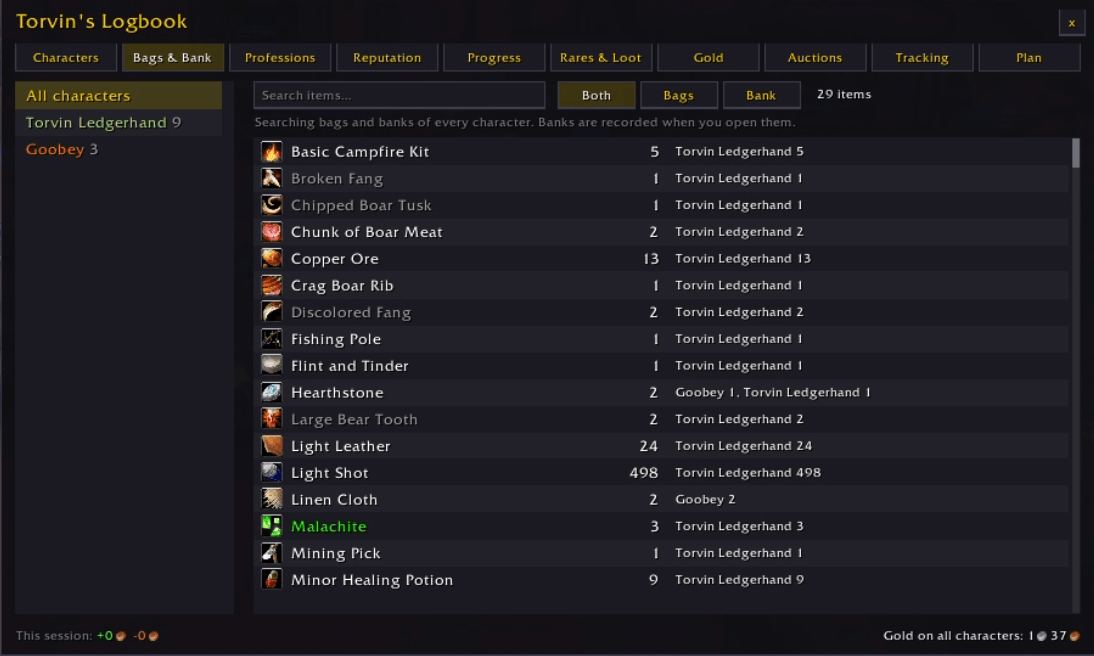
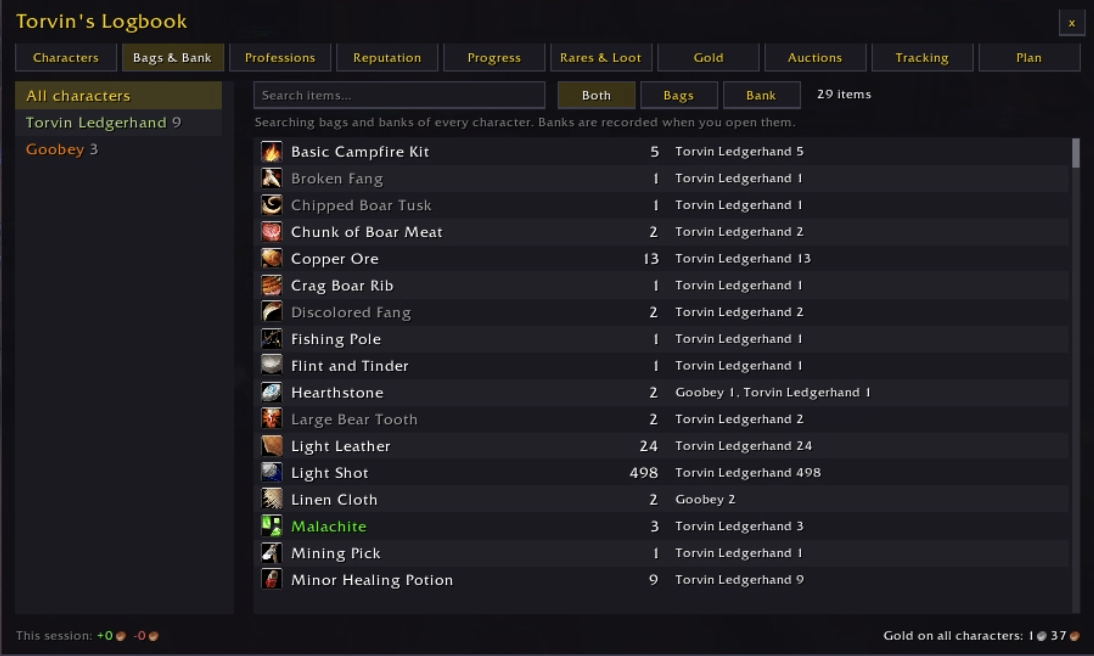
Search the bags and banks of every character at once. Or open one character to see what it carries and when its bank was last opened. Results show who holds the item and how many they have.
Professions
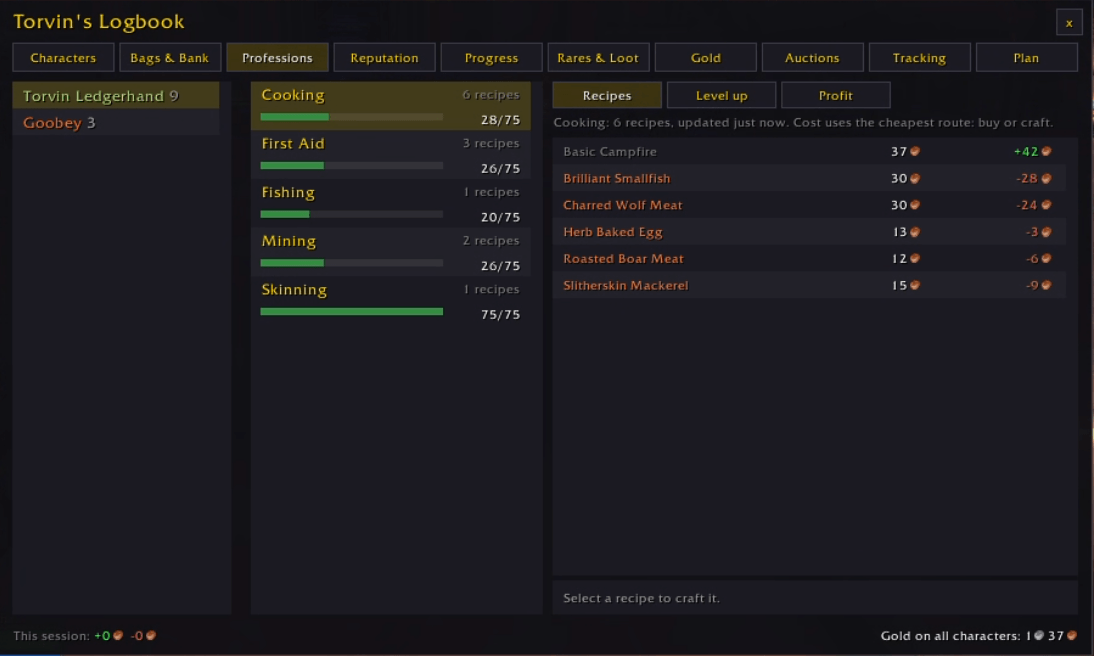
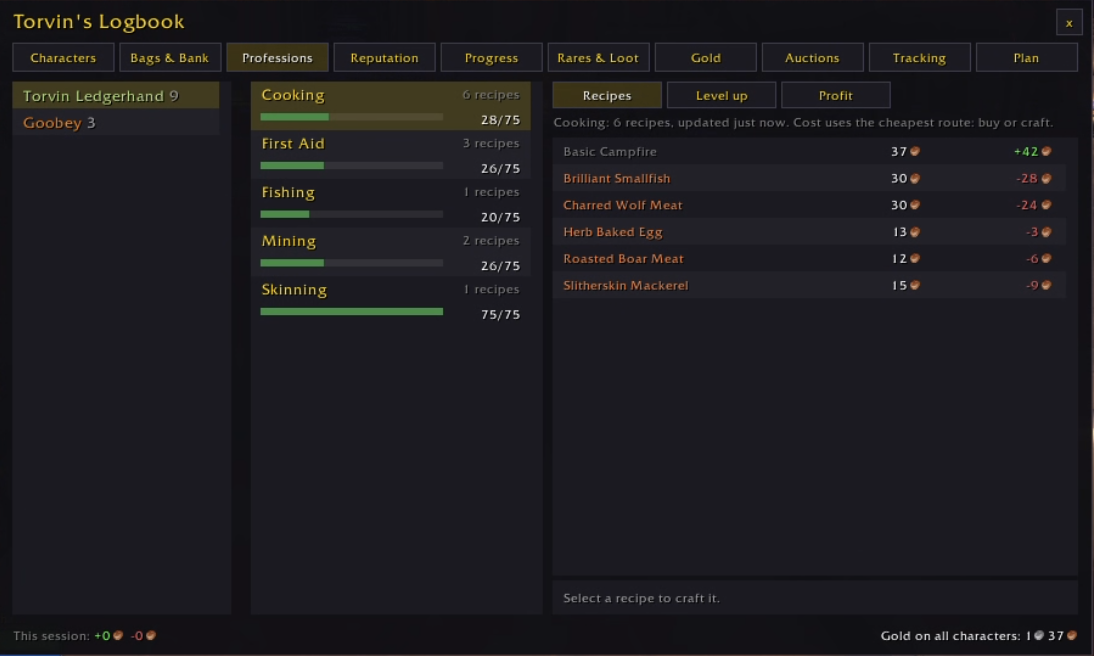
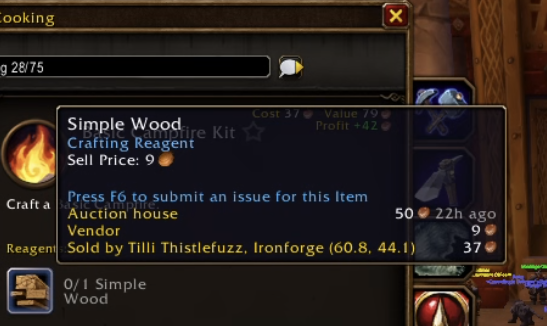
Every character's skill levels, and every recipe they know with what it costs to make and what it sells for. The cost of a recipe assumes you buy each reagent or craft it yourself, whichever is cheaper, so crafts made from other crafts are priced properly.
- The cheapest recipes to level with at today's prices
- Your most profitable crafts
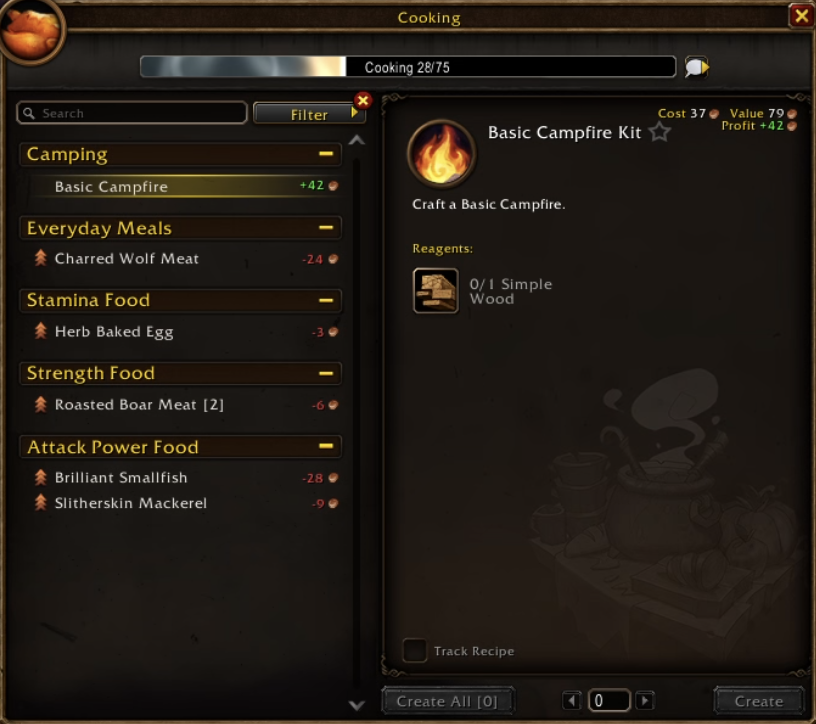
The same numbers appear on the game's own crafting window. Item tooltips get auction house and vendor prices, plus which vendor sells the item.
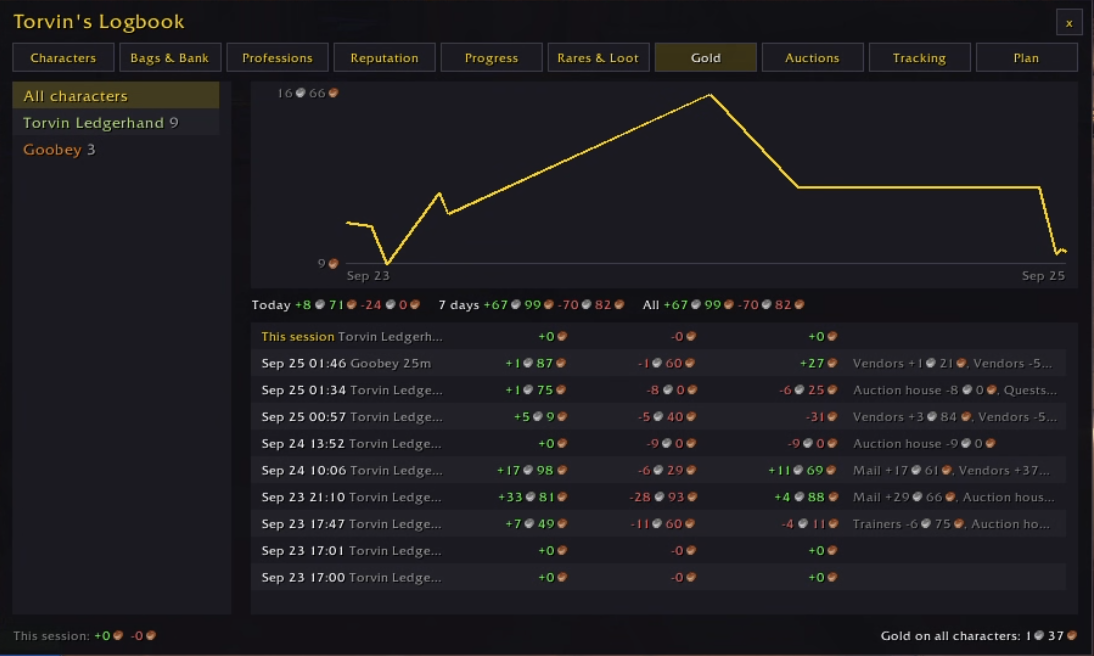
Gold
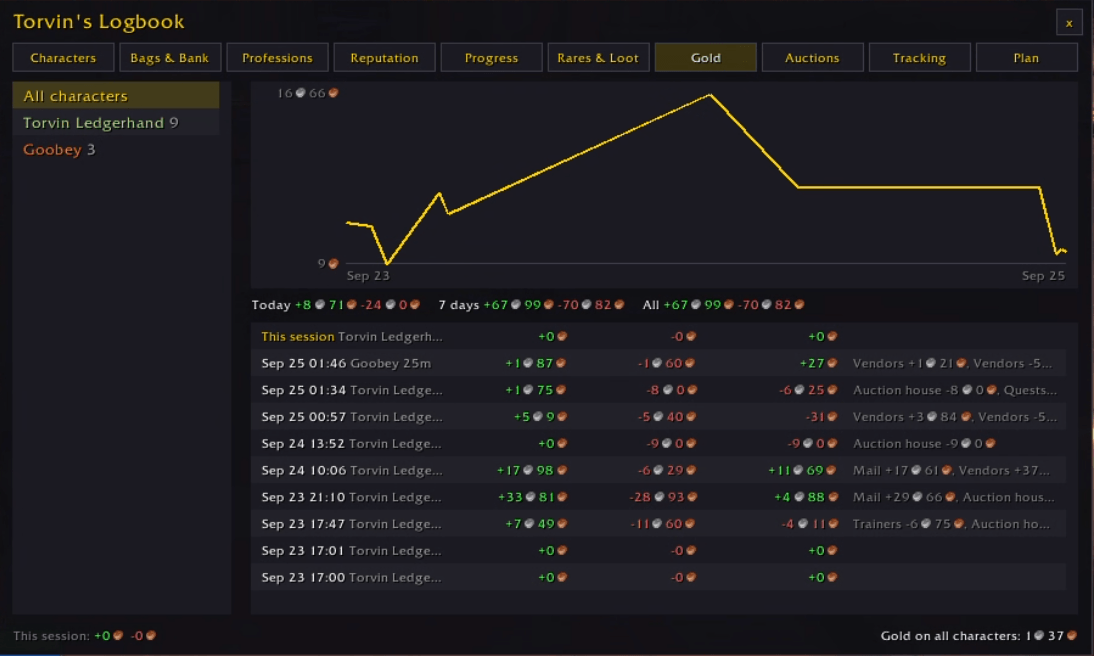
A graph of gold over time, for one character or the whole account, over today, the last 7 days or all time. Each play session lists what you earned and spent, split into vendors, mail, quests and the auction house.
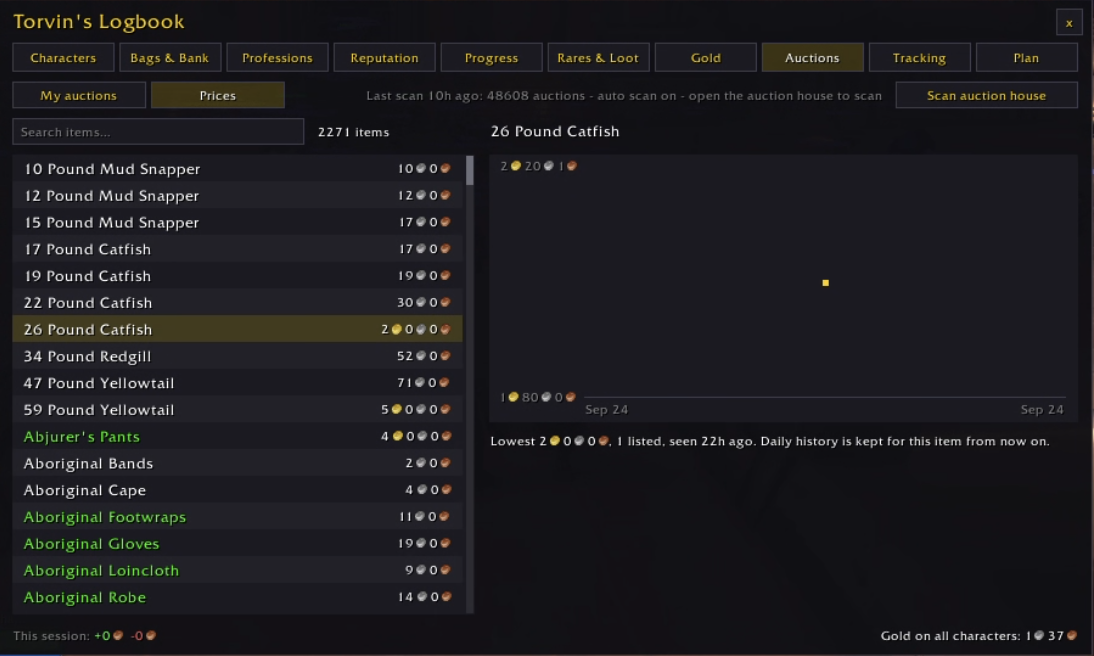
Auctions
Your auctions on every character, with a warning when someone undercuts you. Any item's price has a daily history graph. The addon can scan the whole auction house with one click, or on its own each time you open it. Put items on the sell list and it works out the posting price for you.
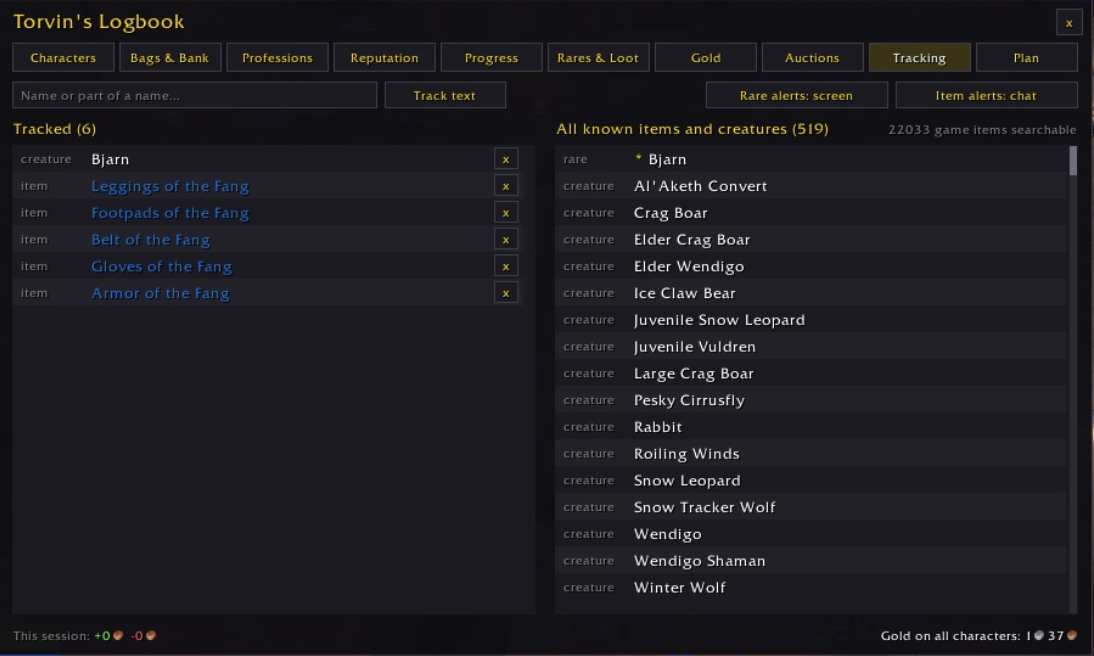
Tracking
Track a rare or an item by name, or pick one from everything the addon has seen. You get an alert when a tracked rare is nearby (on screen by default), when a tracked item drops or when a quest rewards it (in chat). Entries are marked looted or killed as you play.
Rares and loot
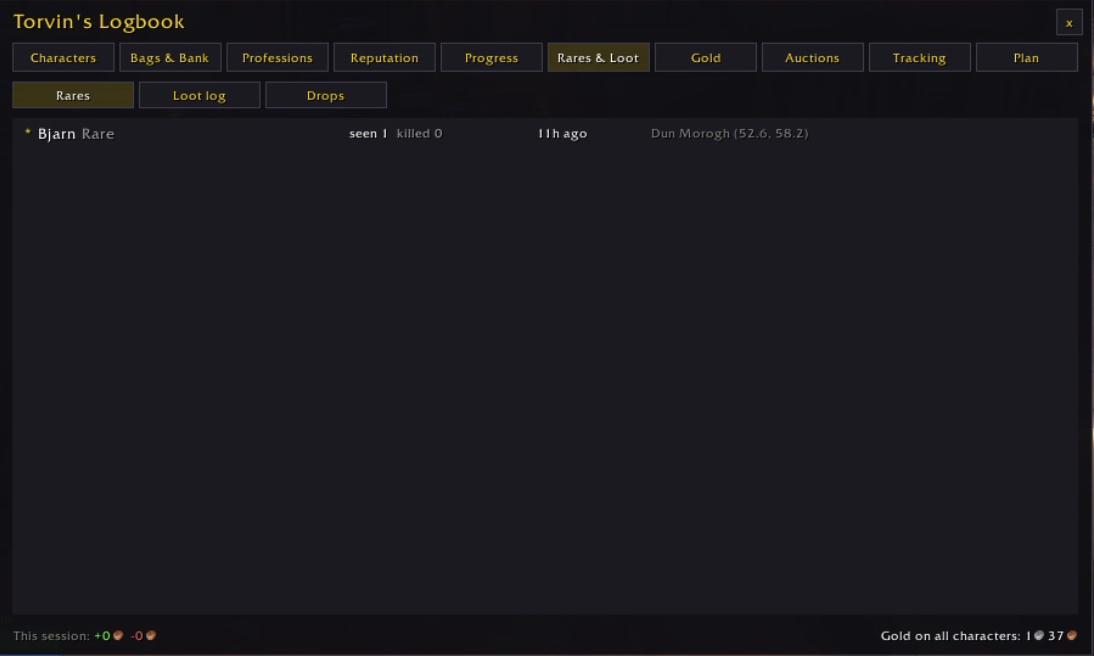
Where and when you last saw each rare, and whether you killed it. There is also a log of everything you looted on every character, and drop rates worked out from your own kills.
Reputation and quests
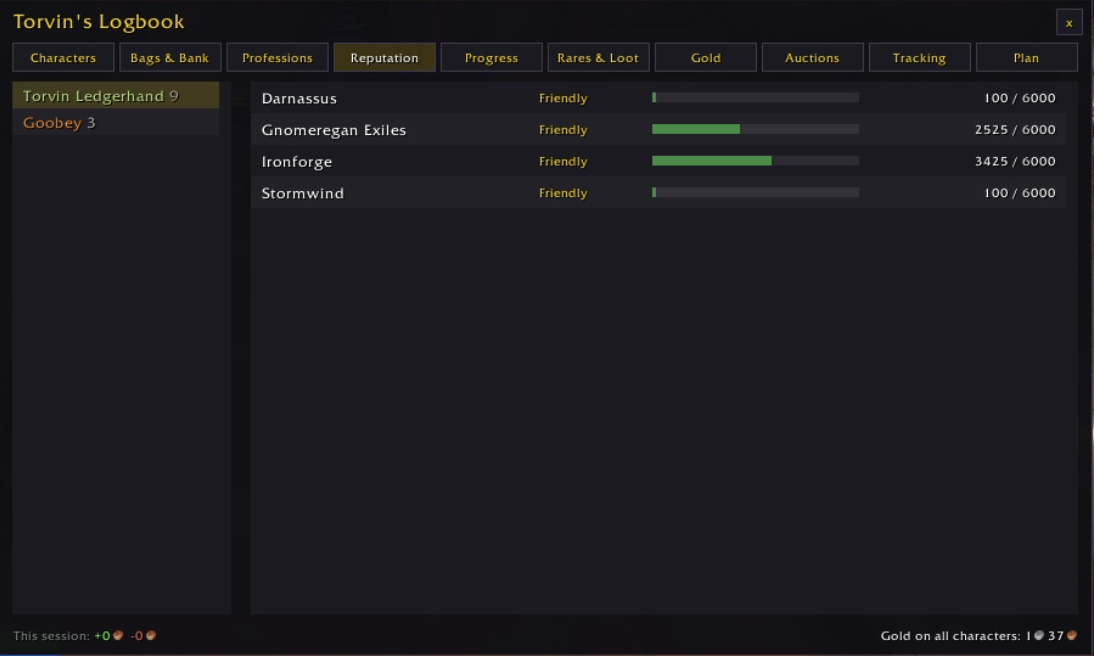
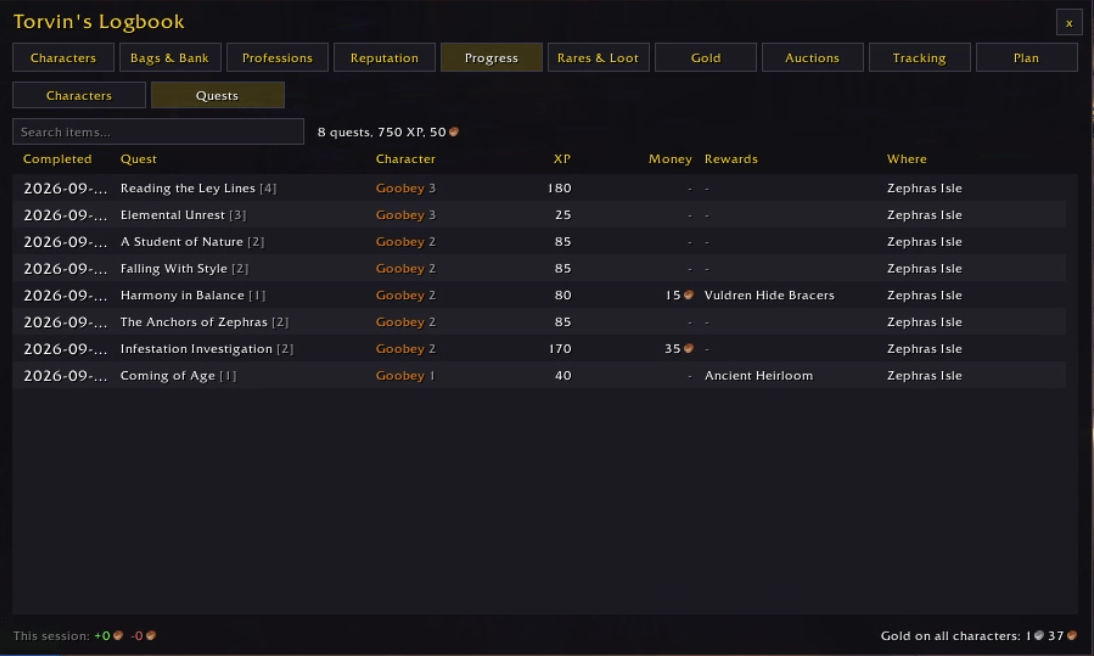
Reputation for every character, side by side with progress bars. The quest log keeps every quest you have finished: when, on which character, where, and the XP, money and items it gave.
Planning
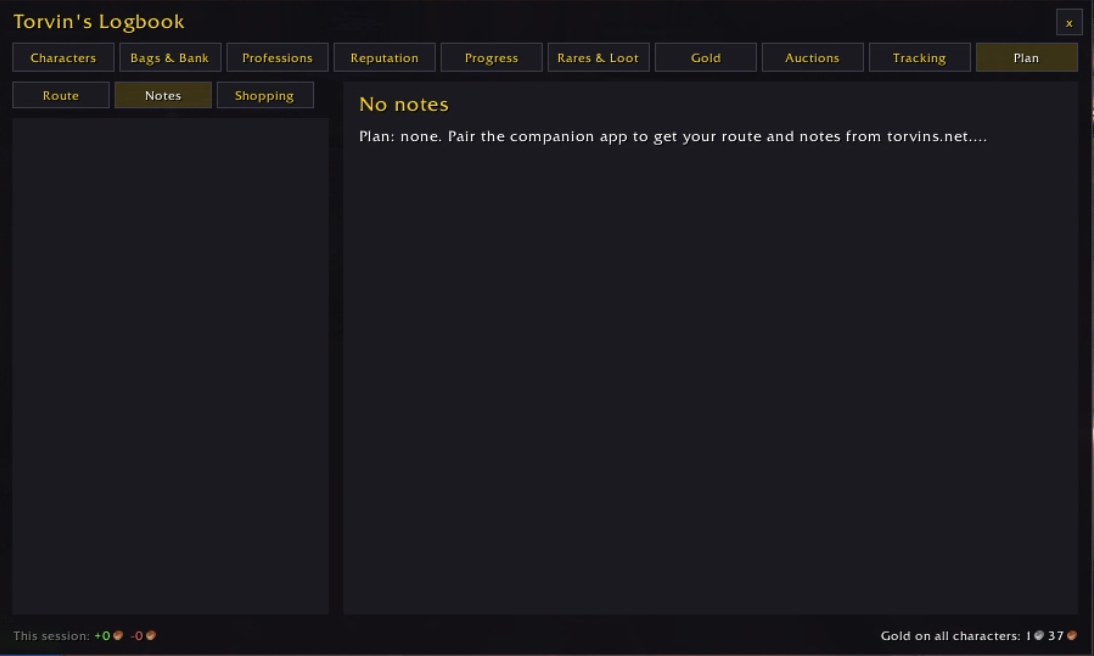
You can write a route, field notes and crafting plans on torvins.net, and the companion brings them into the game. The addon shows which stop you are on and can set a waypoint to it. Tick stops off as you go.
The companion app
You do not need the companion to use the addon. It is a small Windows app that uploads the addon's data to torvins.net each time you log out or /reload, so you can check your characters from a phone or another computer. It also carries your route, notes, tracked items and crafting plans from the site back into the game. You can download everything it has uploaded as JSON at any time.
To set it up:
- Install the addon.
- Sign in on torvins.net with Battle.net. The site only receives your account ID and BattleTag.
- Run the companion and pair it using the short code the site shows you.
Download it from torvins.net/download.
Commands
| Command | What it does |
|---|---|
/tc |
Open the logbook |
/tc status |
Addon version, data and sync status |
/tc route, /tc done, /tc waypoint |
Show the current route stop, tick it off, set a waypoint to it |
/tc here [name] |
Save where you are standing, for the website |
/tc scan, /tc autoscan |
Scan the auction house now, or turn the scan on opening it on or off |
/tc track [text], /tc untrack <text> |
Track a creature or item by name (or your target), or stop tracking it |
/tc alerts, /tc alert <gold> |
Where rare, item and note alerts show (screen, chat or off), and the value that counts as valuable loot |
/tc settings, /tc minimap |
Open the settings, show or hide the minimap button |
Bugs and ideas
Leave them in the comments. If something looks wrong, paste what /tc status prints.
The Torvin's Logbook Team