


TorghastTeams
- By

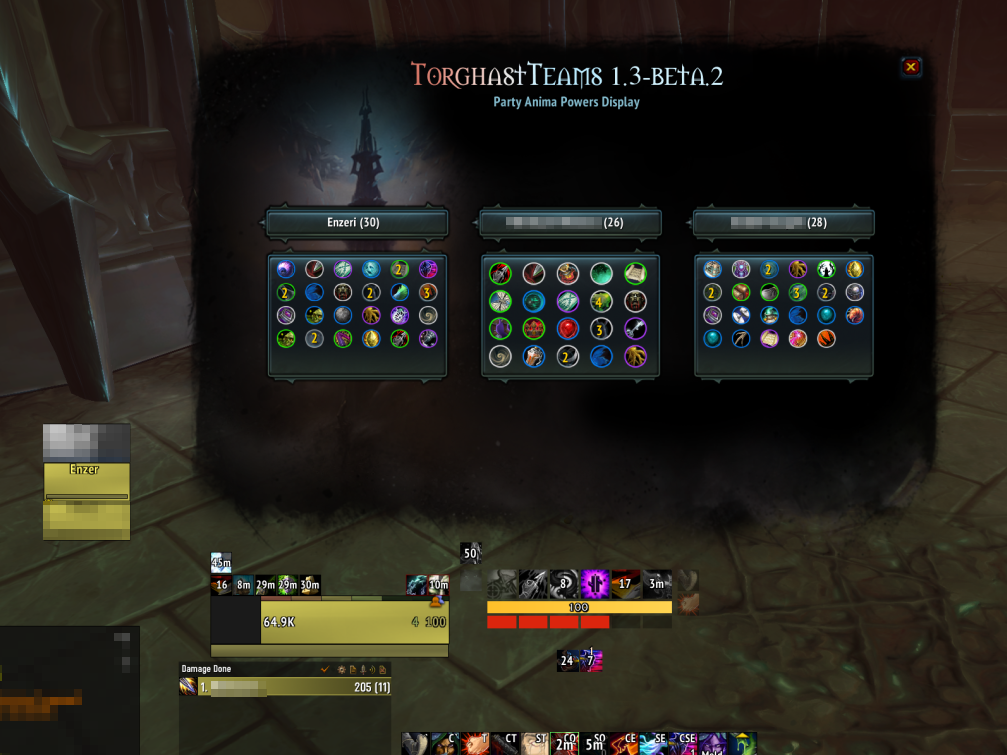
When in Torghast, click on the minimap button or type '/tgt show' to bring up the interface.
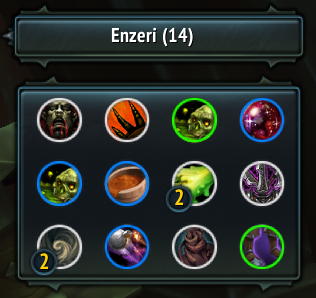
Anima Powers will scale in size based on the amount of unique powers, making it easy to see all of the powers available, while still saving screen real estate when partying up with multiple players.
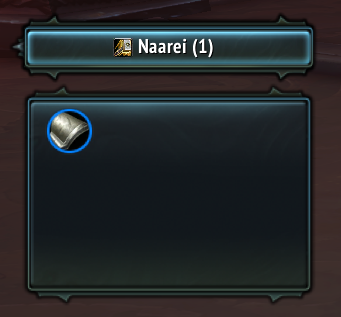
View class icons on the Anima Powers Display, allowing you to quickly identify your party member's classes at a glance.
TorghastTeamsLogo
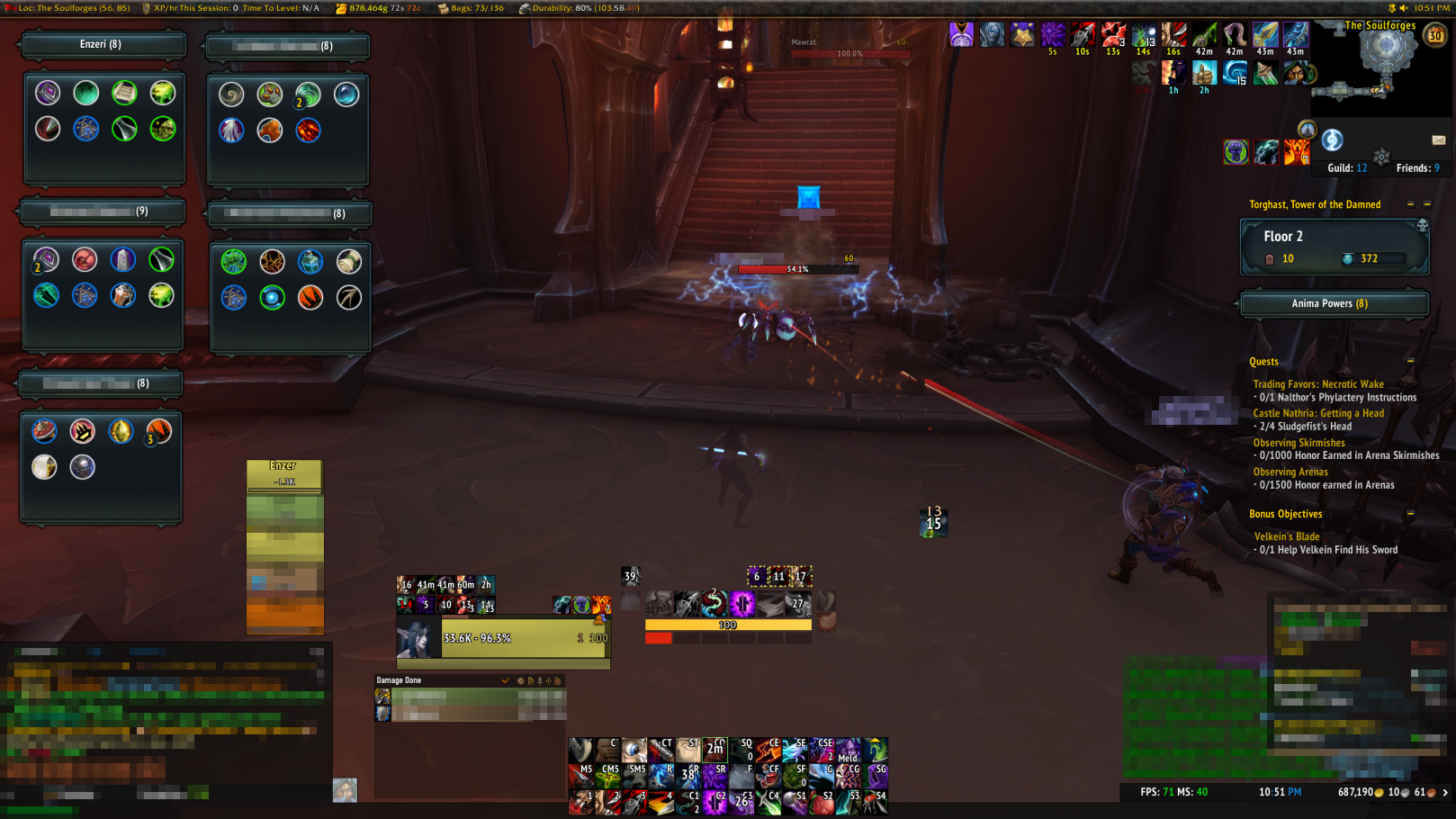
Easily move frames around if you don't want to have the big TorghastTeams interface open all the time. Moved frame will remember their position per character, and the mode you choose will also be remembered! Ctrl+left click minimap button to toggle.
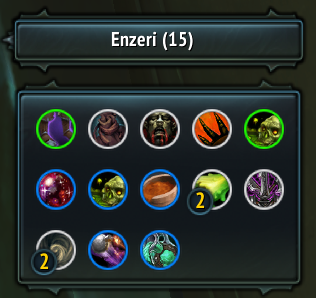
Anima Powers will scale in size based on the amount of unique powers, making it easy to see all of the powers available, while still saving screen real estate when partying up with multiple players.
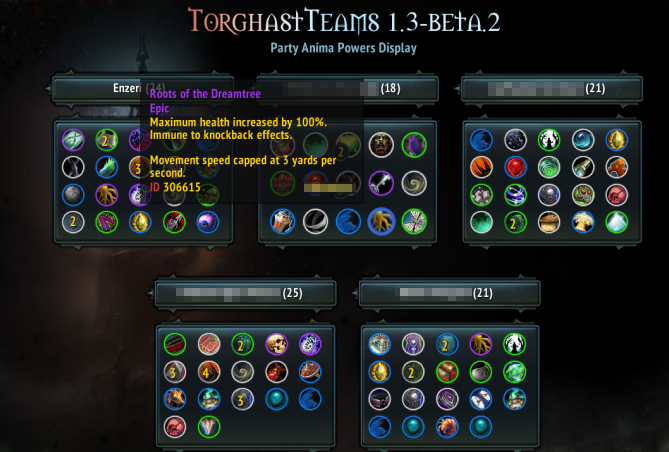
You can hover over Anima powers and shift-click them to generate a link in chat, just like in the default frames. Share those cool powers you saw someone in your party get!
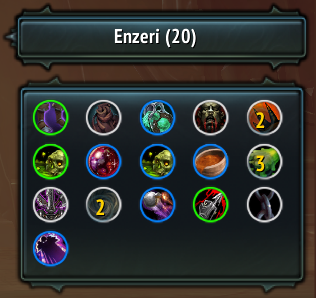
Anima Powers will scale in size based on the amount of unique powers, making it easy to see all of the powers available, while still saving screen real estate when partying up with multiple players.

Type '!p' or '!phantasma' in party/instance chat while in Torghast, and players who have the addon installed will send a chat message with their amount of phantasma.