

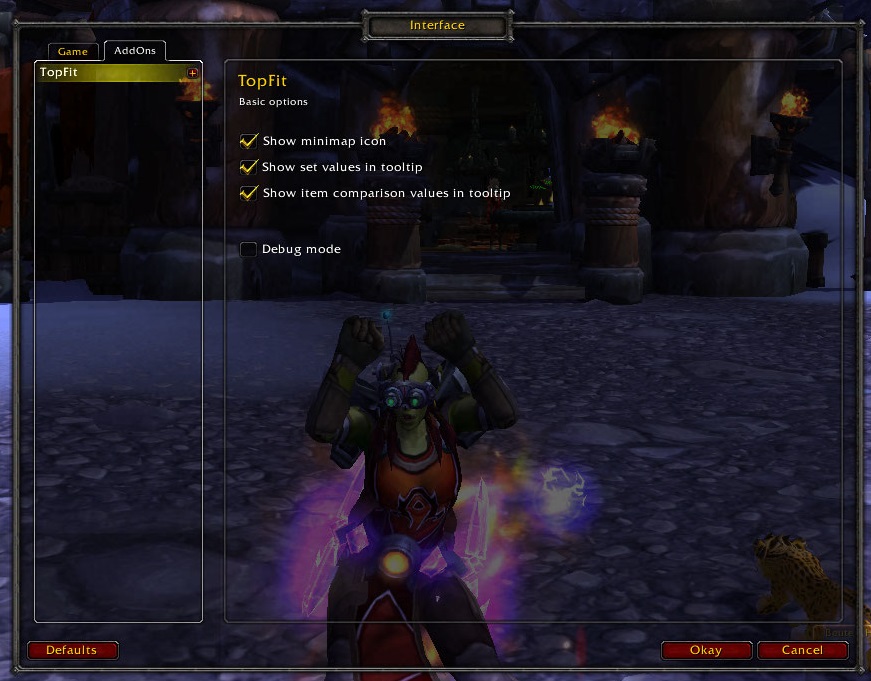
Some basic options can be set by typing "/tf" or right-clicking the minimap button. Groovy!
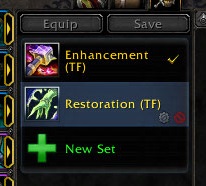
TopFit automatically creates Equipment Manager sets after calculating your best gear.
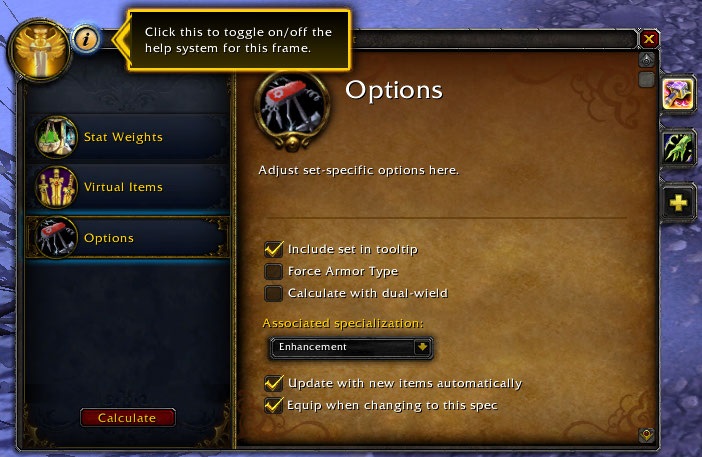
Set-specific options can be found in the options panel within the configuration frame.
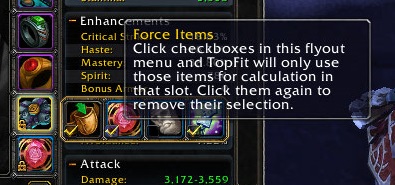
Hold down the alt-key over items to force TopFit not to try and equip other items in that slot.
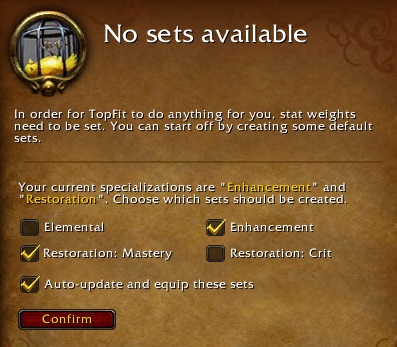
You can easily create sets from presets the first time you load up the addon.
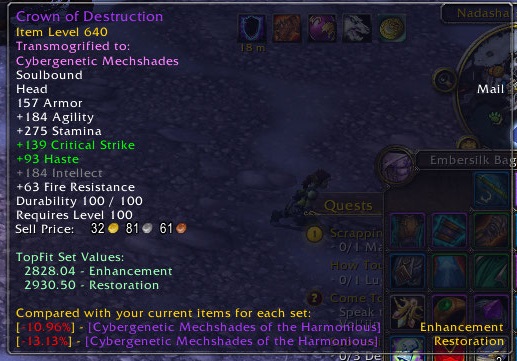
TopFit can show you scores and comparison values to help you identify better items quickly.
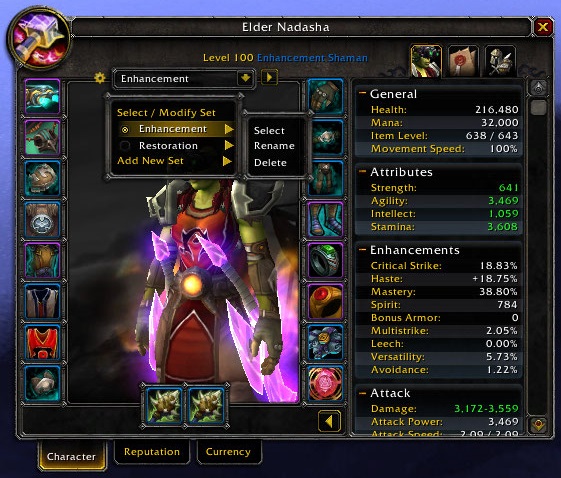
Quickly access options, manage your sets and calculate them from your character frame.
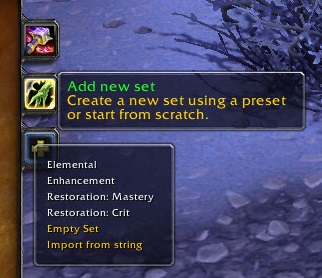
Select any of your sets or add new ones in the sidebar of TopFit's config frame.
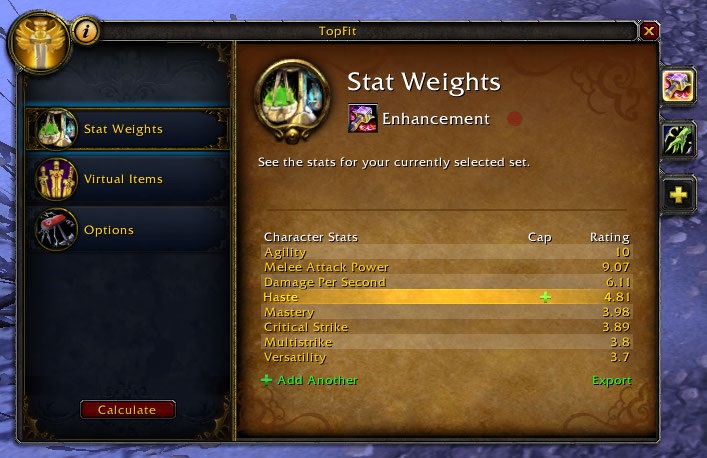
Choose stat weights and have TopFit equip your best gear.