Tooltip Fusion
- By
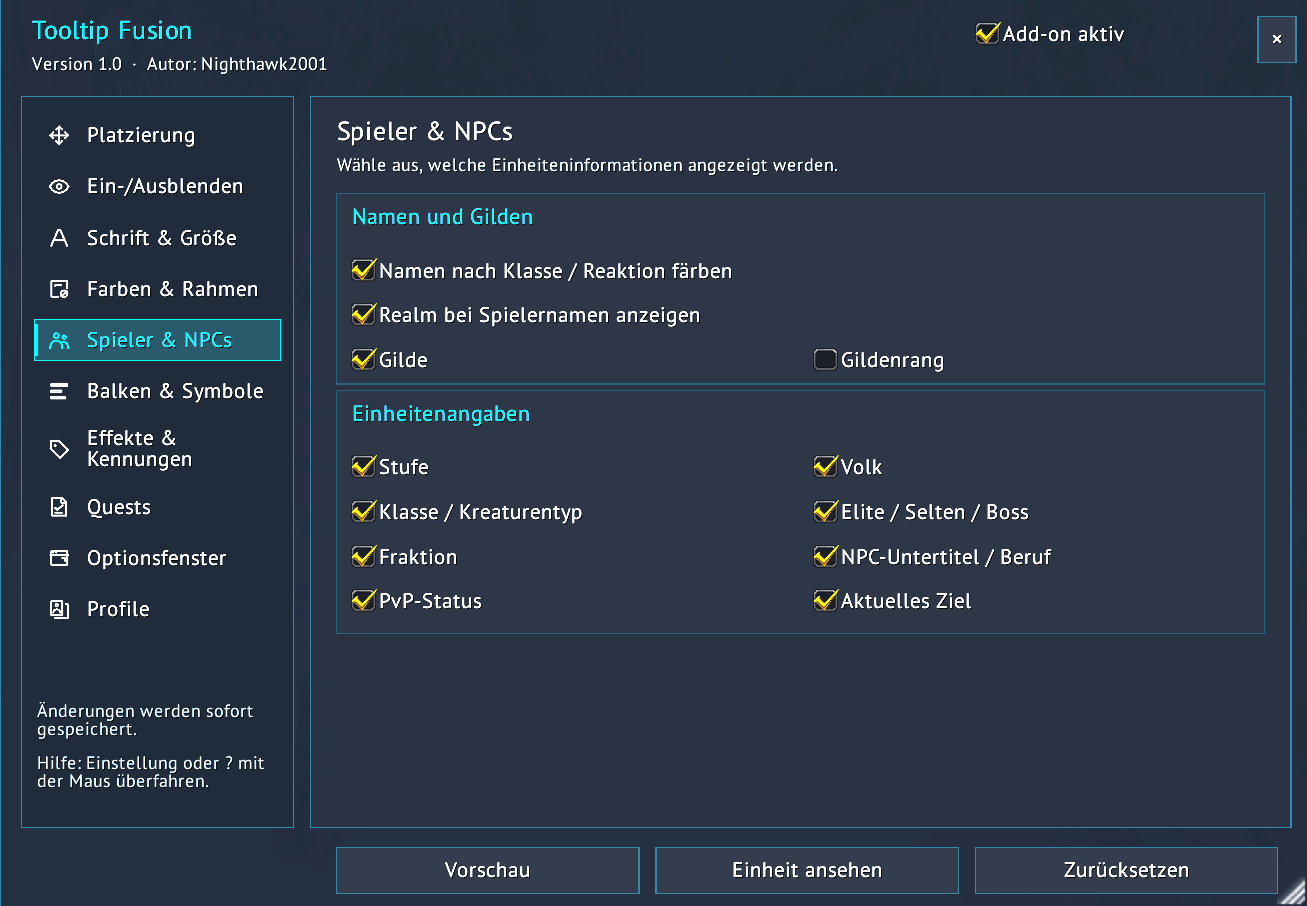
Tooltips that adapt to open UI windows, moving alongside their edges to reduce overlap. Customize appearance and fonts, with live preview, profiles, item stocks and quest progress.
Screenshot 2026-10-23 212836.png
Screenshot 2026-10-23 212509.png
Screenshot 2026-10-23 212605.png
Screenshot 2026-10-23 212645.png
Screenshot 2026-10-23 212719.png
Description
Tooltip Fusion
English
Summary: Customizable tooltips with live preview, profiles, unit details, item stocks and quest progress.
Tooltip Fusion 1.0 — by Nighthawk2001
For WoW Classic Era and TBC Anniversary.
Dynamic tooltips that react to your windows
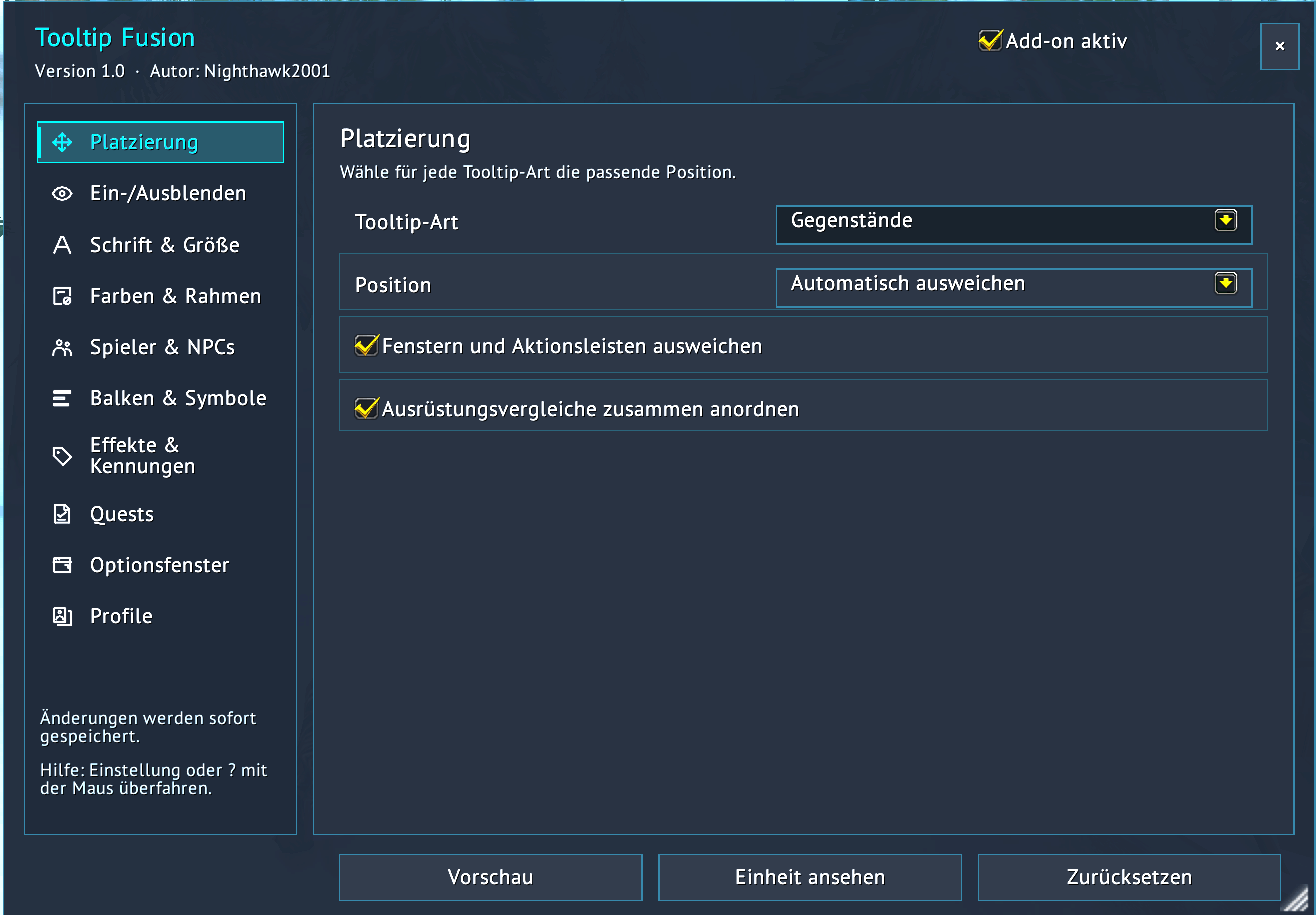
Tooltip Fusion automatically adjusts tooltip placement around detected open UI windows. Tooltips move alongside window edges to reduce overlap and keep information readable. Prefer a fixed position? That is available too.
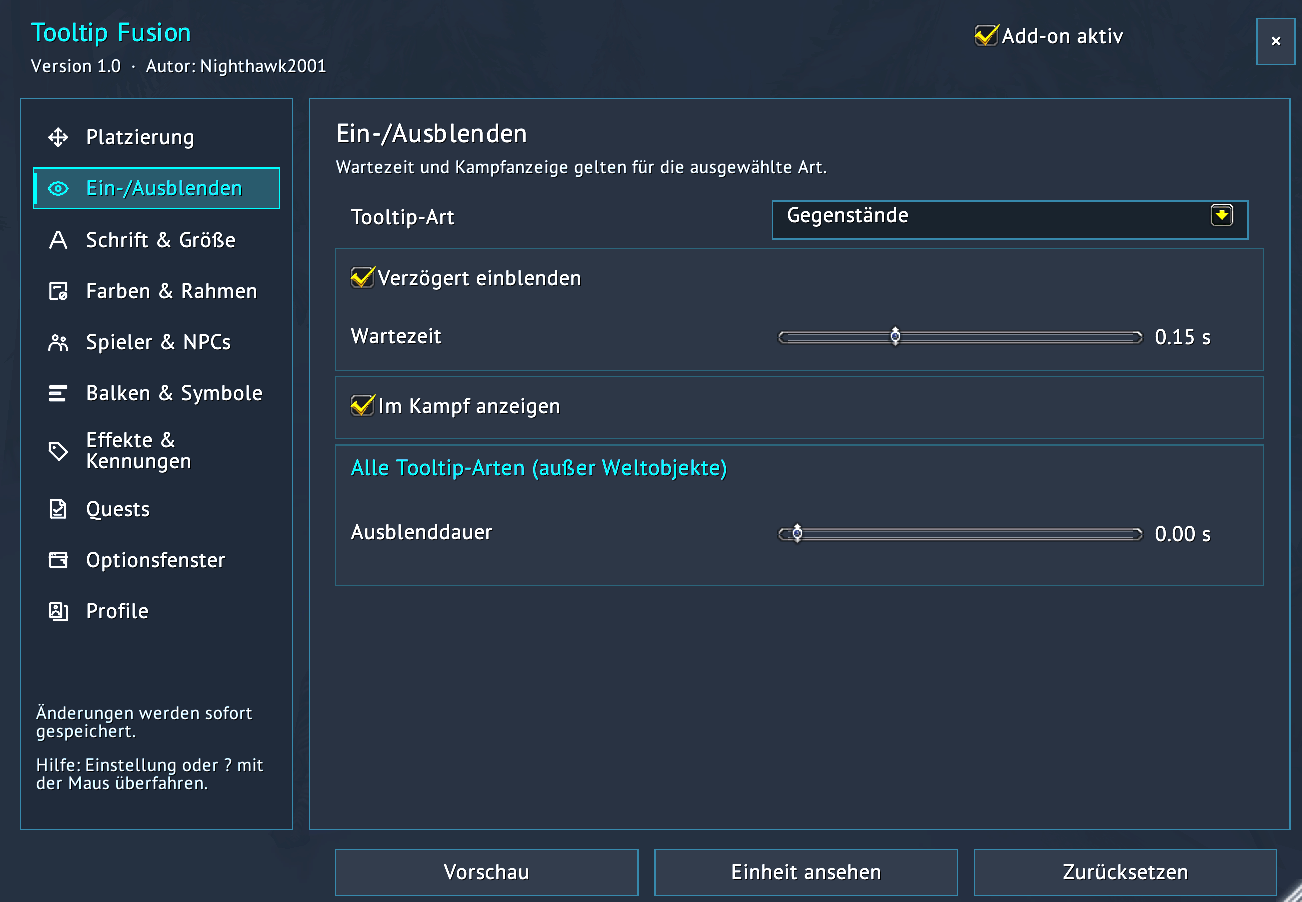
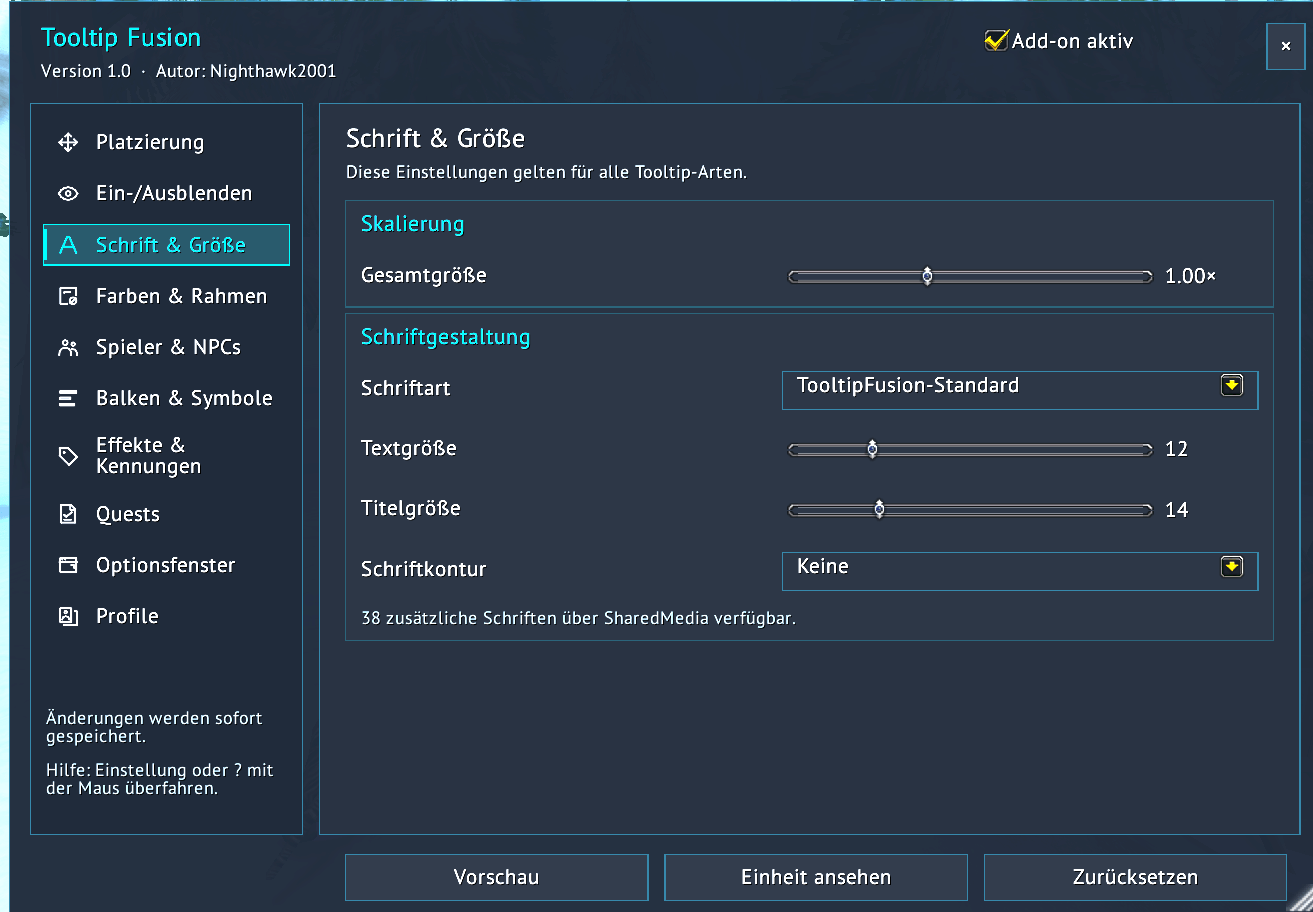
- Customize tooltip appearance, fonts and positioning with a dynamic preview and a redesigned options menu.
- Save, load and duplicate profiles. Includes Lato, PT Sans and PT Serif fonts.
- Show health and mana values, optional health/resource bars, status icons, buffs, debuffs and effect details.
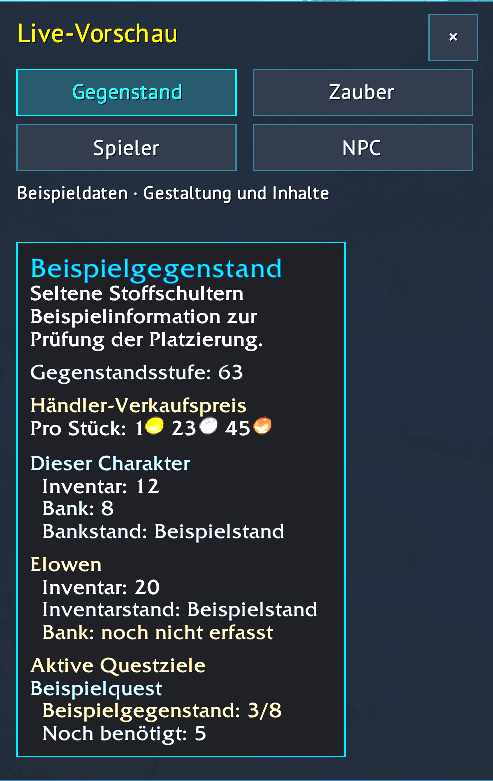
- See vendor sell prices, inventory and bank counts, plus recorded stocks from your alts.
- Track active quest objectives and quest loot in tooltips, with quest names and progress. Bundled LibQuestDB supplies Classic and TBC quest/drop data.
Open the options with /tf or /tooltipfusion.
Alt stocks reflect recorded data; bank counts update when the bank is opened.
Deutsch
Kurzbeschreibung: Anpassbare Tooltips mit dynamischer Vorschau, Profilen, Einheiteninfos, Beständen und Questfortschritt.
Tooltip Fusion 1.0 — von Nighthawk2001
Für WoW Classic Era und TBC Anniversary.
Dynamische Tooltips, die auf deine Fenster reagieren
Tooltip Fusion passt die Tooltip-Position automatisch an erkannte offene UI-Fenster an. Die Tooltips weichen an die Fensterränder aus, um Überlagerungen zu reduzieren und Informationen lesbar zu halten. Du bevorzugst eine feste Position? Auch das ist möglich.
- Gestalte Aussehen, Schriften und Positionierung deiner Tooltips mit dynamischer Vorschau und überarbeitetem Optionsmenü.
- Speichere, lade und dupliziere Profile. Lato, PT Sans und PT Serif sind enthalten.
- Zeige Lebens- und Manawerte, optionale Lebens-/Ressourcenbalken, Statussymbole, Buffs, Debuffs und Effektinformationen.
- Sieh Händlerverkaufspreise, Inventar- und Bankbestände sowie gespeicherte Bestände deiner Twinks.
- Verfolge aktive Questziele und Questbeute direkt im Tooltip, inklusive Questnamen und Fortschritt. Die mitgelieferte LibQuestDB liefert Quest- und Beutedaten für Classic und TBC.
Öffne die Optionen mit /tf oder /tooltipfusion.
Twink-Bestände beruhen auf gespeicherten Daten; Bankbestände werden beim Öffnen der Bank aktualisiert.
© 2026 Nighthawk2001. All rights reserved for original Tooltip Fusion code. Bundled third-party libraries and fonts retain their respective licenses; see THIRD_PARTY.md.
Tooltip Fusion Team

Owner