
Toolbox
toolbox-console.png
toolbox-atlas.png
toolbox-sounds.png
toolbox-api-browser.png
toolbox-api-browser-2.png
toolbox-api-browser-3.png
toolbox-api-browser-4.png
Description
Toolbox
Developer Tools for World of Warcraft: Retail & Forever
Toolbox is an in-game development and debugging utility for World of Warcraft. It provides a collection of practical tools for addon development, Lua scripting, API exploration, UI inspection, and testing directly inside the game client.
Built using native Blizzard APIs and UI components, Toolbox supports both Retail and Forever.
Features
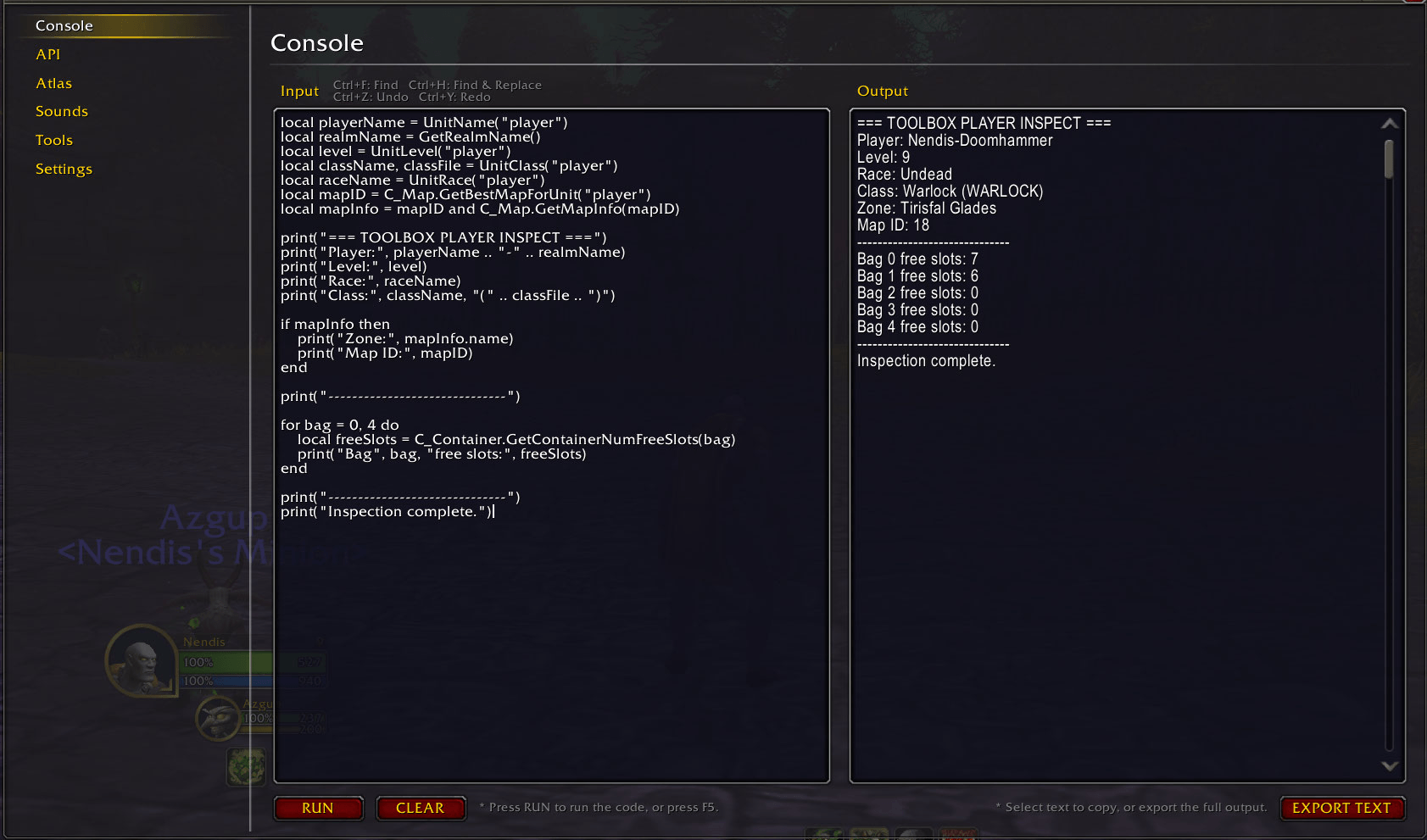
Lua Console
Write, execute, and debug Lua code directly in-game.
- Execute Lua scripts using the built-in editor
- View
print()output and returned values - Maintain a persistent execution environment between executions
- Inspect runtime errors and stack tracebacks
- Find and replace text using Ctrl+F and Ctrl+H
- Navigate search results with optional case-sensitive matching
- Replace individual matches or all matches at once
- Undo and redo changes using Ctrl+Z, Ctrl+Y, or Ctrl+Shift+Z
- Up to 20 undo steps per UI session
- Support for Tab indentation
- Clear and export console output
- Execute code using F5
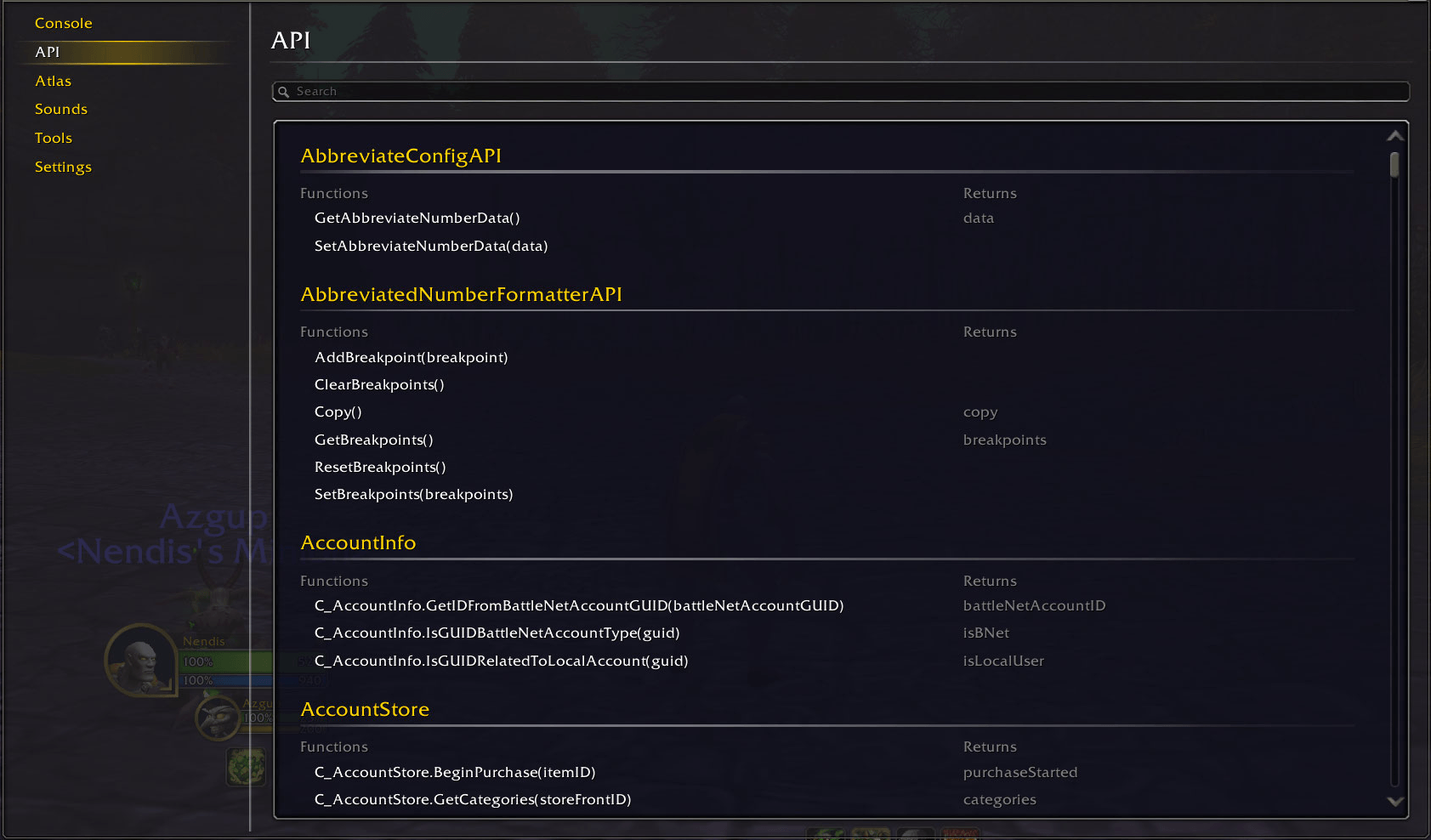
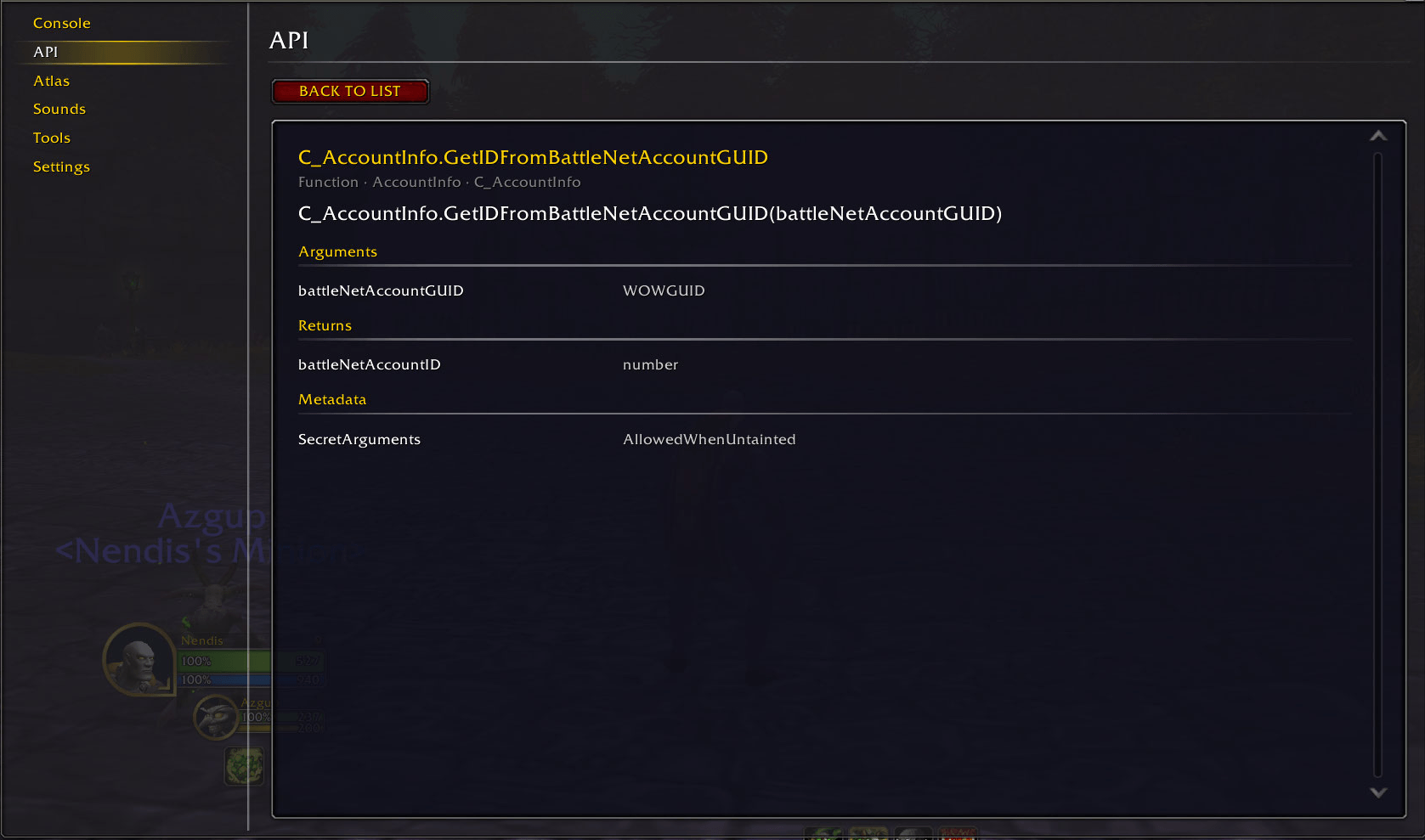
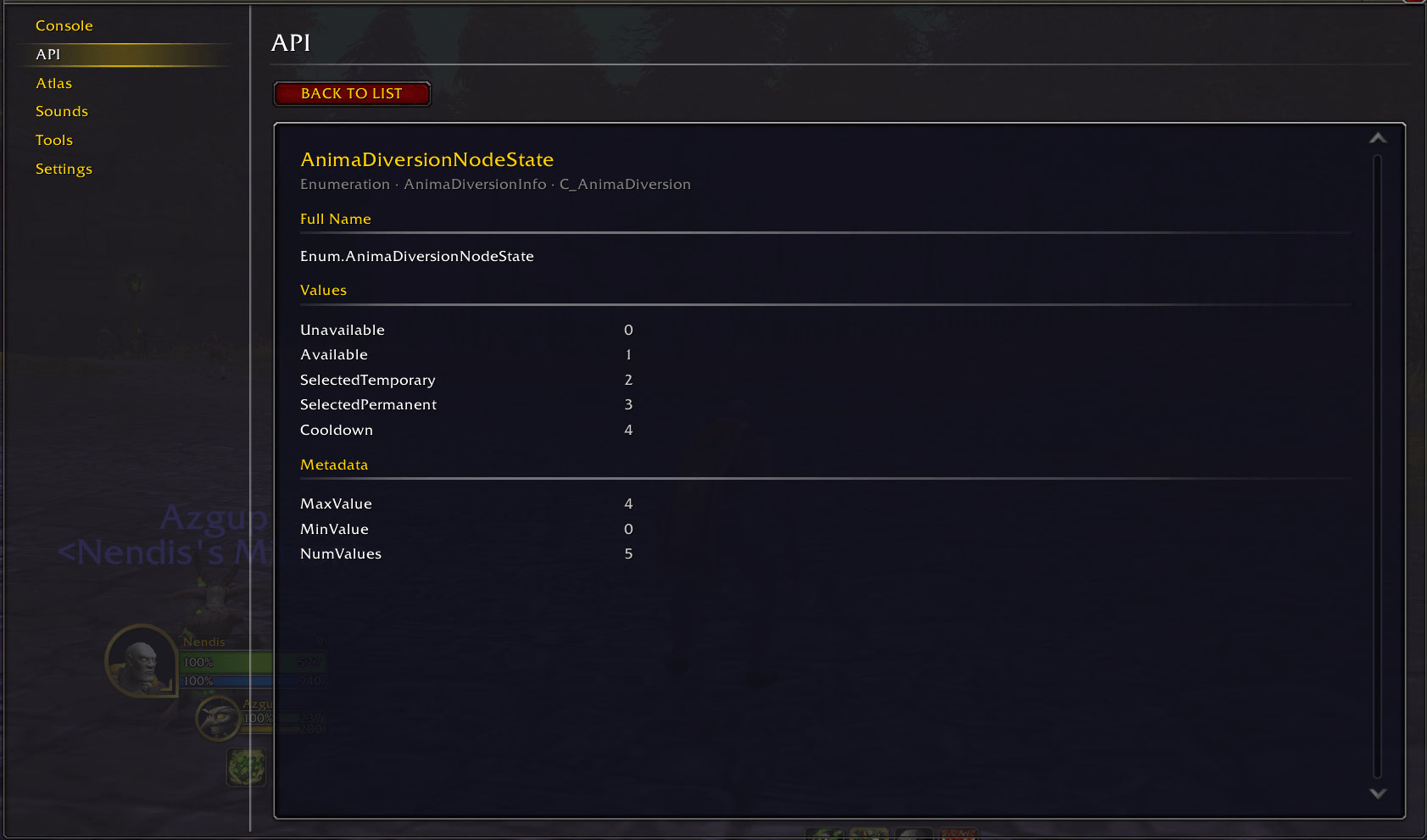
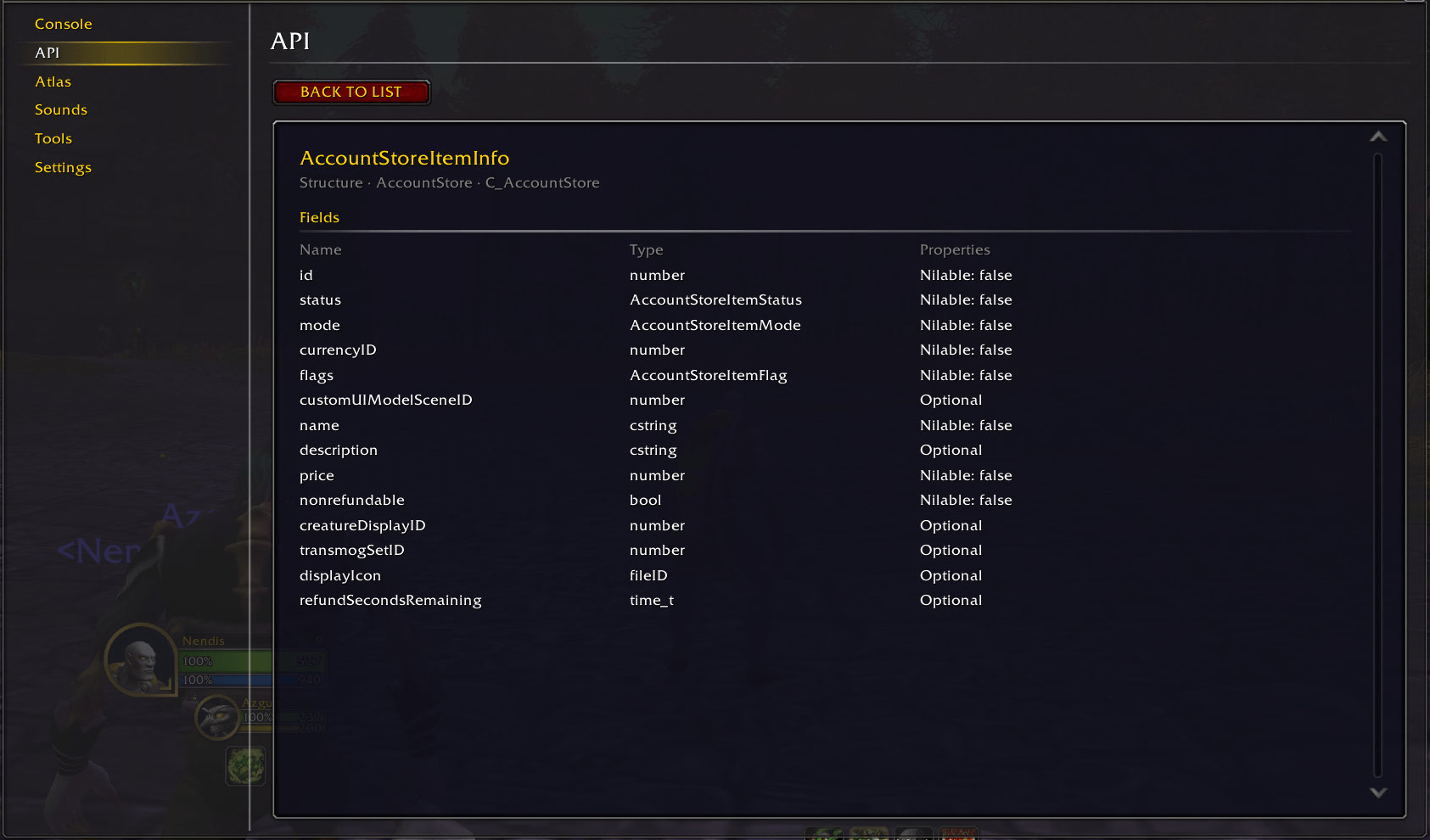
API Browser
Explore the APIs available in your current World of Warcraft client.
- Search and browse API namespaces
- Explore functions, events, structures, enumerations, and constants
- Inspect function arguments and return values
- View event payloads and their data types
- Browse structure fields, types, properties, and documentation
- View enumeration and constant values
- Explore available API metadata and descriptions
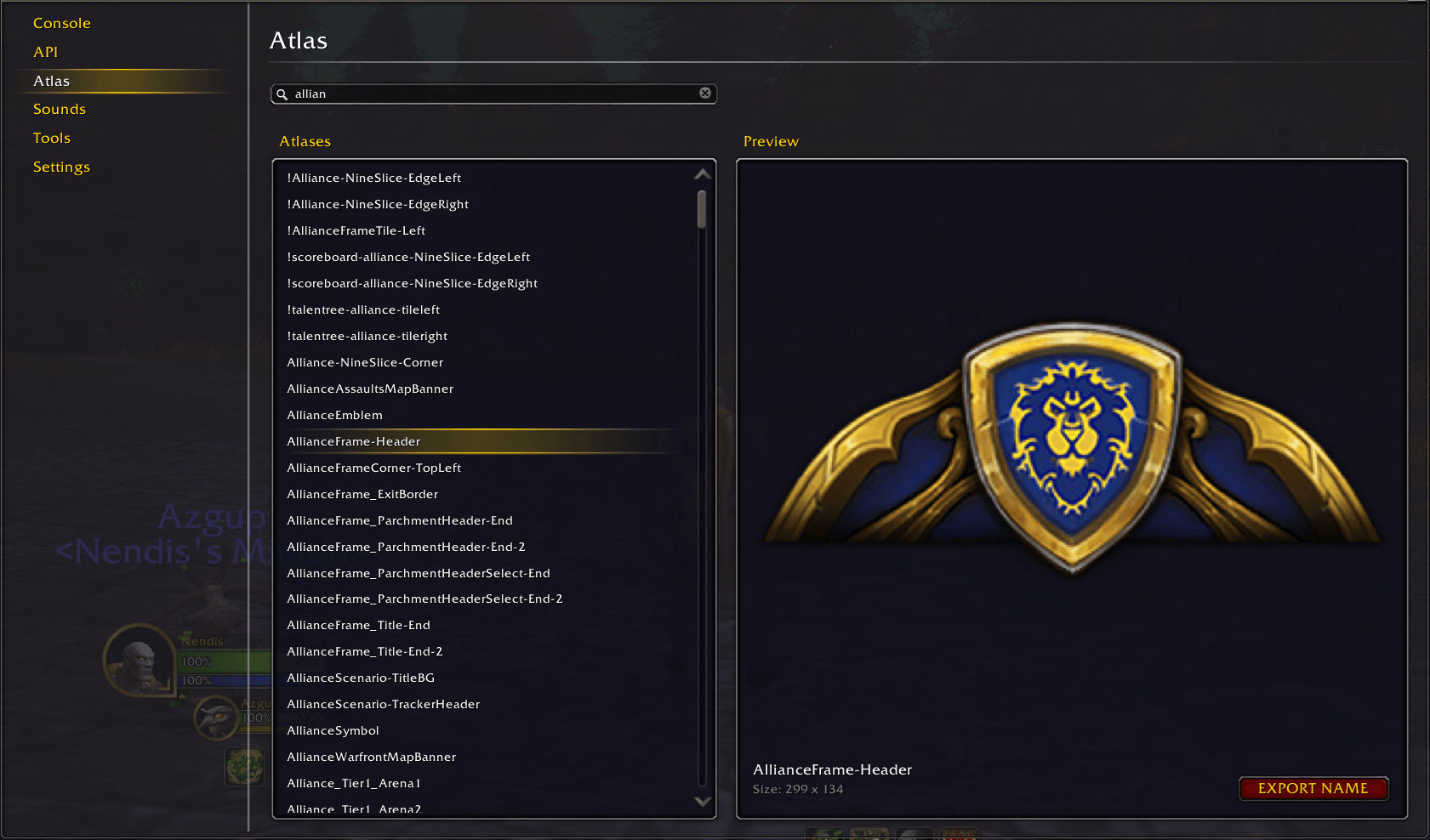
Atlas Browser
Discover Blizzard UI atlases available in your game client.
- Search Blizzard atlas names
- Preview atlases directly in-game
- View atlas dimensions
- Navigate search results using the keyboard
- Export atlas names for addon development
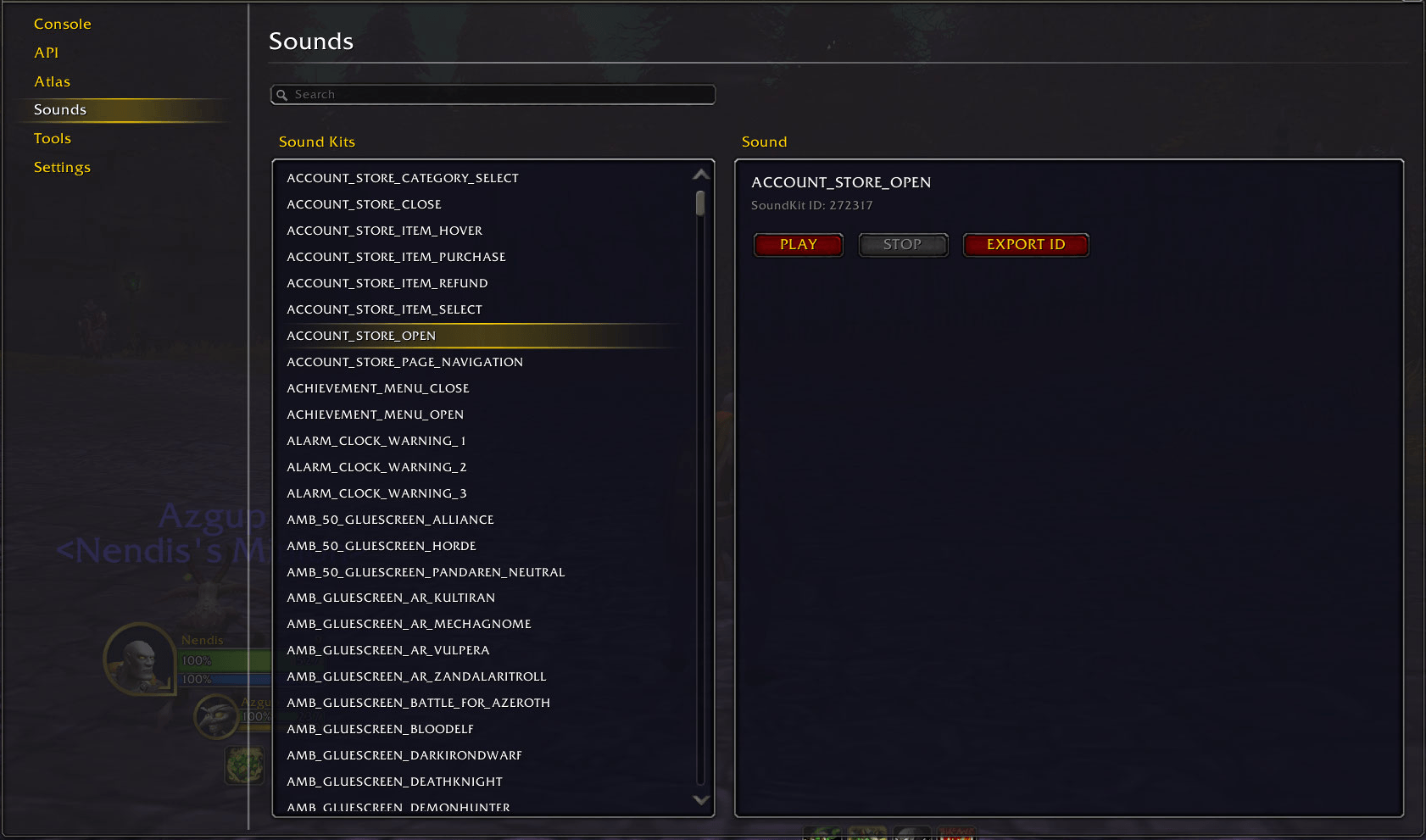
Sound Browser
Discover and test Blizzard SoundKits.
- Search Blizzard SoundKit names
- View SoundKit names and numeric IDs
- Play and stop SoundKits directly in-game
- Navigate search results using the keyboard
- Export SoundKit IDs for addon development
Developer Tools
Quick access to essential debugging utilities.
- Toggle Lua error reporting
- Toggle Blizzard Frame Stack
- Reload the user interface
- Check the current WoW Interface Version
Settings & Customization
Customize Toolbox to suit your development workflow.
- Independent font settings for six areas:
- Console Editor
- Console Output & Export
- API Documentation
- API Browser
- Atlas Browser
- Sound Browser
- Choose between four Blizzard font families: Friz Quadrata, Arial Narrow, Morpheus, and Skurri
- Adjust font sizes from 10 to 24
- Preview and apply font changes immediately without reloading the UI
- Restore individual or global font defaults
- Show or hide the minimap button
- Automatically save preferences
Minimap Button
Access Toolbox quickly from the minimap.
- Left-click to open or close Toolbox
- Right-click for a convenient Reload UI option
- Drag the button to reposition it around the minimap
- Automatically remember its position
Text Export
Toolbox includes a reusable text export window for copying developer data, including console output, atlas names, and SoundKit IDs.
Compatibility
Toolbox supports:
- World of Warcraft: Retail
- World of Warcraft: Forever
Both clients use the same addon functionality, with client-specific API compatibility and native Blizzard UI styling.
No external addon libraries are required.
Feedback and Bug Reports
Feedback, bug reports, and feature suggestions are welcome through the CurseForge project comments.
Toolbox Team
