TinyVault
- By
A tiny floating row that shows your Great Vault progress and reward item levels at a glance — no menus, no clutter.
gallery_2_tooltip.png
gallery_1_hero.png
Description
TinyVault
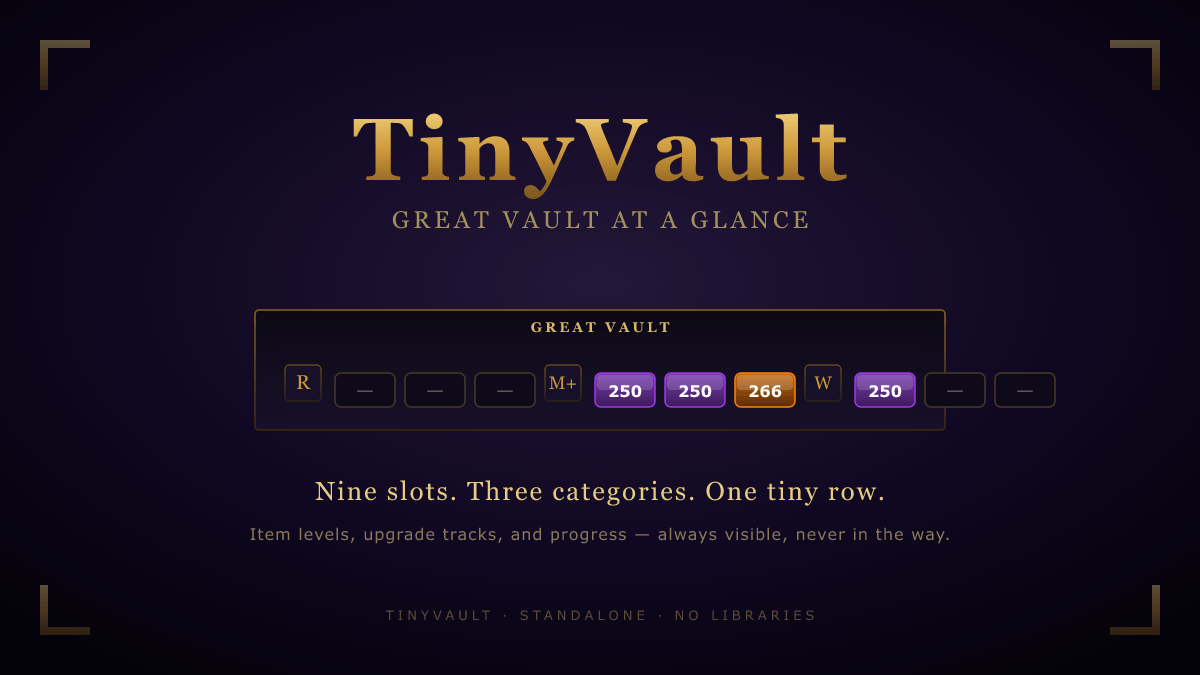
One row. Three icons. Nine pills. Everything you need to know about your Great Vault — without ever opening it.
TinyVault is a minimalist, standalone HUD for your weekly Great Vault progress. No mega-suite, no library bloat, no settings labyrinth: just a small floating row that quietly sits on your screen and tells you exactly where you stand for the week.
What it shows
A single compact row with three categories — Raid, Mythic+, and World/Delves — each represented by an icon followed by three pills, one per Vault slot.
- Unlocked slot → solid pill colored by upgrade-track band (Veteran / Champion / Hero / Myth), with the reward's exact item level rendered inside.
- Locked slot → dim outlined pill with a dash.
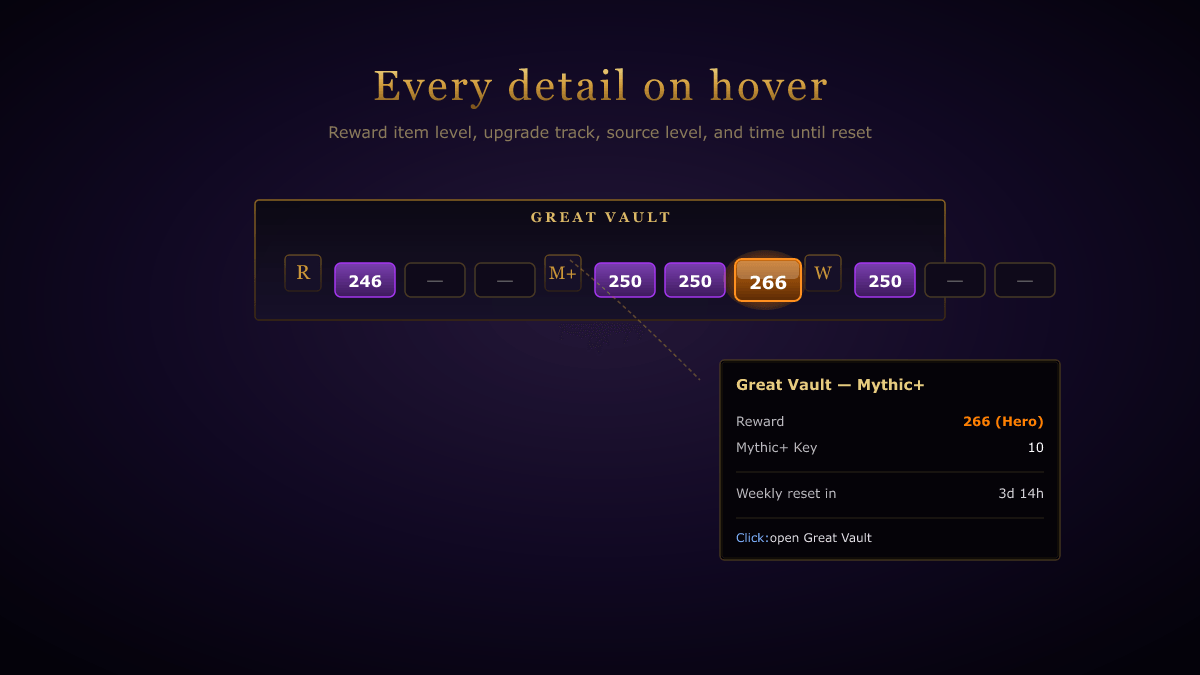
- Hover any pill → tooltip with progress, upgrade track name, source level (key level / boss count / activity rank), and time remaining until weekly reset.
- Click anywhere → opens the Great Vault UI.
- Right-click → opens settings.
Features
- Item levels at a glance. No more opening the Vault just to check what tier of loot you've earned this week.
- Live unlock pulse. When a slot becomes available mid-session (finishing a key, killing a boss, completing a Delve), the pill flashes with a gold halo.
- Reset warning. The frame's border tints red in the last 12 hours before weekly reset — a subtle nudge to spend that last key.
- Auto-hide when full. Once all nine slots are unlocked, TinyVault gets out of your way until next reset.
- Minimap button. Optional toggle button on the minimap; drag to reposition.
- Movable, scalable, lockable. Position and scale persist per character.
Slash commands
| Command | Action |
|---|---|
/tv or /tinyvault |
Open settings |
/tv show / /tv hide |
Show or hide the frame |
/tv lock / /tv unlock |
Toggle frame drag |
/tv reset |
Reset frame position to center |
/tv minimap |
Toggle the minimap button |
Customization
Upgrade-track colour bands live in TinyVault.lua (TRACK_BANDS). Five lines, easy to retune per season if Blizzard shifts the item-level ranges.
Why standalone?
Most existing Vault widgets are buried inside heavy UI overhauls (ElvUI, AddOnSkins, suites of broker plugins). TinyVault is the opposite philosophy: one focused feature, ~600 lines of Lua, no library dependencies, no .toc externals. Install it, see your Vault, forget it's there.
Support development
HoverIlvl is free and always will be. If it saves you time and you want to say thanks, a coffee is appreciated:

The TinyVault Team