TimePlayed+
- By
Session-by-session playtime tracking with daily averages, history, and CSV export. Time is limited, play with purpose.
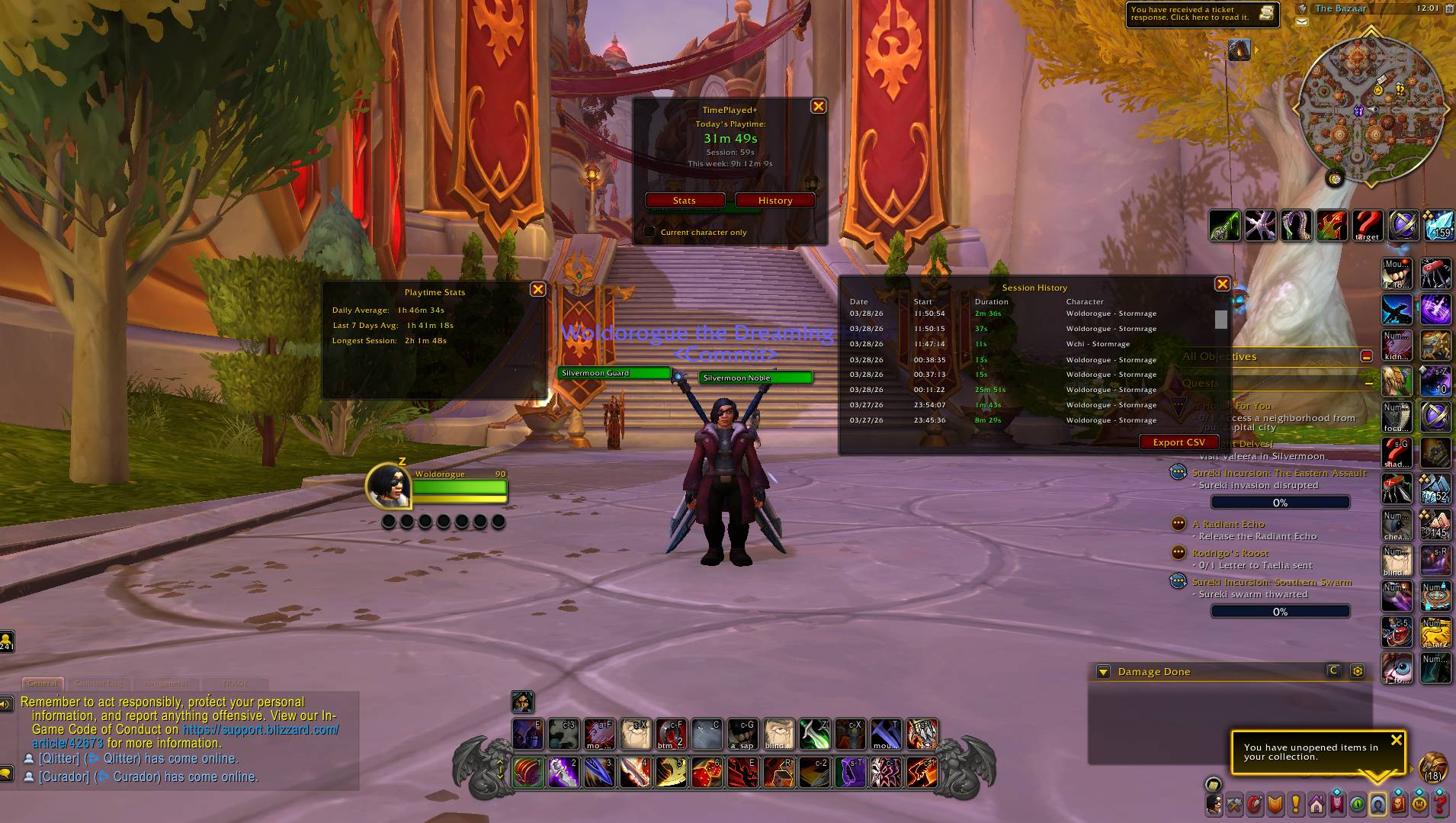
Live session timer with color-coded playtime, stats panel, and full session history
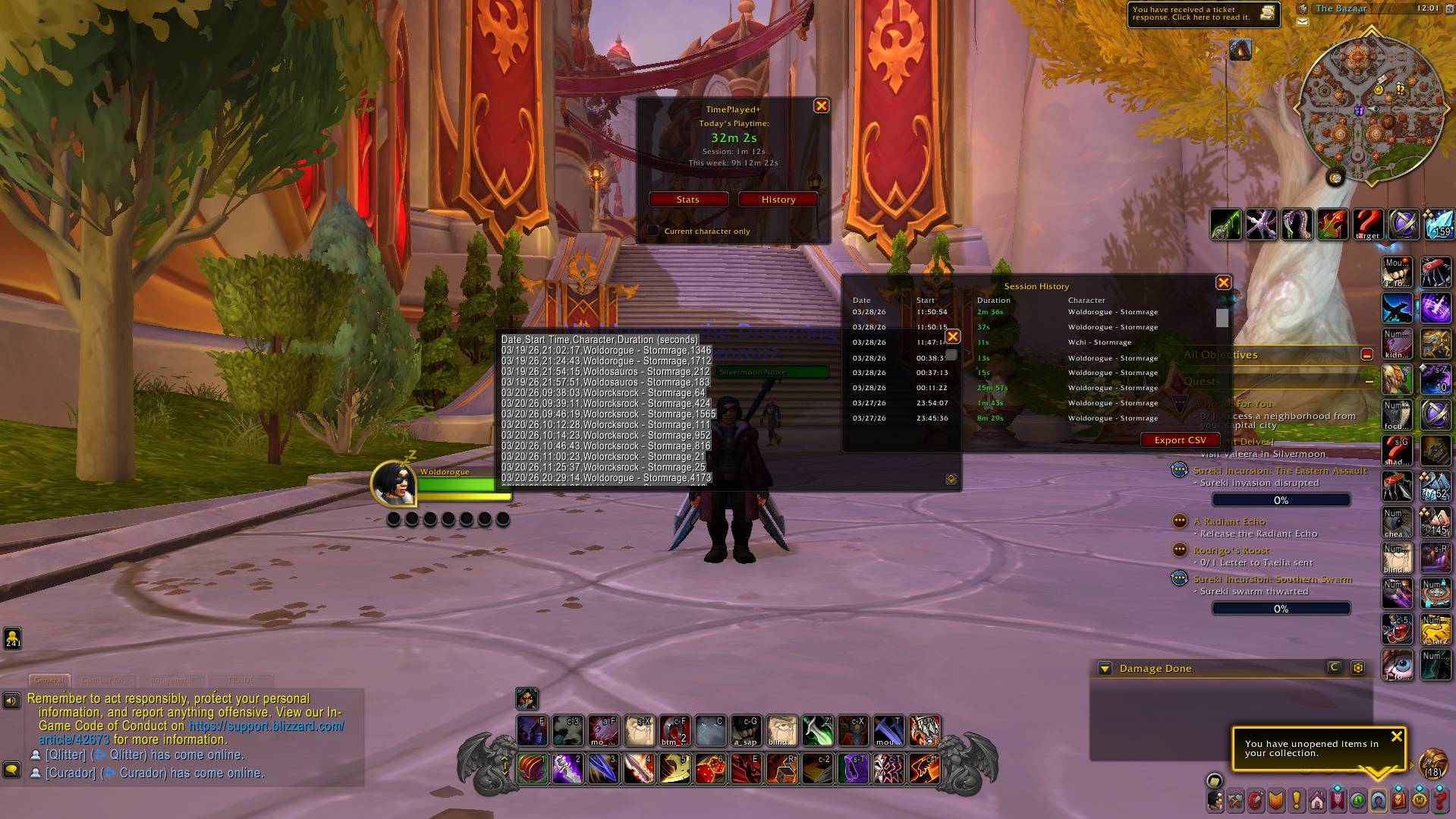
One-click CSV export of your entire session history for spreadsheet analysis
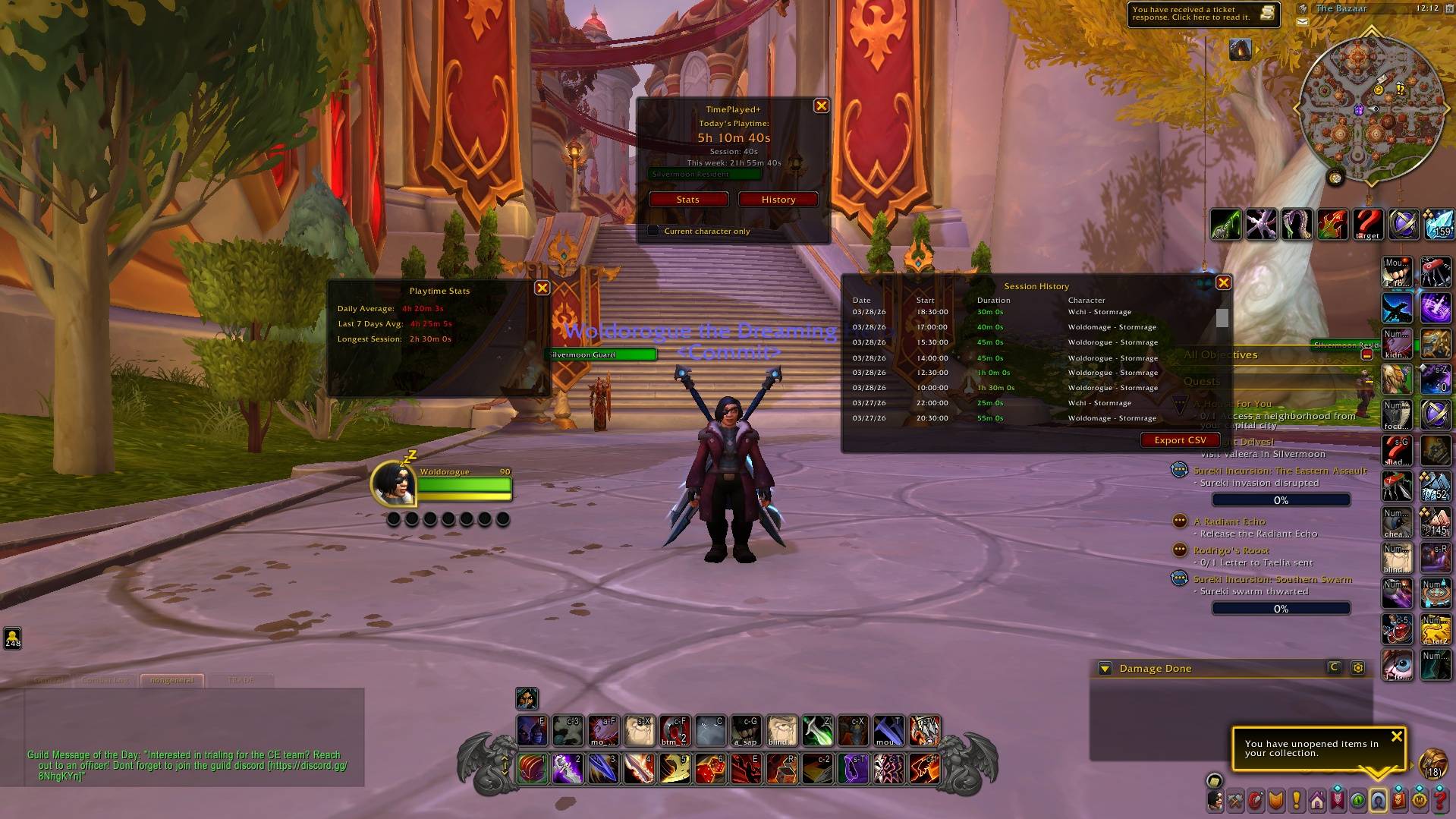
All panels at a glance: session timer, daily and weekly averages, and scrollable history with color-coded durations
Description
TimePlayed+
WoW's built-in /played command gives you a single lifetime total — a massive number that tells you almost nothing useful. TimePlayed+ breaks your playtime down into something meaningful: individual sessions, daily totals, weekly averages, and per-character breakdowns. And it only counts the time you're actually at the keyboard — AFK time doesn't count.
What It Does
TimePlayed+ runs quietly in the background and tracks your play sessions from login to logout. Time spent AFK doesn't count — you only see the time you were actually at the keyboard.
Features
Today's Playtime See how much you've played today at a glance — front and center in the main window. The color shifts from green to yellow to red the longer you play, a gentle nudge when you've been at it a while. Your current session time is shown below it for reference.
Daily Stats View your daily average playtime, a rolling 7-day average, and your longest session ever. Useful for spotting trends in your play habits over time.
Session History Browse a scrollable log of every session you've played — date, start time, duration, and which character you were on. Filter by character to see how your time breaks down.
Multi-Character Tracking All your characters feed into one unified history. Toggle the character filter to view stats for just the character you're currently playing, or see everything together.
CSV Export Pull your full session history into a spreadsheet-friendly format for anyone who wants to dig deeper into their data.
Minimap Button Hover for a quick glance at today's total and your current session. Left-click to open the main window. Right-click for options.
Slash Commands
/tpp— toggle the main window/timeplayed— toggle the main window/tpp options— toggle options window
TimePlayed+ Team