Till You Need It
- By
An RP addon for efficient money transactions (supports calculations, conversions, discounts, change, etc.)
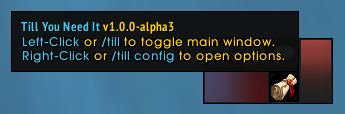
Example image showing the Minimap button.
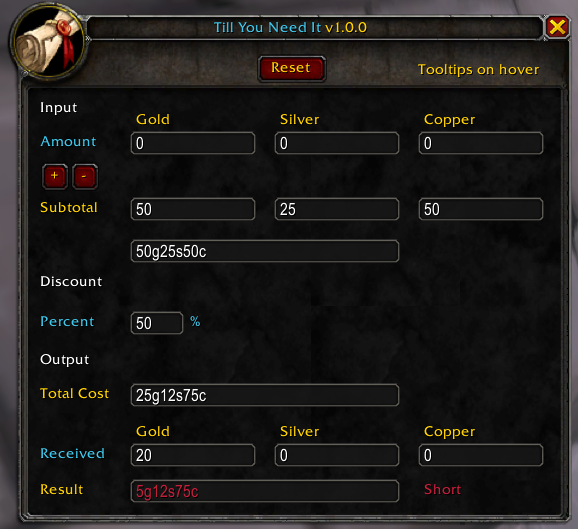
Example image showing the main window when the result is Short.
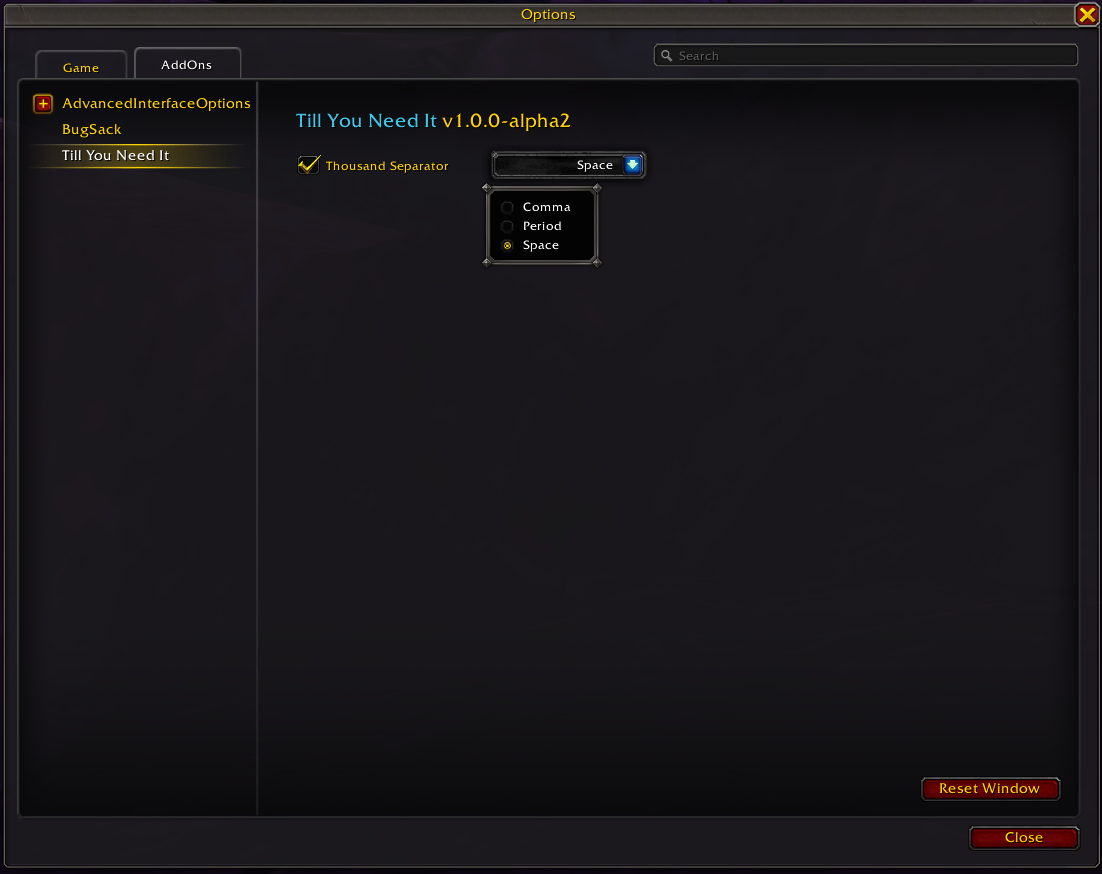
Example image showing the Addon Options page.
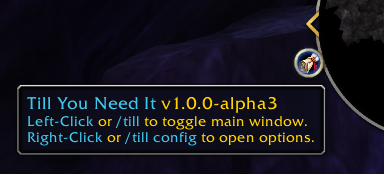
Example image showing the Minimap button.
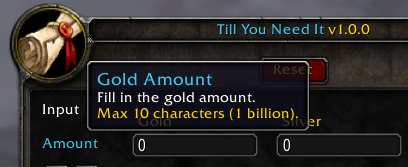
Example image showing a tooltip that appears on hovering over an input element.
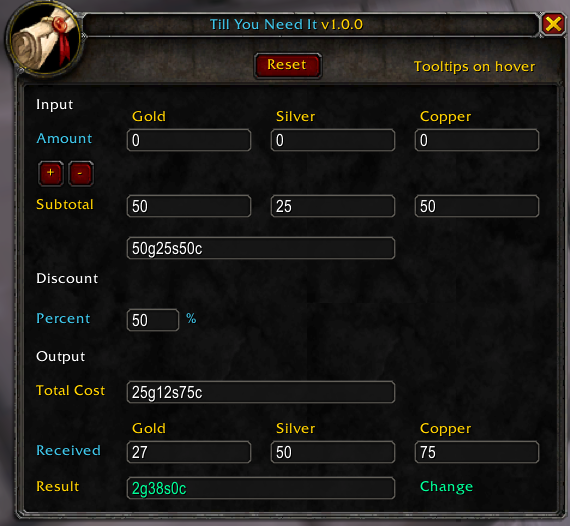
Example image showing the main window when the result is Change.
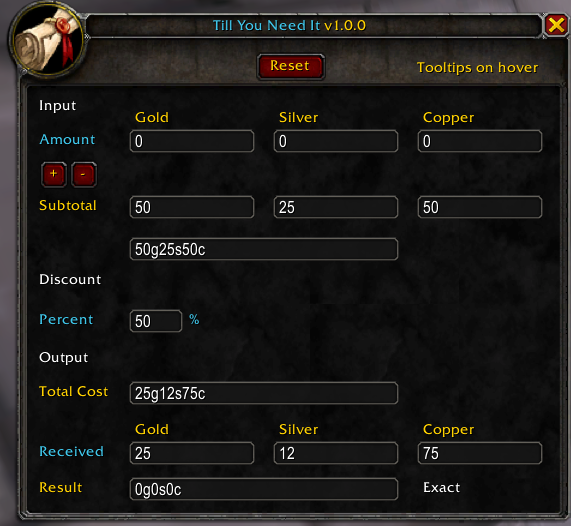
Example image showing the main window when the result is Exact.
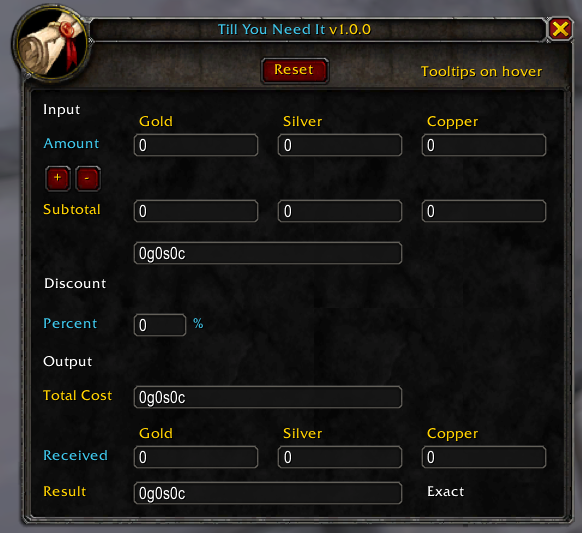
Example image showing the main window.
Description
Till You Need It
An RP addon designed to help make money transactions efficient and less of a headache.
Overview
The name is a wordplay on the idea of how cumbersome transactions in WoW can eventually become, leading to errors.
So transactions go fine, unTILL YOU NEED IT where the "it" refers to this addon to help you out. Like when you need a calculator to do math.
The main window of the addon can be opened using the minimap button or by typing /till in your chat box.

Each option in the main window has a hover tooltip explaining its use for added accessibility.
The most important thing to remember is that blue lines are the ones you can type in!
It supports the following features:
- Calculations (Additions/Substractions/Multiplications)
- Conversions
- Discounts
- Change
More information about each can be found below.
Features
Calculations
Sometimes running a shop, business, or anything else requires you to add, subtract or even multiply amounts of money.
After a while, however, it can become tedious to memorize multiple calculations while keeping track of gold, silver, and copper.
Till You Need It can perform calculations such as adding, subtracting, or multiplying while formatting (see Conversions below).
(The gold, silver and copper box can be selected and copied for further use by pressing CTRL+C, CTRL+V to paste elsewhere.)

Image showing an example of adding 5000 silver and 25 copper to the subtotal of 25 silver and 25 copper.

Image showing an example of the result that came afterwards, 50 gold, 25 silver and 50 copper.
Conversion
In World of Warcraft, 100 copper becomes 1 silver and 100 silver becomes 1 gold.
However, just like in RL, there are times when someone may have more than 100 of either (for whatever IC reason).
Till You Need It converts both copper and silver coins to gold quickly and efficiently.
(The gold, silver and copper box can be selected and copied for further use by pressing CTRL+C, CTRL+V to paste elsewhere.)

Image showing an example of an specific amount of 5025 silver and 50 copper given.
Discounts
Running a business comes with its moments of discounts.
Loyal customers, bulk purchases, it happens from time to time.
Till You Need It is able to calculate a percentage discount (0 - 100%) and displays the total value before and after the discount.
(The gold, silver and copper box can be selected and copied for further use by pressing CTRL+C, CTRL+V to paste elsewhere.)

Image showing an example of a discount of 50%.
Change
After all is said and done, you know the total cost of telling someone.
Unfortunately, they've paid too much or maybe even with a very specific amount (for whatever reason).
Till You Need It will be able to help you by allowing you to enter the coinage you've received and then calculate whether it's Short, Exact or Change.
(The gold, silver and copper box can be selected and copied for further use by pressing CTRL+C, CTRL+V to paste elsewhere.)

Image showing an example of when there is too much received, thus Change has to be given.

Image showing an example of when the exact amount is received.

Image showing an example of when the received value is short of the total cost, extra money should (hopefully) be given!
Options
The addon options can be opened through /till config or right-clicking the minimap button.
Till You Need It currently supports the following options:
- Thousand Separator (On/Off, choice of comma, period or spaces which is the default)
Final Word
Once everything is set and done, a simple click on the "Reset" button at the top will reset everything to zero, ready for the next transaction!
If there are any problems, suggestions and the like. Feel free to reach me through the comments here..
The Till You Need It Team