Thron's Utilities
- By
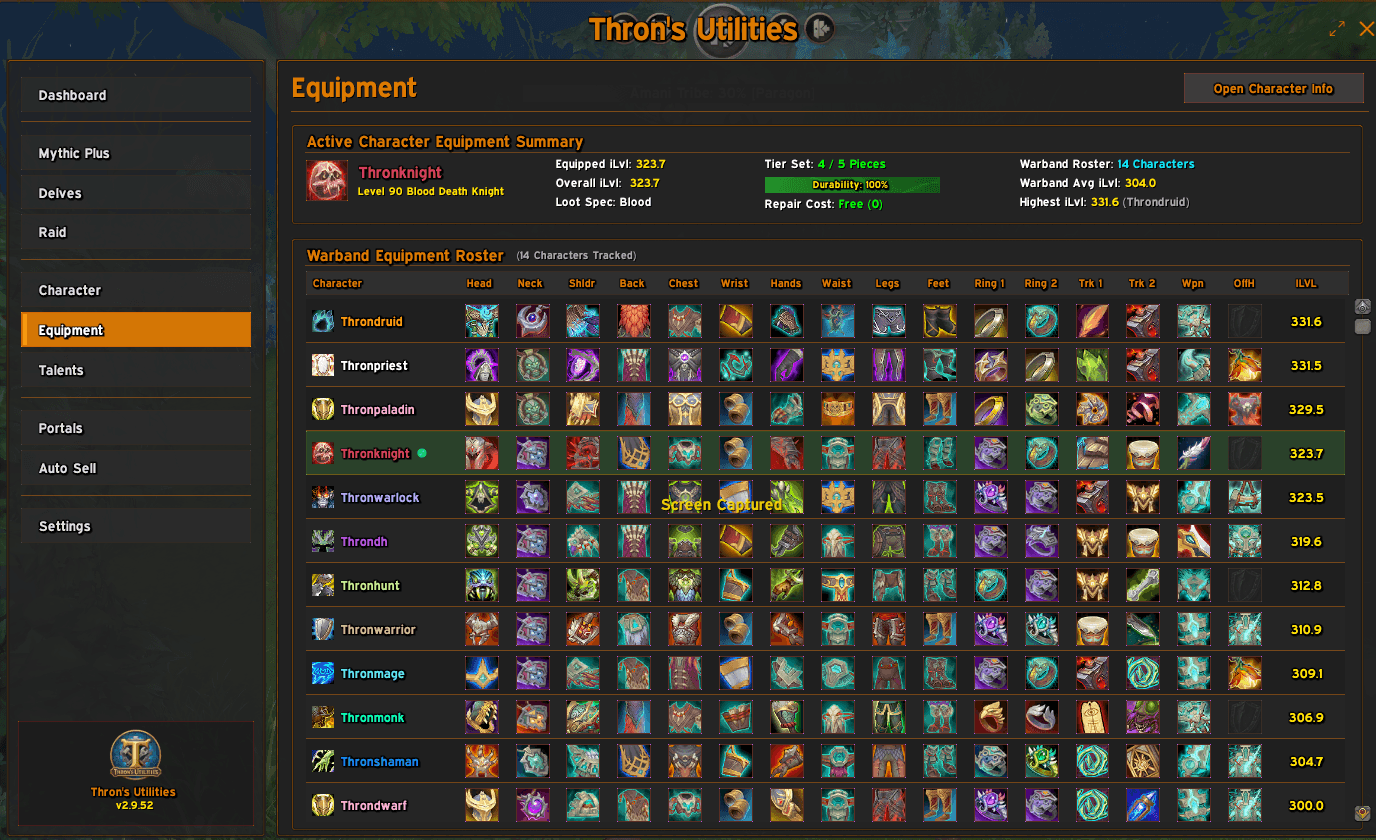
Thron's Utilities is an all-in-one addon that centralizes character management for players with multiple alts. View gear, manage loadouts, switch talent builds, and track Mythic+ and raid progress from a single, easy-to-use interface.
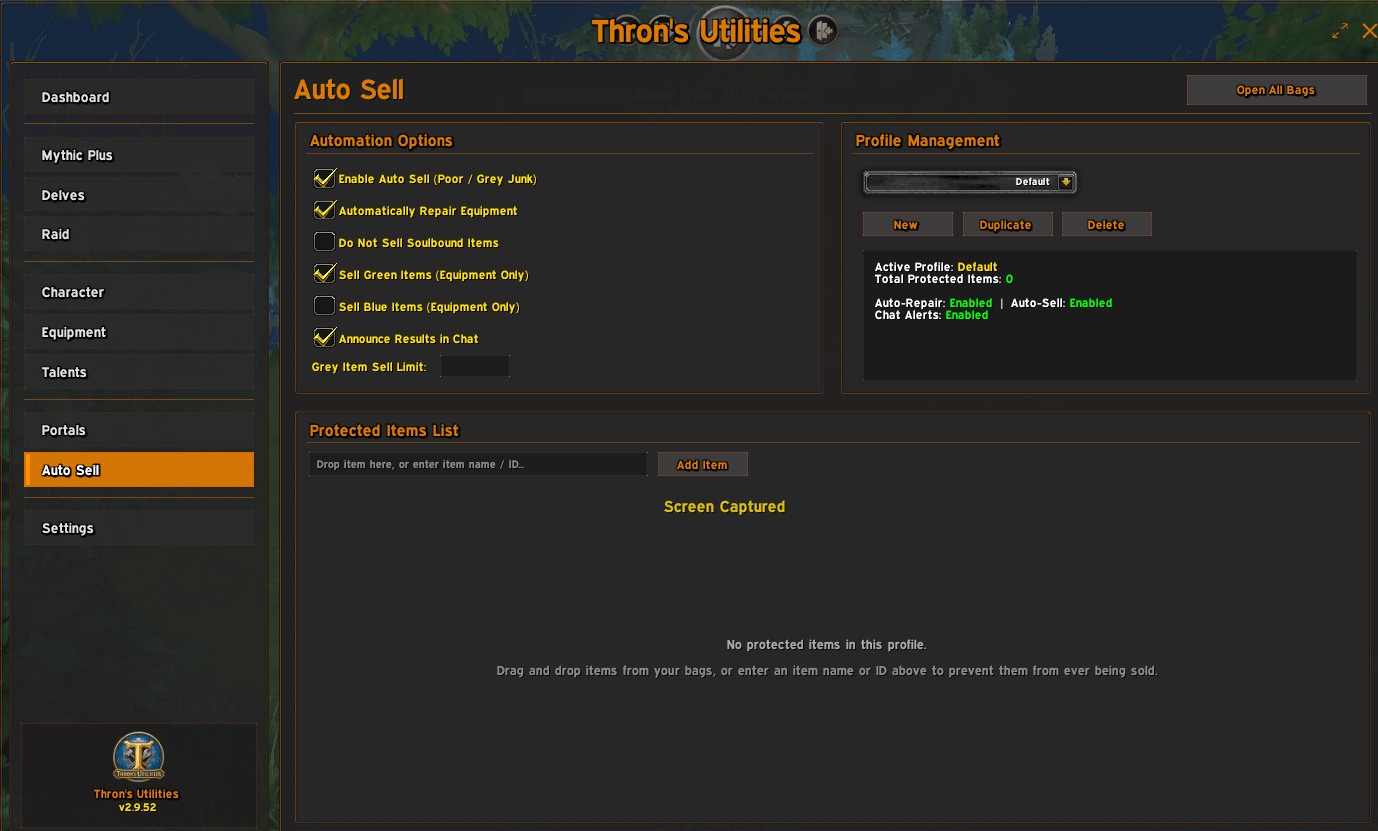
AutoSell.png
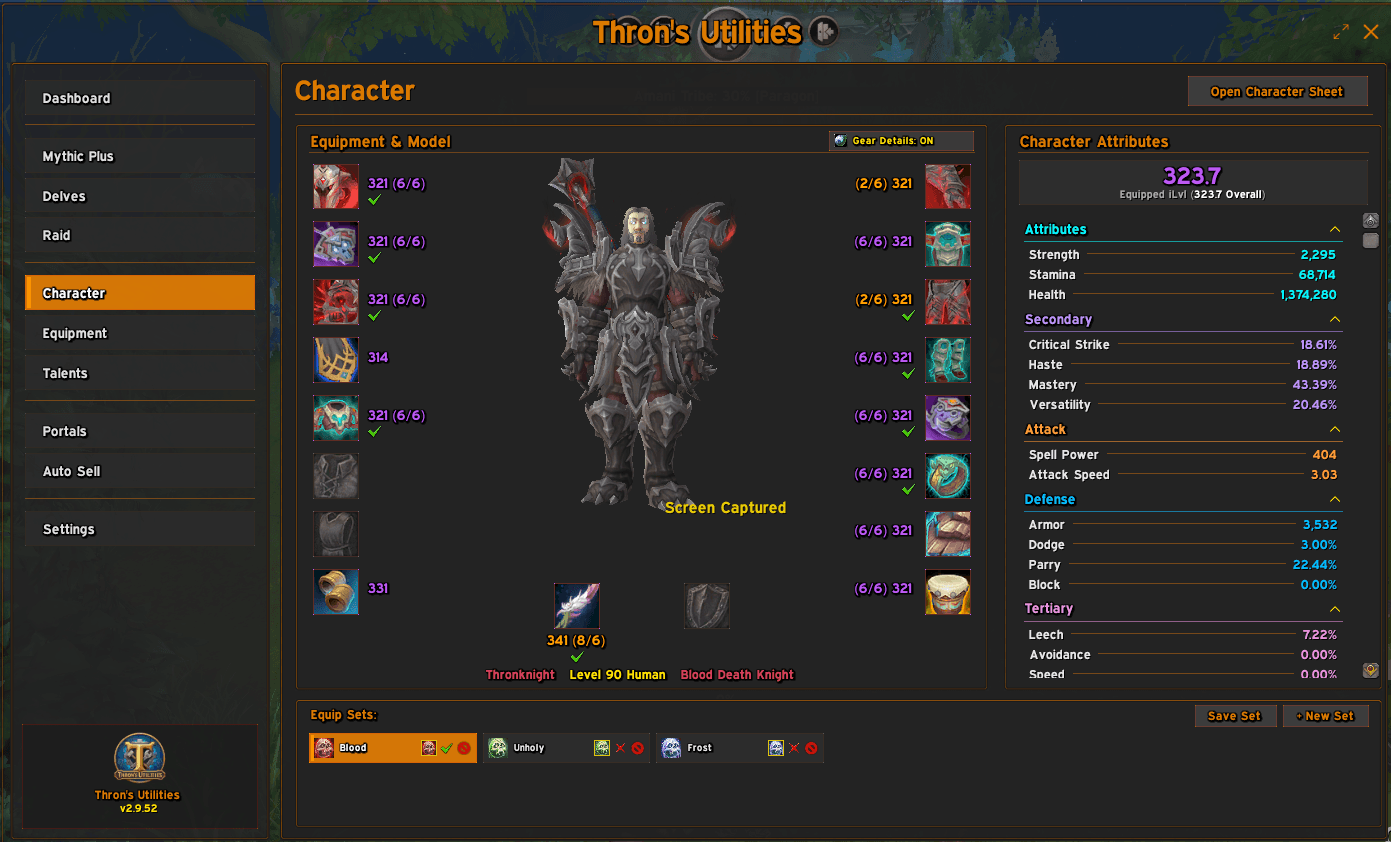
Charter.png
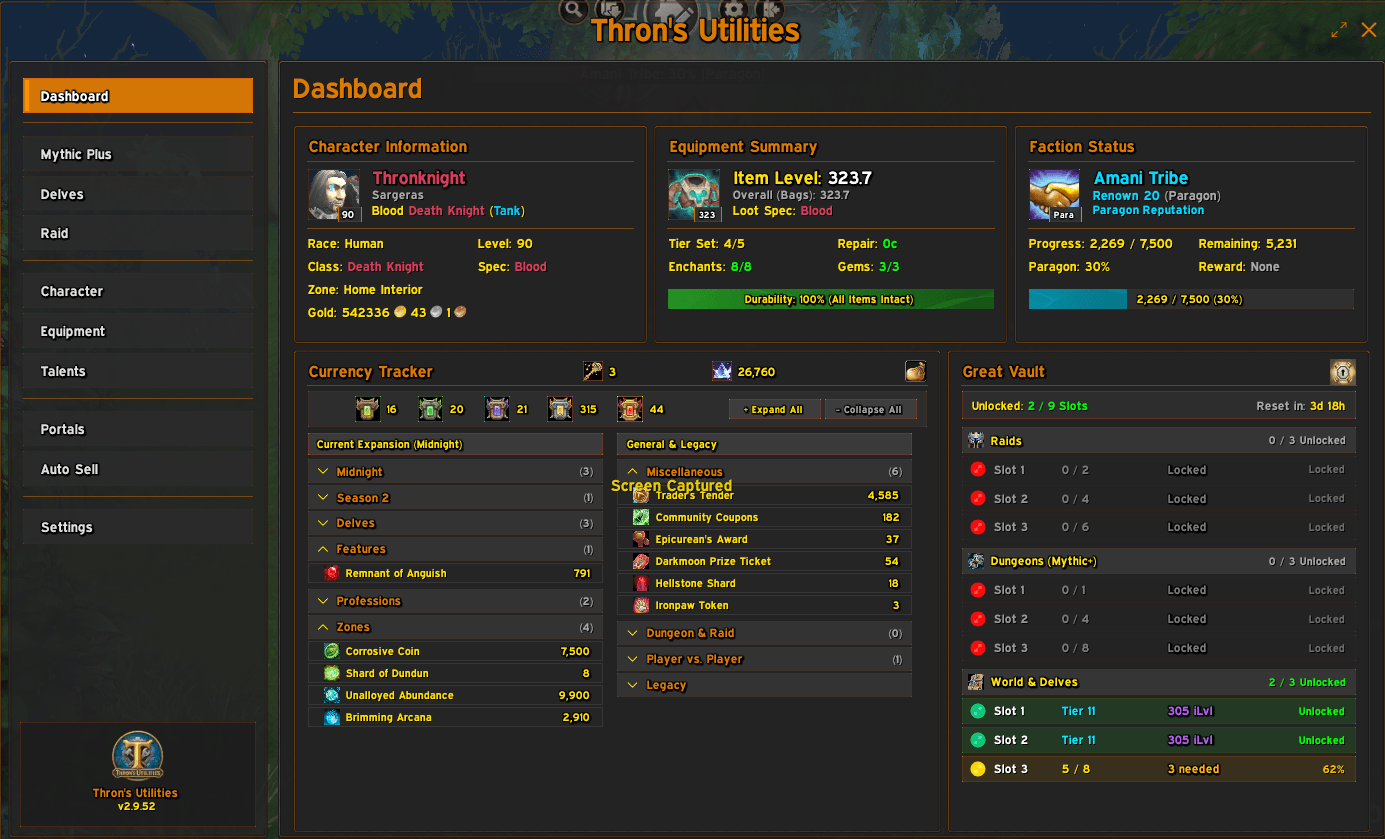
Dasheboard.png
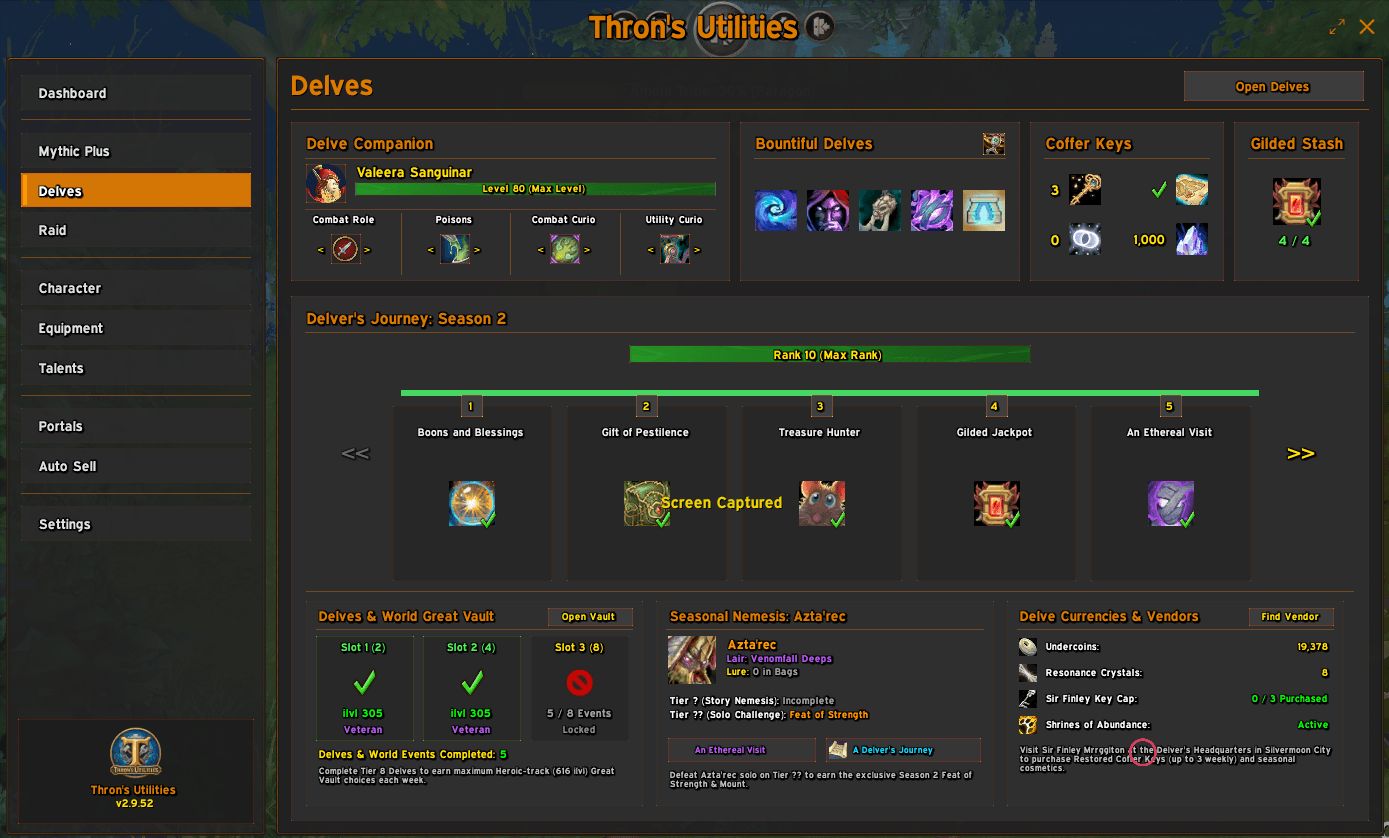
Delvels.png
Equipment.png
Description
Thron's Utilities is a lightweight, zero-dependency all-in-one WoW addon that consolidates character and Warband management into a single, class-colored dashboard.
Instead of juggling 5+ separate addons, you get:
- Warband Roster & Gear: Full 18-slot gear inspect across every alt on your account.
- Progression Hub: Live Mythic+ analytics, Raid lockouts, and 9-slot Great Vault tracking.
- Fast-Travel Central: One-click access to all seasonal/legacy dungeon portals, raid teleports, hearthstones, toys, and class spells.
- Zero Bloat & Zero Dependencies: Pure Lua with built-in auto-sell/repair, 119 custom fonts, 63 textures, and automatic class-color theming out .
/tu to see the slash commandes
=== Thron's Utilities Slash Commands ===
/tu show (open) - Open the Thron's Utilities main window
/tu hide (close) - Close the Thron's Utilities main window
/tu toggle - Toggle the main window open/closed
/tu minimize (min) - Minimize or restore the main window to title bar
/tu dashboard (dash) - Open directly to the Dashboard page
/tu portals (portal, teleport, teleports) - Open directly to the Portals & Teleports page
/tu m+ (mythicplus, mp) - Open directly to the Mythic Plus page
/tu talents (talent, spec, specs) - Open directly to the Talents page
/tu f (factions, faction, rep, reputation) - Open directly to the Factions page
/tu keys (announce, keyannounce, keystones) - Announce party/raid keystones to group chat
/tu vault (greatvault) - Open the Great Vault interface
/tu vaultreward (vaultrewards) - Display Great Vault reward breakdown
/tu currency (currencies, tuc) - Scan and display tracked expansion currencies
/tu minimap (mm) - Toggle the minimap button on or off
/tu autosell (tas, thronsautosell) - Open the Auto Sell & Repair configuration page
======================================
Thron's Utilities Team