


TewixPlus
- By
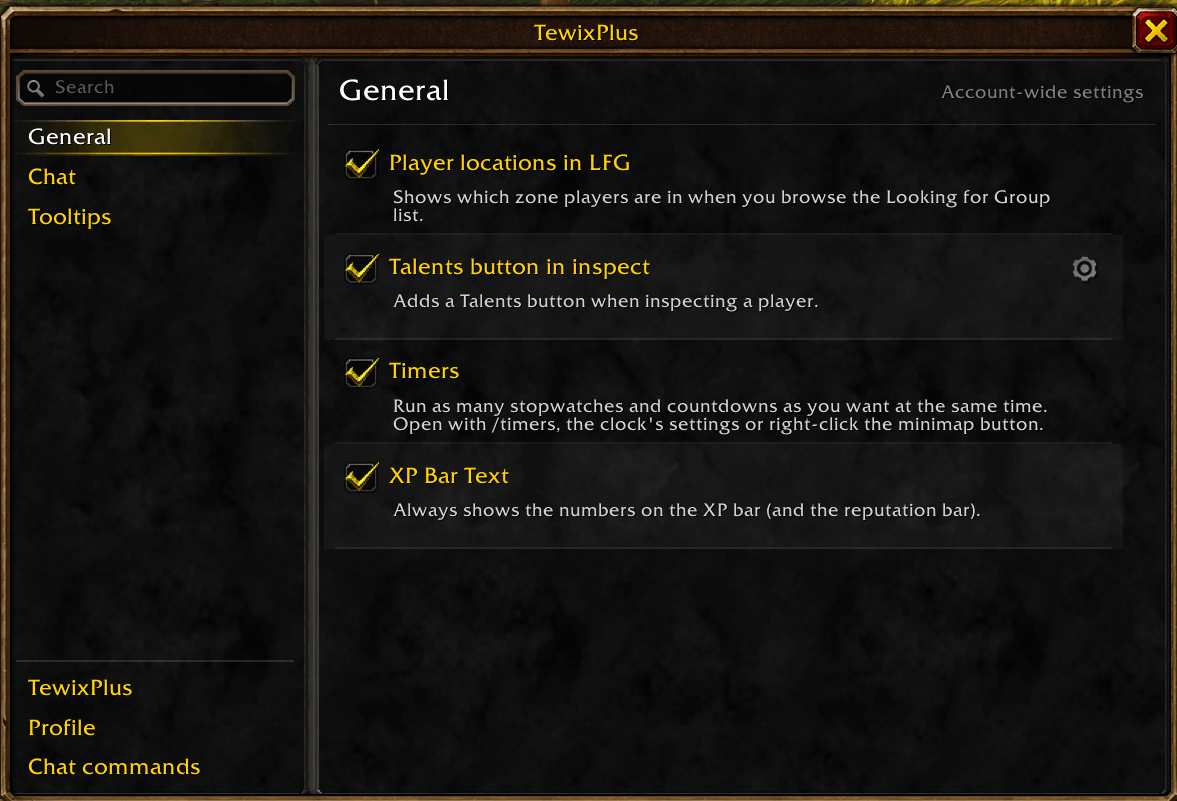
TewixPlus is a growing collection of small quality-of-life modules for WoW Forever, each one switched on individually from a single settings window.
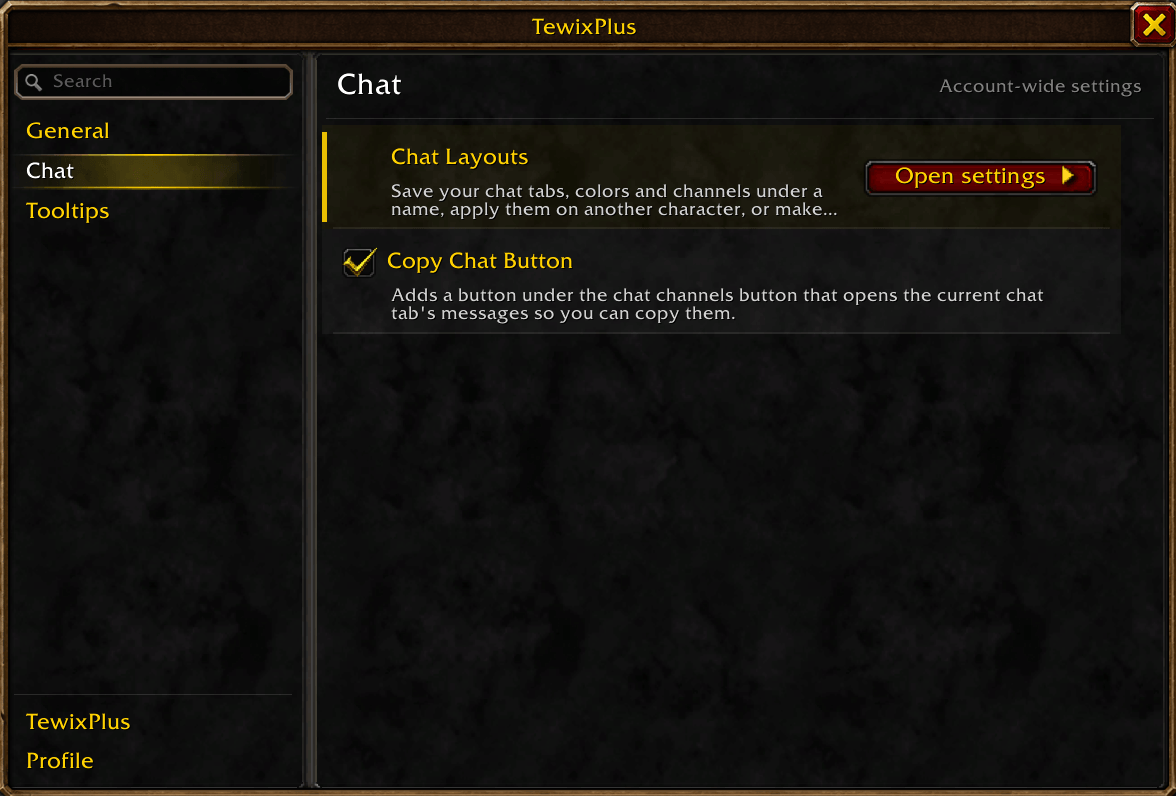
chatsettings.png
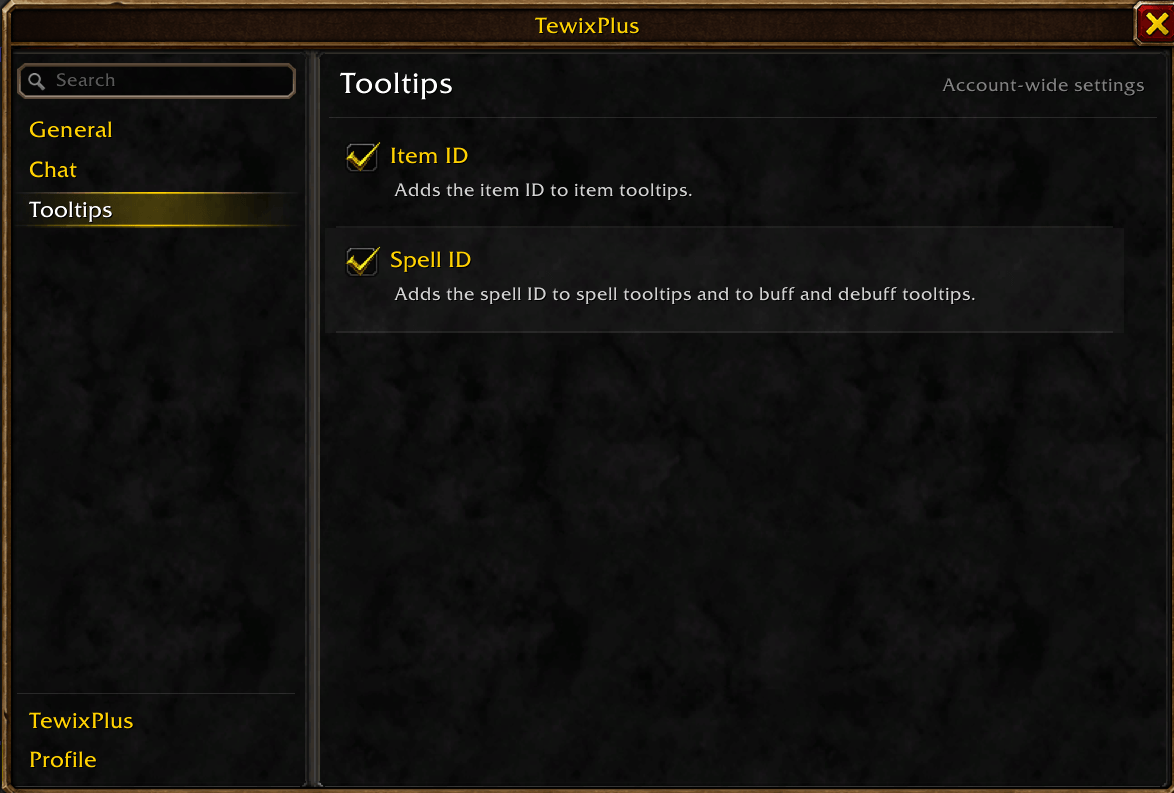
tooltipsettings.png
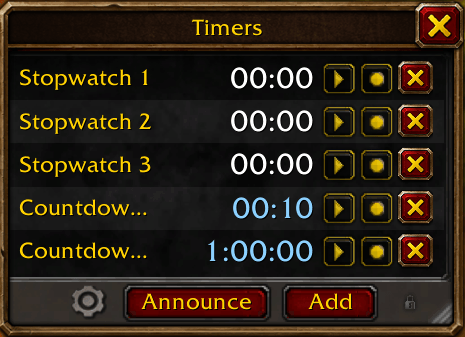
timers.png
lfglocations.png
inspectwindow.png
spellids.png
Description
TewixPlus
A growing collection of small quality-of-life modules for WoW Forever. You switch each one on individually from a single window: open it with /tp or the minimap button. Every module starts switched off except the minimap button.
Will add more stuff over time.
General
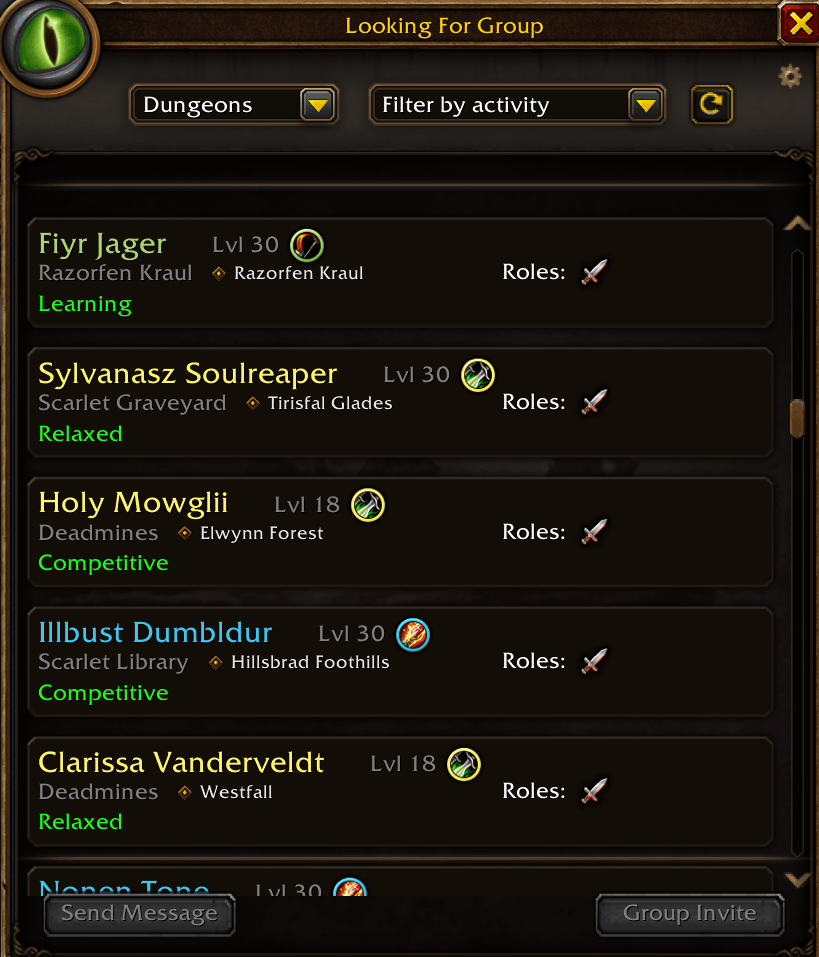
- Player locations in LFG: shows the group leader's current zone on each listing in the Group Browser.
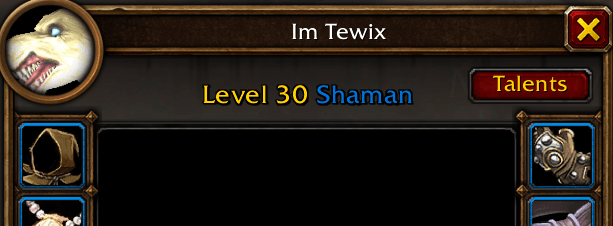
- Talents button in inspect: adds a Talents button when inspecting a player that opens their talents in Blizzard's own talent window, with top right, bottom right, bottom left or custom placement.
- Timers: run as many stopwatches and countdowns as you want at the same time, with alarms and announcing to party/raid. Open with
/timers, the clock's settings or right-click on the minimap button. - XP Bar Text: always shows the numbers on the XP bar (and the reputation bar).
Chat
- Chat Layouts: saves your chat tabs, colors and channels under a name, loads them on another character, or makes one the default that every character picks up automatically.
- Copy Chat Button: adds a button under the chat channels button that opens the current tab's messages, color coded, so you can select and copy them.
- Copy links from chat: makes web links in chat clickable. Click one to get a box with the link selected, ready to copy.
Tooltips
- Item ID: adds the item ID to item tooltips.
- Item Spell ID: adds the spell ID of what an item casts to its tooltip, like the teleport spell of a Hearthstone.
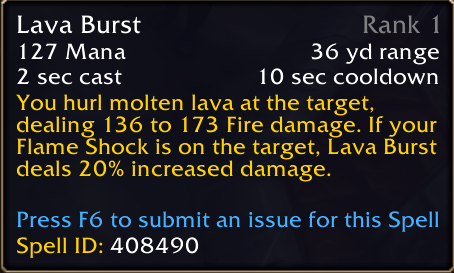
- Spell ID: adds the spell ID to spell tooltips and to buff and debuff tooltips.
TewixPlus
- Minimap Button: a draggable minimap button. Left-click opens TewixPlus, right-click opens Timers.
Profile
- Character-specific settings: use your account-wide settings everywhere, or give the current character its own.
Chat commands
- A list of every chat command. Any command can be switched off if another addon uses the same one.
TewixPlus Team
