Telegnome
- By
Telegnome Notification Widget Open.png
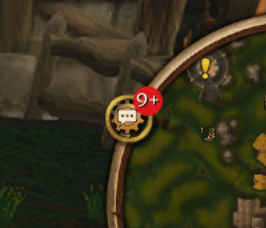
Telegnome Minimap Button.png
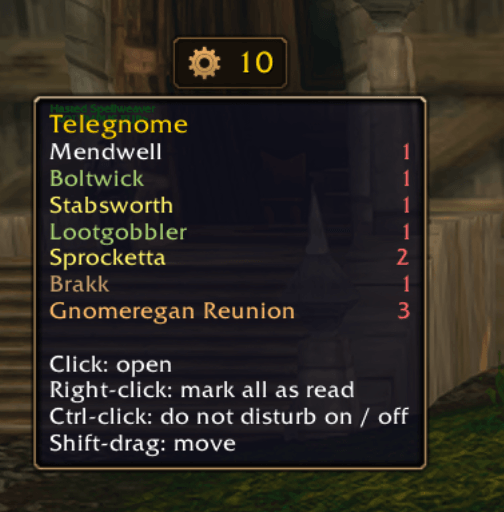
Telegnome Notification Widget Closed.png
Description
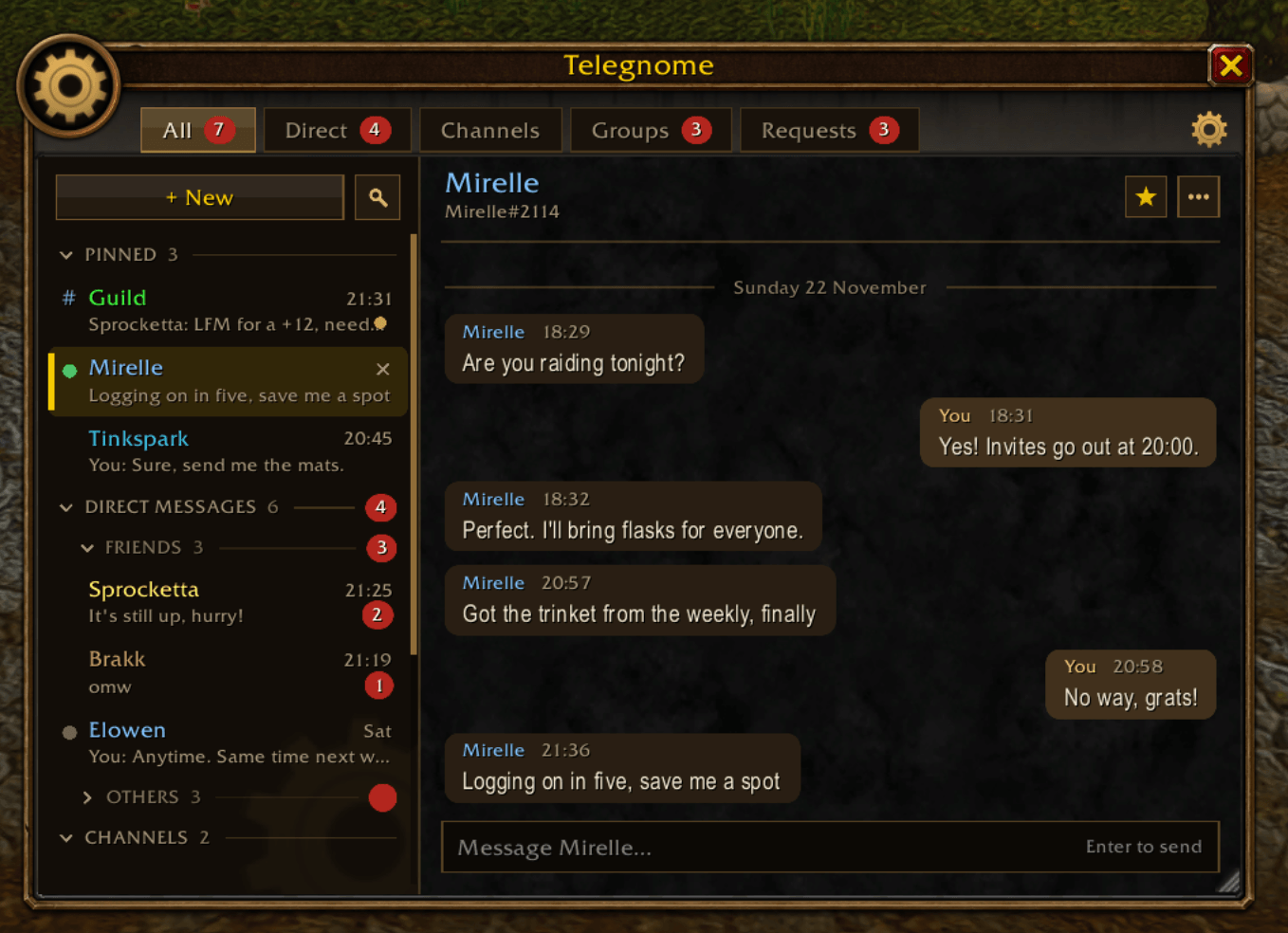
Telegnome - the Gnomish Universal Messenger - moves your private conversations out of the busy main chat and into their own window. Every whisper and Battle.net message gets its own conversation with saved history, and you can run private group chats with friends and follow channels like Guild or Party in the same place. Recruiting for a dungeon or raid? Whispers from strangers land in their own Requests tab, with class, level and an Invite button, so filling a group never buries your friends. It uses the game's own window frame, so it looks at home next to the rest of your interface.
What it does
Direct messages
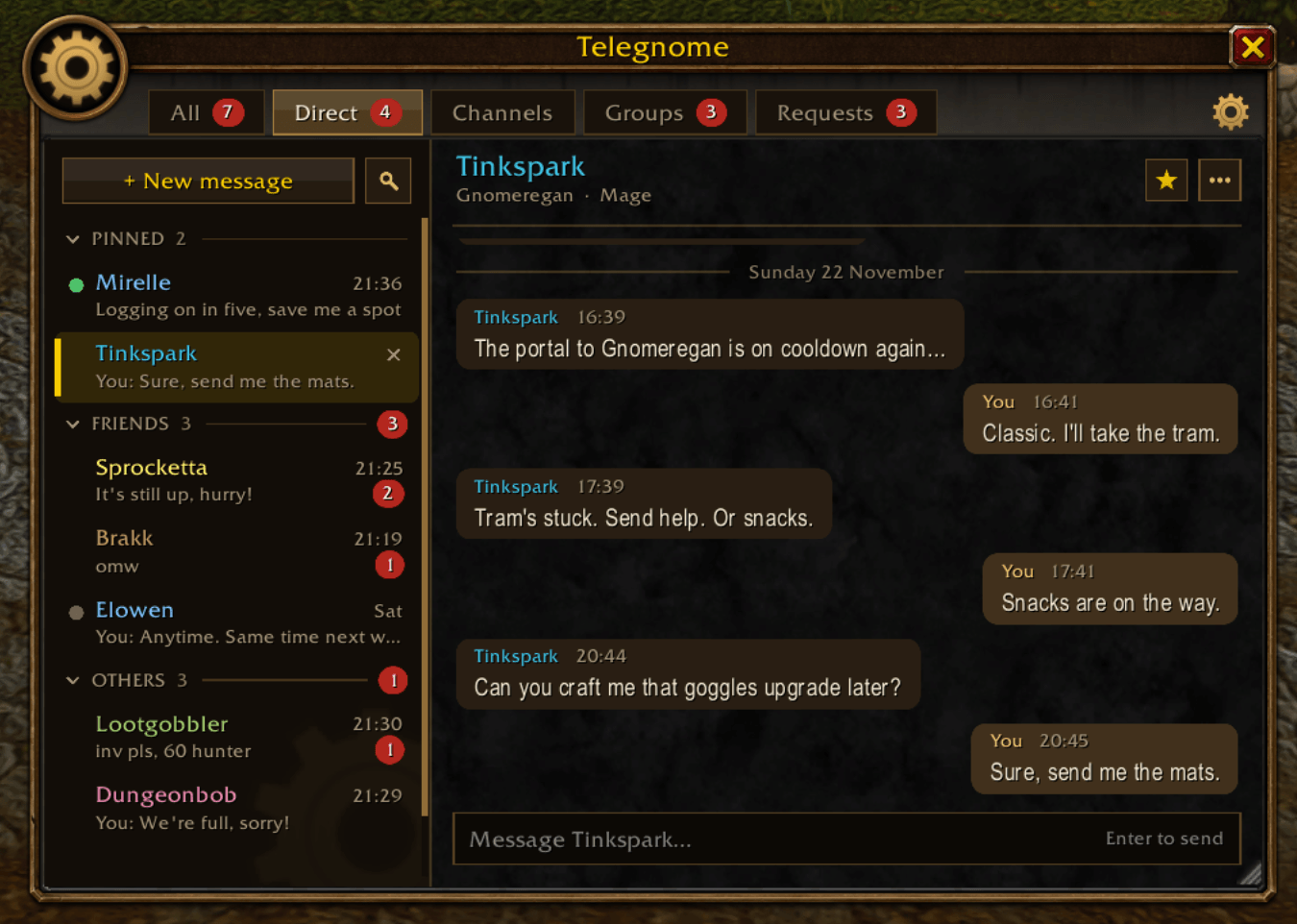
- Each whisper and Battle.net whisper opens its own conversation. Reply straight from the window.
- Messages are shown as chat bubbles, yours on the right and theirs on the left. Prefer the look of the game's chat? Compact chat shows one line per message.
- History is kept between sessions (the last 200 messages per conversation).
- Friends, guild members and people you grouped with in the last week sort under Friends, so a flood of whispers after listing a dungeon group never buries the people you know. Close all of Others in one click.
- Add a short note to anyone; it shows under their name.
- If a whisper doesn't arrive (offline, away, ignoring you), the conversation says so.
Requests: recruit without the chaos
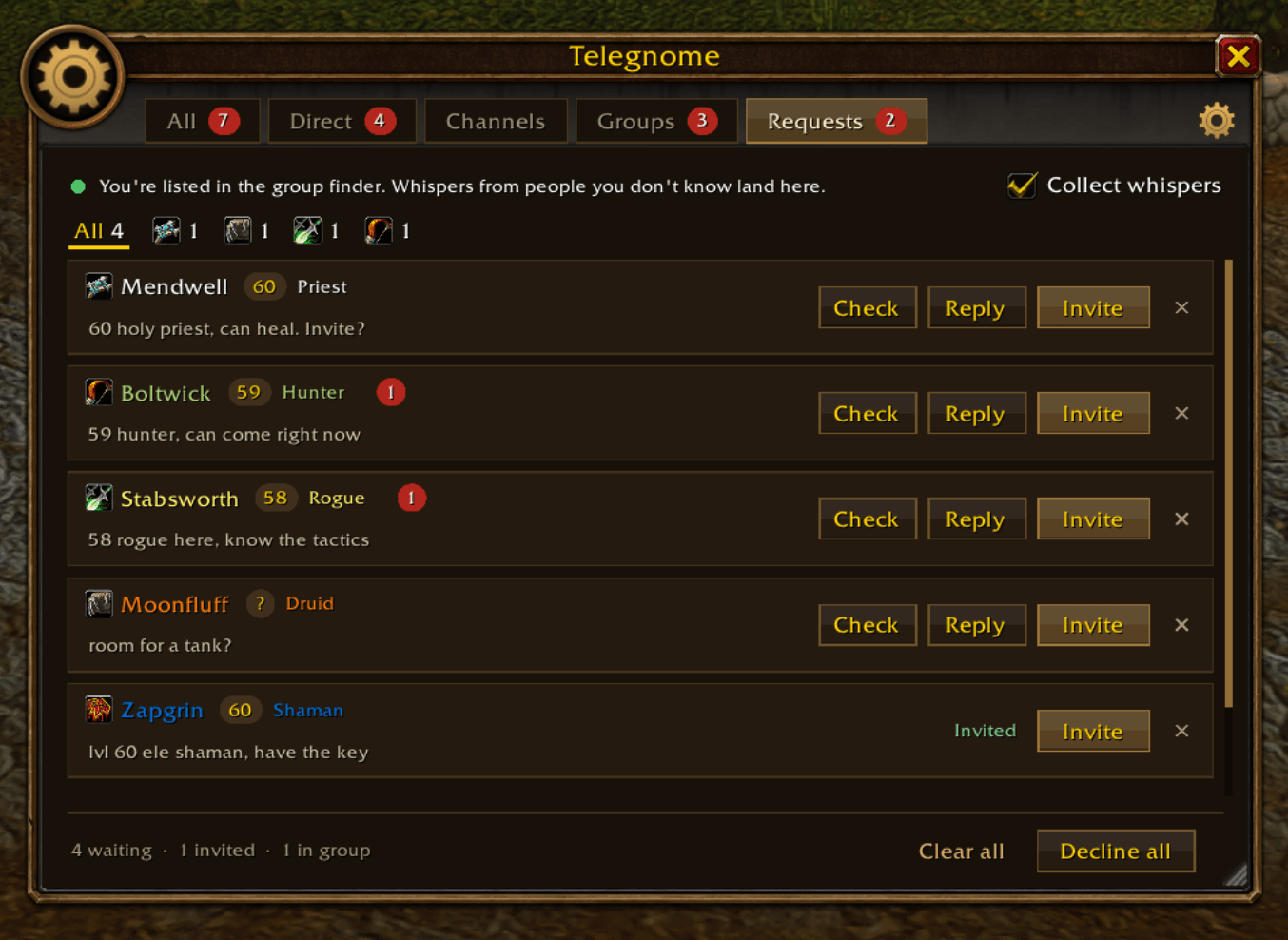
- List yourself or your group in the group finder and a Requests tab appears. Every "inv?" and "lf healer?" from someone you don't know is collected there as a request card instead of flooding your Direct messages - perfect for filling a dungeon or raid group fast.
- A row of class icons shows which classes are waiting and how many of each - click one to see only that class. Each request shows the player's class icon, name, level and message, with an Invite button right next to it.
- Reply sends one of your own one-click answers (they can include the player's name, class and level). Decline sends your decline message and removes the request, and Decline all does that for everyone still waiting - never for someone you've invited or who is in your group.
- No level in the whisper? Check looks the player up.
- In a group, only the leader gets the Requests tab. It goes away again when you're done.
All your chats in one list
- The All tab shows everything together: Pinned on top, then direct messages (split into Friends and Others), followed channels and group chats. The Direct, Channels and Groups tabs show one kind at a time.
- Pin anything with the star - a person, a group chat or a channel - and drag pinned chats into the order you like.
- Quiet chats tidy themselves away: direct messages with nothing new for a week move to a folded Archive section, and come straight back when someone writes. Choose the number of days, or archive a chat yourself.
- Fold any section with a click, sort by most recent, name or unread, and Search across every conversation.
Dungeons, raids and combat
- Entering a dungeon or raid offers to follow Party or Raid chat until you leave, pinned at the top while you're inside.
- When a new group forms, followed Party, Raid and Instance chat mark where it starts (or start empty, if you prefer).
- In combat, choose how much gets through: everything as usual, one summary pop-up when the fight is over, or only the unread counts.
Group chats
- Create a private group chat and share it with a code such as
Telegnome code: sprocket-whistle-gizmo-427. - A friend who receives the code in chat just clicks + New group - it is already filled in.
- See who is online in the group and who joins or leaves.
Followed channels
- Bring Guild, Officer, Party, Raid, Instance, Say, Yell or any channel you've joined into Telegnome, in the game's own chat colours, and reply from there.
- Choose per channel whether it may pop up, whether it counts as unread and whether it shows in the All tab, and set alert words (for example
LFM) that always get your attention.
Staying on top of it
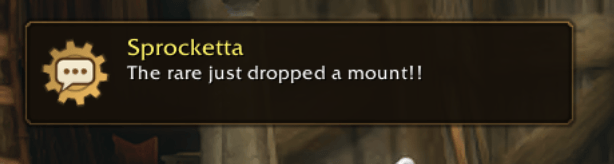
- An on-screen notifier shows how many messages you've missed and grows to preview new ones.
- Minimap button with an unread badge, optional sound, key bindings, and a line in chat on login when messages are waiting.
- Do not disturb silences everything, with an optional auto-reply.
- Choose who may notify you: everyone, friends and guild, or friends only.
Making it yours
- Keep whispers and followed channels out of the main chat entirely, or show them in both places.
- Seven colour themes for everything inside the window: the classic Brass with its cogs, Orange, Horde red, Alliance blue, Arcane, Fel green and Steel.
- Small, normal or large message text, and adjustable window opacity that turns solid when you hover or type.
- Mute any conversation, group or channel: messages still arrive, without pop-ups or sound.
Getting started
Open Telegnome with the minimap button or /tg. /tg help lists every command, and the cog at the right end of the tab row opens the settings.
Good to know
- Group chats use the game's own chat channels, so everyone in a group needs Telegnome, and members need to be able to share a channel (usually the same realm group and faction).
- The game allows 10 chat channels per character. Each group chat uses one; Your chat channels in the settings shows what you're in.
Your data
Everything Telegnome saves - conversations, contacts, groups and settings - stays in one file on your own computer. Nothing is sent anywhere. Settings > Your data shows what is stored and lets you delete it.
Telegnome Team