
Tartan UI Hider
- By

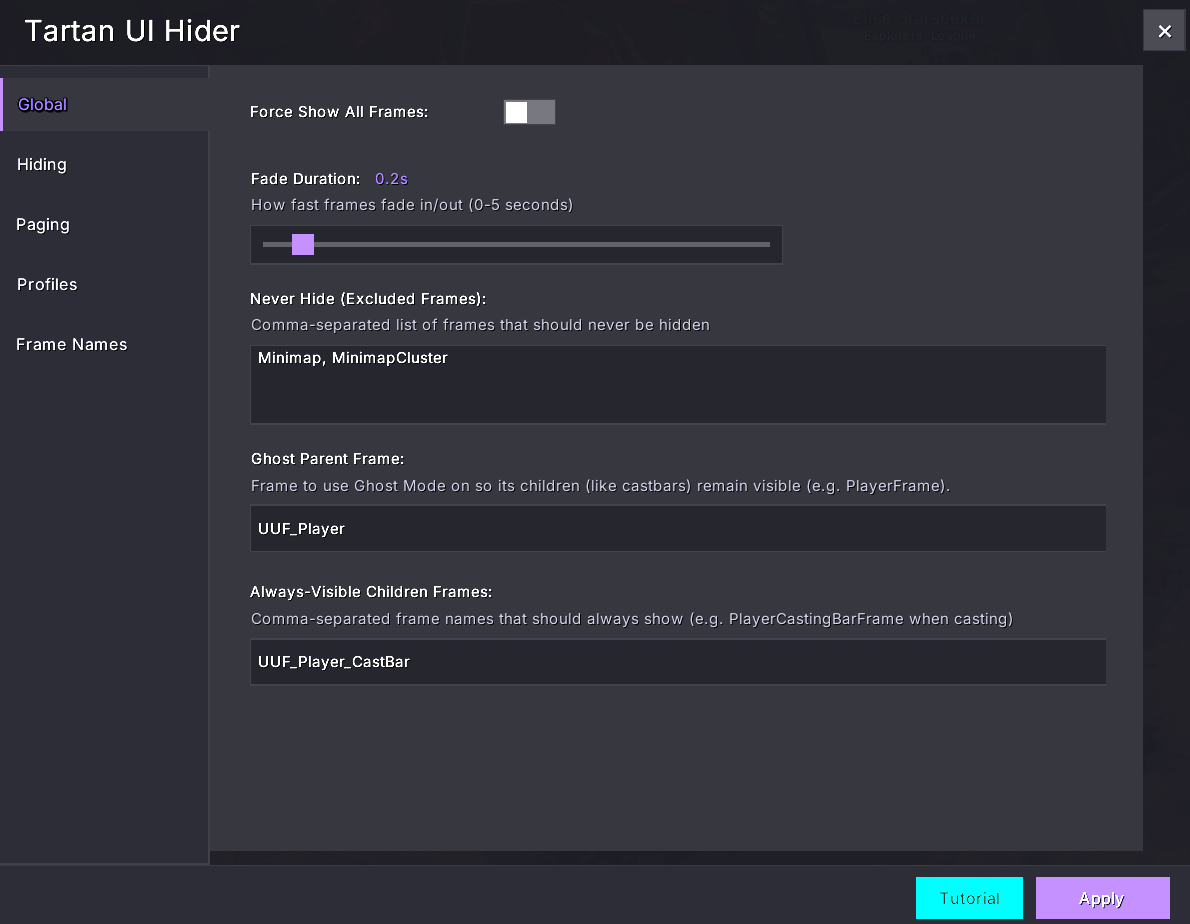
Globals Screen to force show frames for debugging, set fade durations, exclude frames from the addon, etc
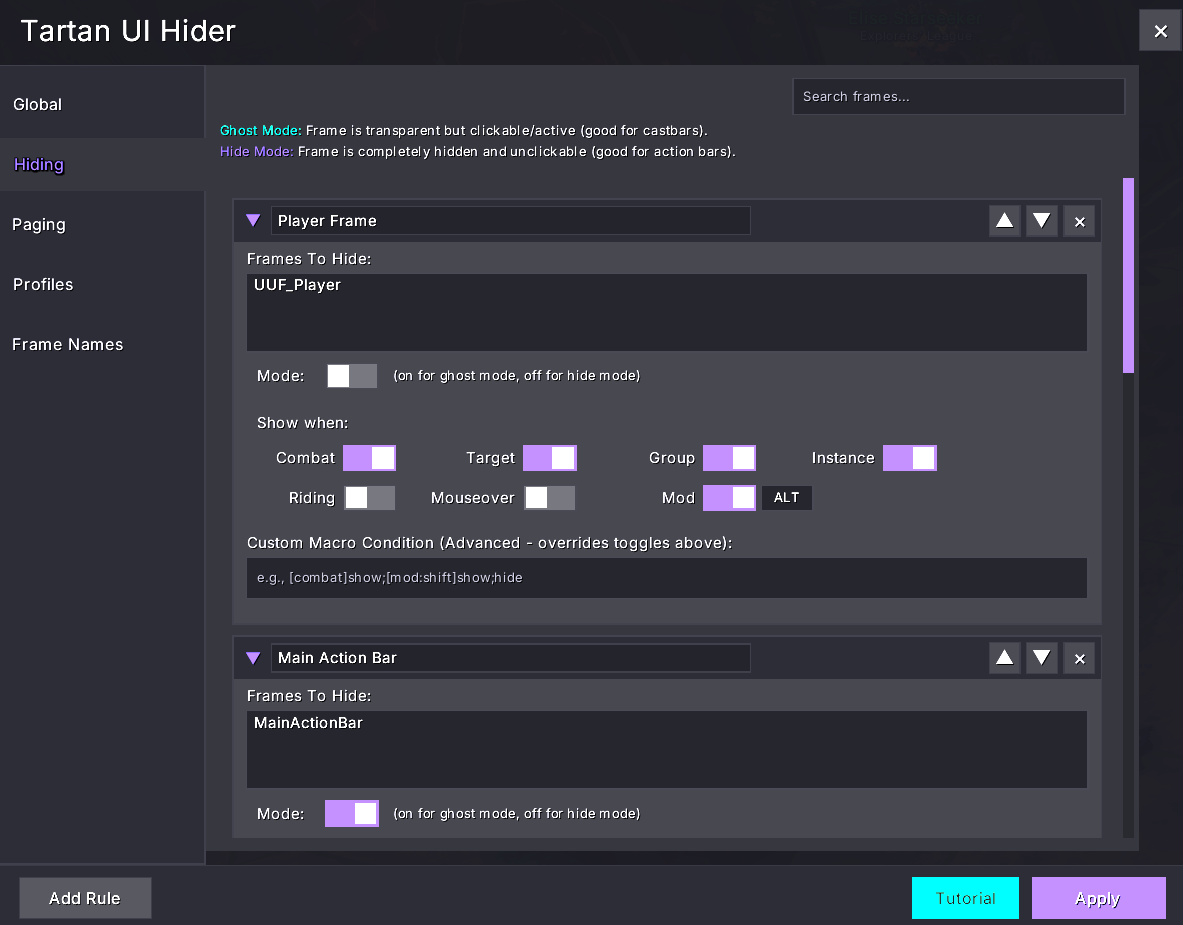
Hiding tab where you can add frames and put conditions under which they will appear (in combat, in group, has target, etc)
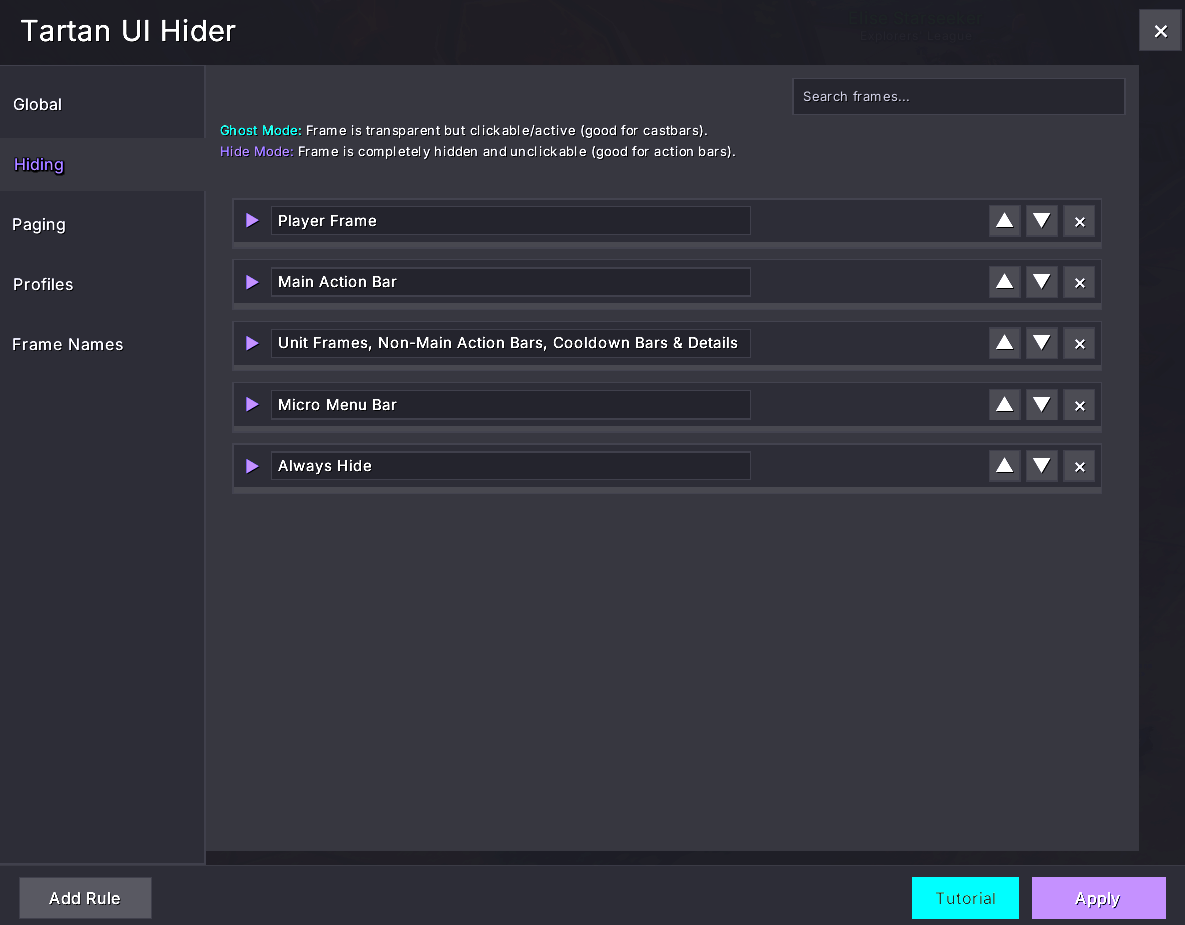
Collapsed view of your hiding rules in case you've got a lot. You can reorder them as well if needed
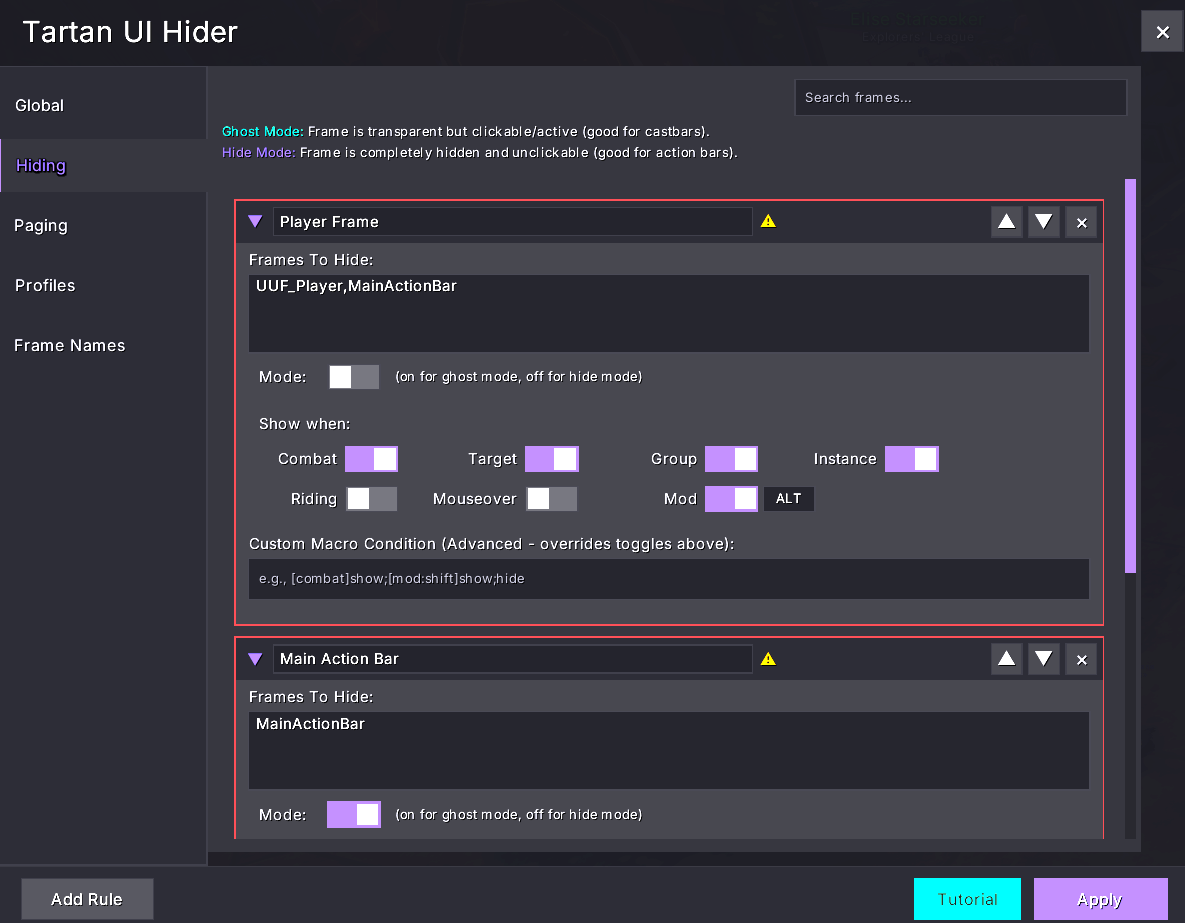
The addon will highlight if you have frame names in two rules which may cause conflicts
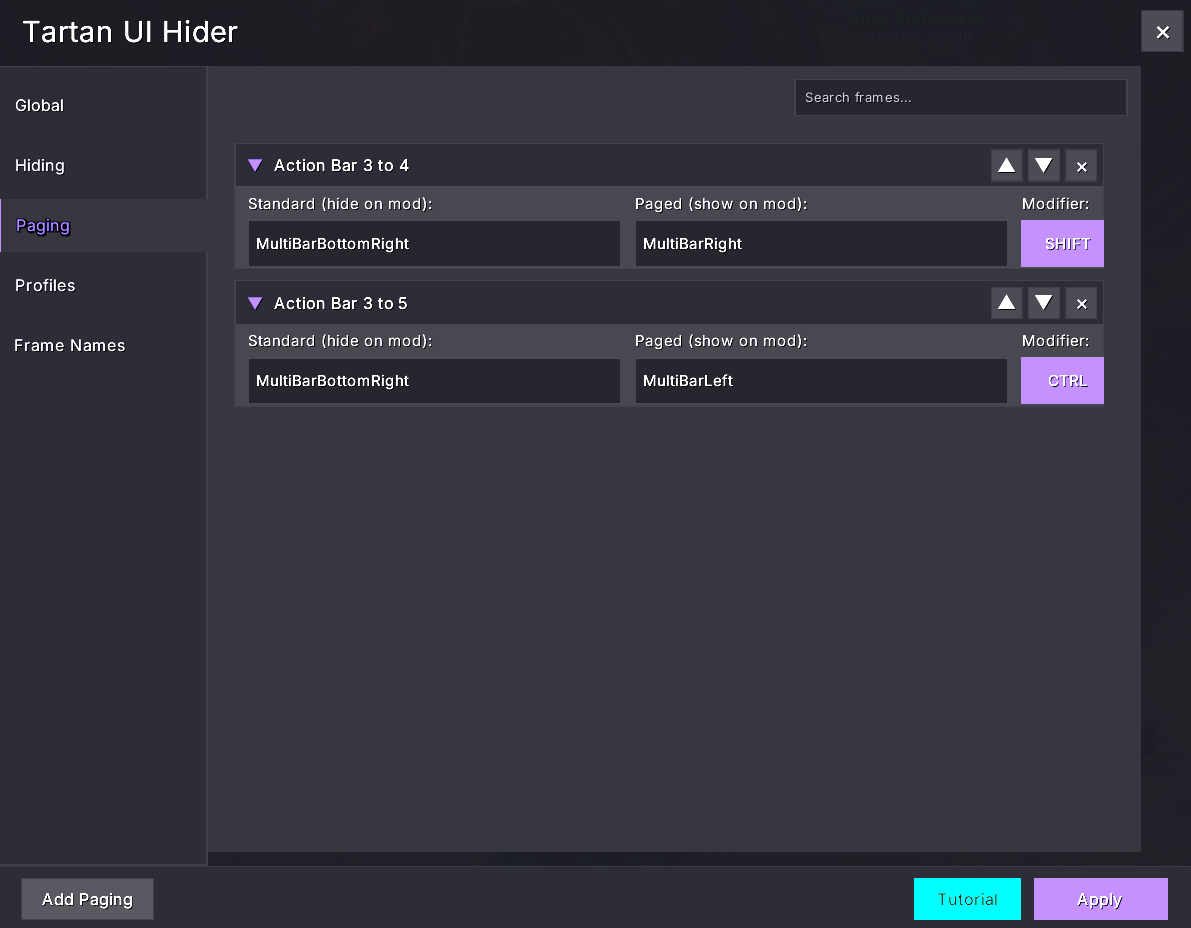
The paging tab allows you to have action bars page between bars based on modifiers e.g. swap your main spells to your professions by pressing SHIFT
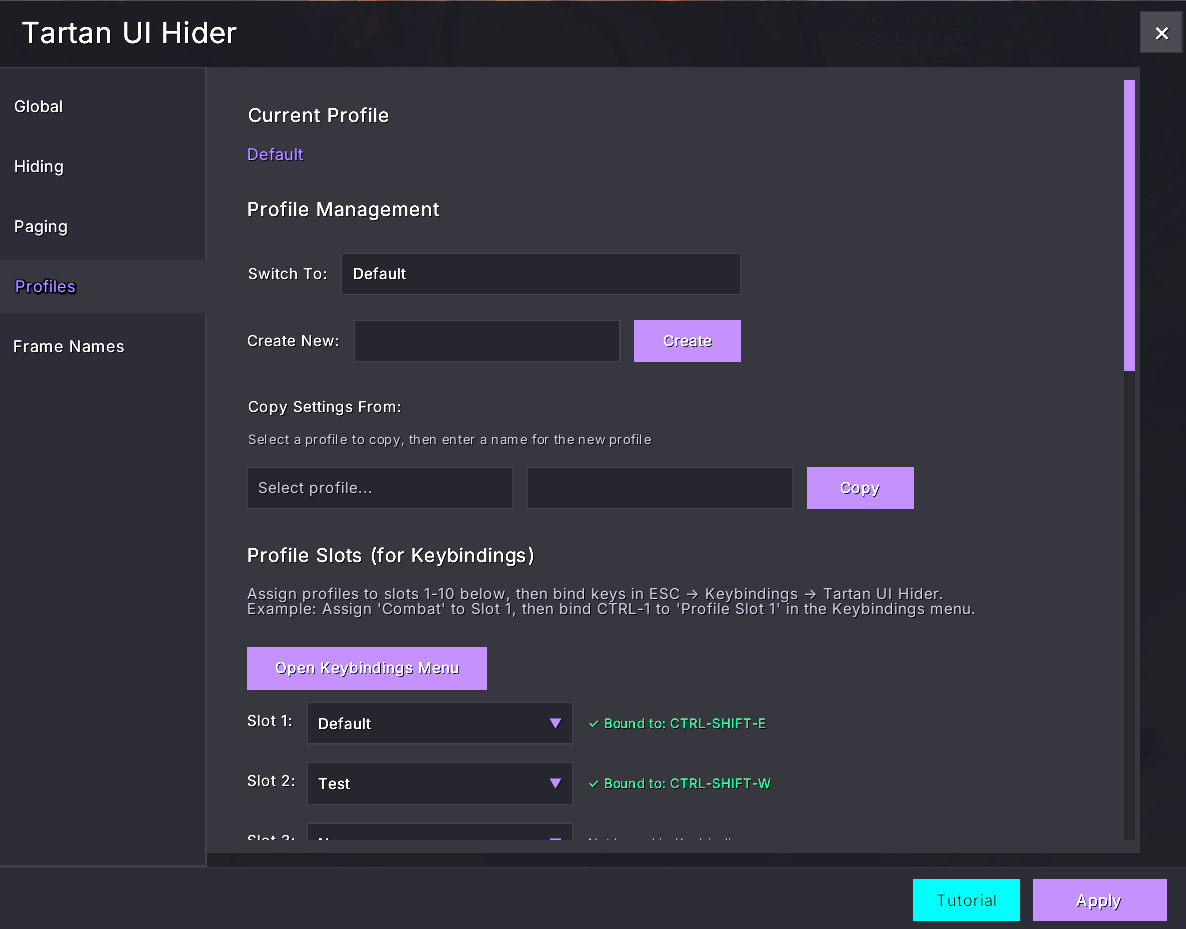
Profiles tab for importing and exporting, setting profiles per character. Hotkeys can also be set to switch between profiles
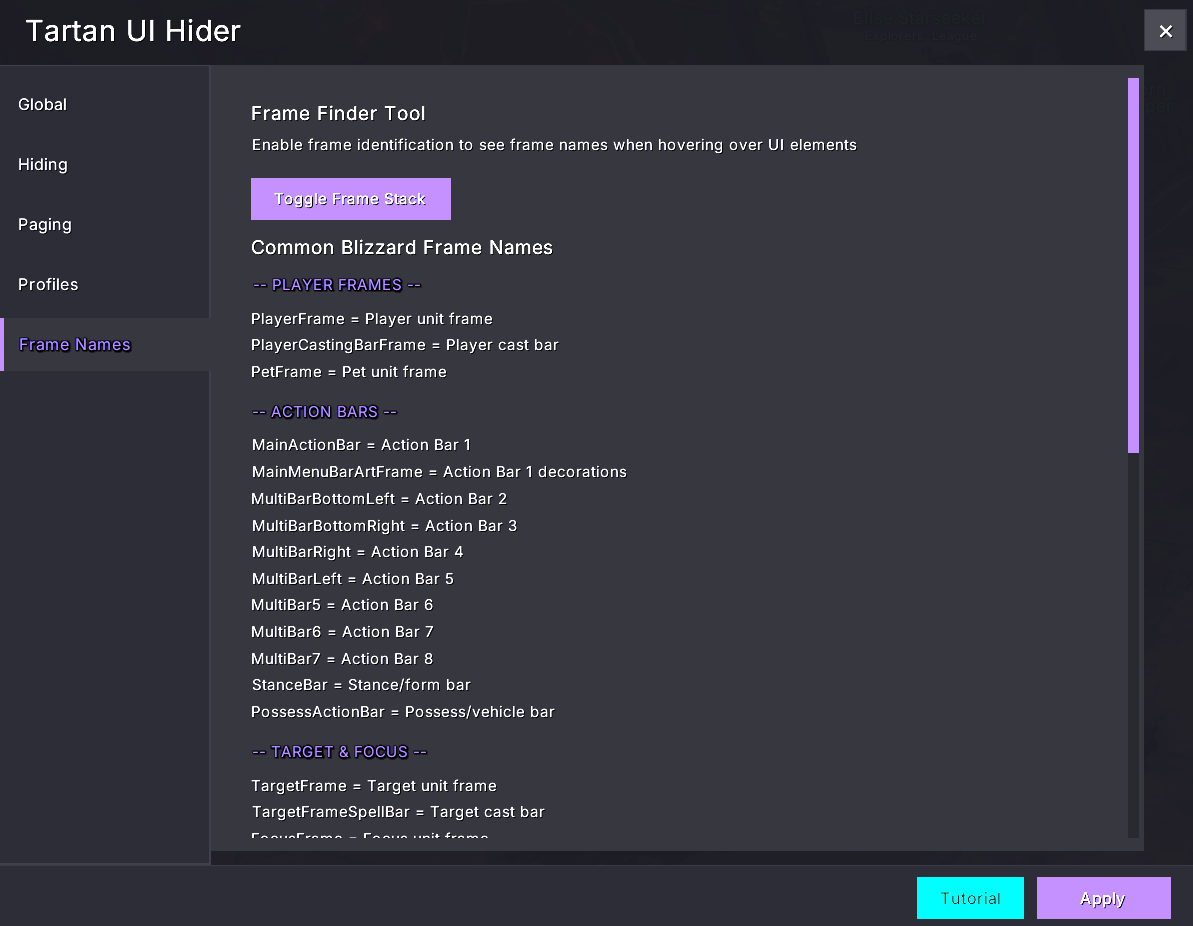
Frame names provides some standard Blizzard frame names to get you started. If you've got other addons running and don't know the frame names, hit the Toggle Frame Stack button and mouse over the frame to get the name
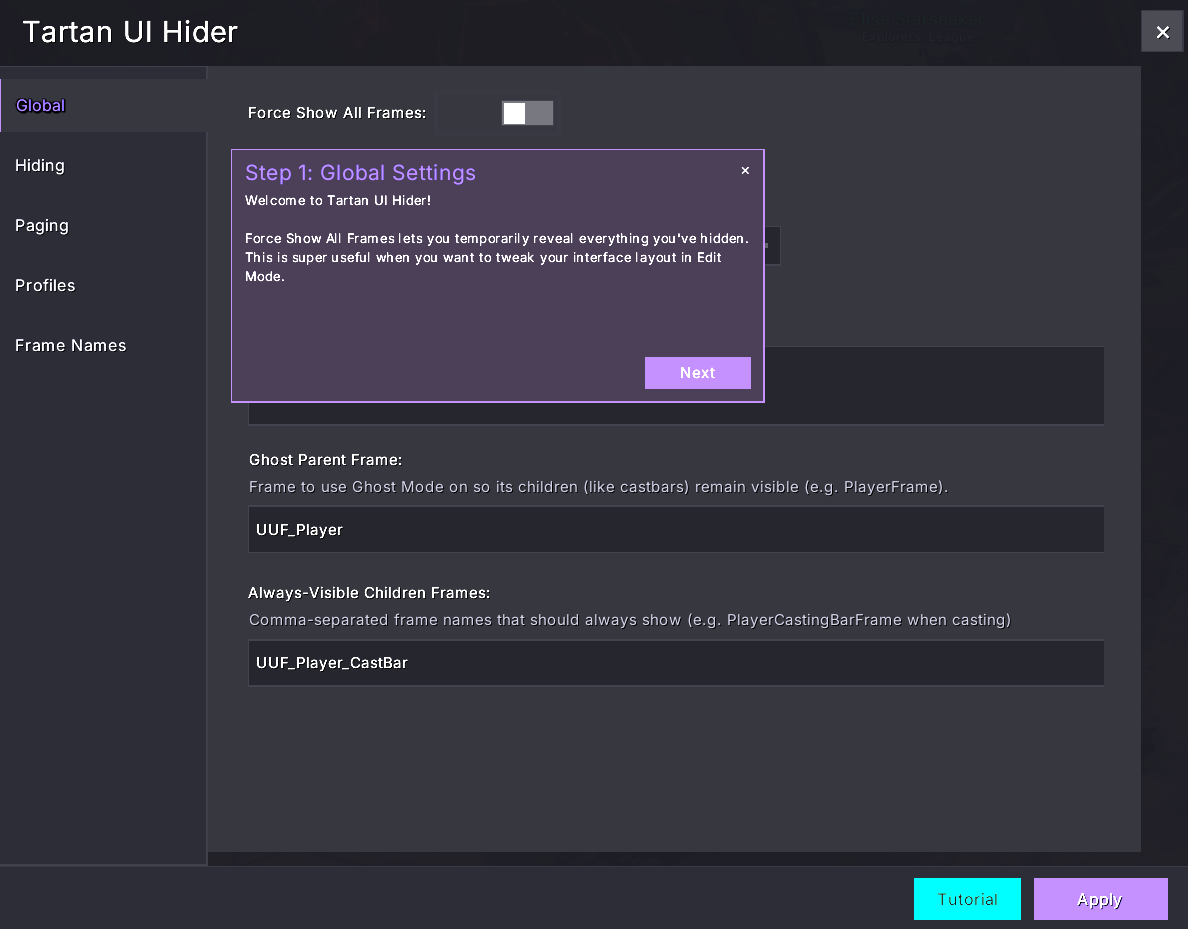
If you're stuck, hit the tutorial button which will step you through the features
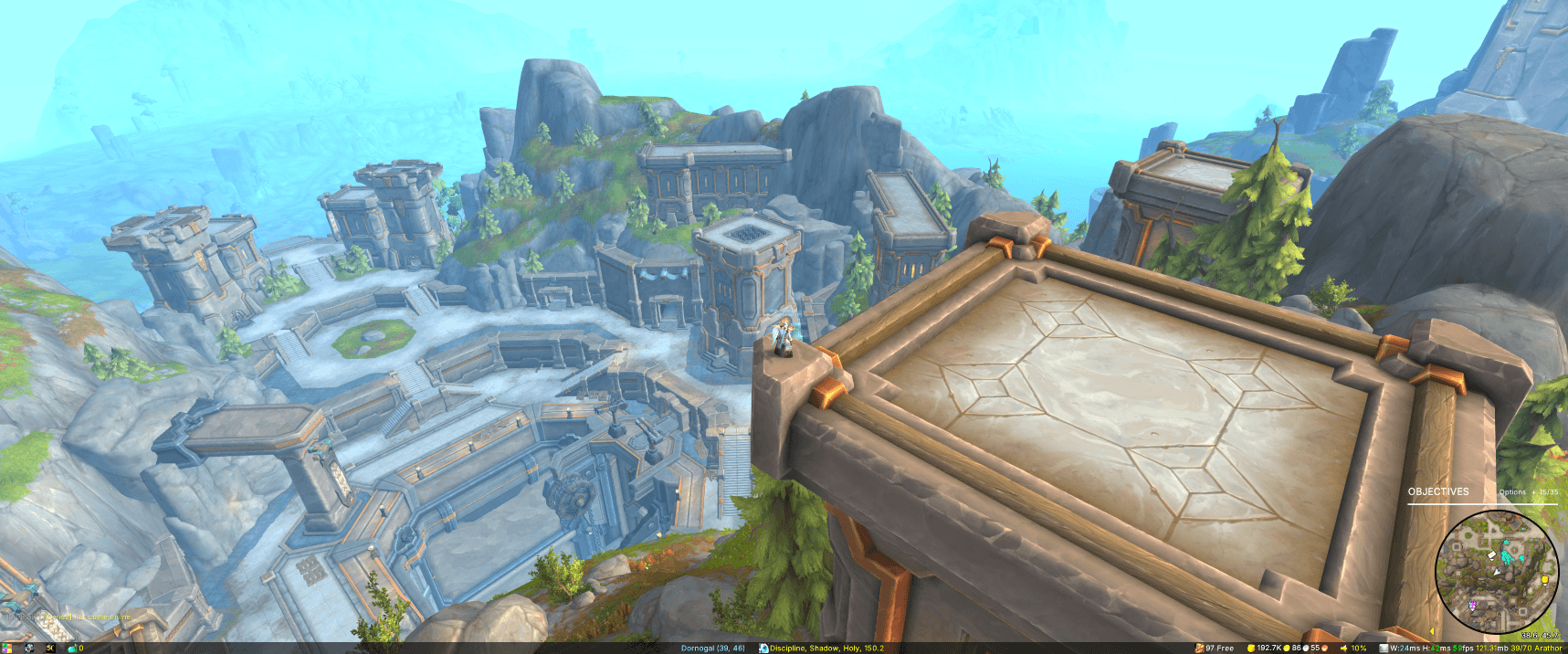
Example of whats possible with no target, not in combat, etc, nice clean UI, no bloat
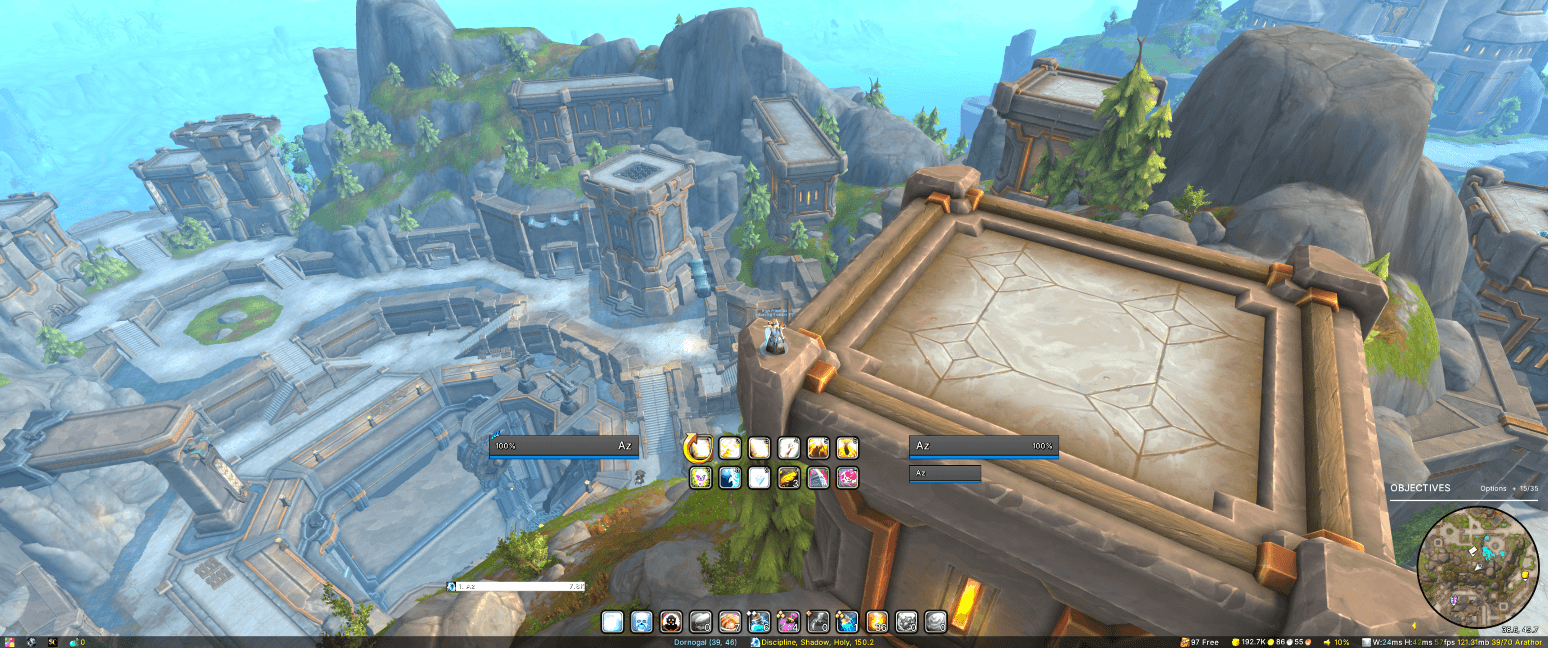
Example of having a target, all key bars and frames displayed, details damage meters appear, player, target and target of target appear, etc
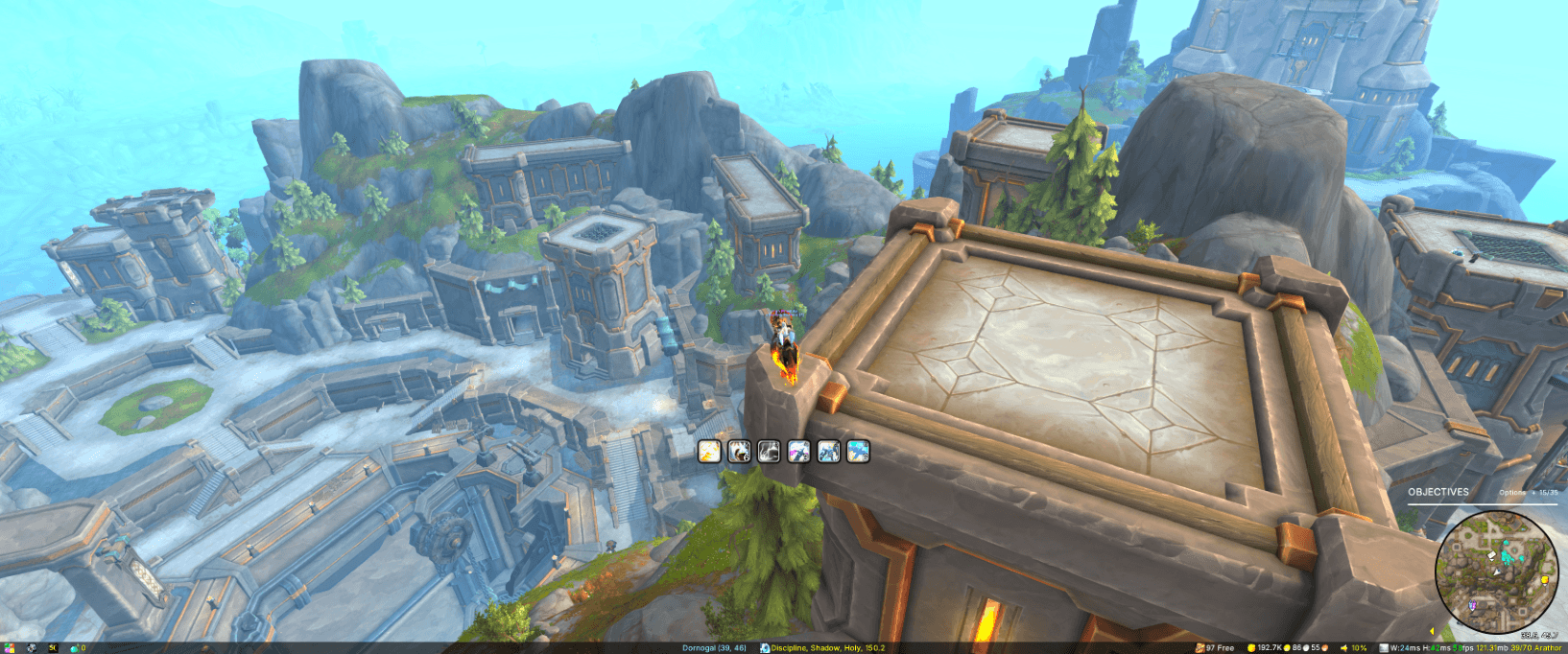
Example of just showing the main action bar when mounted
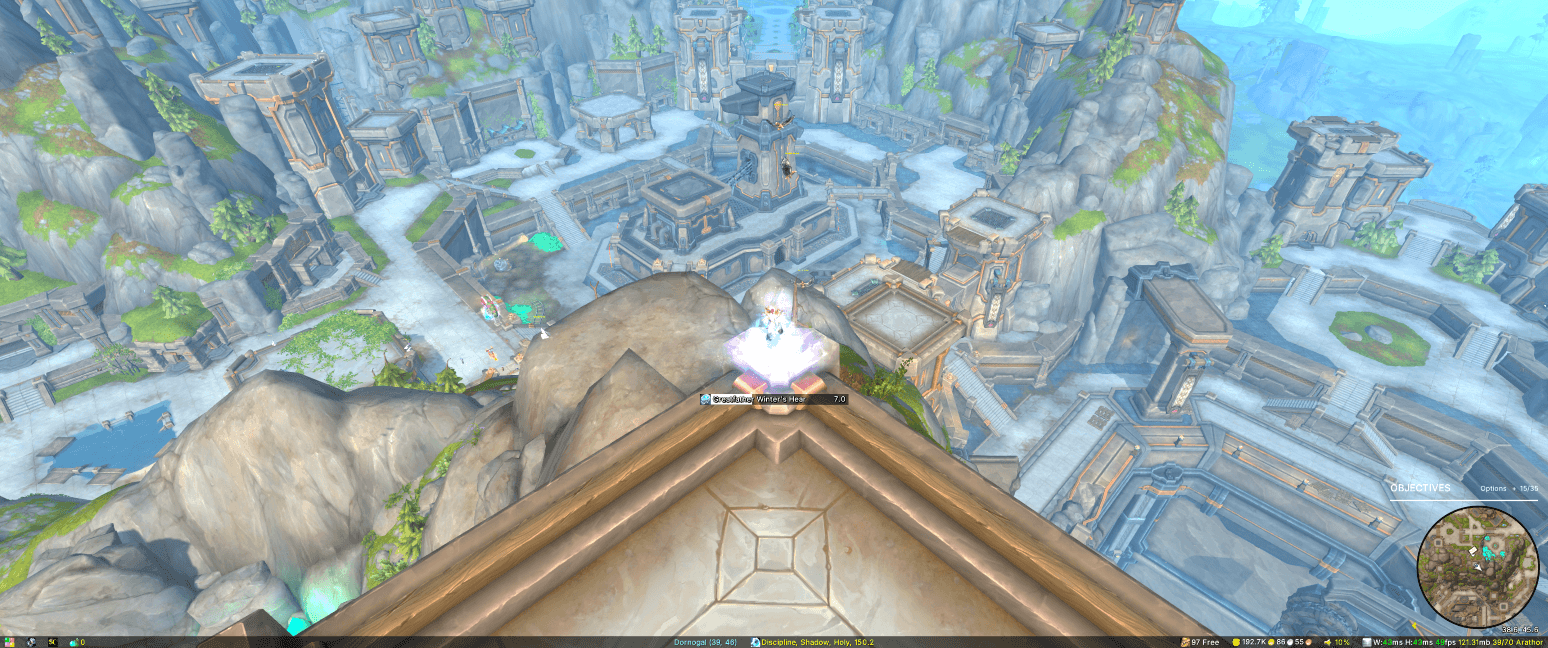
Castbars can still appear even when parent frames are hidden
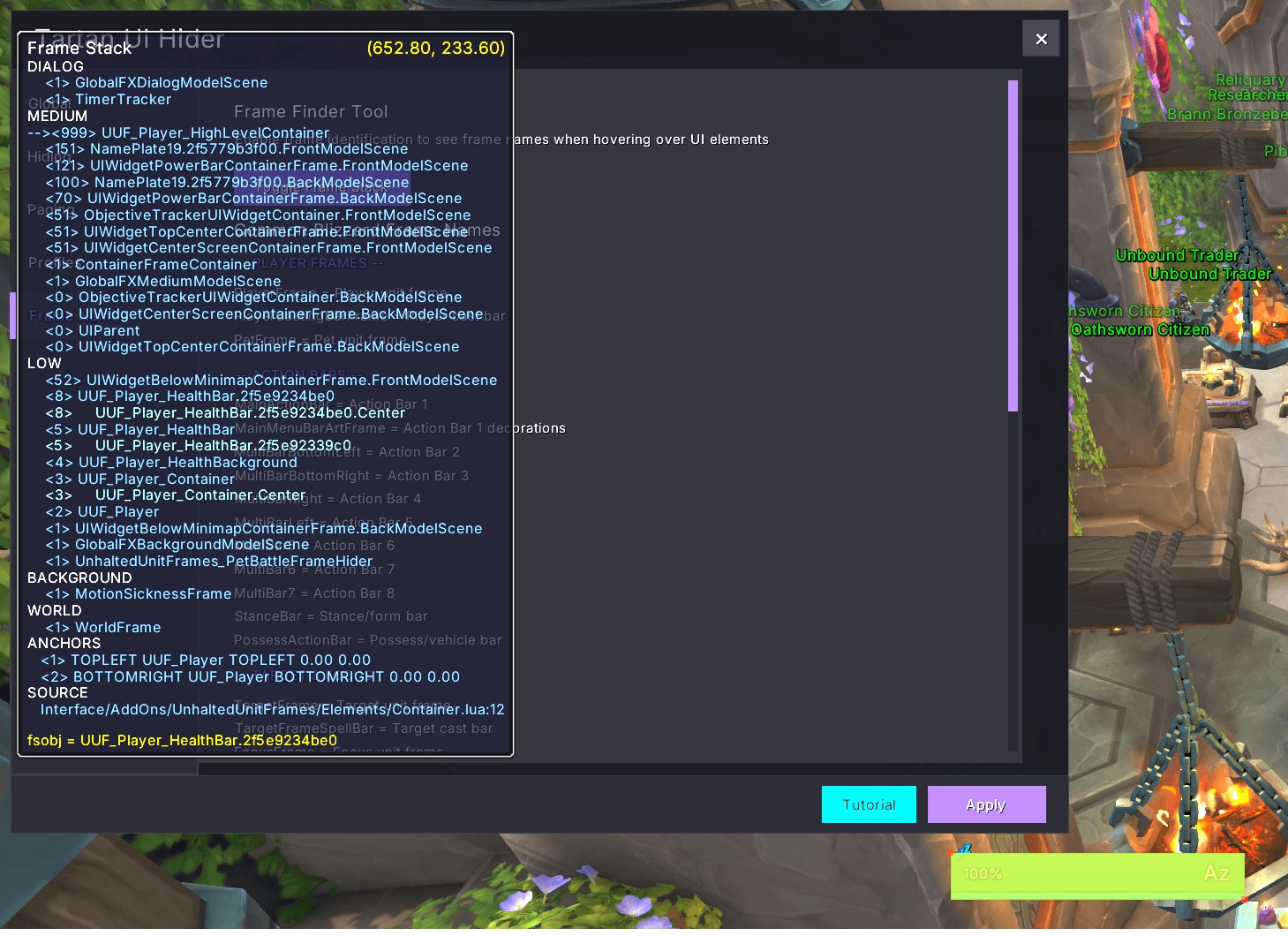
Popup example when toggling frame stack. I've got the mouse over the player frame and I'm using Unhalted Unit Frames; you can see that the parent frame is called UUF_Player. Addons use different frame names so there's a bit of guesswork potentially