Screenshot 2026-10-20 012827.png
Screenshot 2026-10-20 012836.png
Screenshot 2026-10-20 012849.png
Screenshot 2026-10-20 012901.png
Screenshot 2026-10-20 012913.png
Description
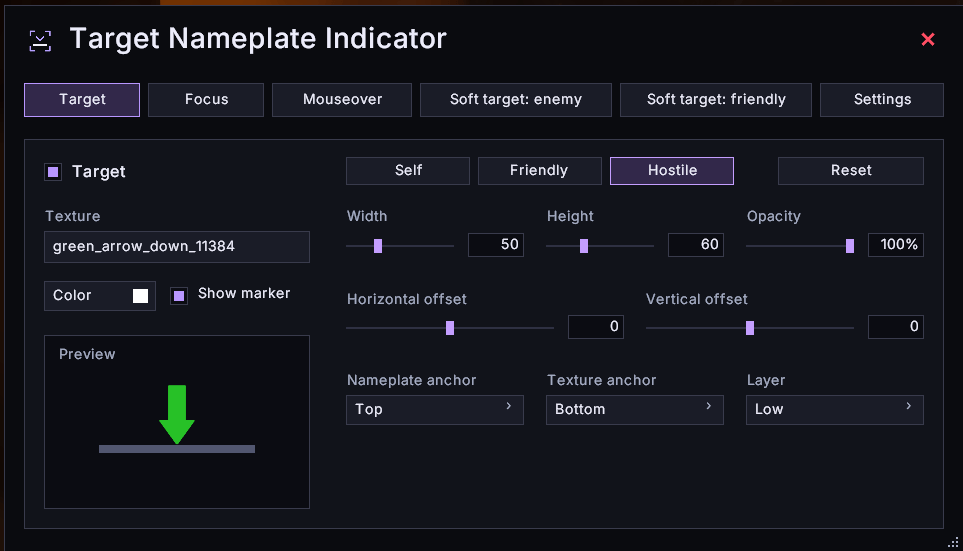
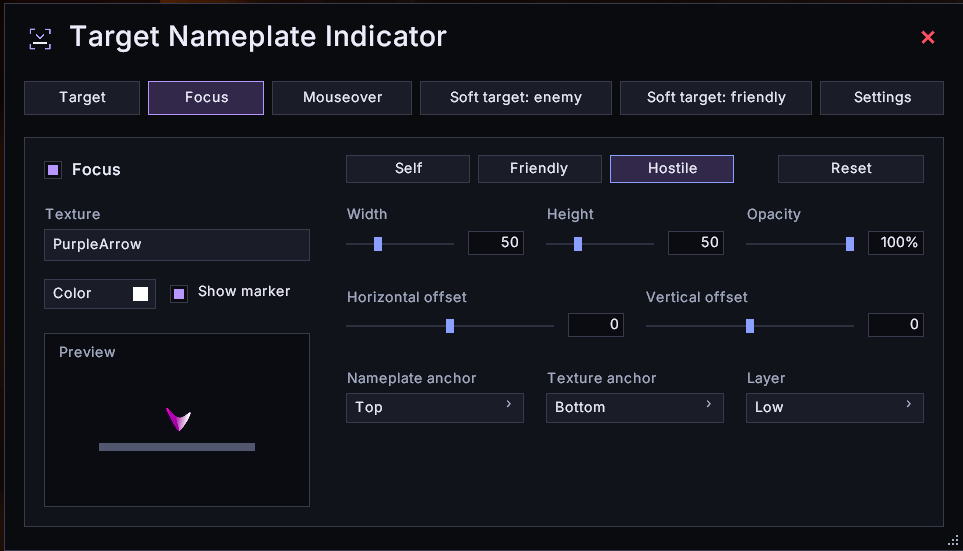
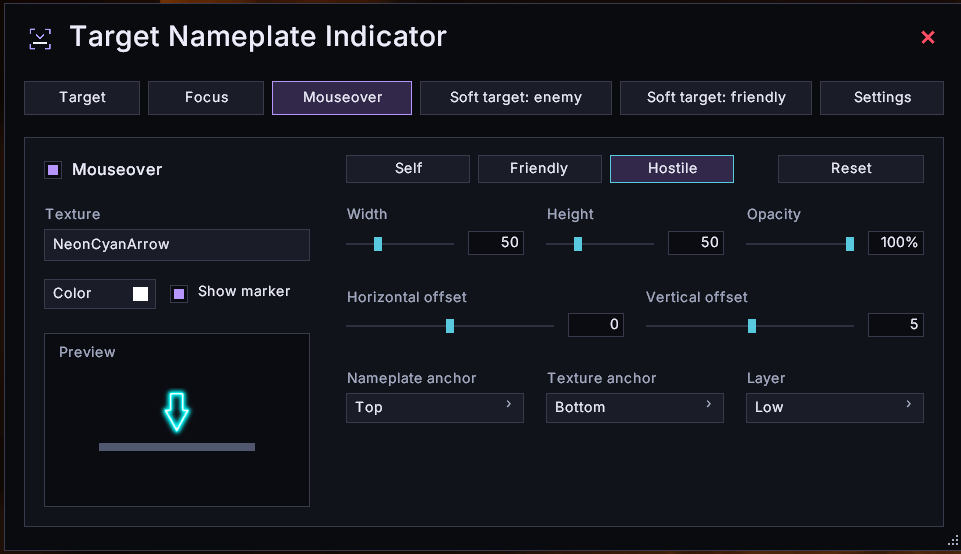
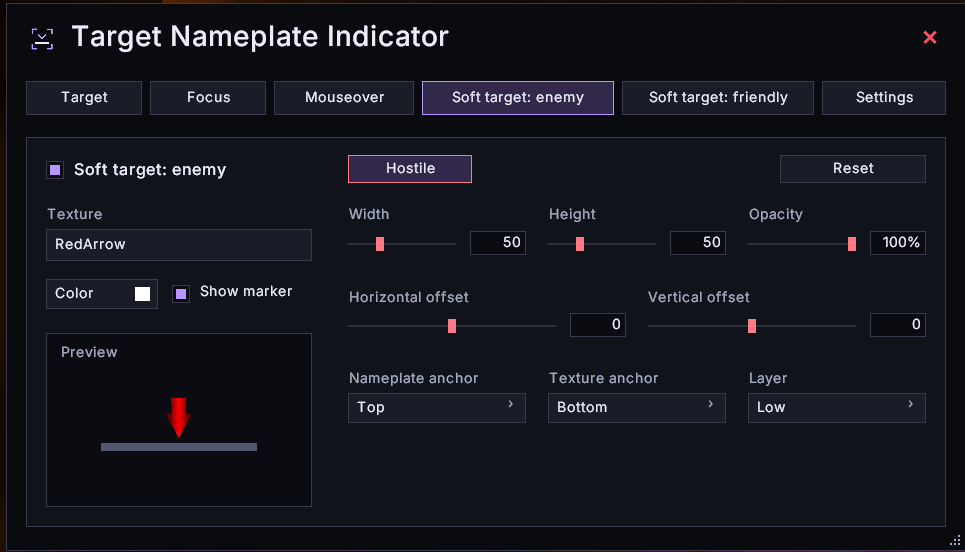
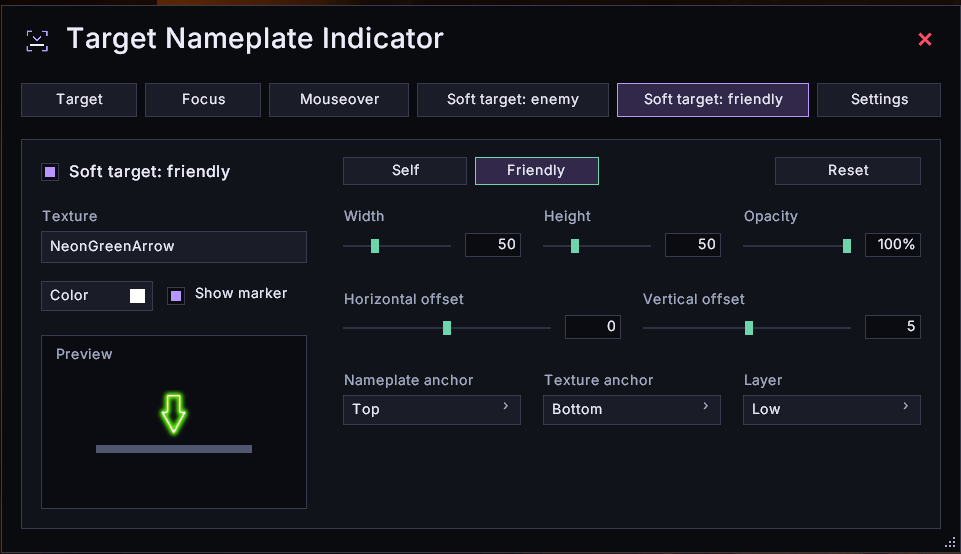
Make your target easier to spot with a clear visual marker on its nameplate. Set up different markers for your target, focus and mouseover, with support for friendly and enemy soft targets too.
 Highlight what matters
Enable each indicator separately and choose different styles for friendly units, hostile units and yourself. When several indicators point to the same nameplate, one marker takes priority to avoid stacking them.
 Choose the look and position
Pick from included arrows, reticles, skulls and other textures, or enter a custom texture path. Adjust width, height, colour and opacity, then fine-tune the anchor, offsets and display layer. A built-in preview helps you check your changes.
 Keep your setup organised
Create, copy and reset named profiles, and choose which profile each character uses. The settings window supports ten languages and can follow your client language automatically.
Forever restrictions
Target of target is not included. The tested Forever client blocks the nameplate lookup and unit comparisons required by the original implementation, so this marker has been left out.
Client access rules still apply. If a nameplate or the unit data needed for a marker is protected, that marker stays hidden. The addon does not bypass these restrictions through unit names or GUID matching. Entering combat or a dungeon alone does not disable all supported markers.
Getting started
Type /tnif or click the minimap button to open settings. Right-click the minimap button to turn all markers on or off.
Nameplates must be enabled and visible for their markers to appear.
Credits
Adapted for WoW Forever by Anouschka, based on TargetNameplateIndicator by Choonster.




TargetNameplateIndicator - Forever Team



![AnouQualitySuite [AQS] project image](https://media.forgecdn.net/avatars/thumbnails/1628/485/256/256/639044585248933937.png)