threat_symbol.png
co_tank_nameplates.png
thread_panel.png
co_tank_panel.png
Description
Tank Tools
See whether you have aggro at a glance.
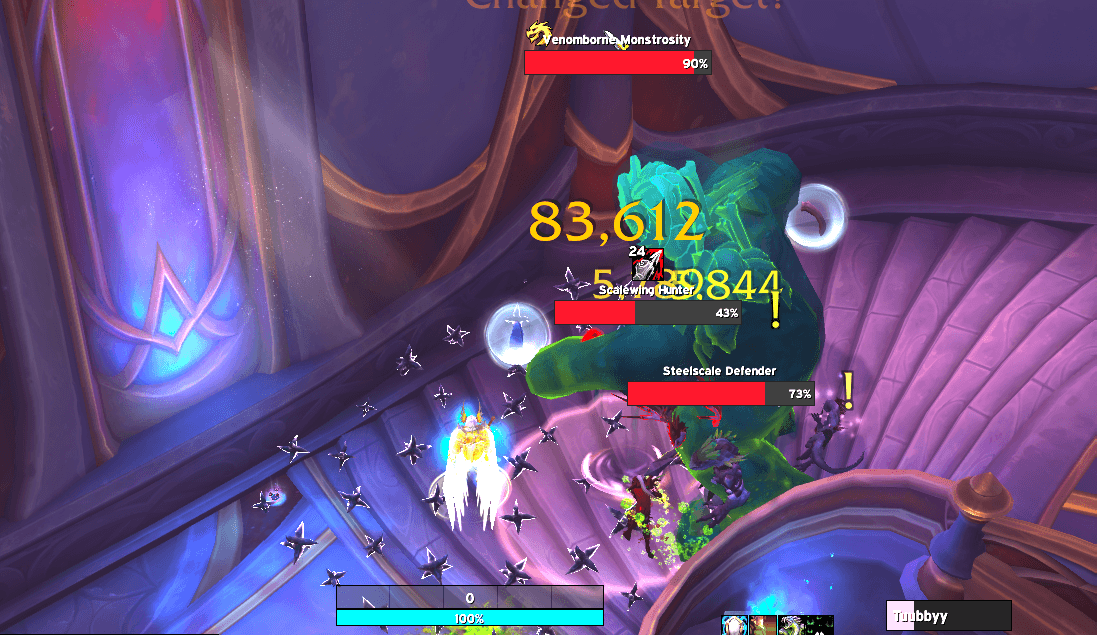
Tank Tools puts a small icon on enemy nameplates so you can tell what's yours and what isn't without reading a threat meter. Nothing on screen means everything is yours.
The icons
| Icon | Means |
|---|---|
! |
Not yours — someone else has aggro. Taunt it. |
? |
At risk — yours, but you're holding it loosely. |
o |
Yours — you have solid aggro. |
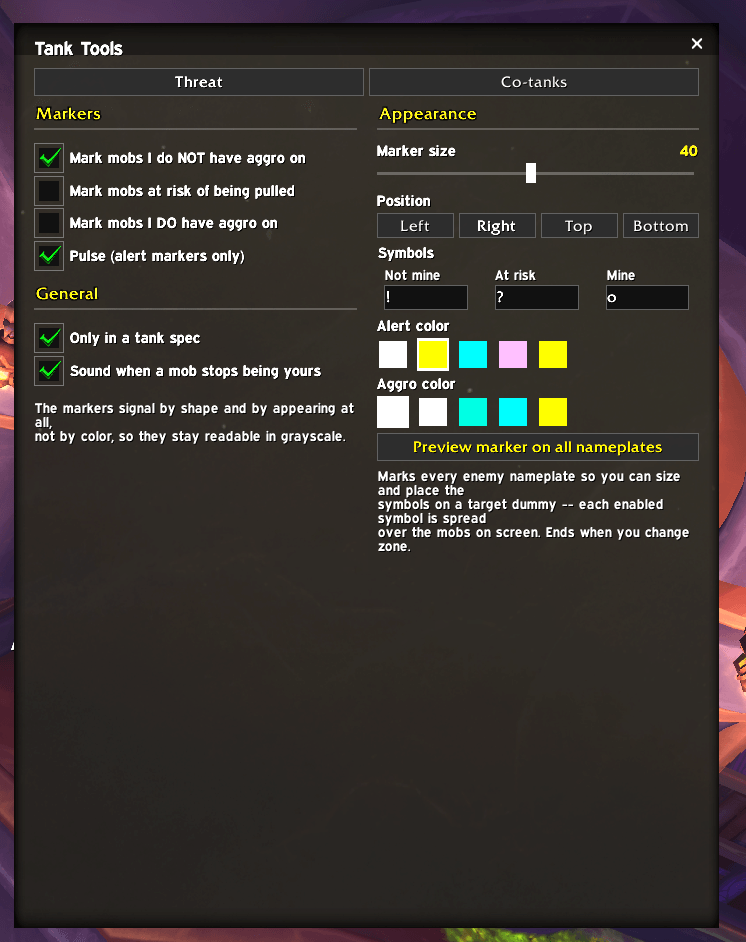
! is on by default; the other two are optional. A sound plays when a mob you
were holding gets pulled off you.
Colorblind friendly
Most threat UI uses red vs. green — the exact pair that protanopia and deuteranopia turn into the same color. Around 1 in 12 men is affected.
Tank Tools uses an icon instead. Each state is a different shape, never a different color, so it still works in full greyscale. The symbols, size, position and colors are all configurable.
Setup
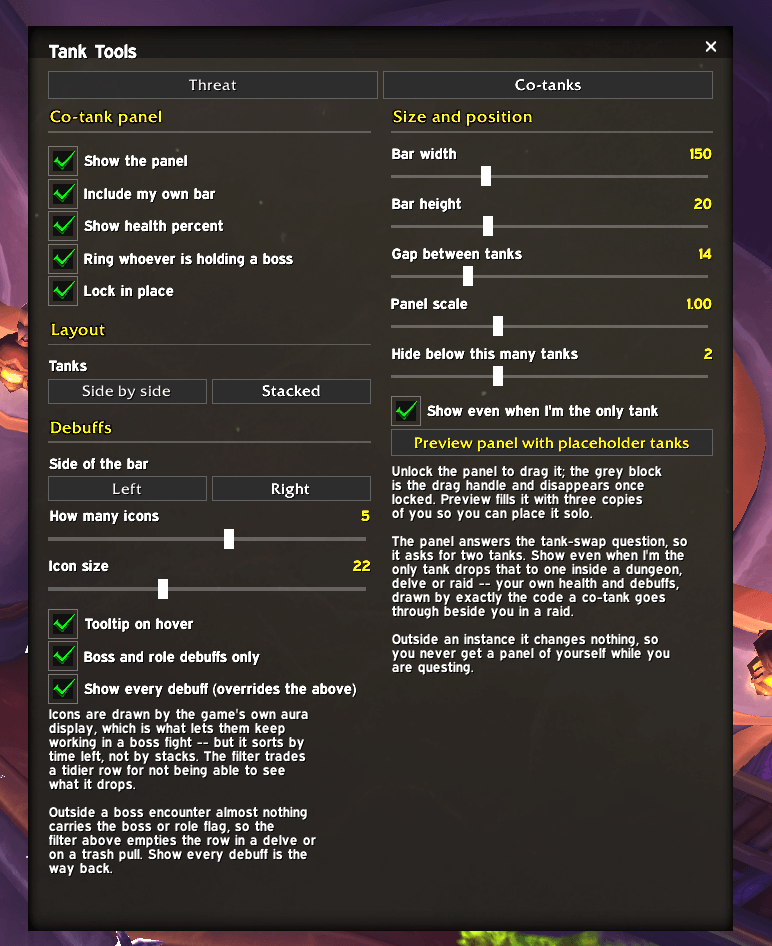
Type /tt config, or ESC → Options → AddOns → Tank Tools.
Use /tt nptest to preview the icons on every nameplate so you can position and
size them on a target dummy.
Notes
No dependencies, no libraries, works on the default UI. Plays nicely with other nameplate addons — it adds an icon and doesn't touch your nameplates.
Works inside instances on Midnight, where threat lists that rely on unit names and percentages break.
Tank Tools Team

Owner