
TalkingHeadFrame Settings
- By
Basic settings for the TalkingHeadFrame. /thf or /talkingheadframe to toggle the menu.
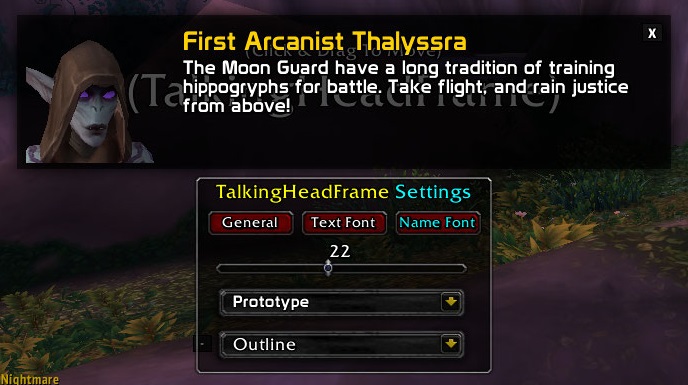
Main UI Name Font Tab
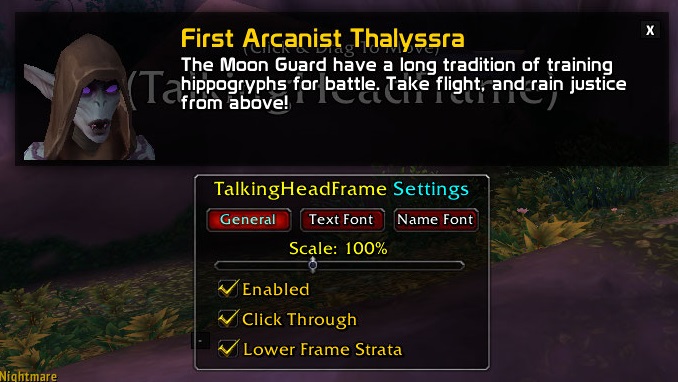
Main UI General Tab
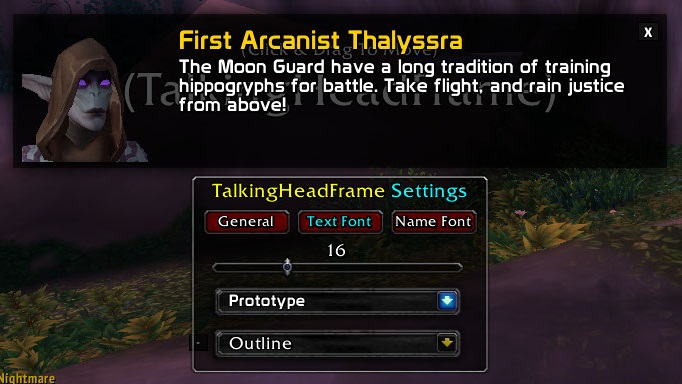
Main UI Text Font Tab
Description
Basic settings for the default TalkingHeadFrame by Blizzard:
- Reposition the frame.
- Change scale.
- Modify font & font size. - you can get additional fonts here: SharedMediaAdditionalFonts
- Make Click Through.
- Disable entirely.
- Lower frame strata.
Usage:
- /thf or /talkingheadframe - Toggles the menu.
- /thf reset - Reset the position of the frame.
Project have been abandoned due to loss of interest in the game.
TalkingHeadFrame Settings Team
