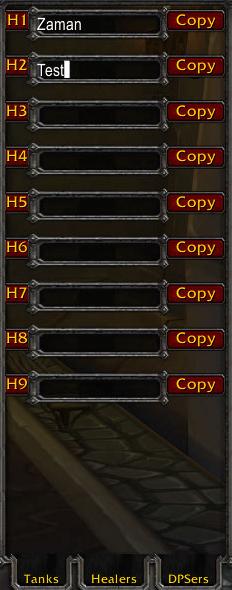
Actor window where you can assign a player to a certain pre-defined role in your tactic.
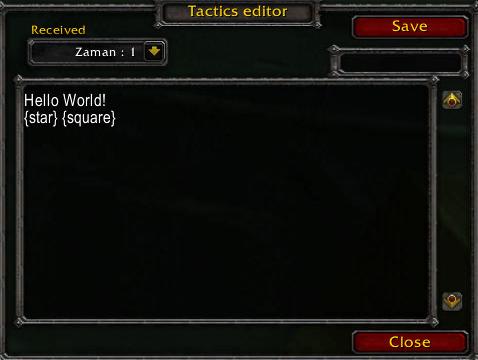
Incoming message history
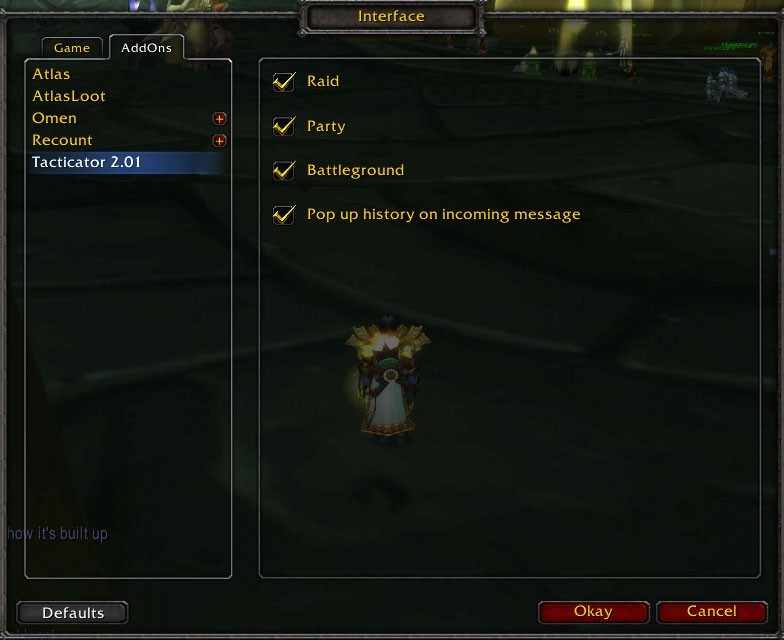
Options interface
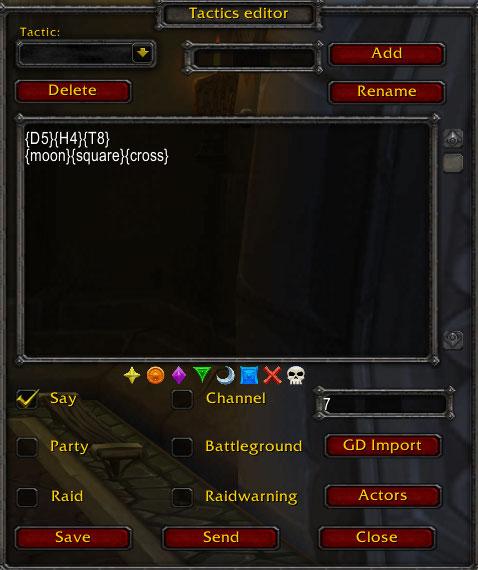
Tacticator main window for sending messages.
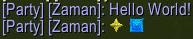
Chat log view
Description
An addon for storing and sending tactics and other messages
to the party, raid, battleground, channel # or say channels.
The stored information is shared between all your characters
and is stored between sessions.
With this addon you don't need to use up macro space just for messages that you want to save and send in game.
Usage:
/tacticator - Opens the Tacticator
/tacticator hide - Hides the Tacticator
/tacticator history - Shows the incoming message history
/tacticator buttons - Shows windows with buttons that can be bound to messages
(You can also set a key shortcut in the usual way)
Creating a tactic:
Enter a name of a tactic in the left edit box next to the tactic list.
Press add.
Select the tactic in the list.
Enter a text in the big text box in the center.
Press save if you want to store it.
Select the right channel.
Press send.
To bind a message/tactic to one of the four shortcut buttons:
Select the tactic and channel you want to use.
Press one of the number buttons in the main window.
Open the shortcut frame (by pressing the turn-right button next to the numbers or by typing "/tacticator buttons")
The bound button should have the same name as the tactic.
Press the button to send the message (useful in fights).
You can also use key bindings to achieve the same thing. They key bindings have the same number as the buttons.
Once a tactic is slected in the list it can be deleted
or renamed by the user.
If you want to rename it just enter a new name in the left
edit box and press rename.
Incoming messages:
If another user of tacticator sends a message to the raid/party/battleground
that you are in the message will pop up in the history frame.
The incoming tactics will be sorted in the order they came and can be copied
to your own list of tactics by pressing save. If no name is entered into the
small textbox when you copy the tactic the default name in the
dropdown will be used.
The Tacticator Team