Forever Tabs Mover
- By
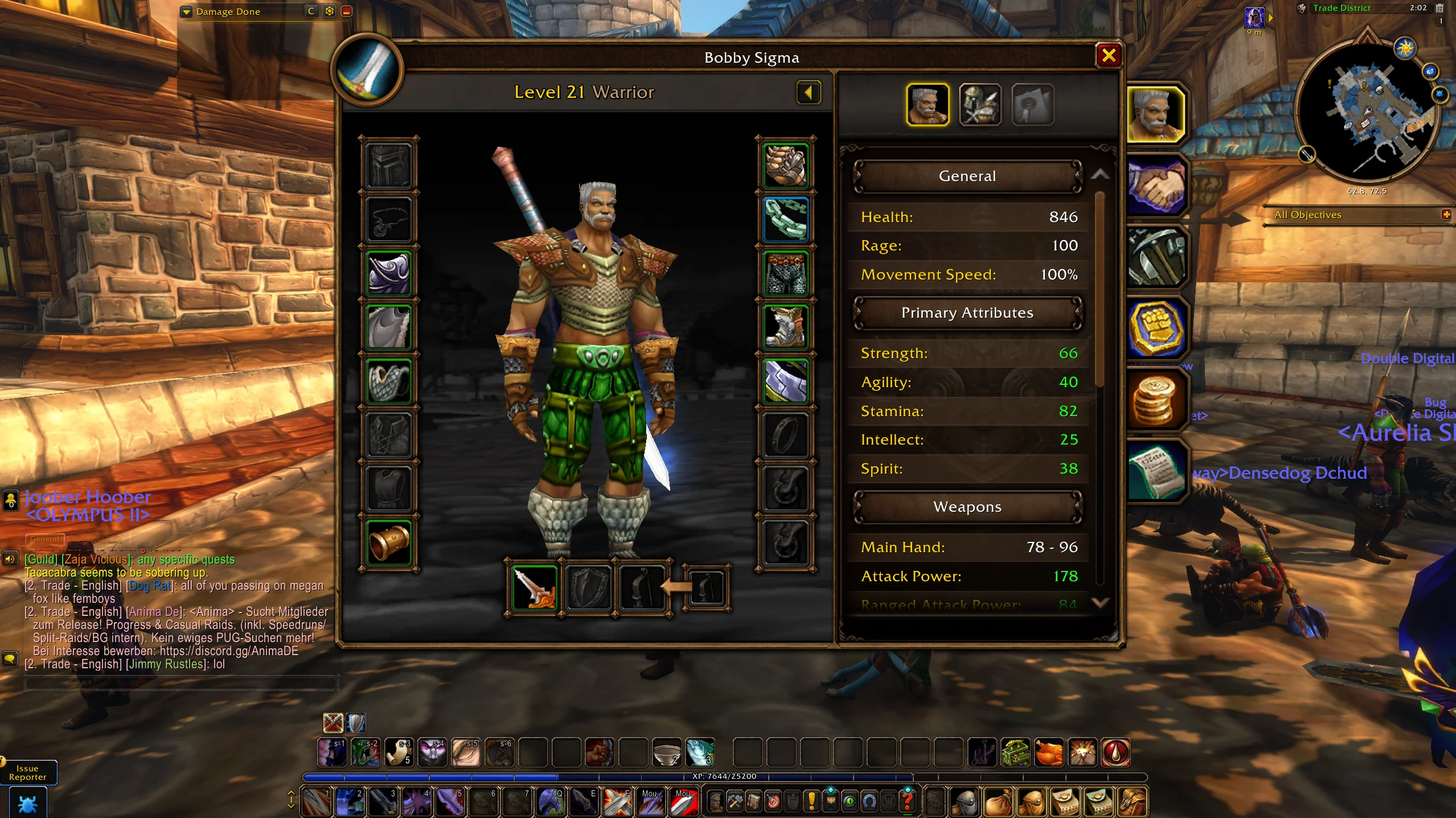
Tabs Mover lets you drag and resize the main Blizzard windows in WoW Forever. Put your bags, character sheet, talents, and map wherever you want them.
made-a-tiny-addon-that-lets-you-move-and-resize-any-v0-wxr7ns2bp3vh1.webp
Description
Tabs Mover lets you drag and resize the main Blizzard windows in WoW Forever. Put your bags, character sheet, talents, and map wherever you want them.
There's no config panel and no minimap button. Install it and it just works.
FEATURES
- Drag any window by its title bar or any empty spot
- Drag the corner grip to resize. Windows scale evenly from 50% to 200%
- Lock button freezes everything in place
- Reset button puts a window back to its default spot and size
- Positions and sizes save between sessions
- Uses the default Blizzard buttons and art, so it blends in with the stock UI
WINDOWS IT MOVES
Character sheet, spellbook, talent tree, bags, map, quest log, friends, guild, mail, merchant, bank, trade, auction house, professions, trainer, inspect, dressing room, and macros.
HOW TO USE
Hover a window to see the Lock and Reset buttons under it. Lock applies to every window. Reset only affects the window you're hovering.
COMMANDS
/tm lock
/tm unlock
/tm reset (resets every window)
/tm add WindowName (adds a window that isn't covered yet)
NOTES
Some windows can't move during combat. They snap to your saved spot when the fight ends.
WoW Forever is still in beta, so window names can change between builds. If a window stops moving, leave a comment with its name and I'll add it.
Forever Tabs Mover Team